 EN
 IT Italiano
 ES Español
 FR Français
 DE Deutsch
Description
What it is
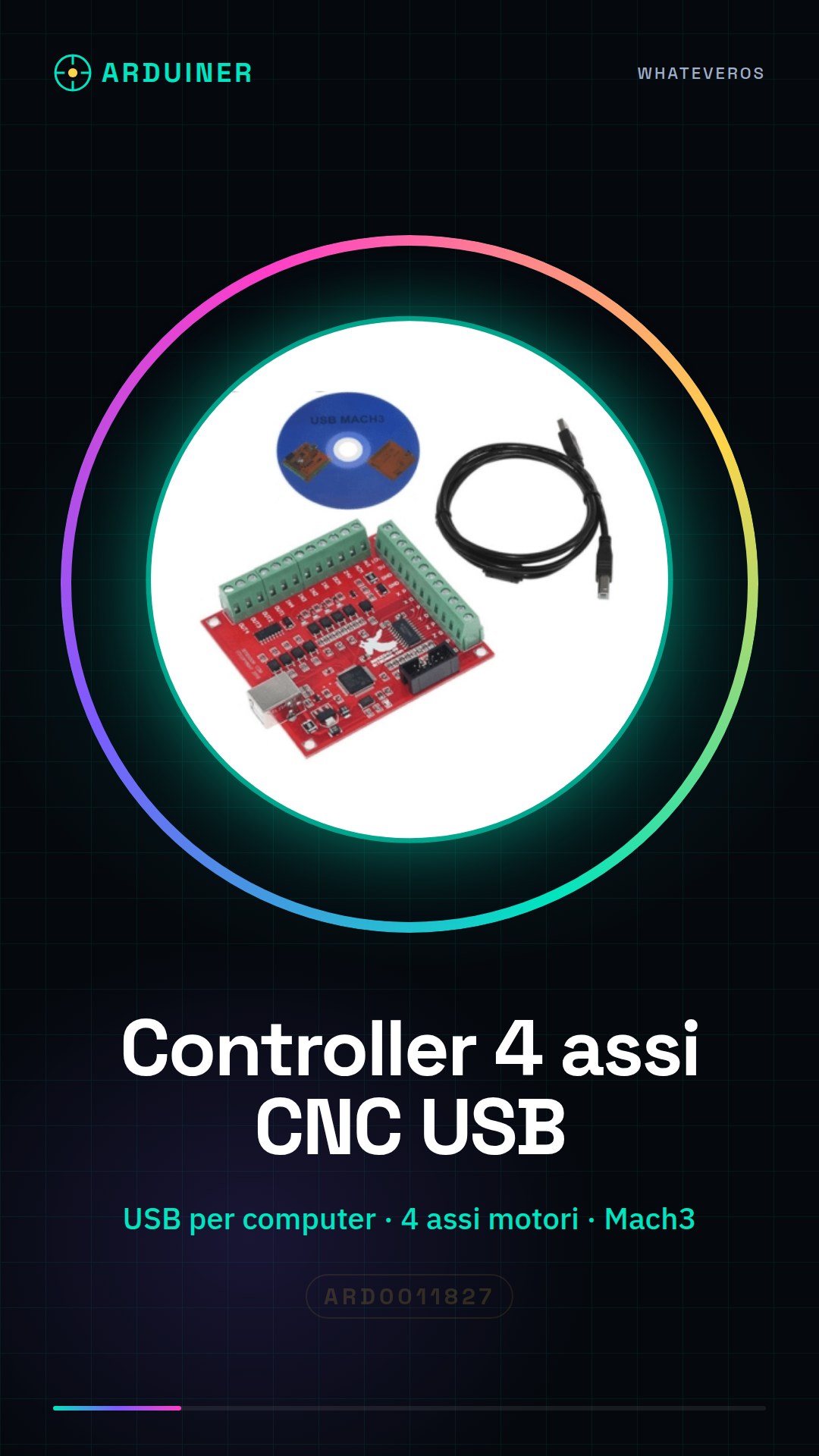
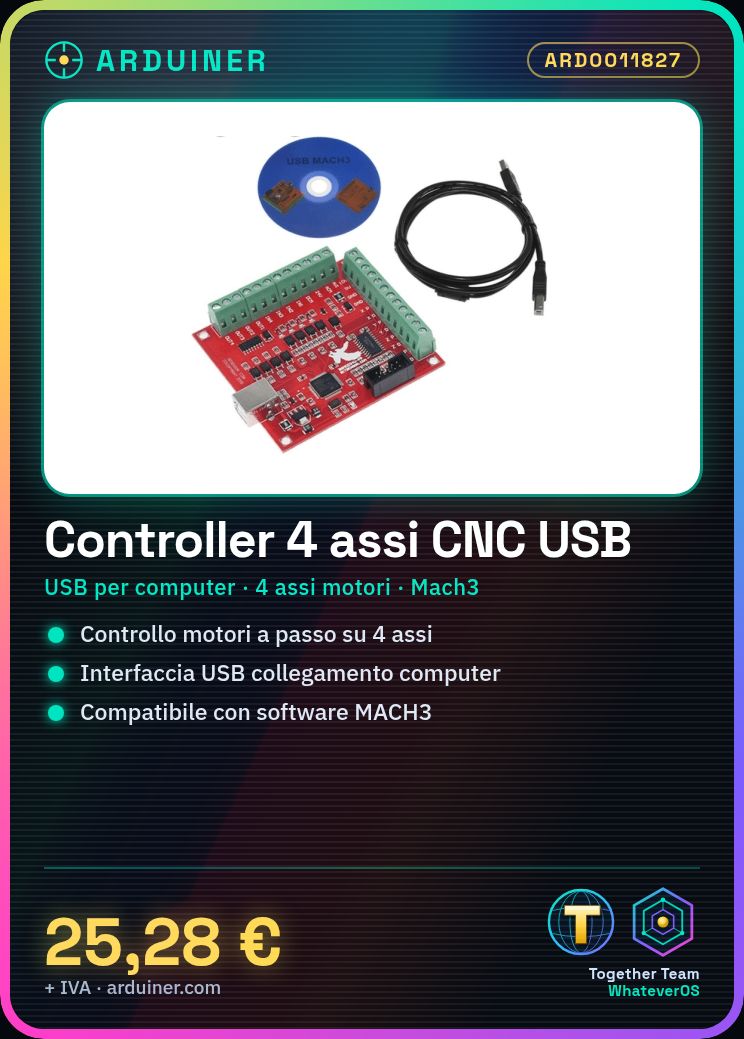
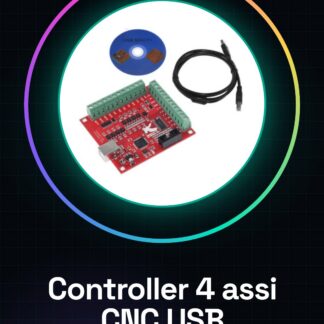
The MACH3 USB Motion Controller for 4-axis interface is a device that allows connection between the computer and four-direction stepper motors using the USB interface. This breakout board supports communication with software like MACH3, specifically designed for 3D printing and CNC machinery applications.
Features
- USB interface for computer connection
- Support for four motorized axes
- Compatible with MACH3 software
What it is for
Motion controllers like this are useful for projects requiring precise stepper motor management, such as in 3D printers and CNC machines. It serves to control four-direction stepper motors simultaneously.
Tutorial: How to use the 4-axis CNC USB MACH3 Breakout Board
This motion controller is ideal for 3D printing and CNC machine projects. It serves to control four-axis stepper motors.
What you need
- Arduino or compatible
- USB cable
- Stepper motors
- MACH3 pulses
Steps
- 1. Connect the Arduino to the Breakout Board via the appropriate pins.
- 2. Connect the stepper motors to the Breakout Board.
- 3. Connect the USB cable to the Arduino.
- 4. Check the datasheet for pin specifications.
- 5. Load the MACH3 code into your software.
- 6. Configure the motor parameters in the MACH3 software.
- 7. Verify the connection between MACH3 and the Arduino.
- 8. Check the functionality of the motors.
Mini project
Build a simple 20×20 cm 3d printer using stepper motors and the Breakout Board.
Common mistakes
- Incorrect pin connection.
- Forgetting to check the motor parameters.
- MACH3 pulses not configured correctly.
- Unstable USB cable connection.
Recommended accessories
- Stepper motors
- Pulses from MACH3
- Feedback pulses for the motors
- Support for Arduino
Frequently asked questions
How do I configure the motor parameters in MACH3 software?
Check the MACH3 software manual or consult the product guide.
Which specific pins should I use to connect the Arduino?
Check the datasheet for specific pins.
Does the Breakout Board work with Arduino Nano?
Check compatibility on the datasheet.
Why don’t the motors work?
Check the connection and configuration in the MACH3 software.
Reviews
There are no reviews yet.