 EN
 IT Italiano
 ES Español
 FR Français
 DE Deutsch
Description
What it is
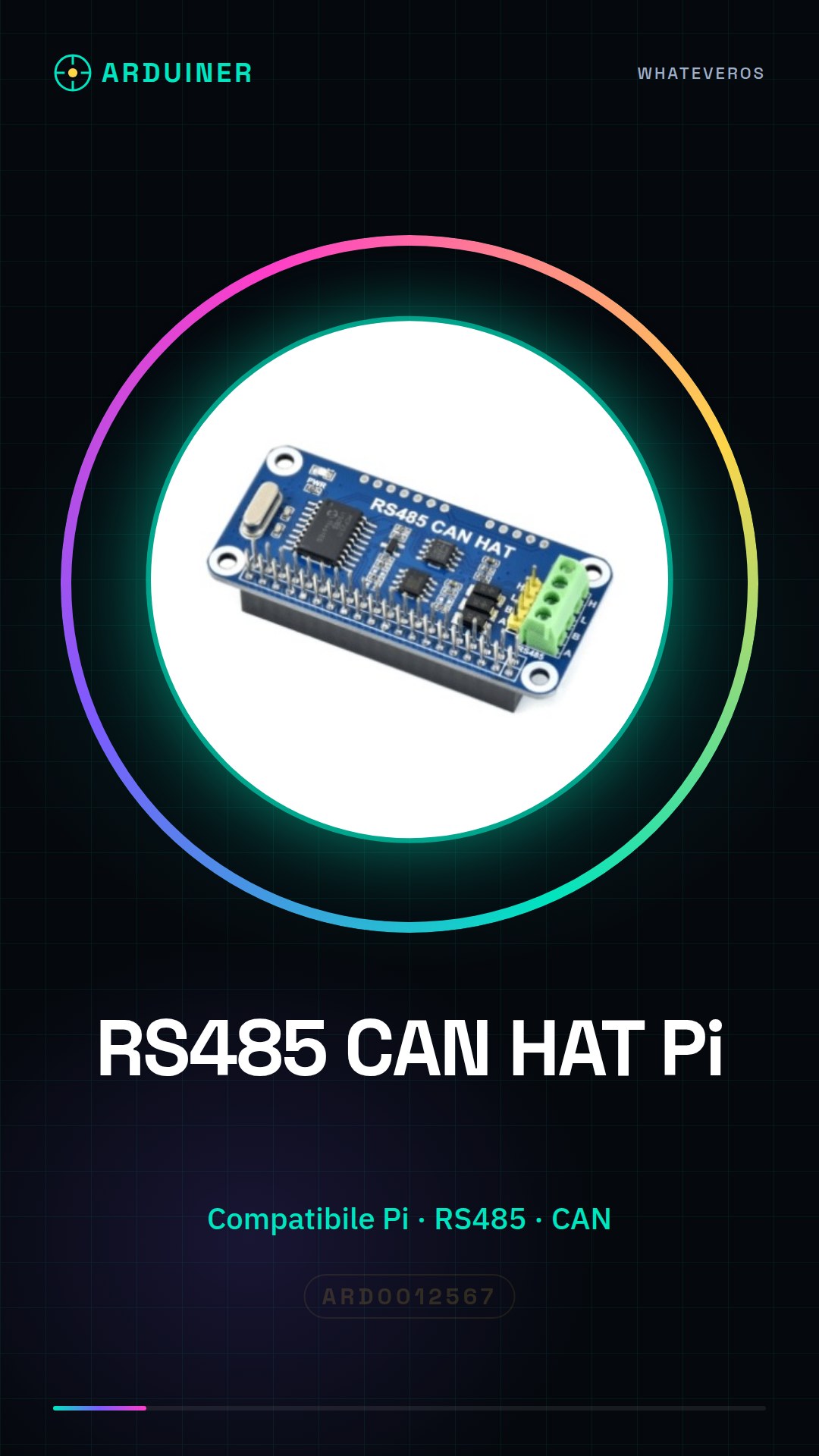
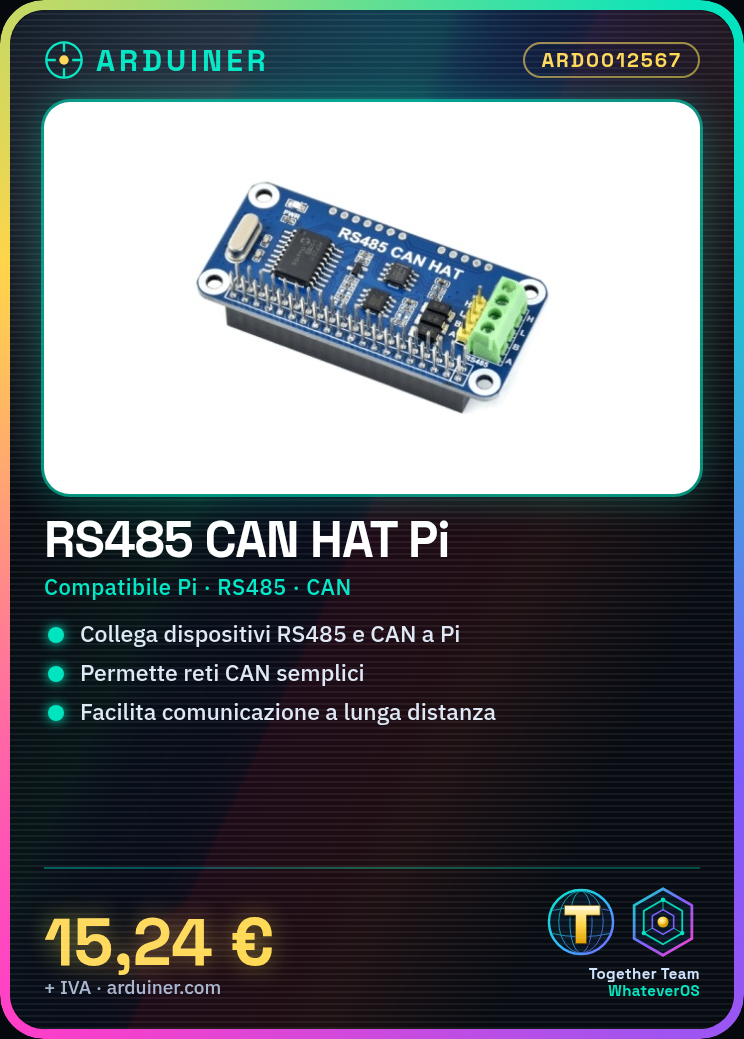
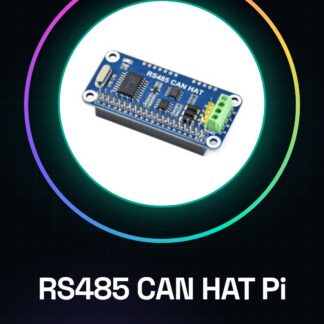
The RS485 CAN HAT for Raspberry Pi is an expansion module that allows RS485 and CAN devices to be connected to a Raspberry Pi. This device is designed to facilitate communication in industrial networks and automation projects.
Features
- Compatible with Raspberry Pi
- Supports RS485 communication
- Supports CAN communication
- Enables the creation of simple CAN networks
What it is for
The RS485 CAN HAT is used to create robust and reliable communication networks between RS485 and CAN devices. It is ideal for industrial automation projects and long-distance communication. You can use it to send messages between two Raspberry Pis connected via RS485 CAN HAT.
Tutorial: How to use RS485 CAN HAT for Raspberry Pi
The RS485 CAN HAT for Raspberry Pi allows you to easily connect RS485 and CAN devices to a Raspberry Pi. Ideal for long-distance communication projects or CAN networks.
What you need
- Raspberry Pi
- MicroSD with Raspbian
- USB cable for power supply
- Ethernet cable or Wi-Fi connector
- CAN-utils software or similar
Steps
- Install Raspbian on a microSD card and connect it to the Raspberry Pi.
- Connect the CAN HAT to the Raspberry Pi using the GPIO connectors.
- Power the Raspberry Pi via a USB cable.
- Install CAN-utils drivers or equivalent software (check the datasheet).
- Configure the CAN HAT through the software (check the datasheet).
- Verify the CAN connection via the ‘candump’ command.
- Send a CAN message using the ‘cansend’ command.
- Try to interact with other CAN connected devices on the same network.
Example code
sudo apt-get install can-utilsMini project
Create a simple CAN network with two Raspberry Pi and the RS485 CAN HAT, sending messages between the two devices.
Common mistakes
- Insufficient power supply issues.
- Incorrect CAN HAT configuration.
- CAN messages not received due to protocol errors.
- Unrecognized CAN devices on the network.
Recommended accessories
- RS485 Shield for Arduino
- CAN Bus Analyzer
- Raspberry Pi Cases
- Ethernet Cable
Frequently asked questions
How can I verify the CAN connection?
Use the command ‘candump’ to monitor CAN messages in real-time.
Which drivers are required for the CAN HAT?
Install CAN-utils or equivalent software (check the datasheet).


Reviews
There are no reviews yet.