 EN
 IT Italiano
 ES Español
 FR Français
 DE Deutsch
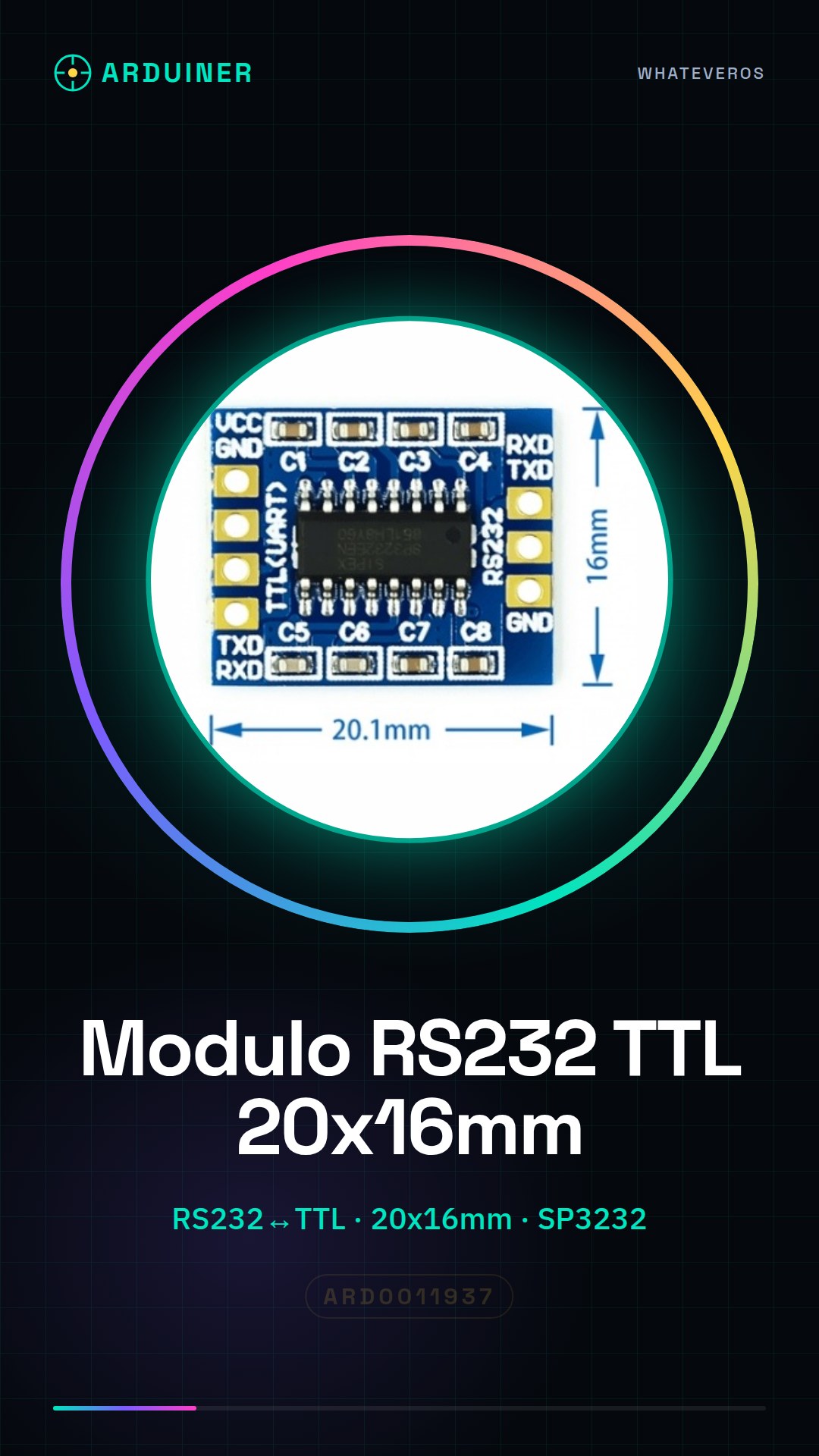
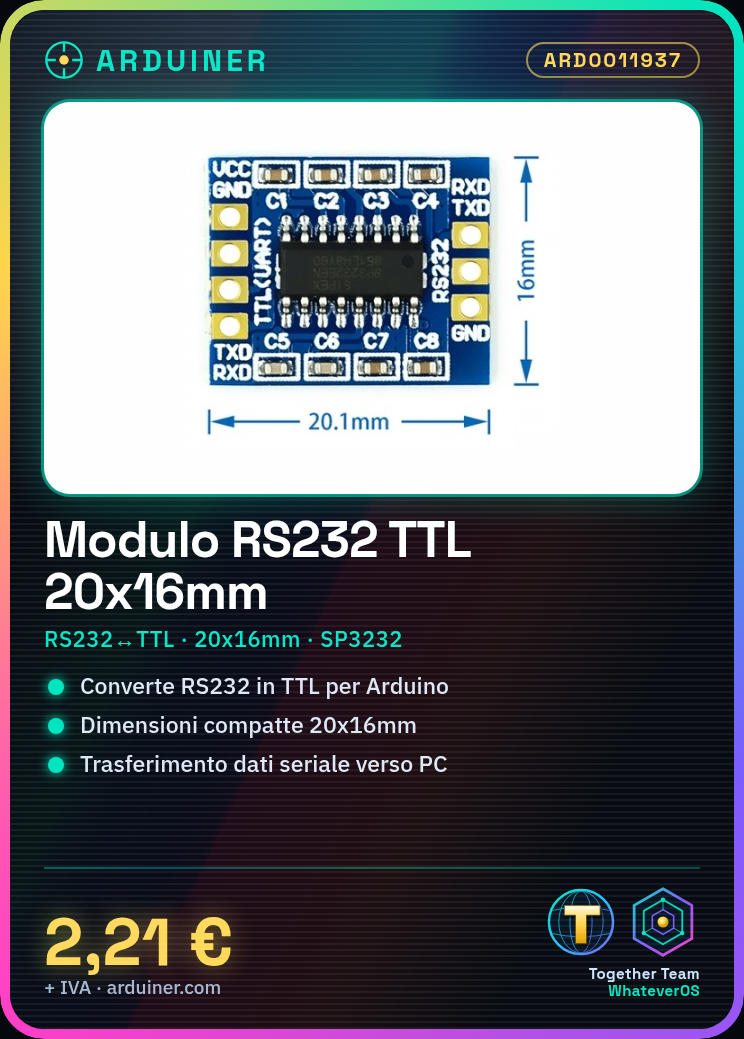
Description
What it is
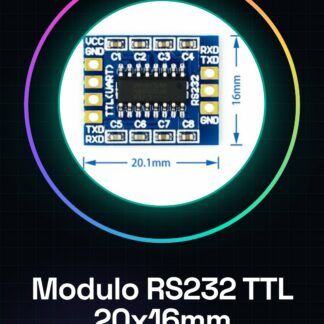
The RS232 TTL module is a component that allows the conversion of serial communication from RS232 to TTL and vice versa. This type of module is essential for establishing a connection between devices such as Arduino and computers, enabling data transfer through serial ports.
Features
- Type: RS232 TTL Module 20x16mm SP3232
- RS232 to TTL Serial Converter
What it is for
RS232 to TTL modules are useful for projects that require serial communication between devices and microcontrollers. They are ideal for beginners in Arduino or electronics projects, offering a simple solution for sending data from Arduino to a computer through a serial port.
Tutorial: How to Use RS232 SP3232 Module
The RS232 to TTL module is an essential component for serial communication between devices and microcontrollers. Ideal for beginners who want to start with Arduino or electronics projects.
What you need
- Arduino Uno
- USB Type B Cable
- Connect to Computer
Steps
- Connect the following pins of the RS232 module to those of the Arduino: TX to RX, RX to TX, GND to GND.
- Open Arduino IDE and create a new empty sketch.
- Add the SoftwareSerial library to your project (If it is not installed, use the Arduino Library Manager).
- Insert in the code: SoftwareSerial mySerial(2, 3); where 2 and 3 are the pins used for TX and RX.
- Add the setup() function with mySerial.begin(check the datasheet);
- In the loop() function, add mySerial.println(‘Hello RS232!’) to send data to the module.
- Upload the code to the Arduino and check the output through the Serial Monitor window of Arduino IDE.
Example code
SoftwareSerial mySerial(2, 3);

void setup() {
  mySerial.begin(verifica sul datasheet);
}

void loop() {
  mySerial.println('Ciao RS232!');
}
Mini project
Create a remote monitoring system by sending data from Arduino to a computer via the RS232 module.
Common mistakes
- TX and RX pins connected in reverse
- Incorrect baud rate setting in the code
- Module not recognized by the computer
Recommended accessories
- USB Type B Cable
- Arduino Uno
- SoftwareSerial Library
Frequently asked questions
Which pins should I use to connect the module?
Connect TX to RX and RX to TX of the Arduino, make sure to connect GND as well.
How can I test if the module is working correctly?
Send a message from Arduino to the RS232 module and check the output on the computer.
Reviews
There are no reviews yet.