 EN
 IT Italiano
 ES Español
 FR Français
 DE Deutsch
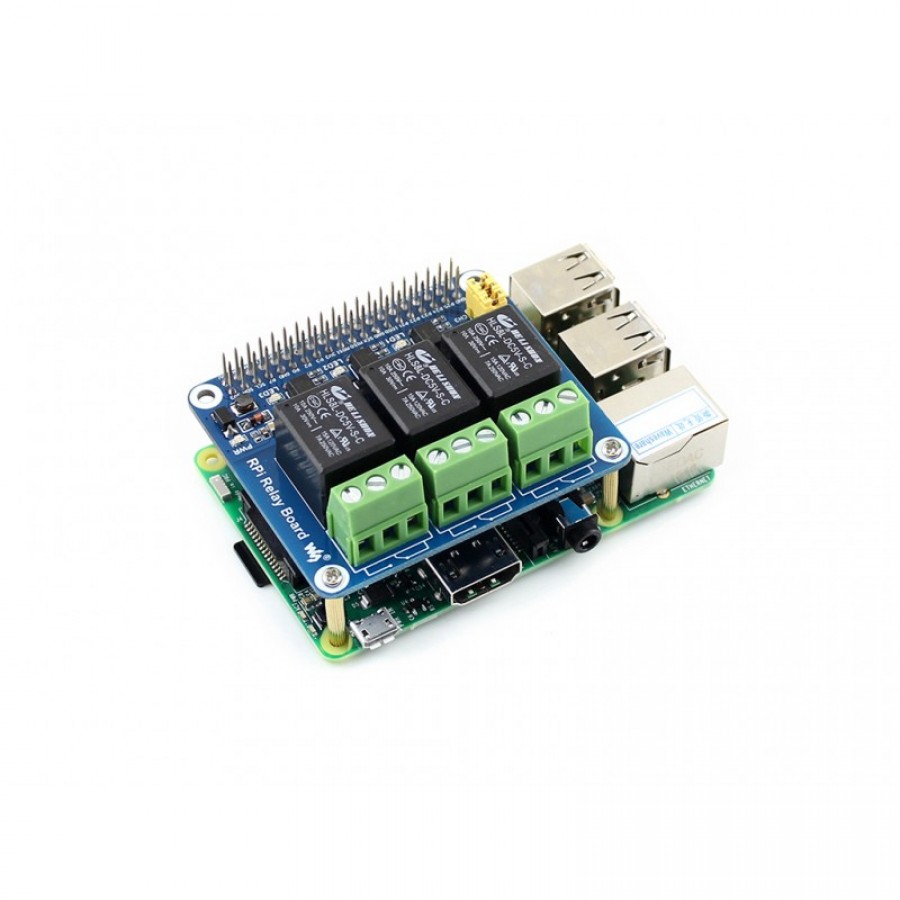
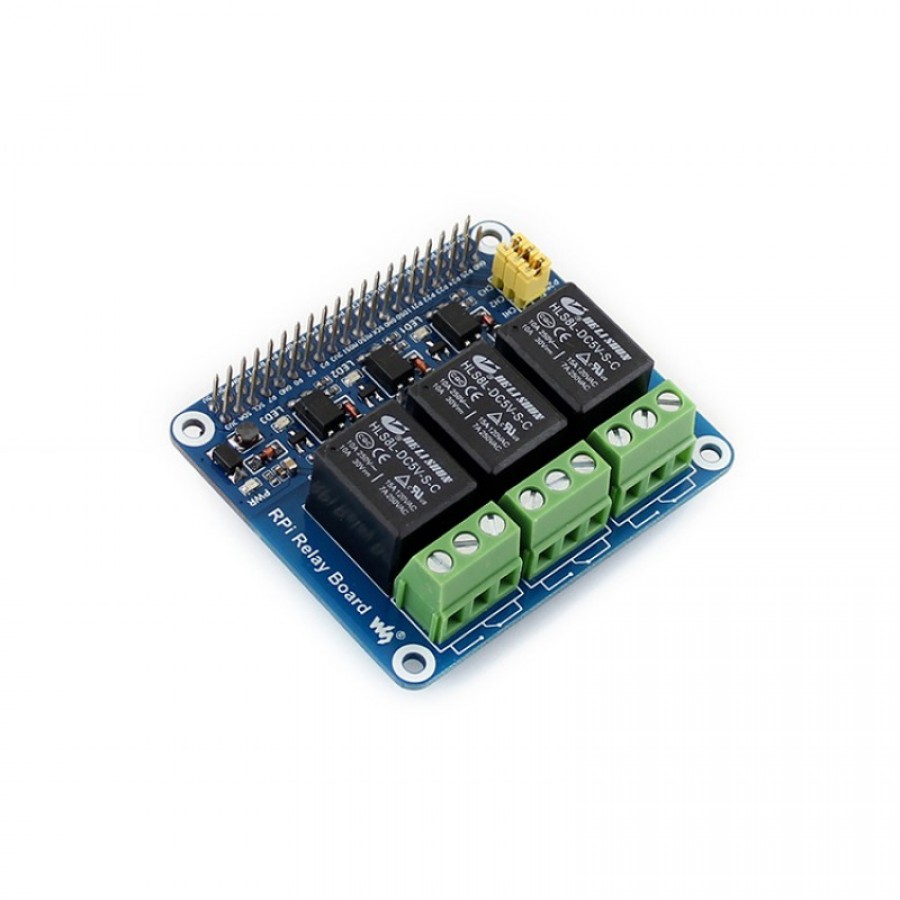
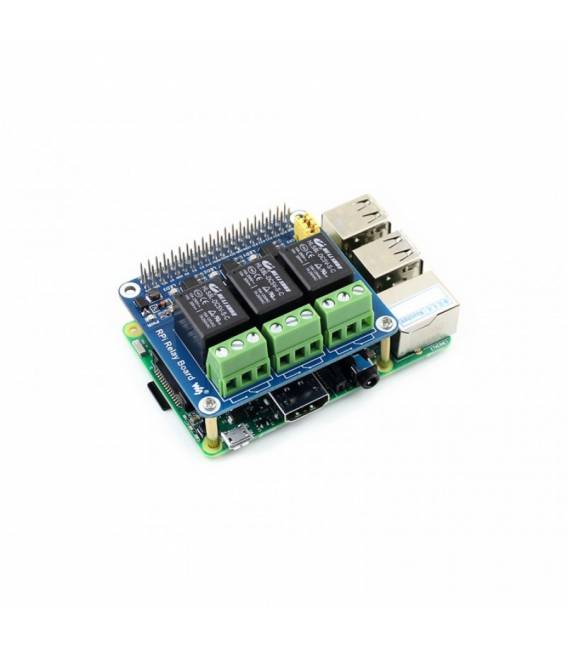
Description
What it is
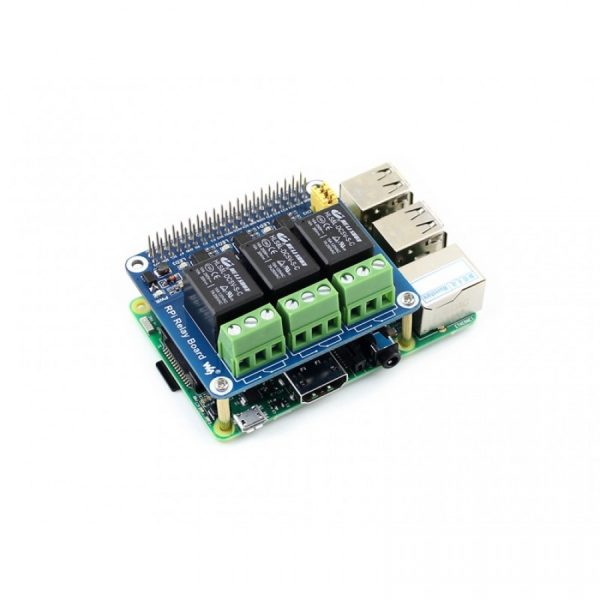
The RPi Relay 3 Channel 5V Board is a device designed to allow external electrical devices to be controlled by a Raspberry Pi. This component facilitates the integration between the microcomputer and equipment that requires power on/off via digital signal.
Features
- 3 channel 5V relay
- Ideally designed to be used with Raspberry Pi
What it is for
The board is useful in various types of projects that require interaction with electrical devices, such as creating an alarm system where a relay can be used to turn off a light when a motion detector is activated. Additionally, it is compatible with Raspberry Pi.
Tutorial: How to use RPi Relay 3 Channel 5V Board
The RPi Relay 3 Channel 5V Board allows controlling electrical devices from a Raspberry Pi. Useful for projects that require interaction with external equipment.
What you need
- Raspberry Pi
- USB cable
- Relay panel
- Electrical devices to control
Steps
- Check the datasheet for the relay specifications.
- Connect the board to the Raspberry Pi using the USB cable.
- Check the datasheet for the correct power supply.
- Identify the control pins and output pins on the relay panel.
- Connect the relay control pins to the Raspberry Pi.
- Connect the relay output pins to the electrical devices.
- Check the datasheet for compatibility between relay and devices.
- Save an example script to control the relays.
Example code
```
#include < wiringPi.h >
wiringPiSetup();
pinMode(0, OUTPUT);
pinMode(1, OUTPUT);
pinMode(2, OUTPUT);
digitalWrite(0, HIGH);
digitalWrite(1, LOW);
digitalWrite(2, HIGH);
```
Mini project
Create an alarm system with a relay to turn off a light when a motion sensor is triggered.
Common mistakes
- Connect the Raspberry Pi to a relay with voltages above 5V.
- Forget to check the compatibility between relay and devices.
- Do not use a USB cable suitable for powering the board.
- Do not follow the correct installation and connection procedure.
Recommended accessories
- Motion sensor
- Light
- 5V power cable
- mass cable
Frequently asked questions
How can I check the compatibility between relay and devices?
Check the datasheet for the relay’s maximum voltage and current values.
Can I use the board with a Raspberry Pi 4?
Yes, the board is compatible with all Raspberry Pi models.
What should I do if the relay does not respond?
Check the connections and proper power supply. If the problem persists, contact technical support.

Reviews
There are no reviews yet.