 EN
 IT Italiano
 ES Español
 FR Français
 DE Deutsch
Description
What it is
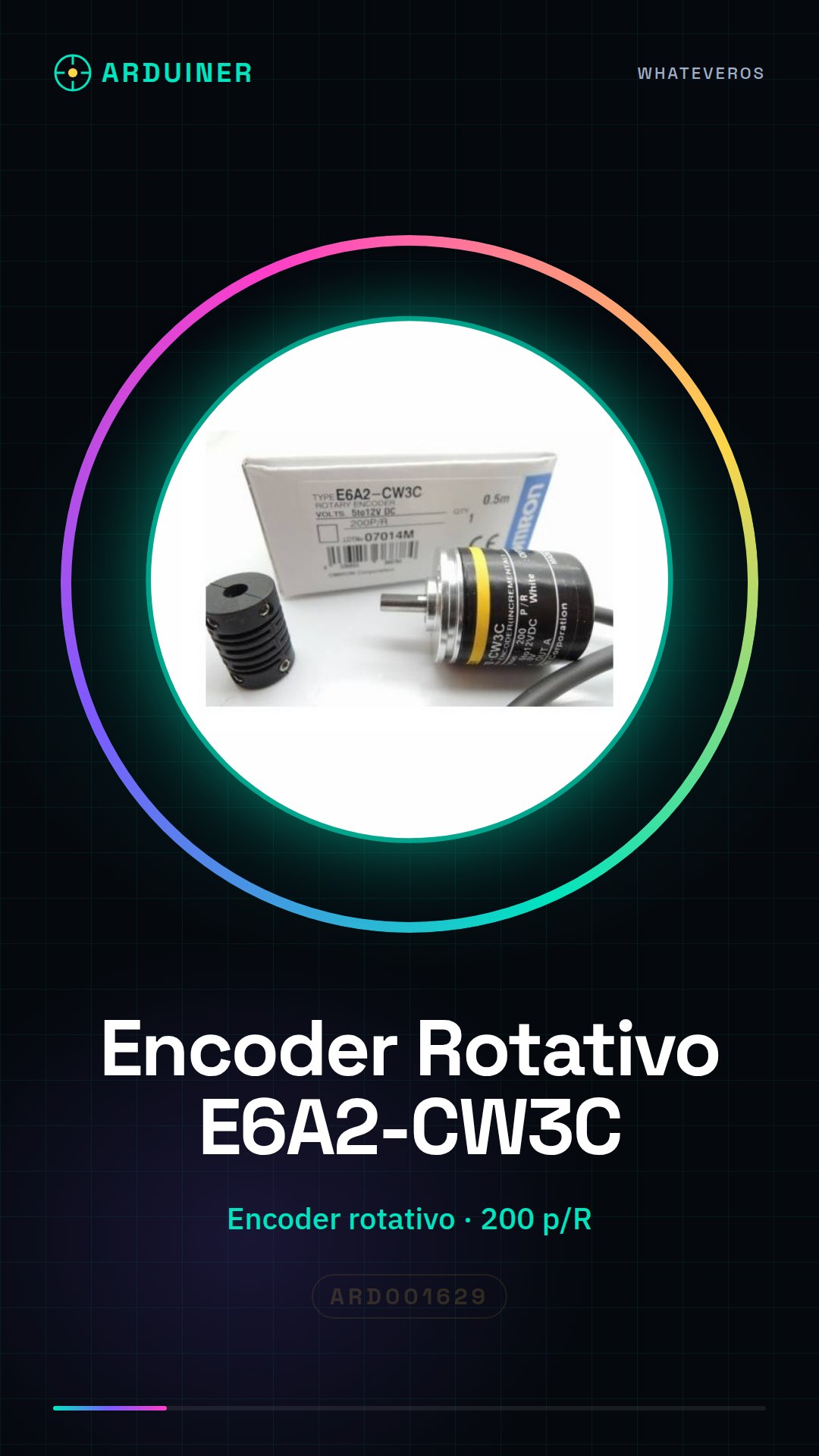
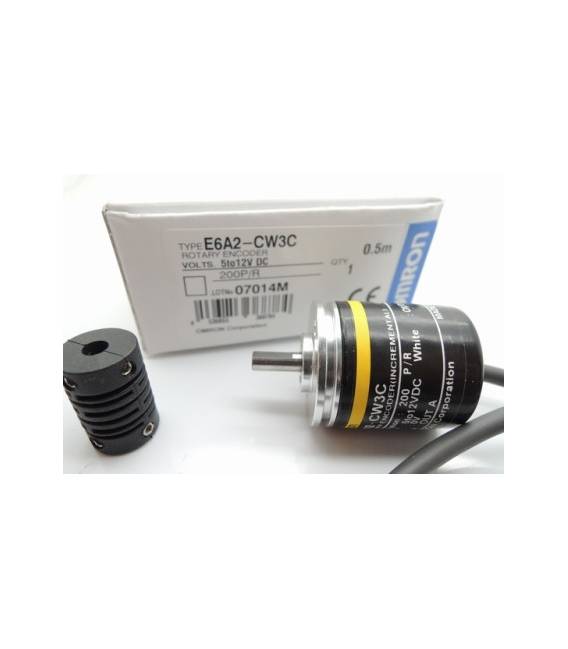
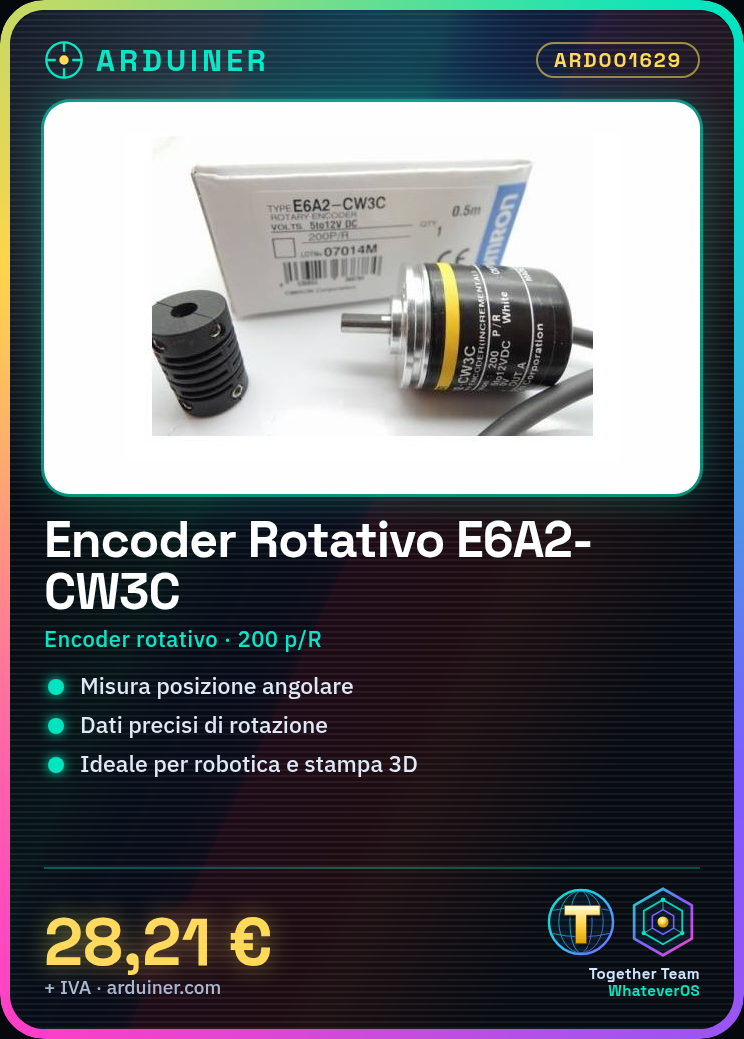
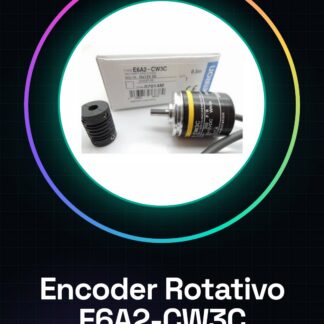
The E6A2-CW3C 200 p/R rotary encoder is an electronic device used to measure the angular position of a rotating shaft. This component provides precise rotation data, making it essential in various robotics, 3D printing, and control system projects.
Features
- Type: Rotary Encoder
- Resolution: 200 p/R (pulses per revolution)
What it is for
The E6A2-CW3C encoder is ideal for applications requiring accurate rotation measurement, such as position control in robotics and 3D printers. You can use it with Arduino or ESP to develop rotary motion-based user interfaces.
Tutorial: How to Use the E6A2-CW3C 200 p/R Rotary Encoder
The E6A2-CW3C 200 p/R rotary encoder is an ideal component for measuring the rotation of a shaft. Useful for robotics projects, position controls, and user interfaces.
What you need
- Rotary Encoder E6A2-CW3C 200 p/R
- Arduino
- Power cable (5V)
- 10kΩ resistor
Steps
- 1. Mount the encoder on the mounting bracket, ensuring that the rotating shaft is free.
- 2. Connect the encoder to the Arduino: VCC to 5V, GND to GND, DOUT to pin A0.
- 3. Connect the 10kΩ resistor between VCC and DOUT.
- 4. Load the provided Arduino code.
- 5. Check the datasheet for the maximum rotation frequency.
- 6. Test the encoder with a full turn.
- 7. Verify the correctness of the digital signals.
- 8. Add a feedback system to improve accuracy.
Example code
```void setup() { Serial.begin(9600);}void loop() { int value = analogRead(A0); Serial.println(value); delay(100);}```Mini project
Create a position control for a servo motor using the encoder and Arduino. In 30 minutes, you can mount the encoder, connect it, and write the necessary code.
Common mistakes
- Connect VCC to the analog output (A0) instead of 5V.
- Omit the 10kΩ resistor.
- Do not test the encoder before loading the code.
- Forget to update the Arduino code.
Recommended accessories
- Servo
- Mounting bracket
- 5V power cable
- 10kΩ resistor
Frequently asked questions
How can I calibrate the encoder?
Check the datasheet for calibration instructions. You can use one full rotation as a reference point.
Does the encoder work with a power supply different from 5V?
Check the datasheet for the supported power supply voltage range.
Which pins do I use for GND?
Connect the encoder’s GND to the Arduino’s GND.
Does the Arduino code work with different versions of Arduino?
The code is compatible with Arduino IDE 1.8.x. Check compatibility on the datasheet.
Reviews
There are no reviews yet.