 EN
 IT Italiano
 ES Español
 FR Français
 DE Deutsch
Description
What it is
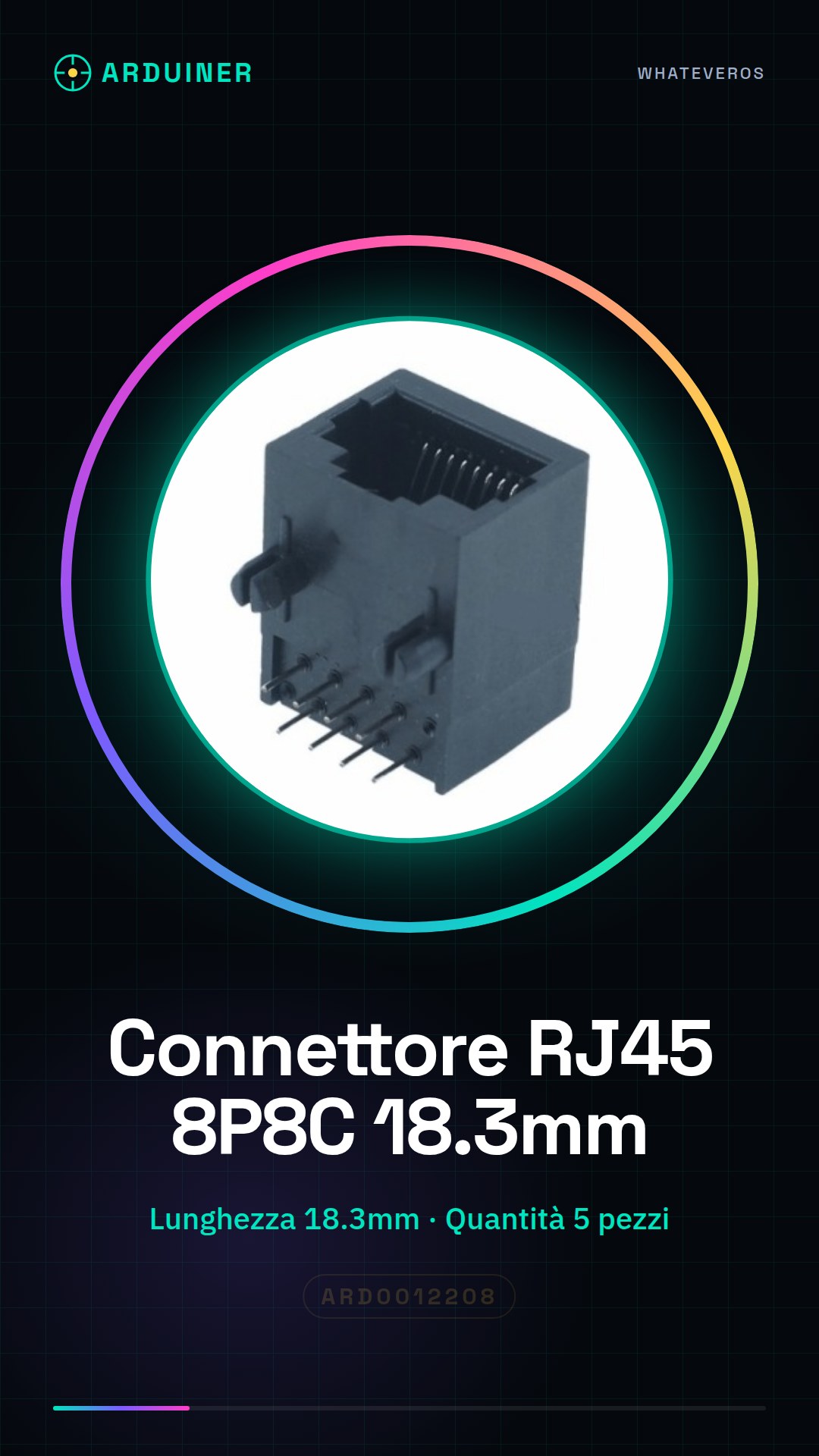
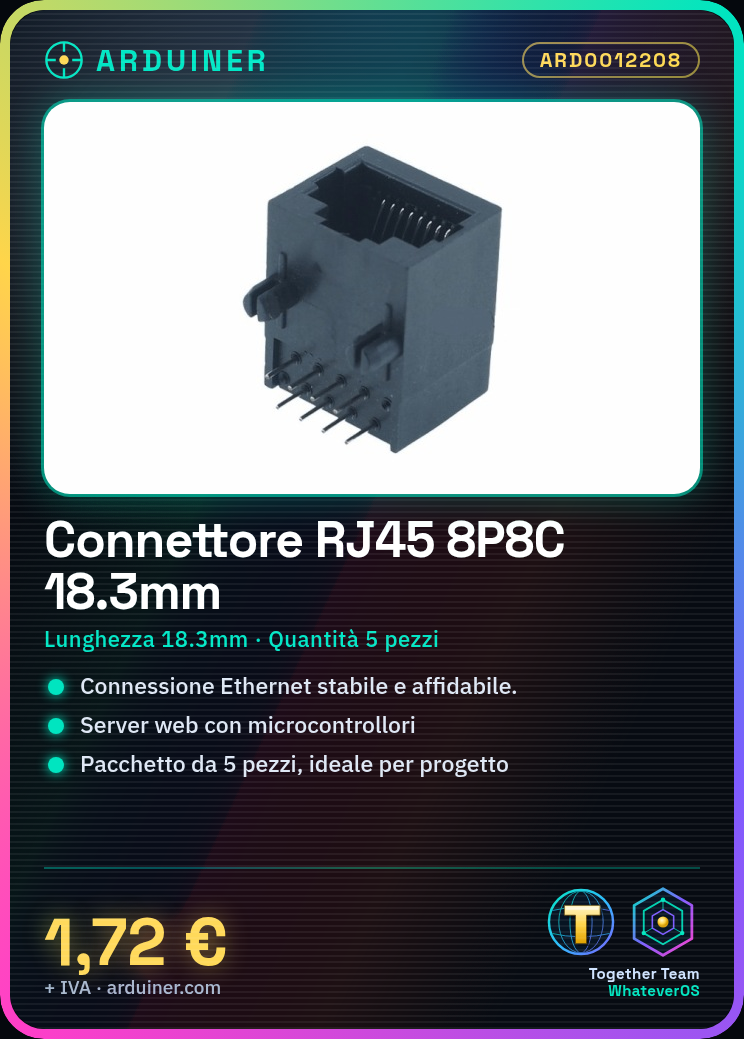
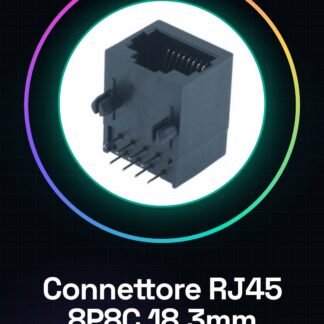
The RJ45 8P8C 18.3mm Connector is a fundamental component for projects requiring Ethernet connections. This connector is used to connect Ethernet cables to devices such as Arduino microcontrollers or ESP, allowing data communication through local networks.
Features
- Type: RJ45 8P8C Connector
- Length: 18.3mm
- Quantity: 5 pieces
What it is for
This connector is ideal for projects that require a stable and reliable Ethernet connection. You can use it to create a simple web server with Arduino and connect it to the network via an RJ45 connector, allowing data to be sent and received from the browser to the microcontroller and vice versa. It is compatible with a wide range of electronic projects and local networks.
Tutorial: How to use RJ45 8P8C 18.3mm Connector
The RJ45 8P8C connector is essential for projects requiring Ethernet connections. Commonly used in local networks and electronic projects, it is ideal for makers who want to create connected devices.
What you need
- Projects with Ethernet connections
- Local networks
- Connected devices
- Printers
- Routers
- Switches
Steps
- Check the connector’s compatibility with the Ethernet cable and the destination device.
- Prepare the Ethernet cable by cutting the end to expose the wires.
- Insert the wires into the RJ45 connector according to the desired connection type (T568A or T568B).
- Use a crimping tool to press the wires inside the connector.
- Verify the connection and the quality of the wires with a line tester.
- Insert the connector into the destination device.
- Verify connectivity and data transmission.
- Repeat the previous steps for each required connection.
Mini project
Create a simple web server with Arduino and connect it to the network via an RJ45 connector. This project will allow you to send data from the browser to the microcontroller and vice versa.
Common mistakes
- Incorrect wire insertion into the connector.
- Unstable connection due to damaged wires.
- Configuration error of the Ethernet cable (T568A vs T568B).
- Connectivity issues caused by a damaged connector.
Recommended accessories
- Ethernet cable
- RJ45 plug
- Line tester
- Arduino microcontroller
Frequently asked questions
What is the difference between T568A and T568B?
T568A and T568B are wiring standards for Ethernet cables. The main difference concerns the order of the wires, check the datasheet for your configuration.
How can I verify if the connector is installed correctly?
Use a line tester to verify connectivity between the wires.
Can I use this connector to connect a device to a printer?
Yes, the RJ45 connector can be used to connect devices such as printers to a network.
Reviews
There are no reviews yet.