 EN
 IT Italiano
 ES Español
 FR Français
 DE Deutsch
Description
What it is
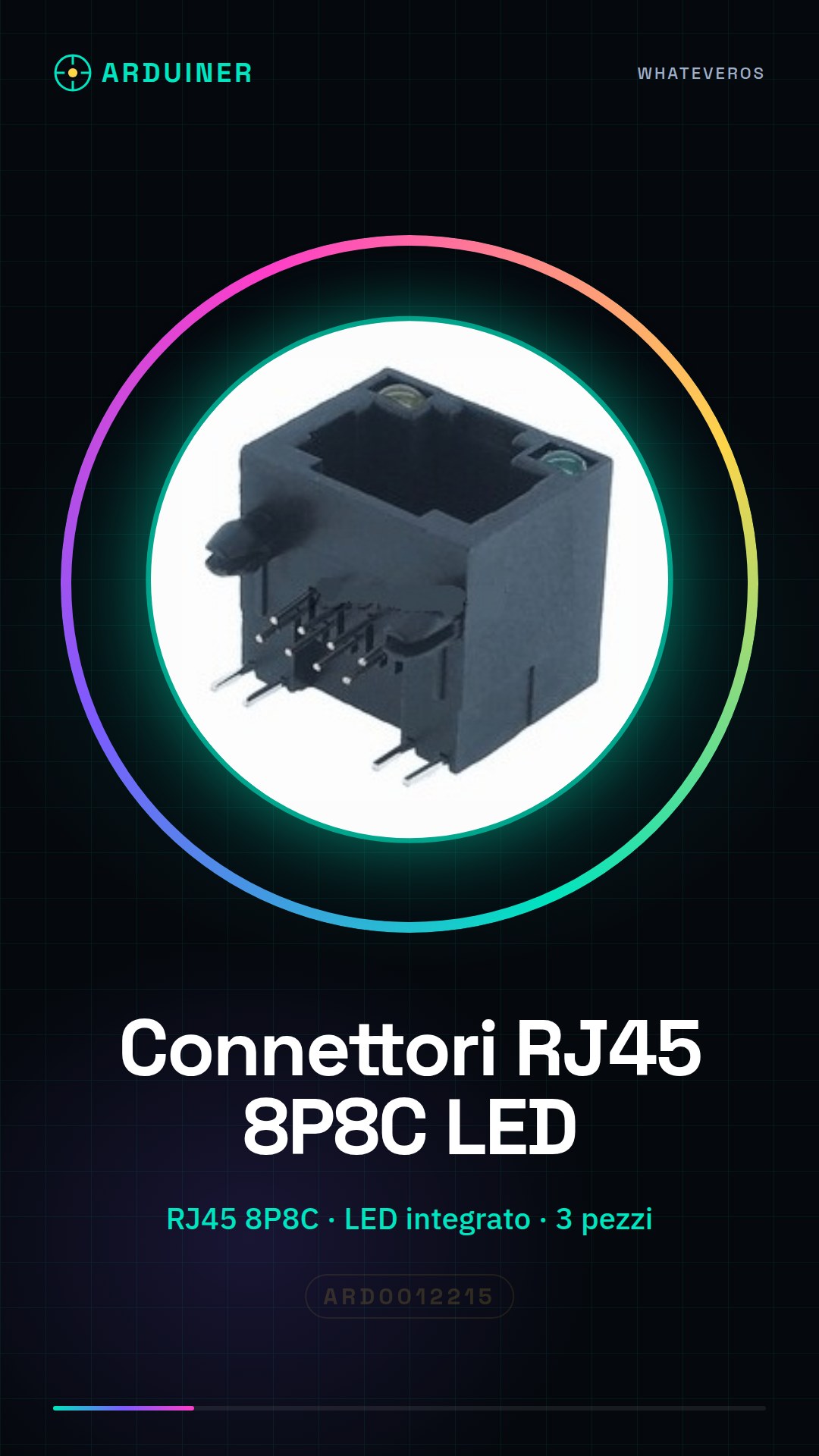
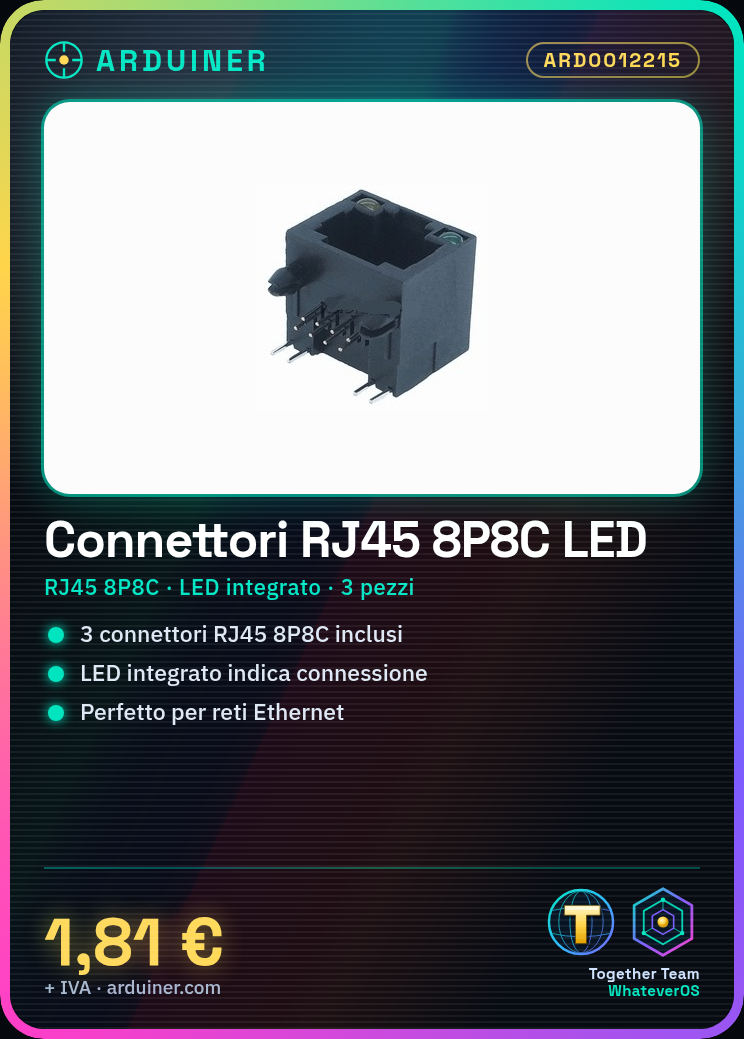
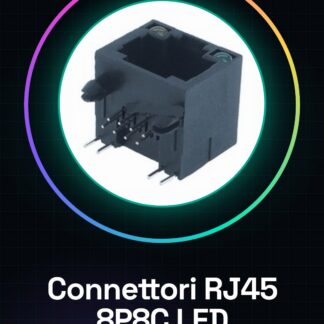
This product includes 3 RJ45 8P8C connectors with integrated LED. The LED allows for visual verification of the presence of an Ethernet connection.
Features
- 3 pieces
- Type: RJ45 8P8C
- Dimensions: check the datasheet
- Integrated LED to indicate connection
What it is for
RJ45 8P8C connectors are essential for the implementation of Ethernet networks and communication projects. They can be used to connect electronic devices to each other or to the internet. For example, they are useful for creating remote monitoring systems with Arduino, sending data via Ethernet to a web server.
Tutorial: How to use RJ45 8P8C Connector with LED
The RJ45 8P8C connector with LED is essential for the implementation of Ethernet networks and communication projects. This component is ideal for makers who want to connect electronic devices to each other or to the web.
What you need
- Arduino Uno
- Ethernet cable
- Jumpers
- Resistors
- LED
Steps
- Prepare the RJ45 8P8C connector with LED according to the instructions in the datasheet.
- Connect the pins of the RJ45 connector to your circuit or device using jumpers.
- Verify connectivity using an Ethernet cable and a testing device.
- If necessary, add an LED to display the connection status or data transfer.
- Test the RJ45 connector with a multimeter to check for proper connectivity.
- If you have a 3D printing project, consider making a box to protect the RJ45 connector.
- Configure your device to use the RJ45 connector as a network interface.
- Check the proper functioning of the integrated LED in the RJ45 connector.
Mini project
Create a remote monitoring system with Arduino and RJ45 connector, sending data via Ethernet to a web server.
Common mistakes
- Incorrect insertion of wires into the RJ45 connector.
- Incorrect impedance of Ethernet cables.
- Unstable connection between devices.
- LED does not light up correctly due to a connection error.
Recommended accessories
- Ethernet cable
- Multimeter
- 3D printer
- Arduino Uno
Frequently asked questions
How can I check connectivity?
Use a multimeter to check continuity between the pins of the RJ45 connector.
Which pins of the RJ45 connector should I connect?
Check the datasheet of the RJ45 connector for the specific pins needed.
Can I use this connector for 3D printing?
Yes, consider making a case to protect the connector during 3D printing.
Reviews
There are no reviews yet.