 EN
 IT Italiano
 ES Español
 FR Français
 DE Deutsch
Description
What it is
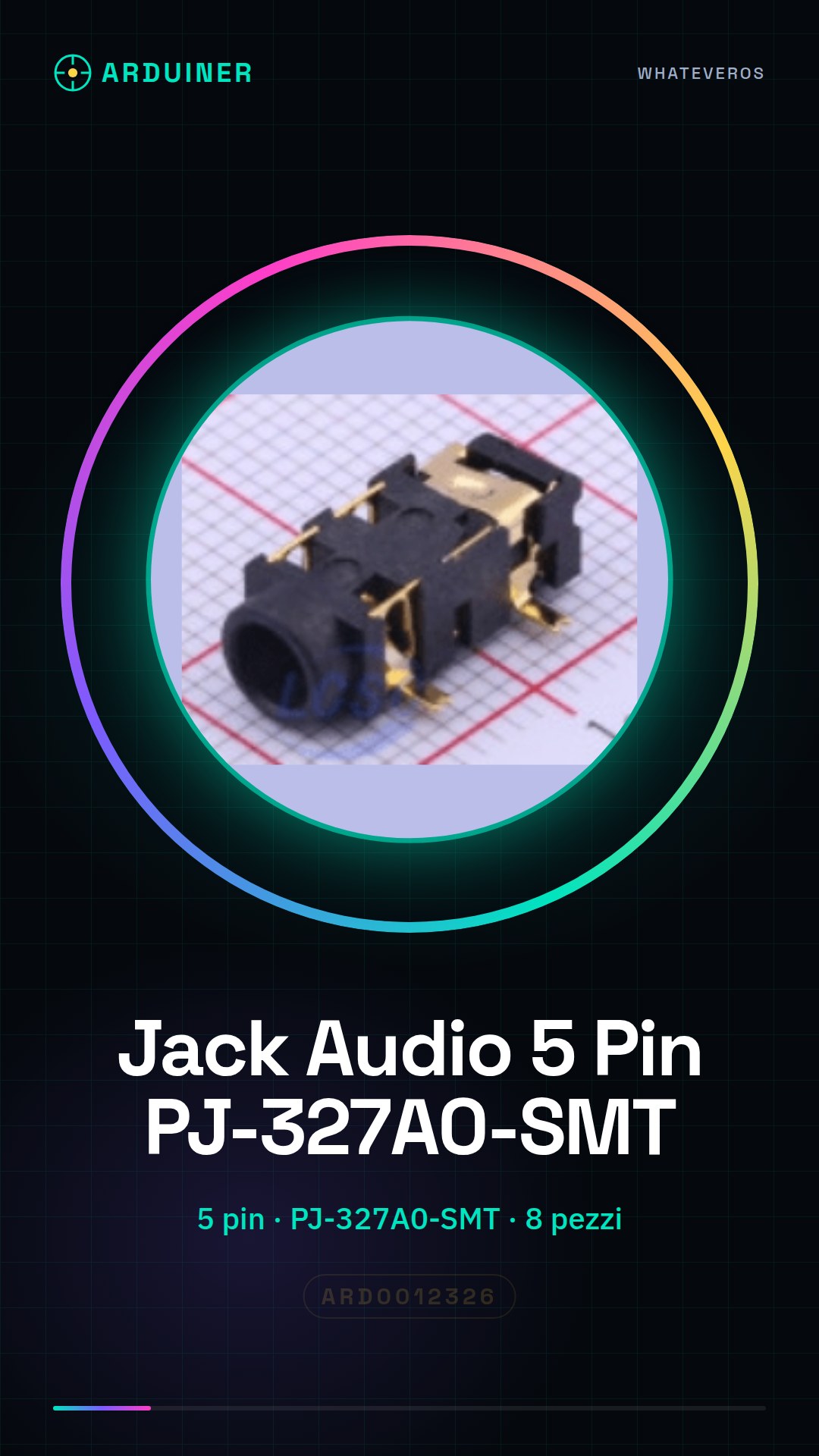
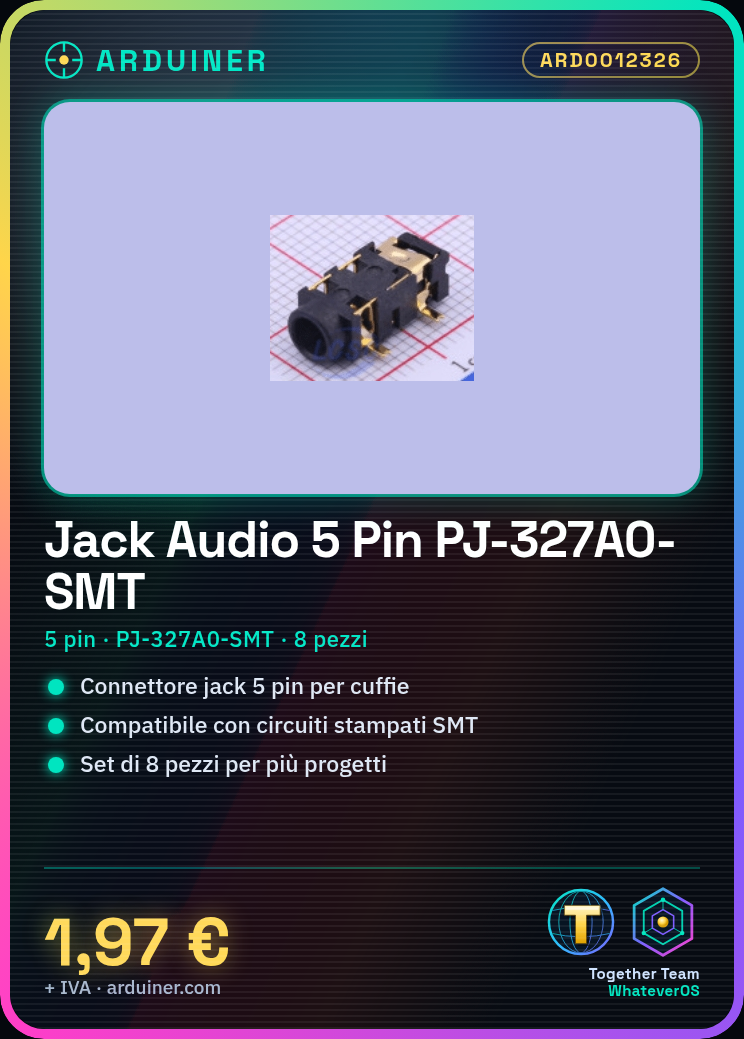
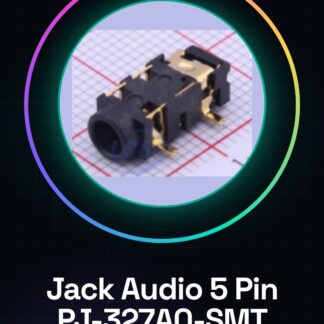
The PJ-327 is a 5-pin audio jack for headphones, a fundamental component for connecting audio devices to electronic circuits.
Features
- Type: Headphone audio jack
- Pins: 5
- Model: PJ-327A0-SMT
- Quantity: 8 pieces
What it is for
The PJ-327A0-SMT is ideal for Arduino and 3D printing projects that require the use of headphones or microphones. It can be used to create simple audio amplifiers by connecting the jack to a small amplifier and testing its functionality with a microphone and headphones.
Tutorial: How to use 5-pin audio jack PJ-327A
The 5-pin audio jack PJ-327A is a fundamental component for projects that require the use of headphones or microphones. Ideal for beginners and makers who want to create custom audio devices.
What you need
- Arduino
- Test lead
- Headphones or microphone
- Electronic assembly tool
Steps
- Identify the pins of the 5-pin audio jack PJ-327A
- Connect the jack to the circuit using test leads
- Verify the correct connection with a test lead
- Connect the microphone or headphone cable to the jack
- Test functionality with a simple Arduino sketch
- Test the connection with an audio testing application
- Install the jack on the printed circuit board with SMT pins
- Verify the final connection with a multimeter
Example code
void setup() {
  Serial.begin(9600);
}

void loop() {
  int val = analogRead(A0);
  Serial.println(val);
}
Mini project
Build a simple audio amplifier by integrating the 5-pin PJ-327A audio jack. Connect it to a small amplifier and test its functionality with a microphone and headphones.
Common mistakes
- Connecting pins incorrectly
- Not verifying the connection before installation
- Not using the correct pull-up/pull-down resistors
- Not testing the component before using it in a project
Recommended accessories
- Variable resistors
- Audio amplifiers
- Printed circuit boards
- Audio cables
Frequently asked questions
Which pins of the jack are useful for microphones?
GND, Tip (audio), Ring (microphone)
Can I use this jack to connect headphones?
Yes, but make sure to connect the audio pins and headphones correctly
How can I control the volume?
Add a variable resistor between the audio pin and the circuit input
Reviews
There are no reviews yet.