 EN
 IT Italiano
 ES Español
 FR Français
 DE Deutsch
Description
What it is
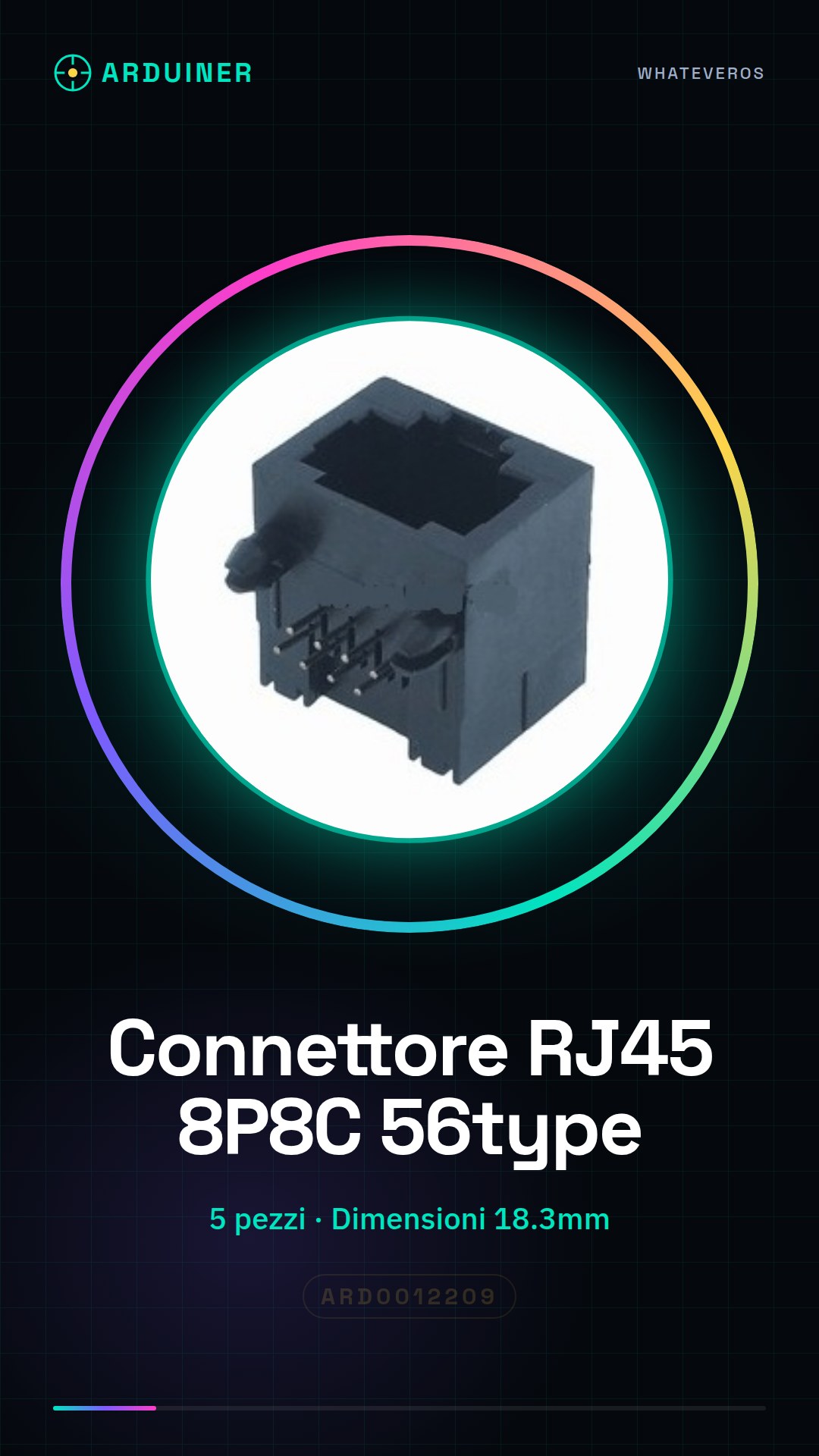
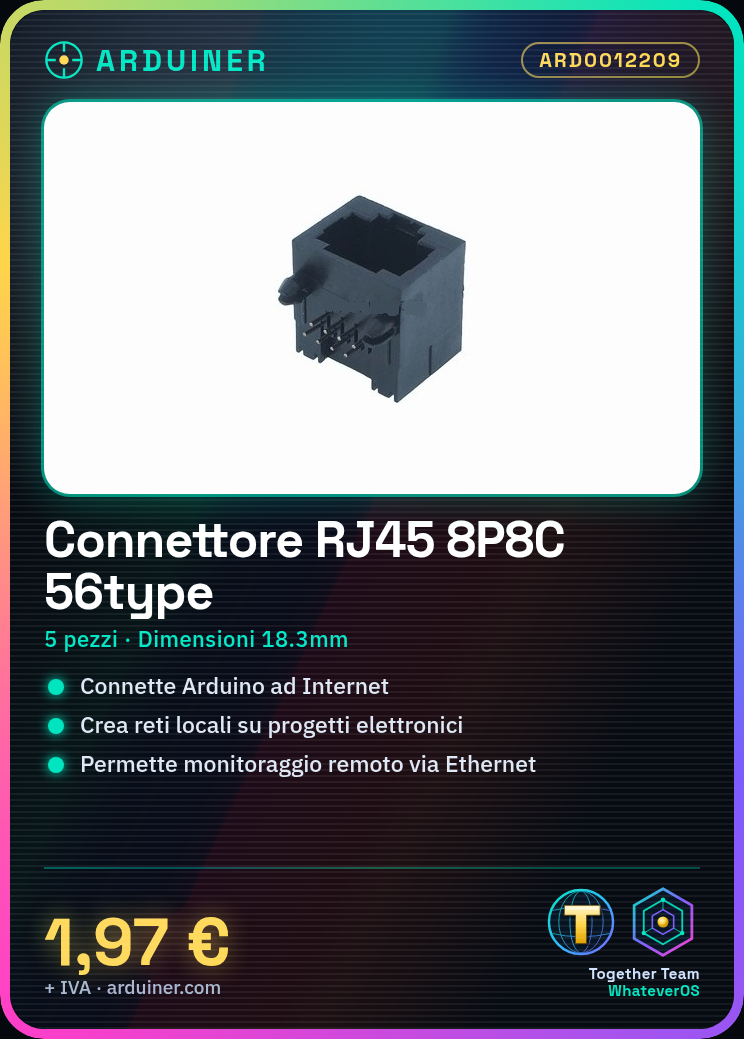
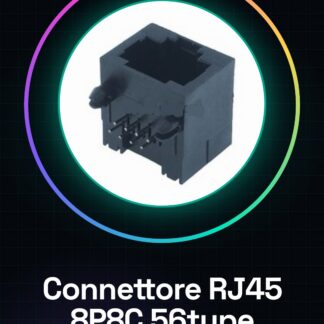
The RJ45 8P8C 56type connector is a fundamental component for creating Ethernet connections on Arduino boards or other network projects. This connector is used to connect networks and electronic devices.
Features
- Type: 56type
- Quantity: 5
- Dimensions: 18.3mm
- Number of contacts: 8P8C
- Socket: 58
What it is for
This connector is used to create Ethernet connections on Arduino boards or ESP. It can be used to connect devices to the Internet or to create local networks. For example, it can be used to create a remote monitoring system that sends data via Ethernet to a web server.
Tutorial: How to use RJ45 8P8C 56type Connector
The RJ45 8P8C connector is fundamental for creating Ethernet connections on Arduino boards or network projects. This tutorial is for makers who want to connect devices to the Internet or create local networks.
What you need
- 56type
- Ethernet cable
- Desoldering Tool
- Soldering Iron
- Copper Wire
Steps
- First of all, check the compatibility of the connector with the Arduino board or the device you are using.
- Use the desoldering tool to prepare the Ethernet wires.
- Insert the stripped wires into the RJ45 connector according to the correct configuration (check the datasheet).
- Solder the wires to the connector, making sure there are no short circuits.
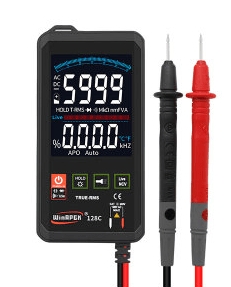
- Verify the connection using a multimeter or an Ethernet line tester.
- If everything is correct, connect the RJ45 connector to the Arduino or the device.
- Configure the Arduino to manage Ethernet communication (check the datasheet).
- Test the connection with a network device to ensure everything works correctly.
Mini project
Create a remote monitoring system with Arduino that sends data via Ethernet to a web server.
Common mistakes
- Insufficient or excessive soldering
- Incorrect wire configuration
- Connector not inserted correctly
- Unresolved Ethernet connection issues
Recommended accessories
- Arduino Uno
- Ethernet cable
- Desoldering tool
- Soldering iron
Frequently asked questions
Which wires should I use?
Use standard Ethernet copper wires (check the datasheet).
How can I test the connection?
Use a multimeter or Ethernet line tester.
Reviews
There are no reviews yet.