 EN
 IT Italiano
 ES Español
 FR Français
 DE Deutsch
Description
What it is
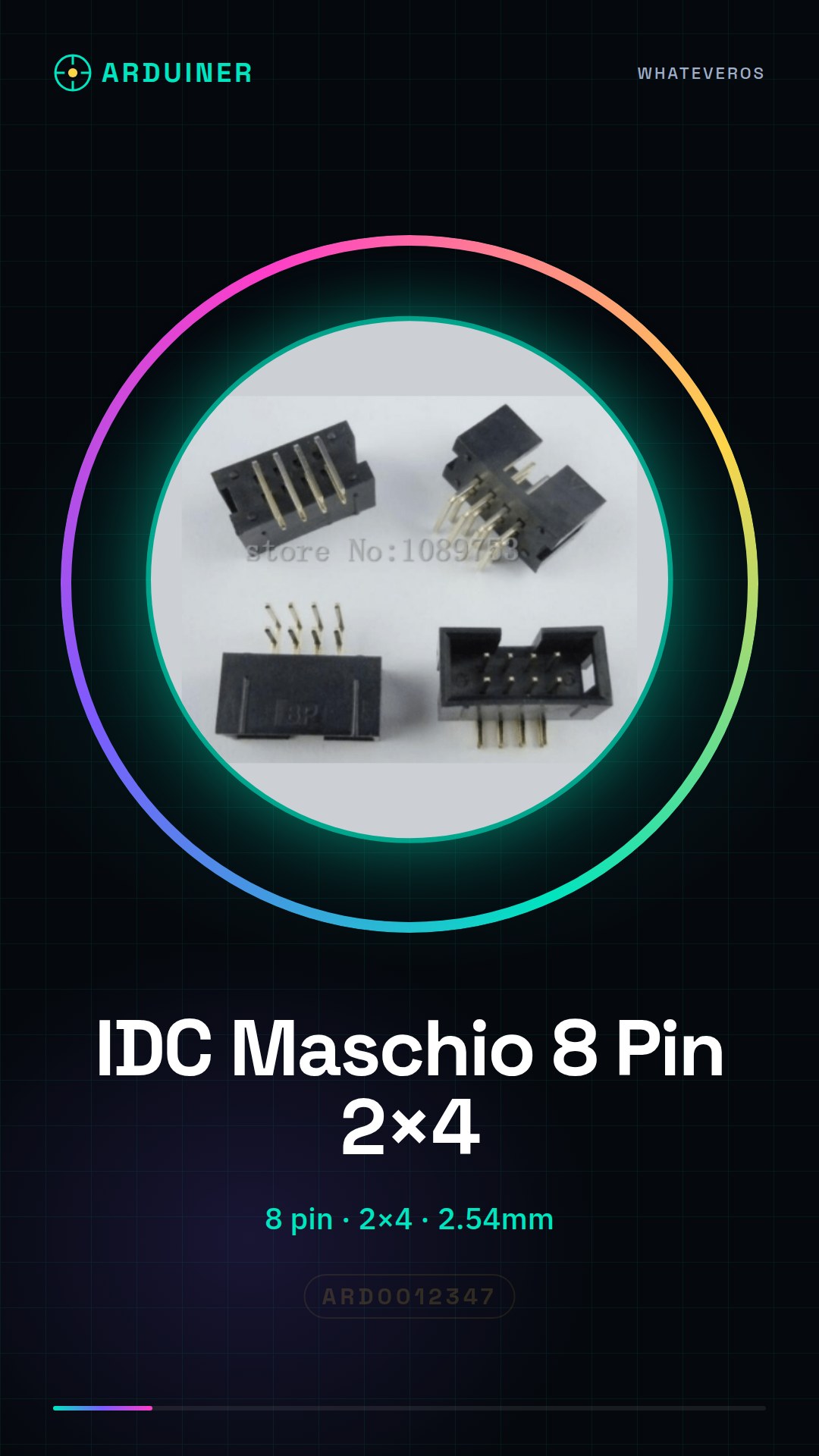
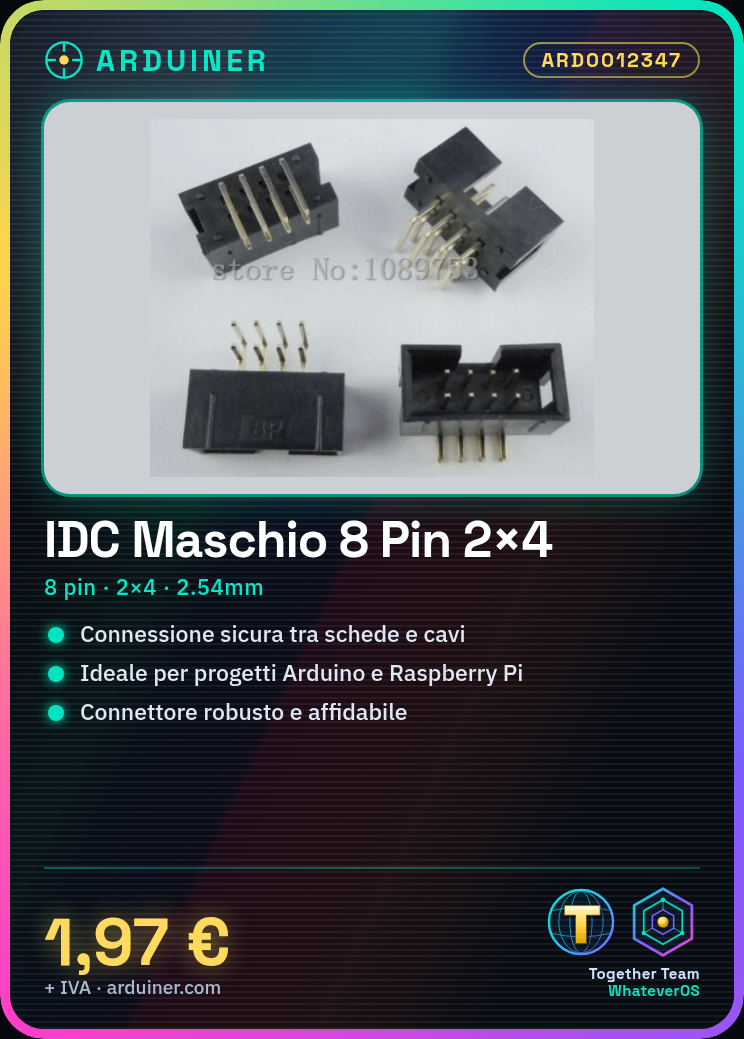
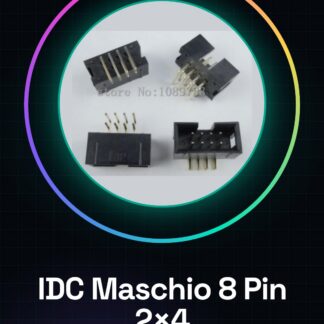
The IDC Male 8 Pin 2×4 Right Angle Connector is an electronic component used to establish secure and stable connections between circuit boards and wires. This connector is particularly suitable for Arduino, Raspberry Pi, and other electronic devices that require robust and reliable connectors.
Features
- Number of pins: 8
- Dimensions: 2×4
- Angle: Right
- Pin spacing: 2.54mm
- Quantity: 5 pieces
What it is for
This IDC connector is ideal for creating stable connections between circuit boards and wires. It is commonly used in Arduino and Raspberry Pi projects to intercept electronic signals. You can use it to connect a potentiometer to an LED control circuit, or for any other project that requires robust and reliable connectors.
Tutorial: How to use IDC Male 8 Pin 2×4 Right Angle Connector 2.54mm
This IDC male 8-pin 2×4 right-angle 2.54mm connector is ideal for creating stable and secure connections between electronic boards and wires. It is particularly useful for makers working on Arduino, Raspberry Pi, or any other electronic device that requires robust connectors.
What you need
- IDC Male 8 Pin 2×4 Right Angle 2.54mm Connector
- IDC Cable
- Connector Pliers
- Wire Pliers
- Electronic Board
- Arduino or Raspberry Pi
Steps
- Check that the IDC male 8-pin 2×4 right-angle 2.54mm connector is compatible with the electronic board or device to which you want to connect it.
- Prepare the IDC cable by cutting the necessary length.
- Use the wire pliers to strip the ends of the wires.
- Insert the stripped wires into the correct positions in the IDC connector.
- Use the connector pliers to ensure that the wires are securely fastened.
- Connect the IDC connector to the device or electronic board.
- Check the connection to ensure that the contacts are properly established.
- Test the connection with a multimeter or a debugging software.
Mini project
Create a simple LED control circuit with Arduino, using the IDC connector to connect the wire to a potentiometer that regulates the LED brightness.
Common mistakes
- Insert the wires into the connectors incorrectly.
- Do not fully insulate the wires before inserting them into the connectors.
- Use a connector that is not compatible with the device or the board.
- Do not check the connection before using the circuit.
Recommended accessories
- IDC cable
- Connector crimping tool
- Wire stripping tool
- Multimeter
Frequently asked questions
How can I verify the compatibility of the connector?
Check the datasheet of the connector and the device to ensure that the contacts and layout are compatible.
What tools are needed to install the connector?
You need a wire stripper and a connector crimping tool.
How can I test the connection?
Use a multimeter to test continuity between the contacts.

Reviews
There are no reviews yet.