 EN
 IT Italiano
 ES Español
 FR Français
 DE Deutsch
Description
What it is
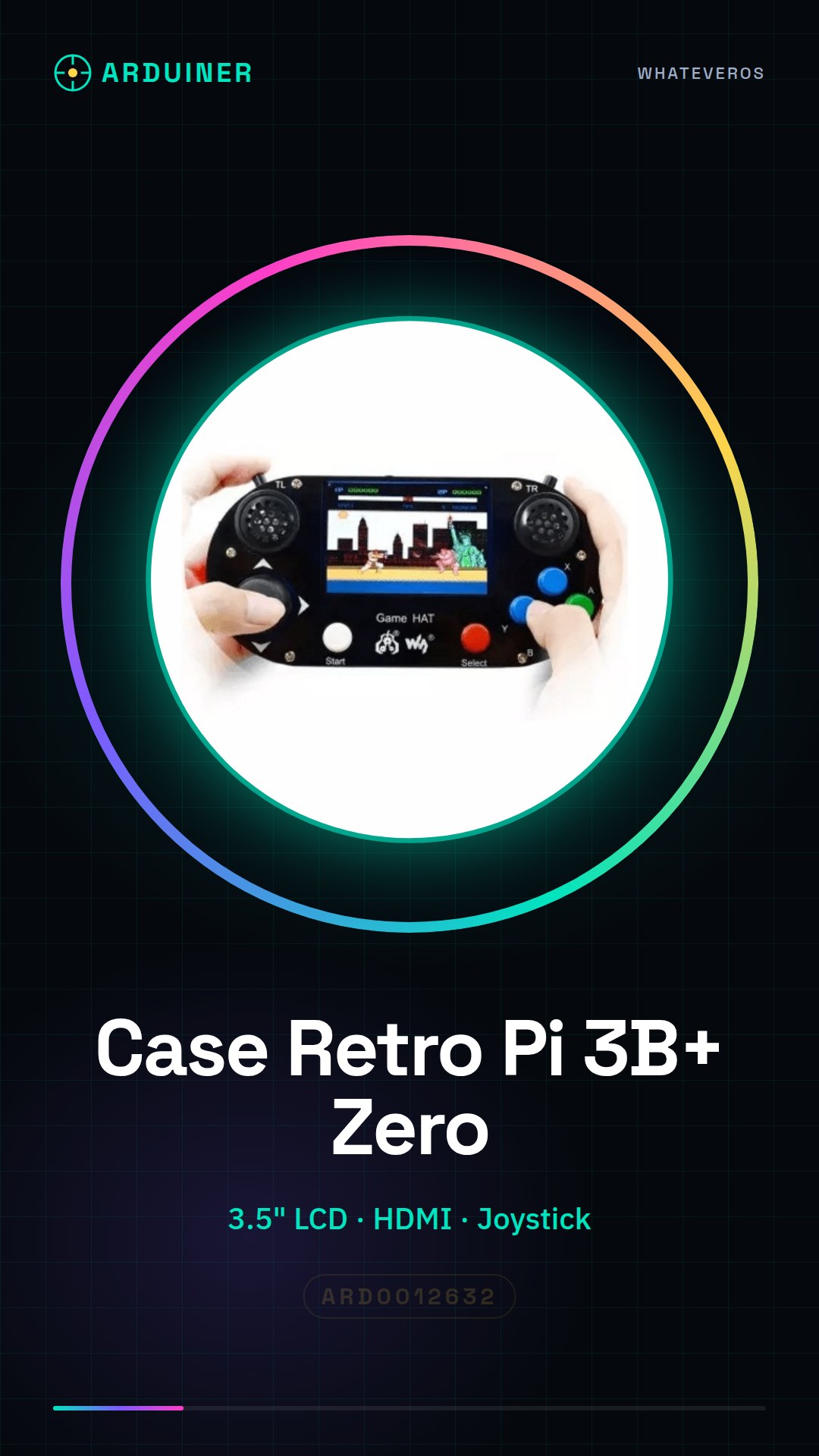
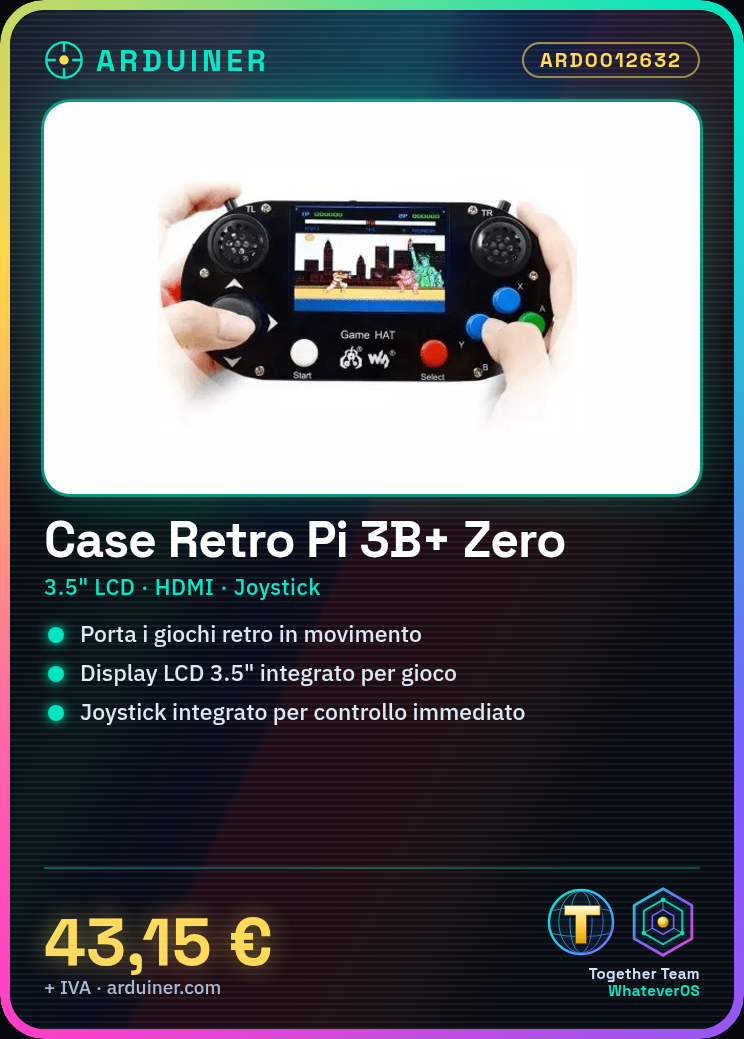
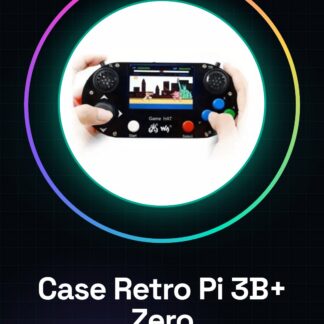
The Retro Console Case for Raspberry Pi 3B+ and Zero with HDMI Display 3.5″ and Joystick is a device that allows you to create a portable retro gaming console. This HDMI gamepad with a 3.5″ LCD screen is ideal for those who want to play retro games on a Raspberry Pi Zero or 3B+.
Features
- Compatible with Raspberry Pi 3B+ and Zero
- Integrated HDMI Display 3.5″
- Integrated Joystick
- Ideally used with RetroPie
What it is for
This device is used to create a portable retro gaming console. Insert RetroPie on a Raspberry Pi Zero or 3B+, install some retro games, and test the display and joystick.
Tutorial: How to use HDMI Gamepad with LCD 3.5″ for Raspberry Pi Zero
The HDMI Gamepad with LCD 3.5″ for Raspberry Pi Zero is ideal for those who want to create a portable retro gaming console. This device includes an integrated LCD screen and joystick, allowing you to play retro games on Raspberry Pi Zero or 3B+.
What you need
- Raspberry Pi Zero or 3B+
- SD Card with RetroPie operating system
- USB power supply for Raspberry Pi
- HDMI cable
- Joystick
- Protective case
Steps
- Install RetroPie on the Raspberry Pi Zero or 3B+.
- Connect the SD Card to the Raspberry Pi.
- Power the Raspberry Pi with the USB power supply.
- Connect the HDMI cable to the Raspberry Pi and the LCD display.
- Check that the LCD display and joystick are correctly connected to the Raspberry Pi.
- Start RetroPie and test the display and joystick.
- Configure RetroPie to optimize the performance of the display and joystick.
- Install retro-compatible games for RetroPie.
Mini project
Create a portable retro gaming console with this HDMI Gamepad and 3.5″ LCD. Insert RetroPie on a Raspberry Pi Zero or 3B+, install some retro games and test the display and joystick.
Common mistakes
- Do not connect the LCD display correctly to the Raspberry Pi.
- Do not configure RetroPie correctly for the display and joystick.
- Do not install retro compatible games for RetroPie.
- Do not check the compatibility of the LCD display and joystick with the Raspberry Pi.
Recommended accessories
- Raspberry Pi Zero W
- HDMI connector kit
- Joystick for Raspberry Pi
- 3D printing kit for case protectors
Frequently asked questions
What is the size of the LCD display?
The LCD display has a size of 3.5 inches.
How can I configure RetroPie?
You can configure RetroPie through the RetroPie configuration menu.
Which games are compatible with RetroPie?
RetroPie supports a wide range of retro games, check the RetroPie documentation for further details.
Reviews
There are no reviews yet.