 EN
 IT Italiano
 ES Español
 FR Français
 DE Deutsch
Description
What it is
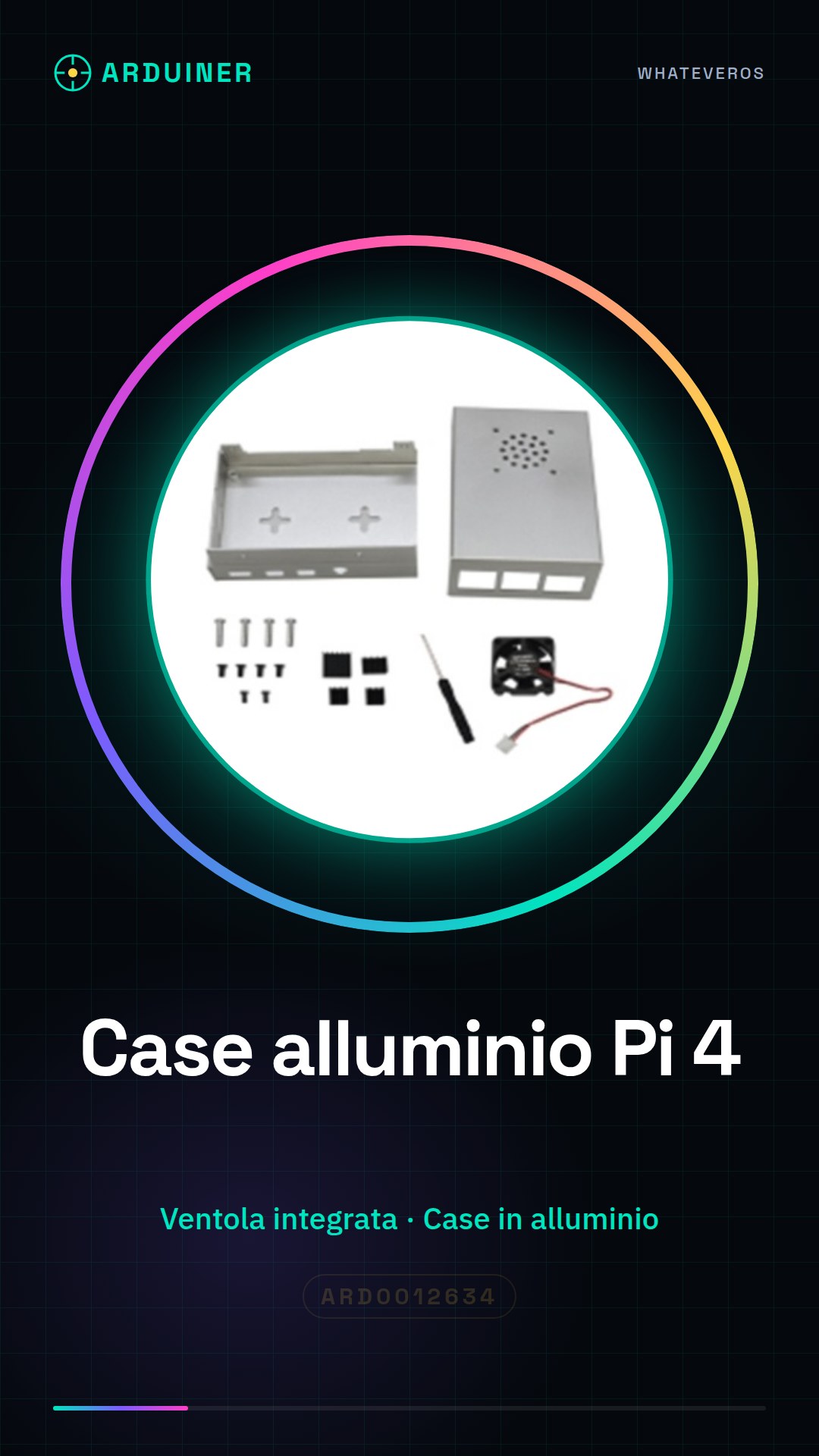
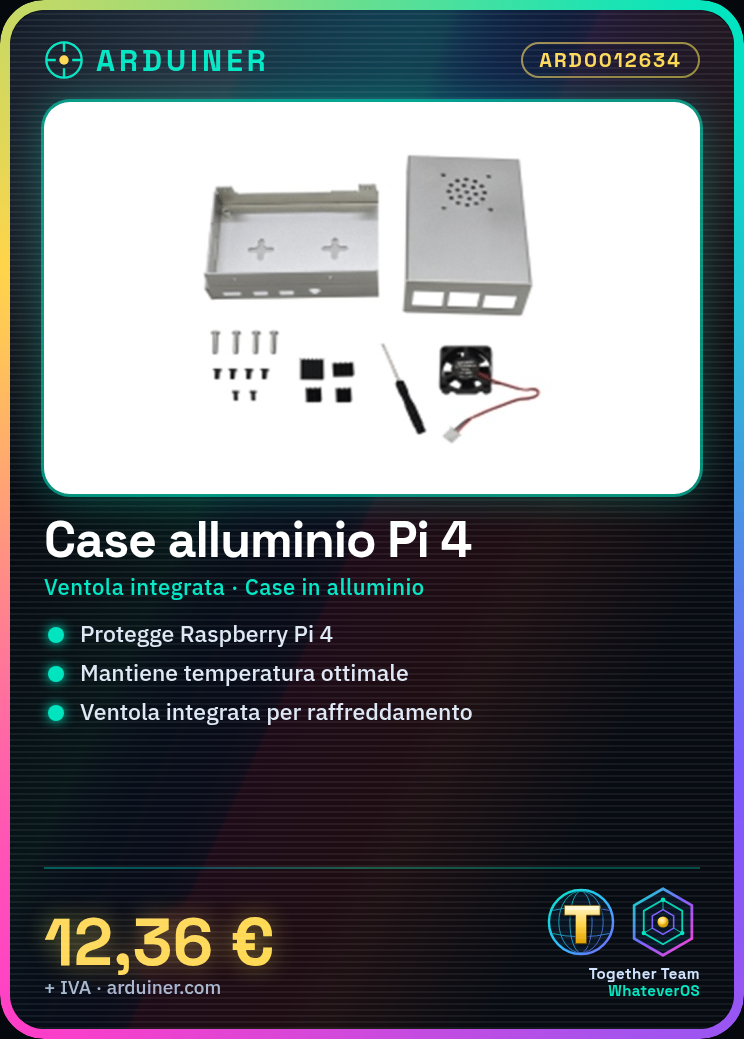
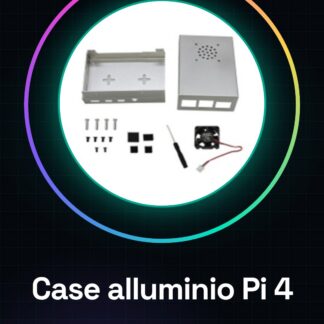
The aluminum case for Raspberry PI 4 with integrated fan (Grey/Black) is an essential component to protect and cool down your Raspberry PI 4. This case offers an effective cooling solution to keep the device temperature at an optimal level.
Features
- Aluminum case compatible with Raspberry PI 4
- Integrated fan for cooling
- Color Grey/Black
What it is for
This case is ideal for makers who use the Raspberry PI 4 for applications that require good cooling, such as home servers or operating systems. Additionally, it provides extra protection against potential physical damage.
Tutorial: How to use the aluminum case with fan for Raspberry PI 4
The aluminum case with fan for Raspberry PI 4 (Grey/Black) is ideal for keeping the temperature of your Raspberry PI 4 at an optimal level, ensuring continuous use without excessive heat. This component is particularly useful for makers who use the Raspberry PI 4 for applications that require good cooling, such as home servers or operating systems.
What you need
- Raspberry PI 4
- USB connection for power supply
- HDMI connection (if necessary)
- Ethernet connection (if necessary)
- Wi-Fi connection (if necessary)
- Mounting accessories (if necessary)
Steps
- Completely disconnect the Raspberry PI 4 from all power sources and connections.
- Open the aluminum case with fan, following the manufacturer’s instructions to remove any protective parts.
- Insert the Raspberry PI 4 into the aluminum case, ensuring that all connections are properly seated and that no parts of the Raspberry PI come into contact with the case.
- Close the aluminum case, ensuring that it is securely fastened and that no parts of the Raspberry PI protrude.
- Connect the fan to the power port of the Raspberry PI 4, verifying the power specifications on the datasheet.
- Connect the Raspberry PI 4 to the USB power supply.
- Verify that the fan turns on and functions correctly.
- Configure any additional fan settings through the Raspberry PI software, verifying the datasheet.
Mini project
Configure the Raspberry PI 4 with the aluminum case for a home server. Install a lightweight operating system like DietPi, set up a file sharing service, and test the system to ensure it is stable and properly cooled.
Common mistakes
- Do not verify the compatibility of the fan with the Raspberry PI 4.
- Do not properly secure the Raspberry PI 4 in the case, causing excessive contact.
- Do not correctly configure the fan through the Raspberry PI software.
- Do not test the system to ensure proper cooling is functioning.
Recommended accessories
- USB Power Supply for Raspberry PI 4
- Ethernet Cable
- Wi-Fi Antennas
- Mounting Kit for Raspberry PI 4
Frequently asked questions
Is the aluminum case with fan compatible with all versions of Raspberry PI 4?
Check the datasheet to confirm compatibility with your specific version of Raspberry PI 4.
How can I configure the fan to adjust the speed?
Check the datasheet to find the specific instructions for adjusting the fan speed through the Raspberry PI software.
What advantages does this case offer compared to a standard case?
The aluminum case with fan offers superior cooling, improving the stability and longevity of the Raspberry PI 4.
Reviews
There are no reviews yet.