 EN
 IT Italiano
 ES Español
 FR Français
 DE Deutsch
Description
What it is
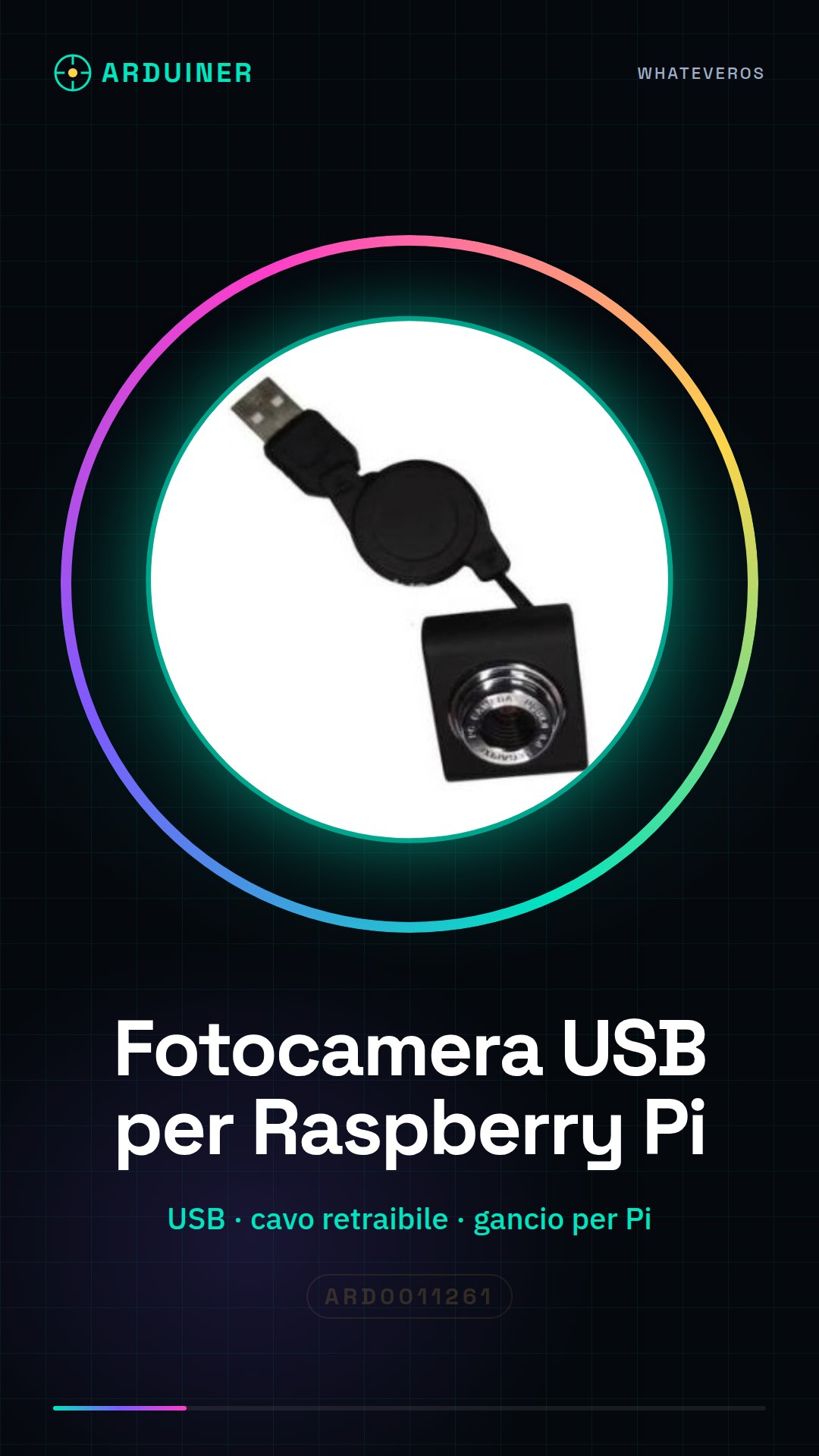
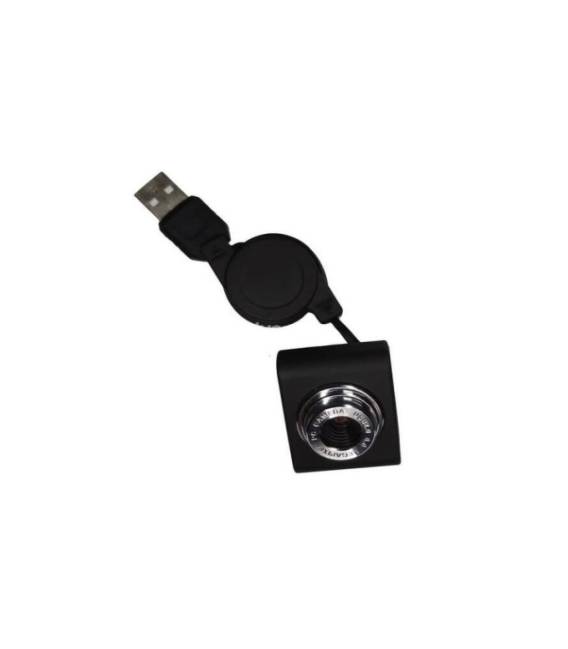
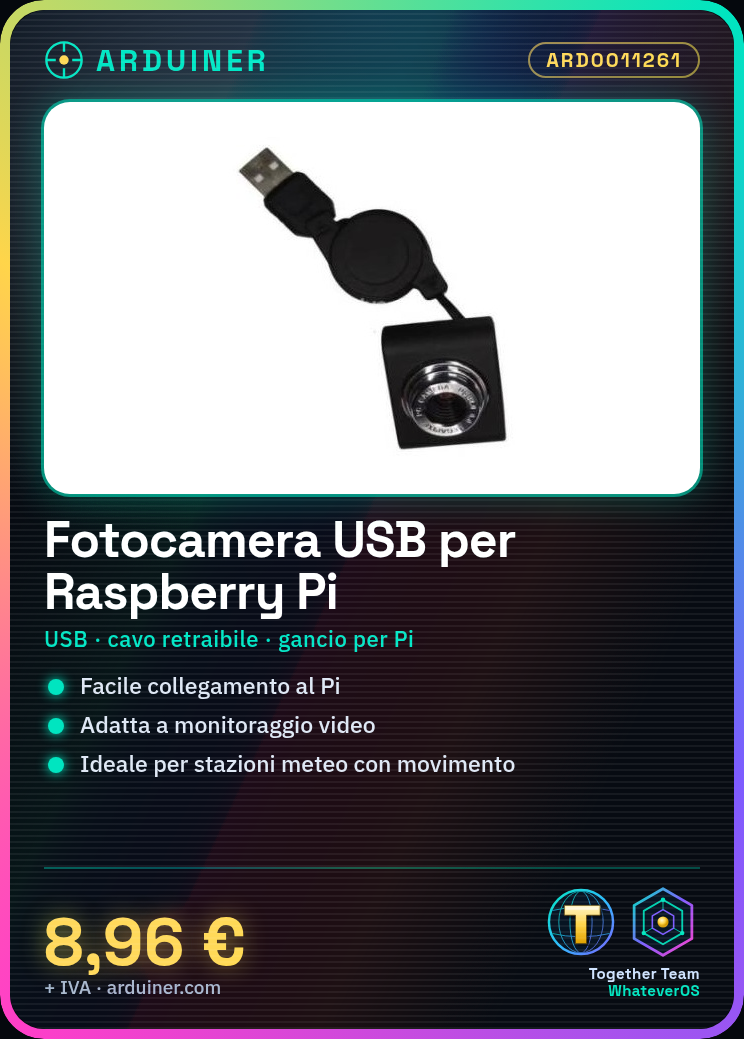
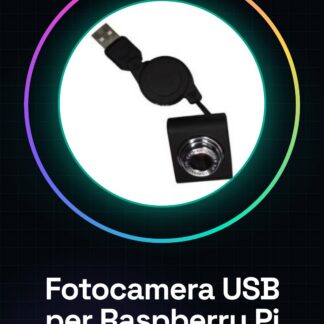
The USB camera with retractable cable and hook for Raspberry Pi is a useful device for video recording or remote monitoring. With a design that makes installation easy, this camera can be easily connected to your Raspberry Pi.
Features
- USB Camera with Retractable Cable and Hook for Raspberry Pi
- Ideally suited for monitoring or video recording projects on Raspberry Pi
What it is for
The camera can be used in various projects, such as creating a weather station that records video when the motion detector is triggered. It is suitable for both beginners and more experienced makers.
Tutorial: How to Use USB Camera with Retractable Cable and Hook for Raspberry Pi
The USB camera is ideal for monitoring or video recording projects on Raspberry Pi. It is suitable for both beginners and more experienced makers.
What you need
- Raspberry Pi
- microSD card with Raspbian installed
- HDMI cable (optional)
- monitor or TV
Steps
- Connect the USB camera to the Raspberry Pi using the retractable cable. The clip makes it easy to attach.
- Start the Raspberry Pi and log in to the Raspbian user interface.
- Open a terminal and type ‘sudo raspi-config’. Select Advanced Options > Camera
- Activate the camera by selecting ‘Yes’ when prompted. Press Enter to confirm.
- Check the datasheet for your USB camera specifications and install any necessary drivers.
- Install VNC Viewer or SSH to access the Raspberry Pi from a remote computer.
- Use VLC Media Player on Raspberry Pi to start streaming video from the camera.
- Check the camera connectivity and try recording a short video.
Mini project
Create a weather station that records video when the motion sensor is triggered. Use Raspberry Pi Camera for recording.
Common mistakes
- Camera not enabled in ‘raspi-config’.
- Camera driver not installed correctly.
- Low image quality due to power supply or cable issue.
- Synchronization issues between Raspberry Pi and video streaming software.
Recommended accessories
- PIR motion sensor
- USB power supply for Raspberry Pi
- External Wi-Fi antenna for Raspberry Pi
- Fast SD card
Frequently asked questions
How can I access the recorded photo and video files?
Files are saved in the /home/pi/videos folder.
Does the camera work with other microcontrollers like Arduino?
No, the camera is specific to Raspberry Pi.



Reviews
There are no reviews yet.