 EN
 IT Italiano
 ES Español
 FR Français
 DE Deutsch
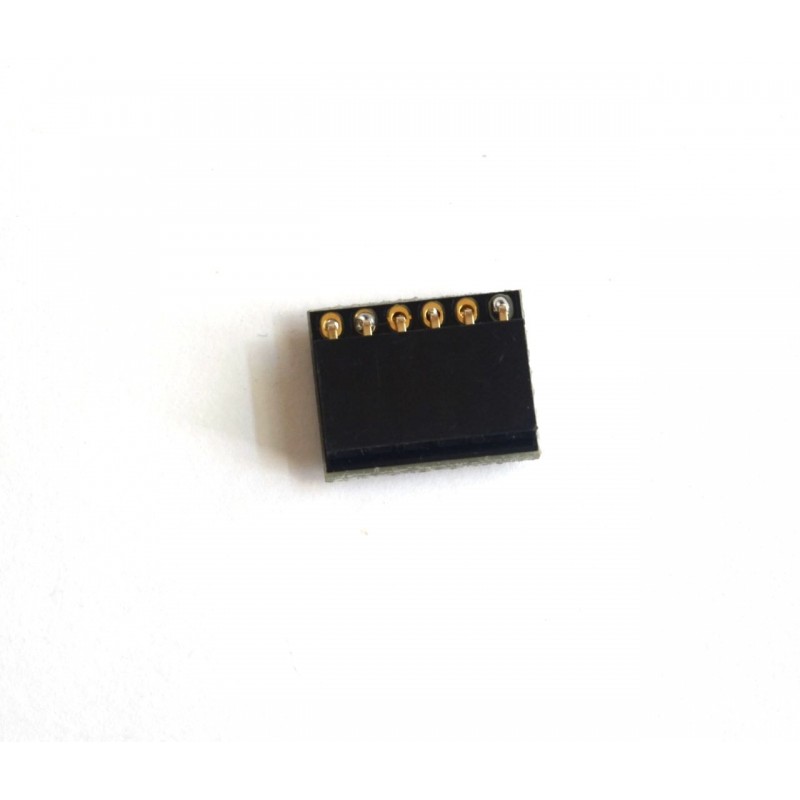
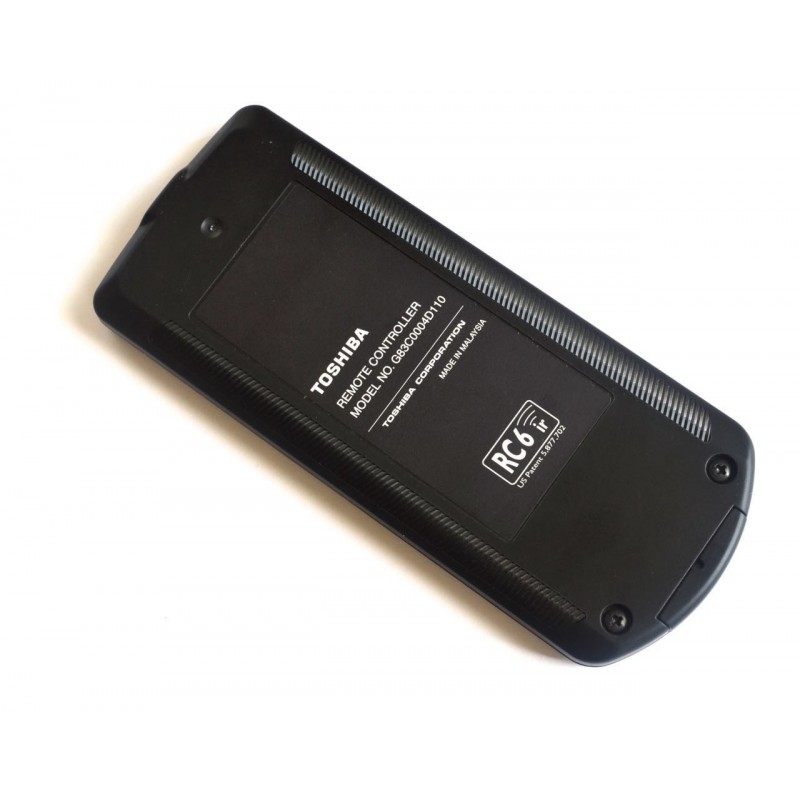
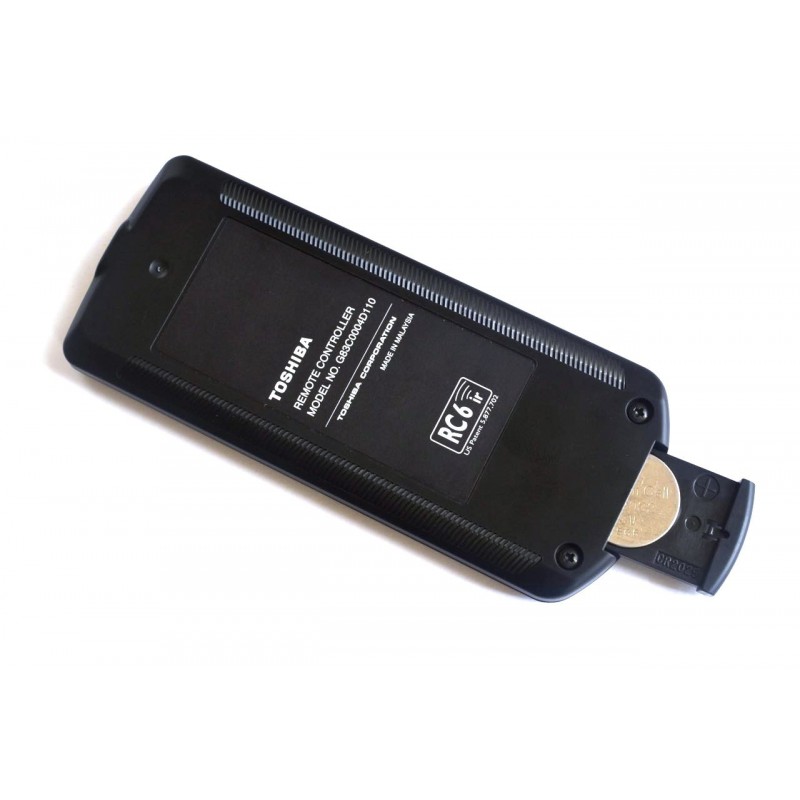
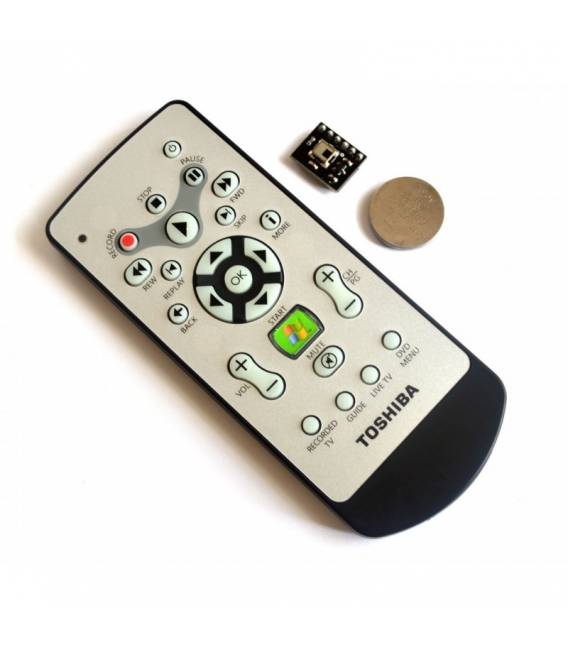
Description
What it is
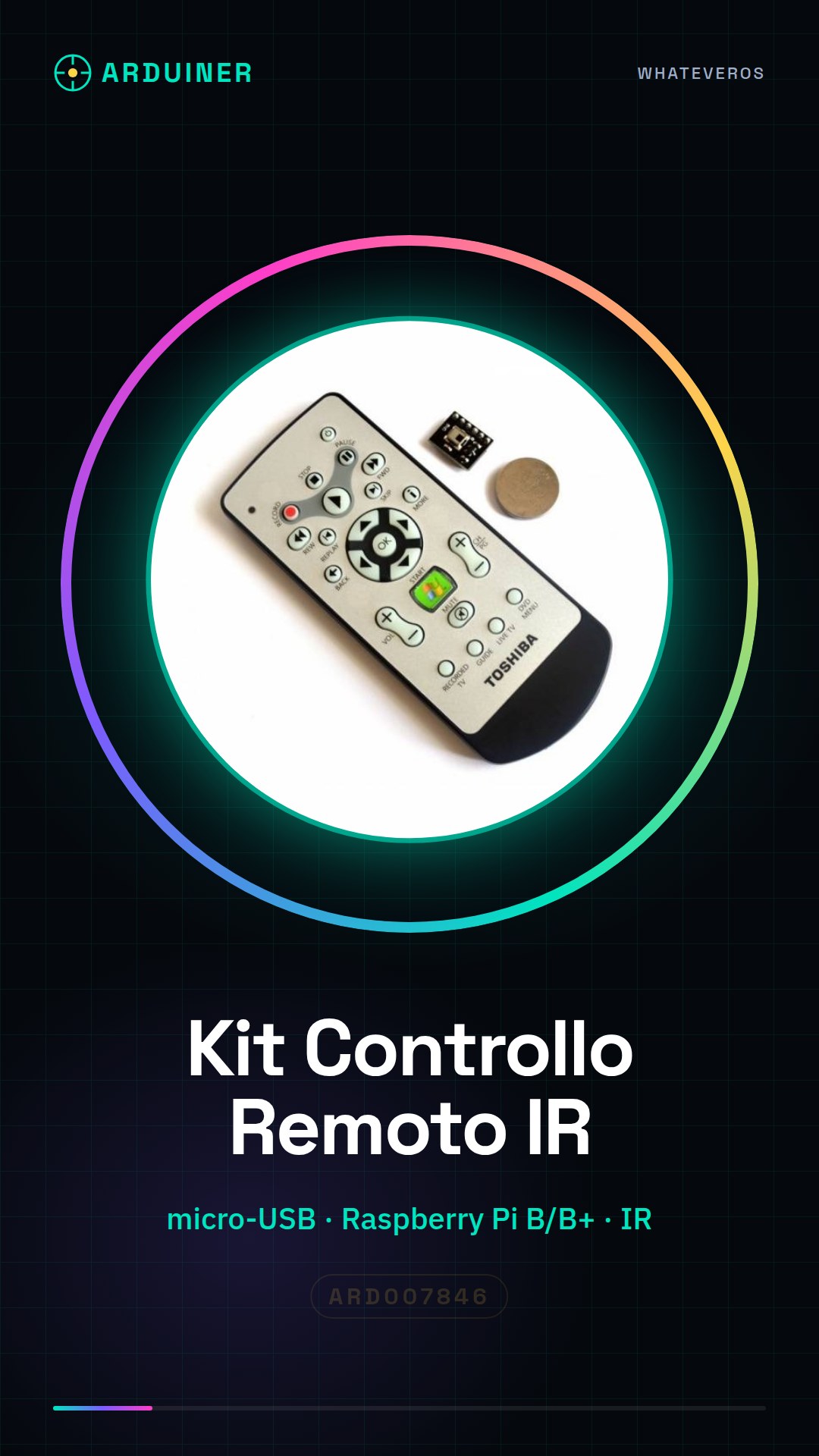
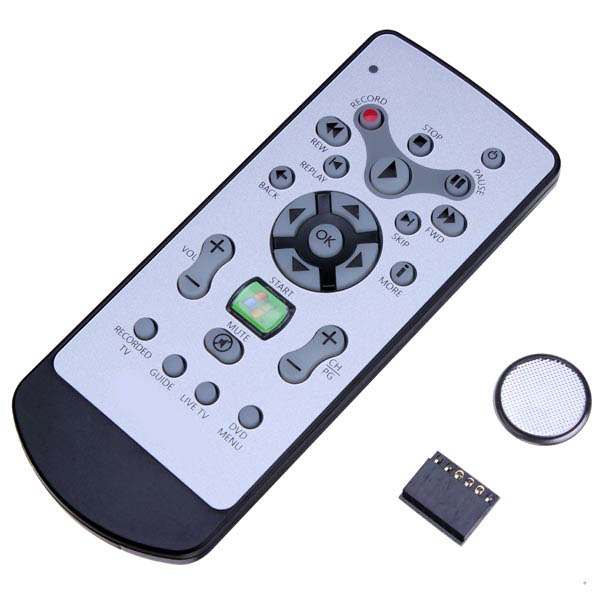
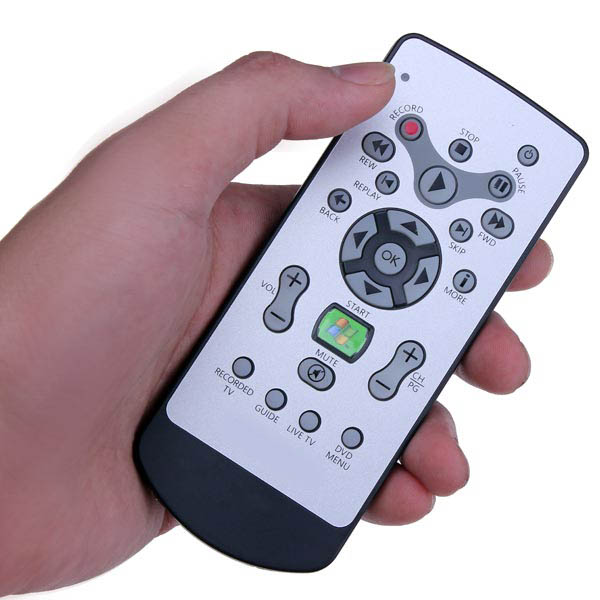
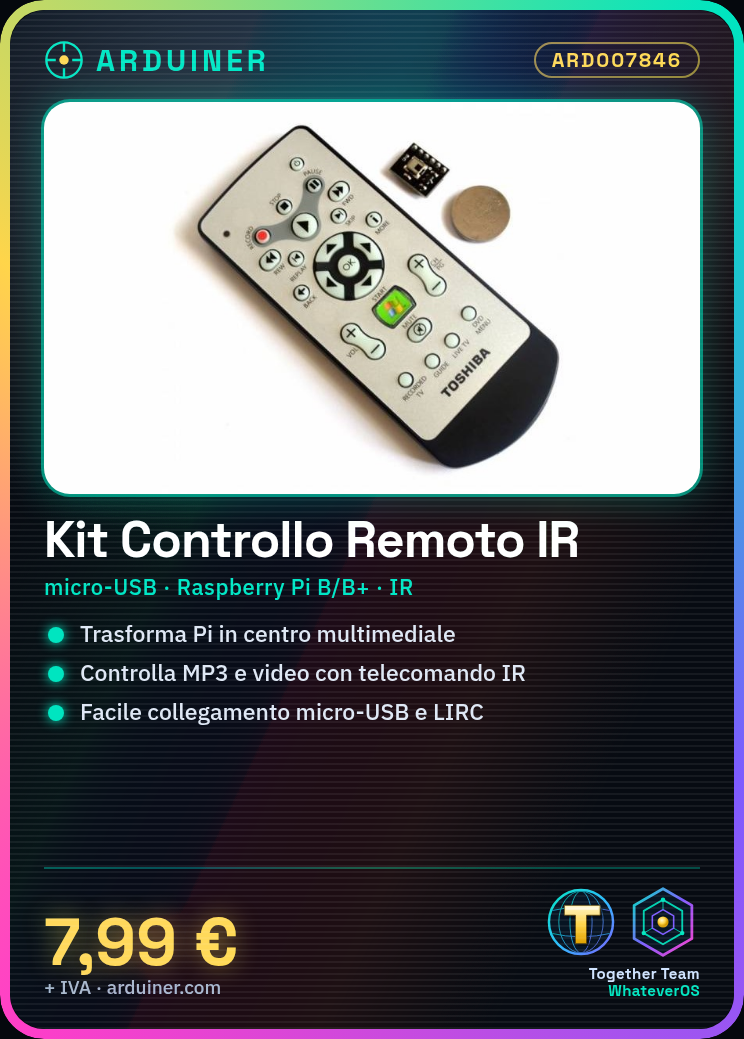
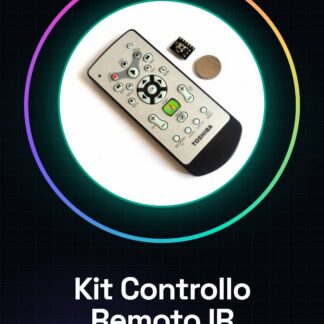
The Remote Control Kit For Raspberry PI is a device that allows you to turn your Raspberry Pi into a remote-controlled multimedia center. The kit includes an infrared remote control with standard multimedia functions.
Features
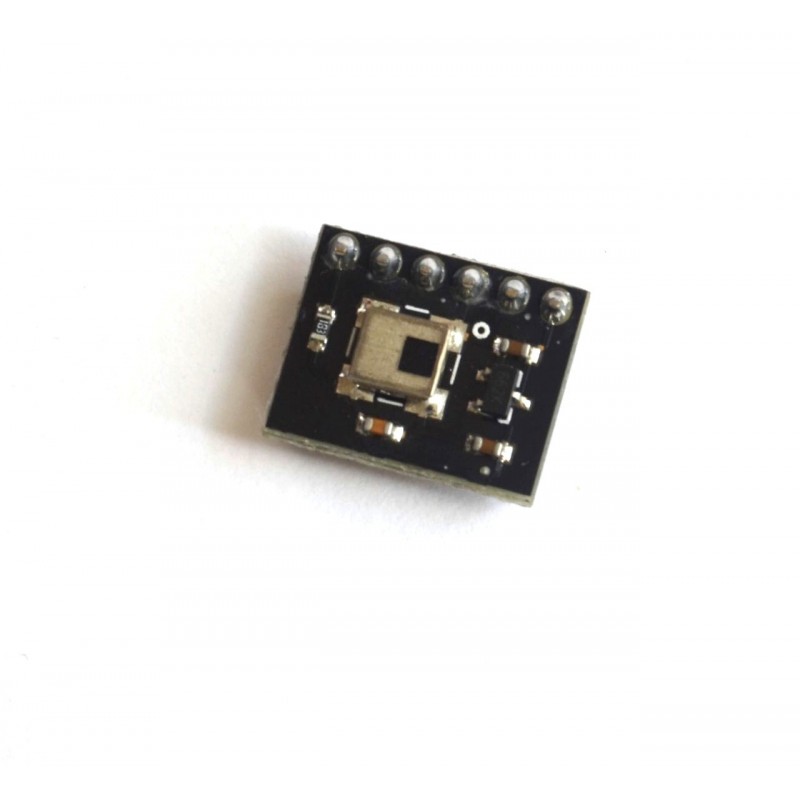
- Long with GPIO based on IR receiver
- Connects to Raspberry Pi B or B+
What it is for
Ideally, this kit is used to create a multimedia system that responds to remote control commands. Insert MP3 files or videos into the media folder and control them with the remote control.
Tutorial: How to use Remote Control Kit For Raspberry PI
The Remote Control Kit For Raspberry PI is a simple tool to turn your Raspberry Pi into a remote-controlled multimedia center. Ideal for beginners who want to explore the potential applications of the Raspberry Pi.
What you need
- Raspberry Pi
- Micro SD card with Raspbian installed
- USB 5V power supply
- Remote Control Kit For Raspberry PI
Steps
- Connect the Remote Control Kit to your Raspberry Pi using a micro-USB cable.
- Access the Raspberry Pi shell via SSH or direct connection.
- Install the necessary libraries to manage infrared commands: check the datasheet.
- Configure the remote control with software such as LIRC (Linux Infrared Remote Control).
- Verify the remote control configuration by installing and testing Python or Bash script examples.
- Create a function for each remote control command that activates the desired applications on the Raspberry Pi.
Example code
# Esempio di script bash
# Verifica sul datasheet per la specifica corretta
irsend -d /var/run/lirc/lircd SEND_ONCE nome_del_telecomando codice_del_comando
Mini project
Create a multimedia system with the Raspberry Pi that responds to remote control commands. Insert MP3 or video files into the media folder and use the remote control commands to play them.
Common mistakes
- Error during library installation.
- The remote control is not detected by the Raspberry Pi.
- Commands are not being executed correctly.
- Infrared connection problems.
Recommended accessories
- Speakers for audio
- External WiFi antenna
- HDMI screen
Frequently asked questions
How can I configure the remote control?
Use LIRC and follow the datasheet guide.
Which commands are supported?
Check the datasheet for specific command codes.
Reviews
There are no reviews yet.