 EN
 IT Italiano
 ES Español
 FR Français
 DE Deutsch
Description
What it is
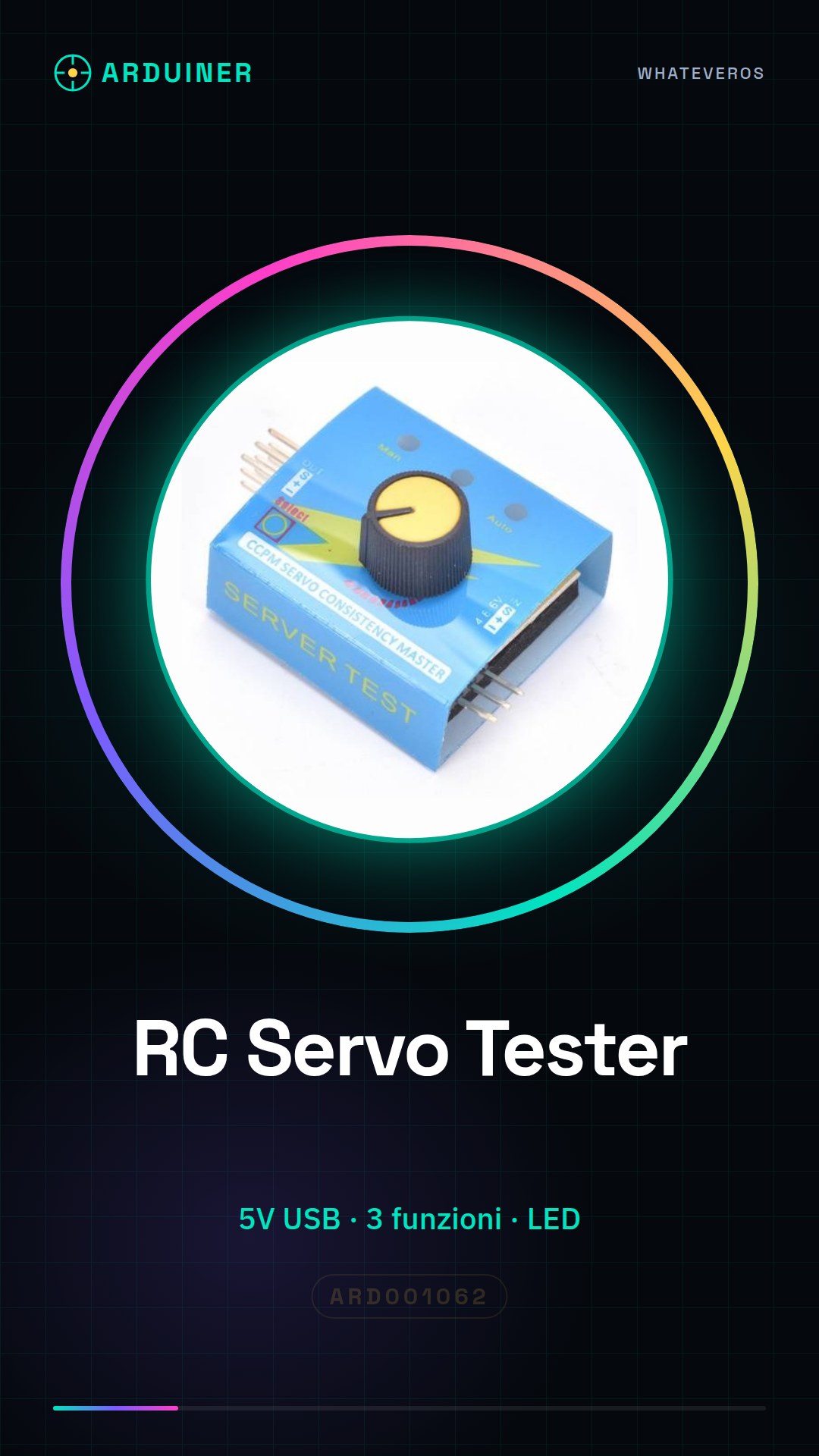
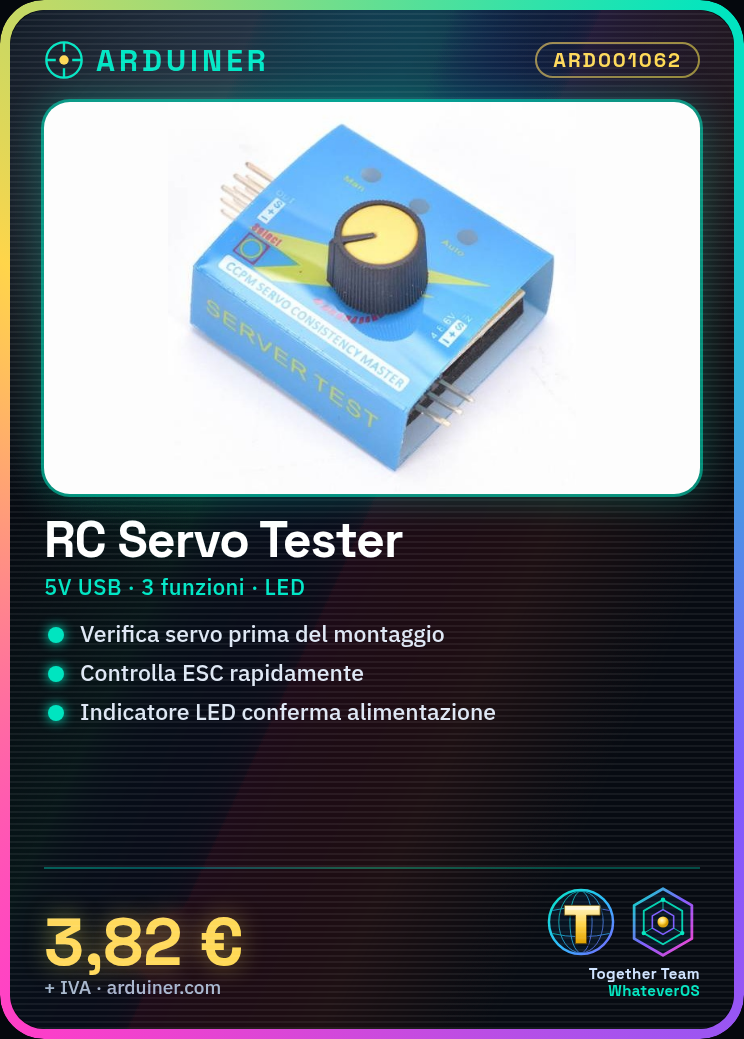
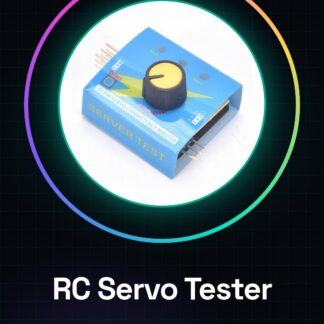
L’RC Servo Tester ARD001062, also known as Titan S812, is a useful tool for testing servos and ESC (Electronic Speed Controller) used in radio control models. This device allows you to verify the proper functioning of servo motors before mounting them on drones or other projects.
Features
- Test Servos and ESC
- Ideally suited for beginners and experts
What it is for
L’RC Servo Tester ARD001062 is used to create a simple test setup with your preferred servo. Connect the device to the tester, verify that it works correctly, and then proceed with its use in the project.
Tutorial: How to Use RC Servo Tester S812
The RC Servo Tester S812 is a practical device for testing servos and ESCs (Electronic Speed Controllers) used in radio control models. It is ideal for both beginners and experts who want to quickly check the functionality of their components.
What you need
- RC Servo Tester S812
- Servo or ESC to test
- USB power supply (5V)
- USB cable to connect to the tester
Steps
- Connect the servo or ESC to the RC Servo Tester S812 input.
- Connect the USB power supply to the tester. The green LED should light up, indicating that the device is powered correctly.
- Use the buttons on the tester to select the desired test mode (servo or ESC).
- If you are testing a servo, the indicator light should illuminate and move in response to the tester commands. Check the full range of shaft movement.
- For ESC modules, select the appropriate test mode on the tester and verify that the module responds correctly to the command.
- If necessary, use a multimeter to check the electrical power supply of the servo controller or ESC during the test.
Mini project
Create a simple test configuration with your preferred servo controller. Connect it to the tester, verify that it works correctly, and then try it with different ESCs for drones.
Common mistakes
- Ensure that the power supply is adequate (5V).
- Check the connections between the servo controller/ESC and the S812 tester.
- If the LED indicator does not respond, check the tester settings to ensure that the correct mode is selected.
Recommended accessories
- USB cable
- Digital multimeter
- Different servo controllers for testing various models
- ESC from drones for testing configurations
Frequently asked questions
What is the minimum power supply voltage?
Check the datasheet.
Can I use this tester with low voltage servos?
Yes, but make sure the USB power supply provides the correct 5V voltage.
Reviews
There are no reviews yet.