 EN
 IT Italiano
 ES Español
 FR Français
 DE Deutsch
Description
What it is
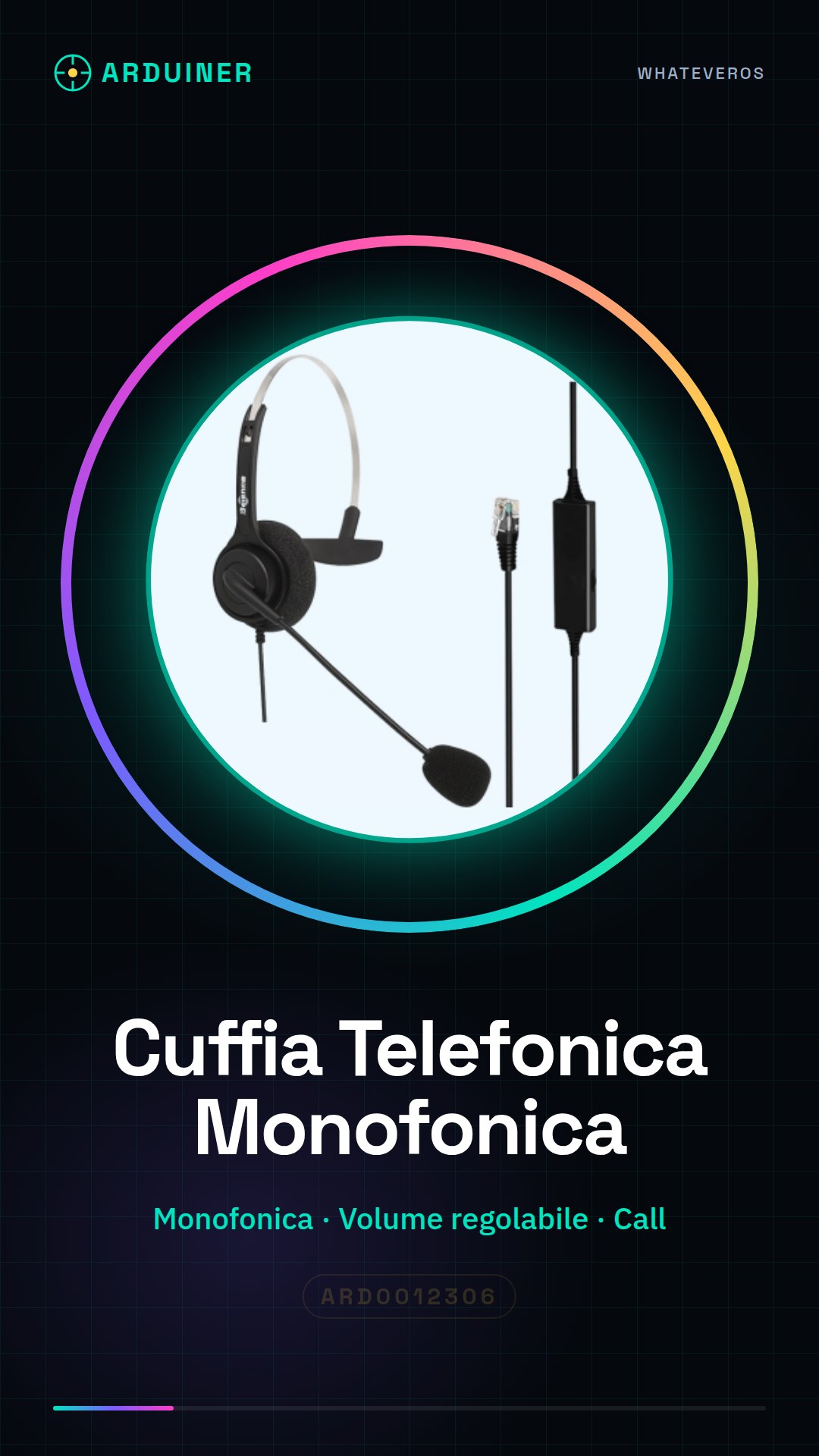
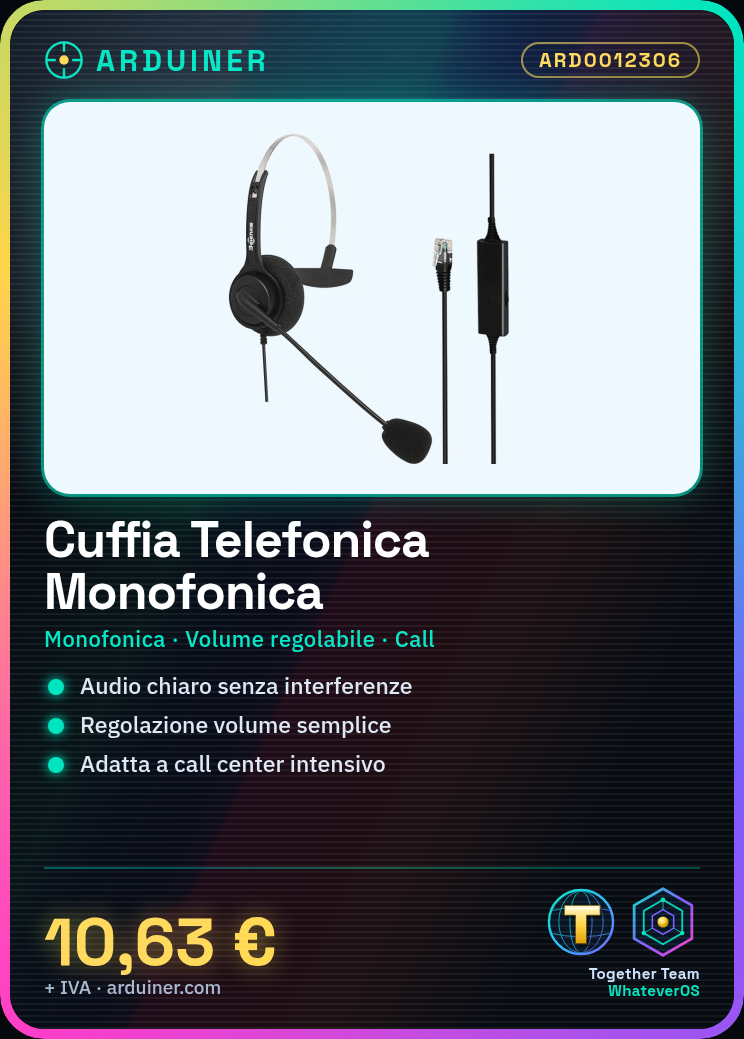
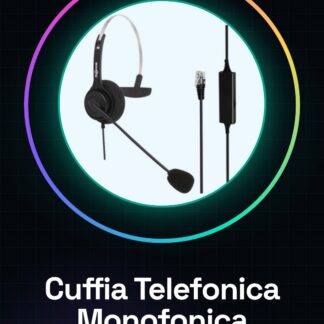
The mono headset with volume control is a device designed to ensure a clear and interference-free communication experience, ideal for intensive work environments such as call centers.
Features
- Mono headset
- Volume control
- Ideally suited for call center operators
What it is for
This device is designed to be used in intensive work environments such as call centers, where clear and adjustable audio is necessary. It can be integrated with a simple Arduino sketch to manage automatic calls, answering with a welcome message.
Tutorial: How to use Mono Headset
This mono headset is adjustable and suitable for call centers or situations where a reliable device is needed to receive and answer calls without interference. Ideal for call center operators and users who require a high-quality device.
What you need
- Mono Headset ARD0012306
- Arduino
- Audio cable
- 3.5 mm audio jack
- Power supply
Steps
- 1. Check that the headset has a power signal.
- 2. Connect the audio cable to the headset.
- 3. Connect the other end of the cable to the 3.5 mm audio jack of your Arduino.
- 4. Connect the headset to the 3.5 mm audio jack of your Arduino.
- 5. Ensure that the headset volume is correctly adjusted.
- 6. Start your Arduino sketch.
- 7. Check the datasheet for further settings.
- 8. Test the headset to ensure it works correctly.
Mini project
Create a simple Arduino sketch that accepts a call and responds with a welcome message. In 30 minutes you can have an automatic response system.
Common mistakes
- Do not connect the headphones to an incompatible audio jack.
- Do not adjust the volume before use.
- Do not check the power plug.
- Do not verify the specifications on the datasheet.
Recommended accessories
- Arduino UNO
- 3.5 mm audio jack
- Power supply
- Mono microphone
Frequently asked questions
Does the headphones work with Arduino?
Yes, the headphones work with Arduino.
What specifications are needed for power?
Check the datasheet for power specifications.
Can I use this headphones with another device?
Yes, but check the datasheet for compatibility.
What to do if the headphones do not adjust the volume?
Check the audio jack and connection.
Reviews
There are no reviews yet.