 EN
 IT Italiano
 ES Español
 FR Français
 DE Deutsch
Description
What it is
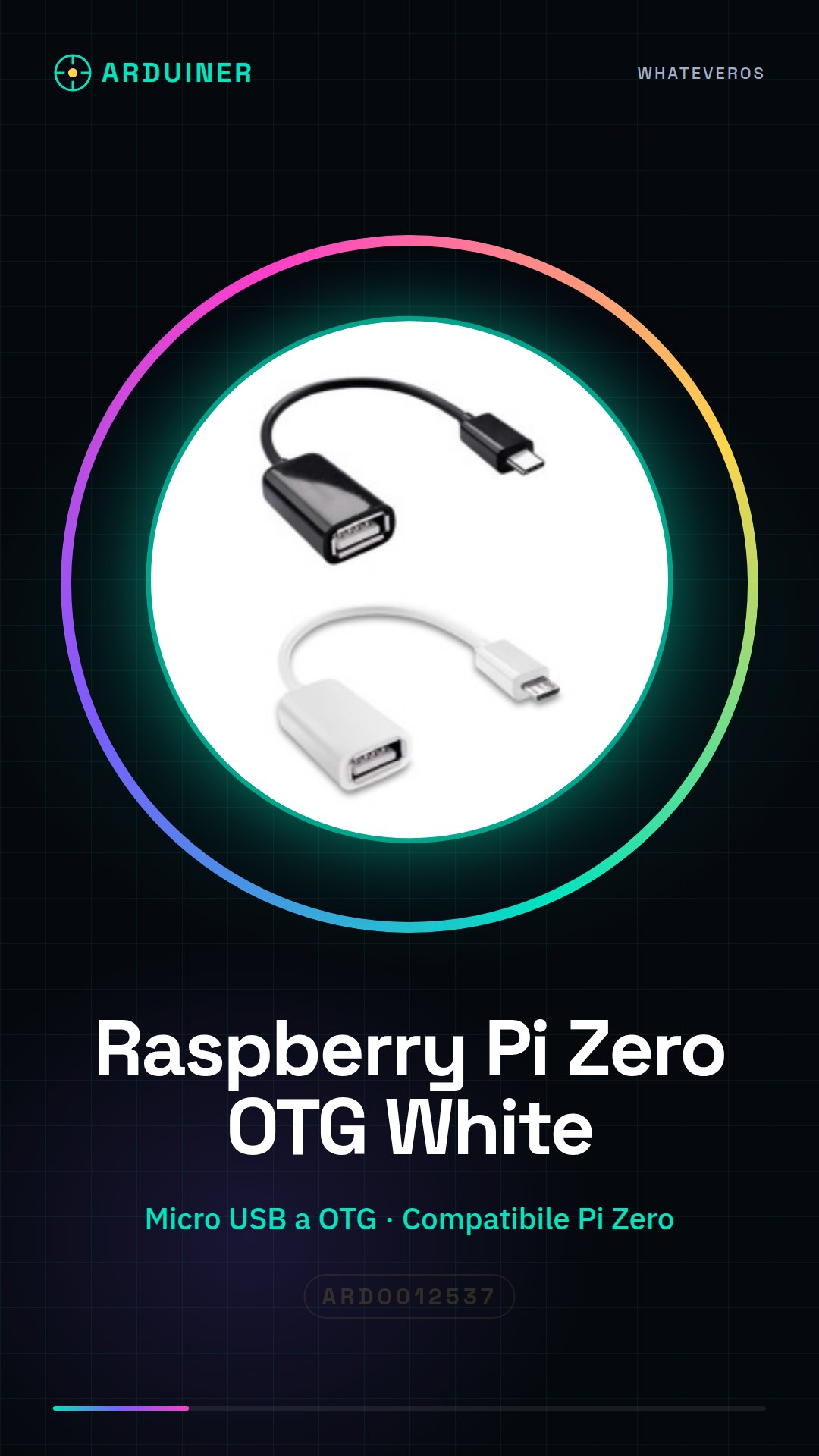
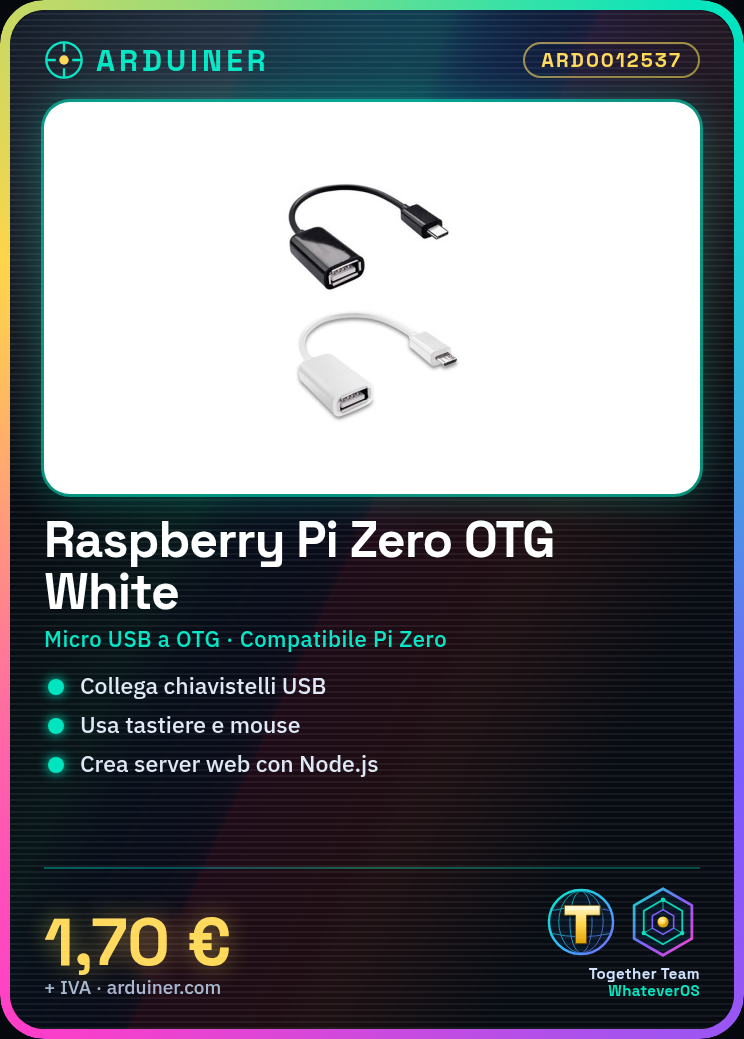
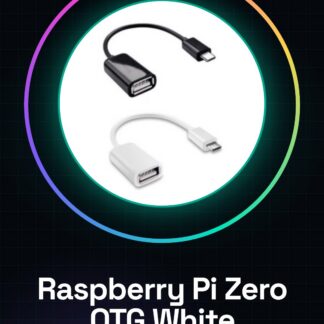
The Raspberry Pi Zero micro USB to OTG is a white connector designed for compatibility with the Raspberry Pi Zero. This device allows connecting external devices such as USB flash drives, keyboards, and mice via the OTG (On-The-Go) interface.
Features
- White Micro USB to OTG
- Compatible with Raspberry Pi Zero
What it is for
Ideal for programming and software development projects, this connector is useful for both beginners and intermediate makers. It can be used to create a simple web server with Node.js on Raspberry Pi Zero.
Tutorial: How to use Raspberry pi Zero micro USB to OTG White Color
The Raspberry Pi Zero micro USB to OTG is a versatile small computer ideal for programming and software development projects. Useful for beginner and intermediate makers.
What you need
- Raspberry Pi Zero micro USB to OTG
- Micro USB cable
- Power supply (5V, 1A)
- SD card with Raspbian OS
Steps
- 1. Check the datasheet: Ensure your micro USB cable is compatible.
- 2. Connect the Raspberry Pi Zero to the power supply.
- 3. Insert the SD card with Raspbian OS into the SD slot.
- 4. Connect the Raspberry Pi Zero to the micro USB cable.
- 5. Turn on the power supply.
- 6. Wait for the Raspberry Pi to boot up.
- 7. Connect a monitor or HDMI display to the Raspberry Pi.
- 8. Configure the Raspberry Pi following the Raspbian instructions.
Mini project
Create a simple web server using Node.js on Raspberry Pi Zero in 30 minutes.
Common mistakes
- Do not use an incompatible USB cable.
- Do not have an operating system installed.
- Do not connect the Raspberry Pi correctly.
- Do not provide the correct power supply.
Recommended accessories
- HDMI Monitor
- Keyboard and mouse
- MicroSD reader
- Raspberry Pi Cases
Frequently asked questions
My Raspberry Pi does not turn on.
Check that the power supply is correct and connected properly.
How can I install Raspbian?
Download Raspbian and use software like Etcher to burn the SD card.
What are the minimum power requirements?
The Raspberry Pi Zero requires 5V, 1A of power.
Can I use a standard USB cable?
Check the datasheet: use a micro B USB cable.
Reviews
There are no reviews yet.