 EN
 IT Italiano
 ES Español
 FR Français
 DE Deutsch
Description
What it is
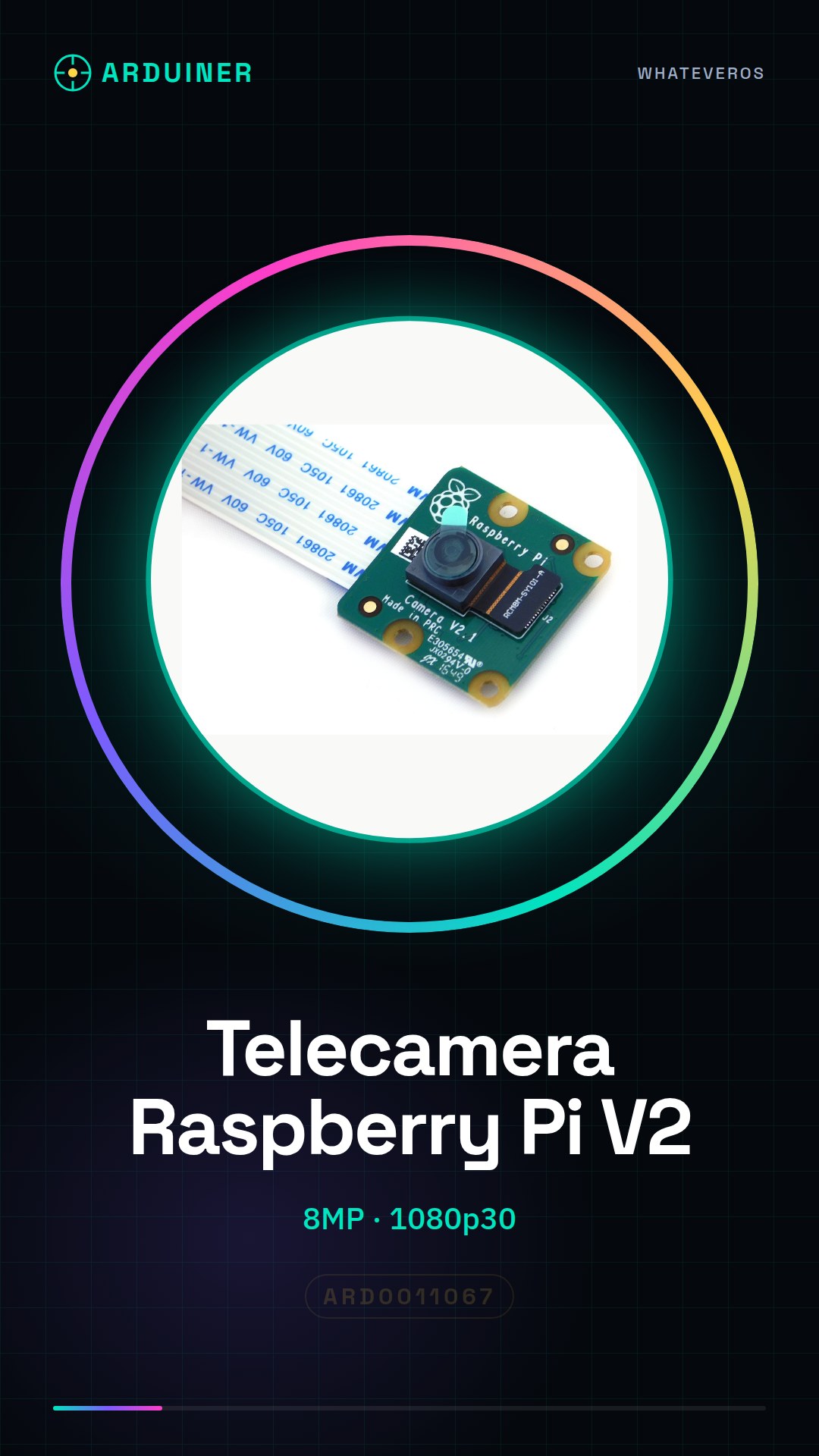
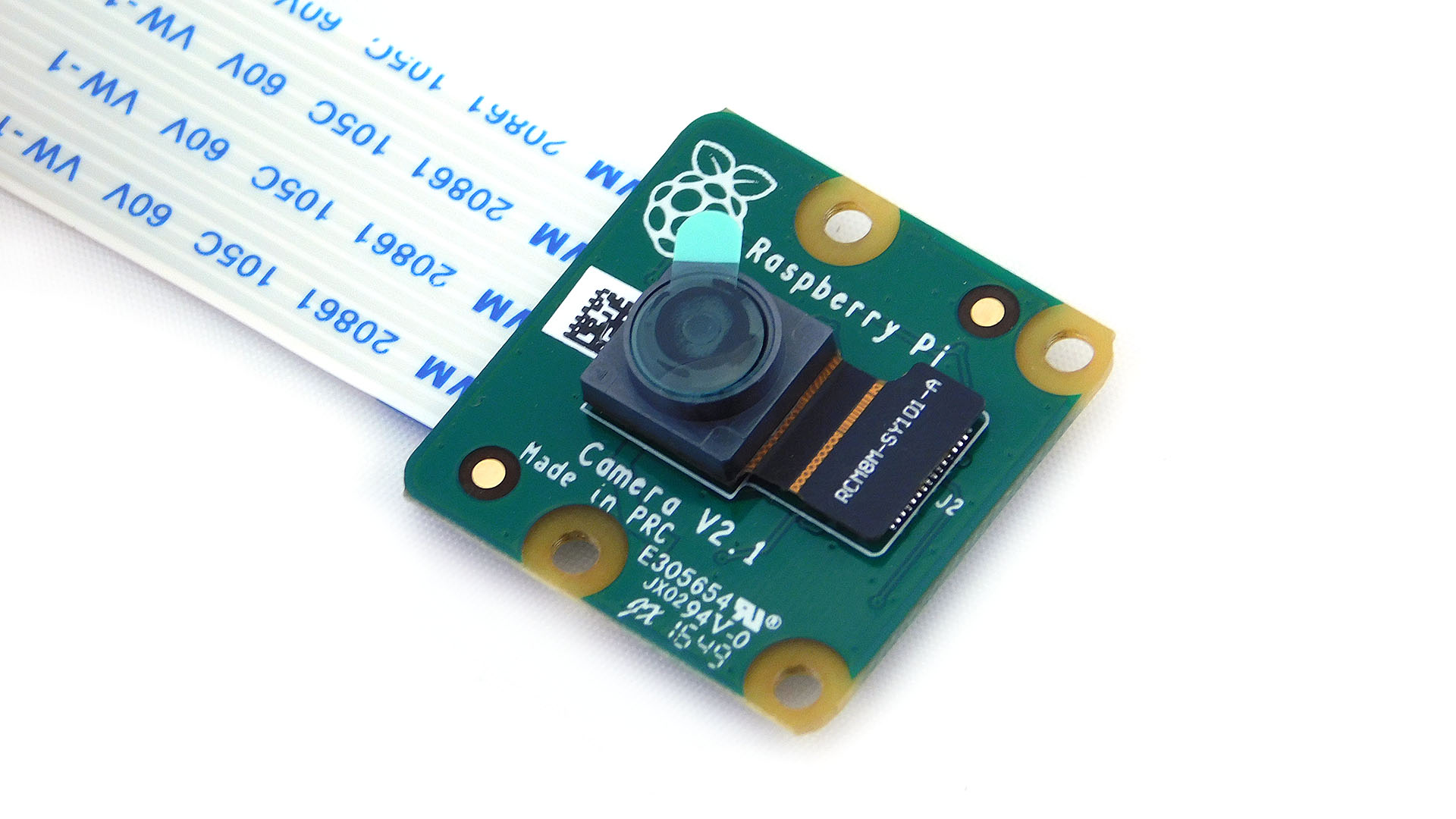
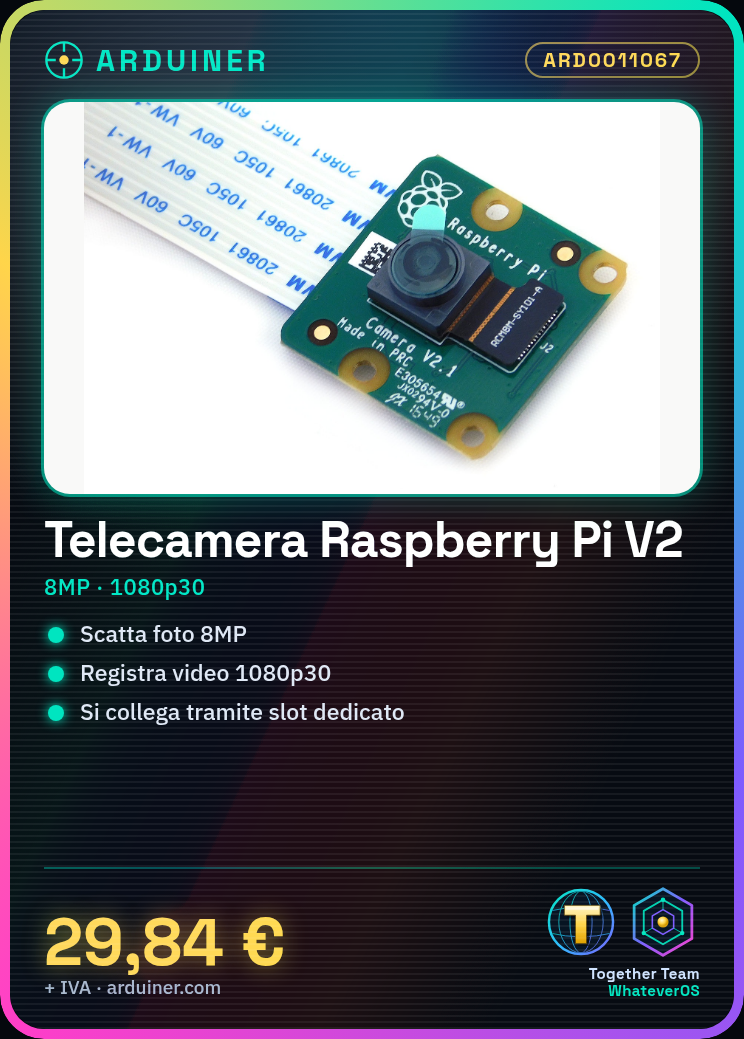
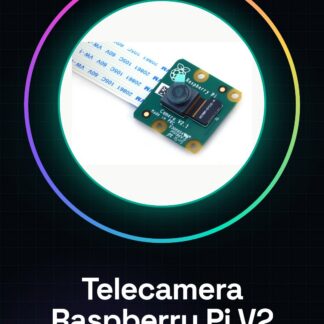
The Raspberry Pi V2 Camera Module is a device that allows you to add photography and video capture functionality to your Raspberry Pi board. With an 8MP resolution, this module supports HD video recording at 1080p30.
Features
- Photo resolution: 8 megapixels
- Video recording: 1080P30
What it is for
This module is ideal for digital photography and artificial vision projects. You can use it to create a real-time video capture system, configure the camera, and save videos directly from your Raspberry Pi. It is suitable for both beginners and intermediate makers.
Tutorial: How to Use Raspberry Pi V2 Camera Module
This module allows you to add a camera to your Raspberry Pi for photography and video capture projects. Useful for beginners and intermediate makers.
What you need
- Raspberry Pi V2 Camera Module
- Raspberry Pi
- MicroSD for Raspberry Pi
- MicroUSB cable
Steps
- 1. Install the OS on Raspberry Pi if not already done.
- 2. Connect the camera module to the Raspberry Pi via the dedicated slot.
- 3. Install the necessary driver with the command: `sudo apt-get install raspberrypi-camera-utils`.
- 4. Configure the camera with `sudo raspi-config` and select the camera.
- 5. Check the datasheet for the resolution and frame rate.
- 6. Create a `config.txt` file in the `/boot` folder to configure the camera.
- 7. Try to take a photo with the command: `raspistill -o photo.jpg`.
- 8. Configure the video service with `sudo nano /etc/systemd/system/ssh.service`.
Mini project
Create a simple video capture system with Raspberry Pi and Camera Module. Configure the camera and save real-time video.
Common mistakes
- Forget to install the necessary drivers.
- Connect the camera module to the wrong port.
- Do not configure `config.txt` correctly.
- Do not check the video service configuration.
Recommended accessories
- MicroSD for Raspberry Pi
- microUSB cable
- Tripod to stabilize the camera
Frequently asked questions
How can I check the camera resolution?
Check the datasheet or run `raspistill -v` to view available options.
Can I use the module with different versions of Raspberry Pi?
Check compatibility on the datasheet. Some modules may require specific versions of Raspberry Pi.
How can I access the files taken by the camera?
The files are saved in the default folder. You can access them through the graphical interface or terminal.
Reviews
There are no reviews yet.