 EN
 IT Italiano
 ES Español
 FR Français
 DE Deutsch
Description
What it is
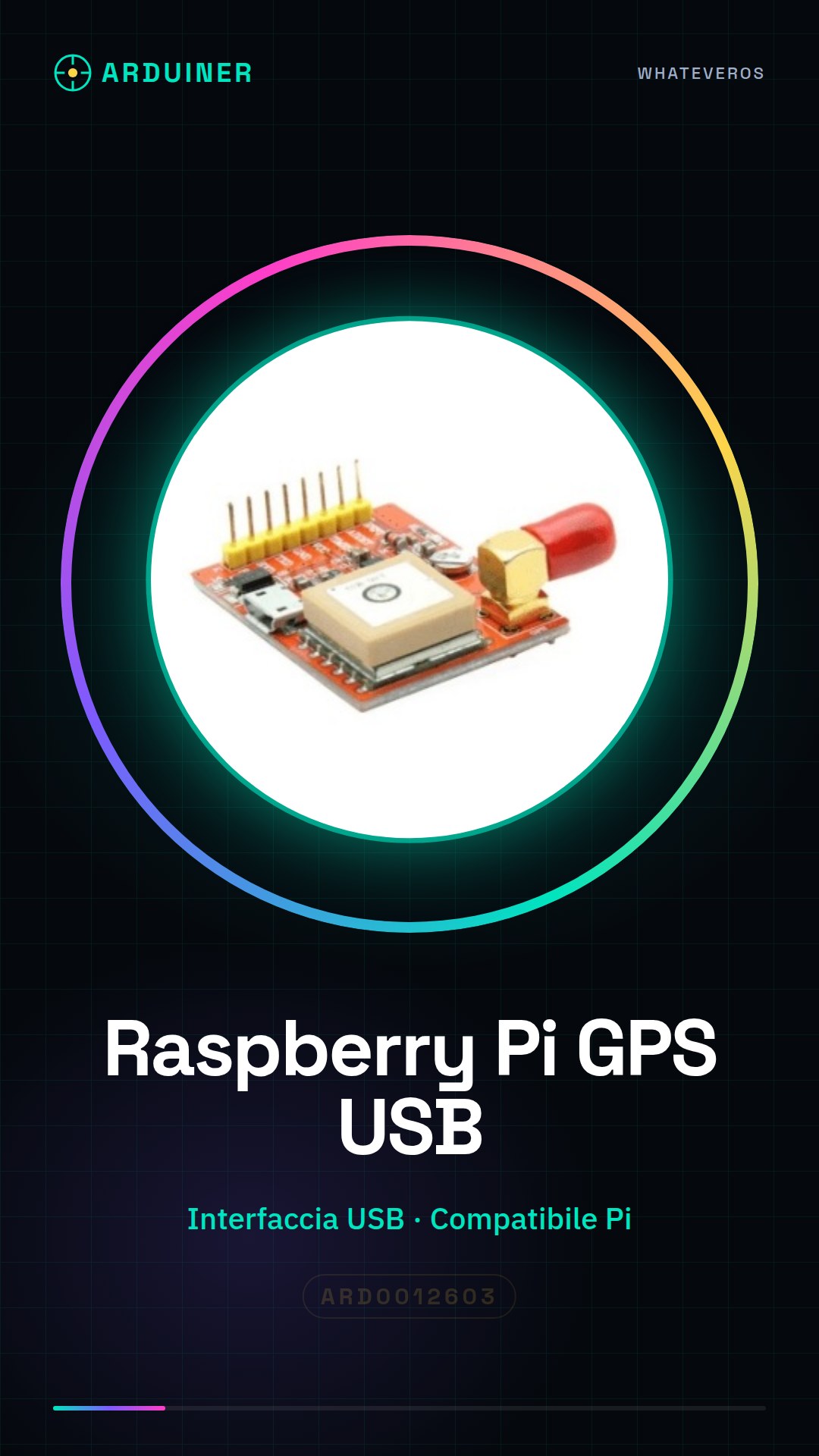
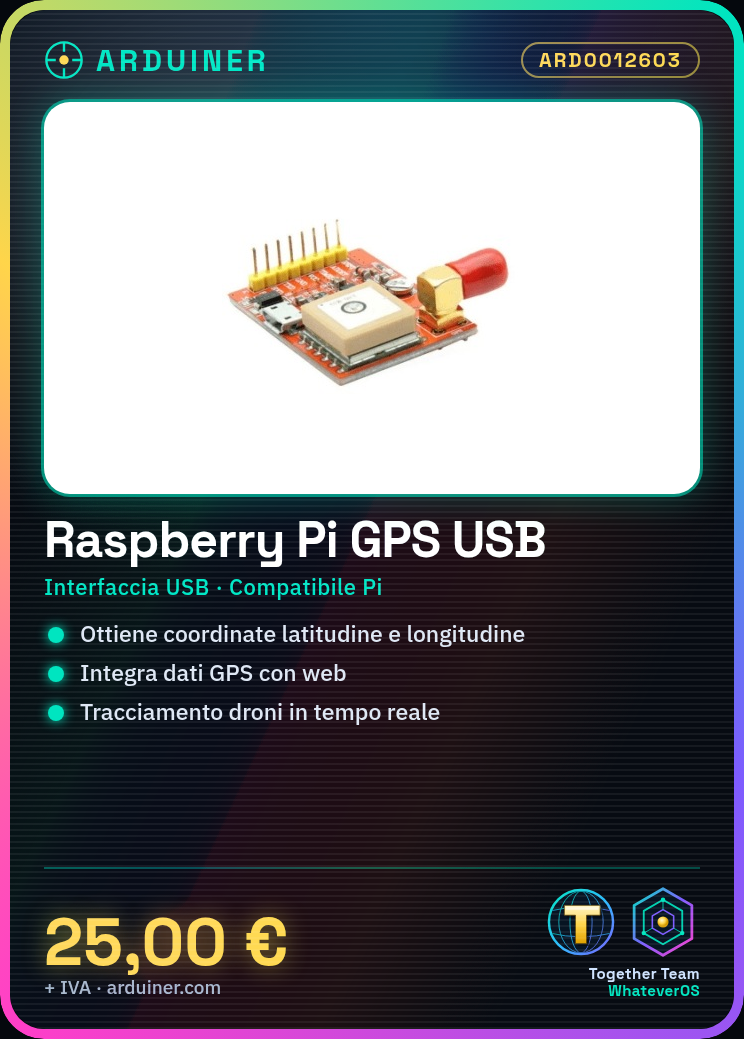
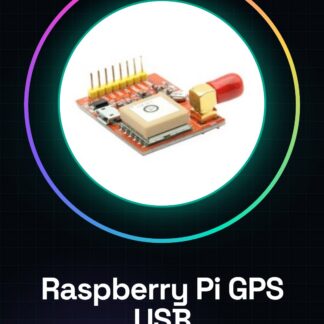
The Raspberry Pi GPS Module USB Port is a GPS module with USB interface designed to be used with Raspberry Pi computers. It allows obtaining precise geographic coordinates (latitude and longitude) to integrate location features into electronic projects.
Features
- USB Interface
- Compatible with Raspberry Pi
- Obtains precise geographic coordinates (latitude and longitude)
What it is for
The USB GPS module can be used in a variety of projects, including:
– Creating real-time tracking systems for drones.
– Integrating GPS data with web platforms based on Flask.
– Developing navigation and geolocation applications.
Tutorial: How to use USB GPS Module for Raspberry Pi
The USB GPS module for Raspberry Pi allows you to integrate location features into electronic projects. Ideal for makers who want to create devices with geographic tracking.
What you need
- Raspberry Pi
- USB Power Supply
- USB Cable
Steps
- Connect the GPS module to the Raspberry Pi using a USB cable.
- Ensure that the Raspberry Pi is powered on and in working mode.
- Check the connectivity of the GPS module via the SSH terminal or directly on the device.
- Install the necessary drivers for the GPS module. You can find specific instructions on the manufacturer’s official website.
- Test the GPS module’s functionality by running a simple Python script.
- Verify the correct reception of GPS data using software such as gpsd or cgps.
- Configure your project to store GPS data persistently.
- Try integrating GPS data into a more complex application, such as a web-based tracking platform.
Example code
# Esempio di script Python
import gps
session = gps.gps('localhost', '2947')
try:
    while True:
        report = session.next()
        if report['class'] == 'TPV':
            print(f'Latitudine: {report.lat}, Longitudine: {report.lon}')
Mini project
Create a real-time tracking system for your drone. Integrate GPS data with a Flask-based web platform.
Common mistakes
- The GPS module is not recognized by the Raspberry Pi.
- GPS data is not being received correctly, check connectivity and antenna.
- Difficulty installing the necessary drivers for the GPS module.
- Configuration issues with GPS tracking software.
Recommended accessories
- External GPS Antenna
- Extended USB Cable
- Raspberry Pi Case with Easy Access to USB Ports
- SD Card for Raspberry Pi
Frequently asked questions
How can I check if the GPS module is functioning correctly?
Check the module connectivity and received data using GPS tracking software like gpsd.
What are the technical specifications of the GPS module?
Check the datasheet for all detailed technical information.
Reviews
There are no reviews yet.