Description
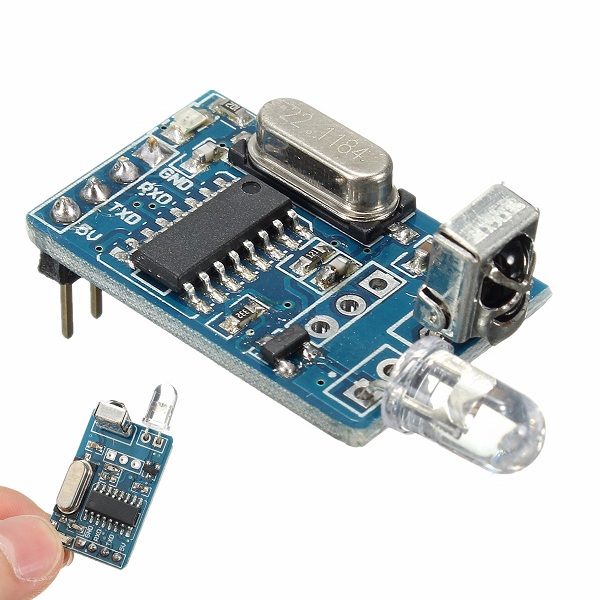
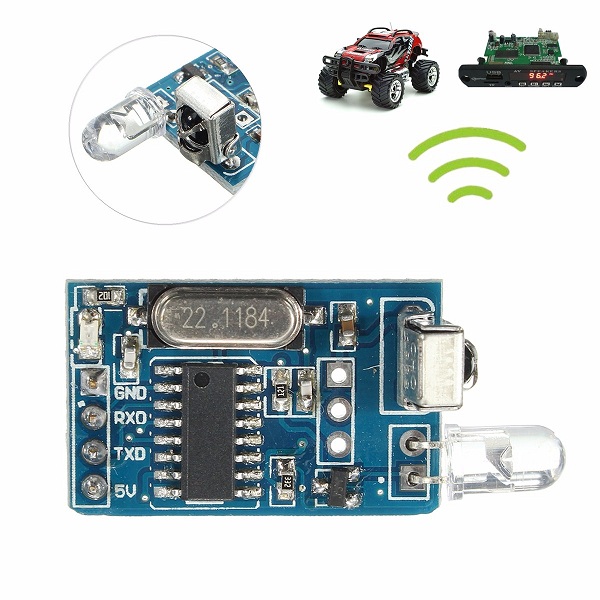
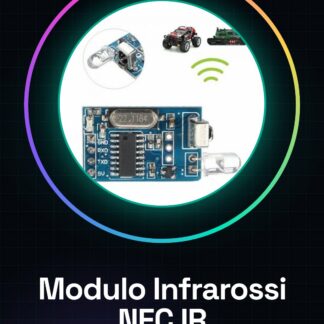
Infrared Modulo Transmitter and Receiver NEC IR Code Decoder Tutorial: How to Use NEC IR Modulo This infrared modulo NEC IR is ideal for anyone looking to create remote control devices or motion sensors. It is perfect for projects requiring IR signal decoding. What You Need Arduino Uno USB Connection from PC to Arduino Arduino IDE Installed Connect VCC to 5V of Arduino. Connect GND to one of the Arduino GND pins. Connect DATA (or OUT) to a digital pin of Arduino, such as pin 2. Open the Arduino IDE and upload the example sketch to decode IR signals. Verify data reception through Serial Monitor. Example Code: const int RECV_PIN = 2; IRrecv irrecv(RECV_PIN); decode_results results; void setup() { irrecv.enableIRIn(); // Start receiving IR signals } void loop() { if (irrecv.decode(&results)) { Serial.println(results.value, HEX); // Print the IR code value irrecv.resume(); } } Mini-Project: Create a home alarm system that sends an email when activated by an IR command. Common Errors: Connecting the module to the wrong pin. Not uploading the correct sketch. IR signals not received due to interference or distance. The remote device used does not emit the correct IR code. Recommended Accessories: Arduino Uno, ESP8266 Wi-Fi Module, AA Batteries for external power, PIR Motion Sensors. Frequently Asked Questions: How can I check if the module is receiving IR signals? Use Serial Monitor in Arduino IDE to view received data. What is the maximum operating distance of the module? Check the datasheet.
Reviews
There are no reviews yet.