 EN
 IT Italiano
 ES Español
 FR Français
 DE Deutsch
Description
What it is
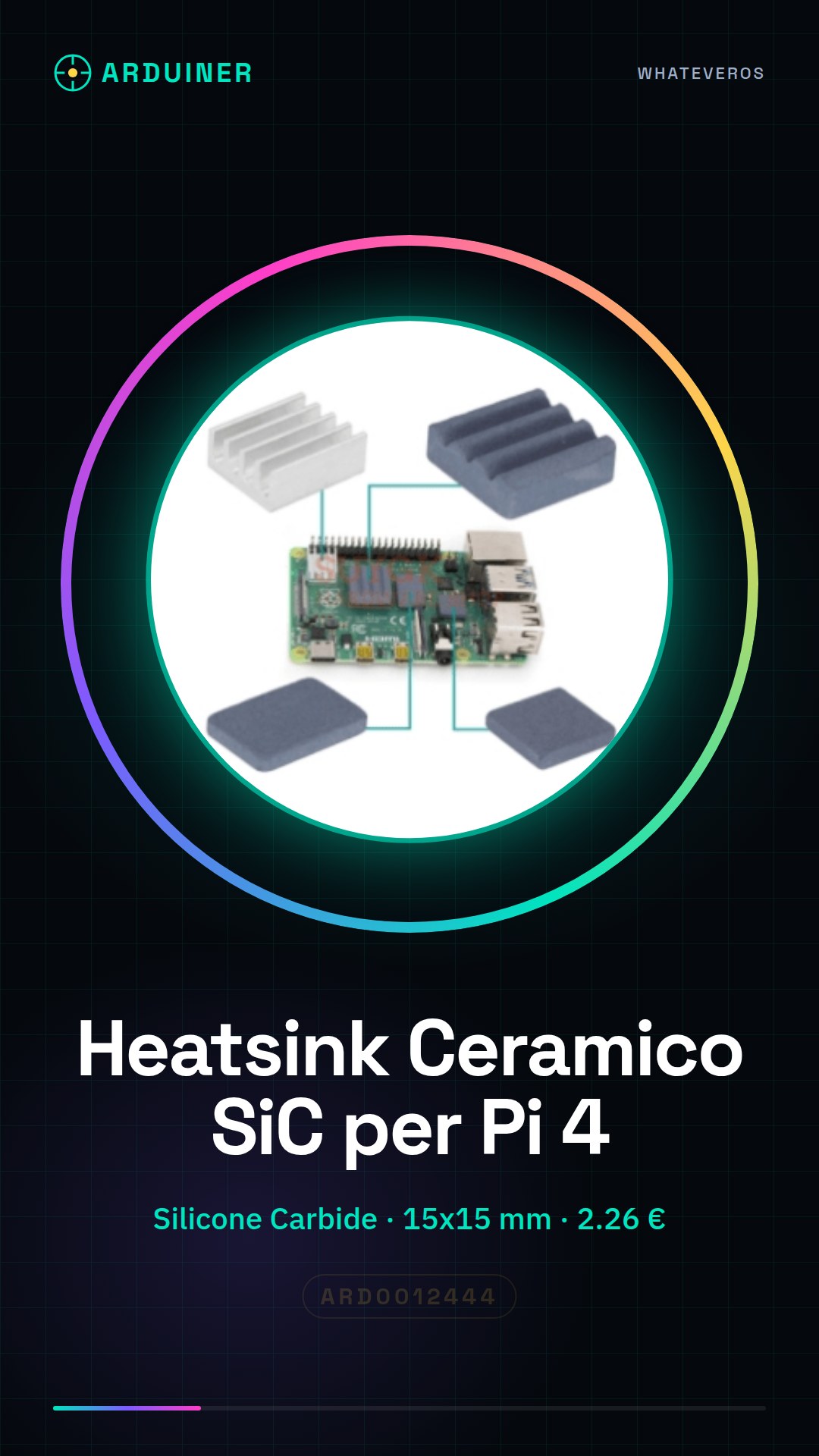
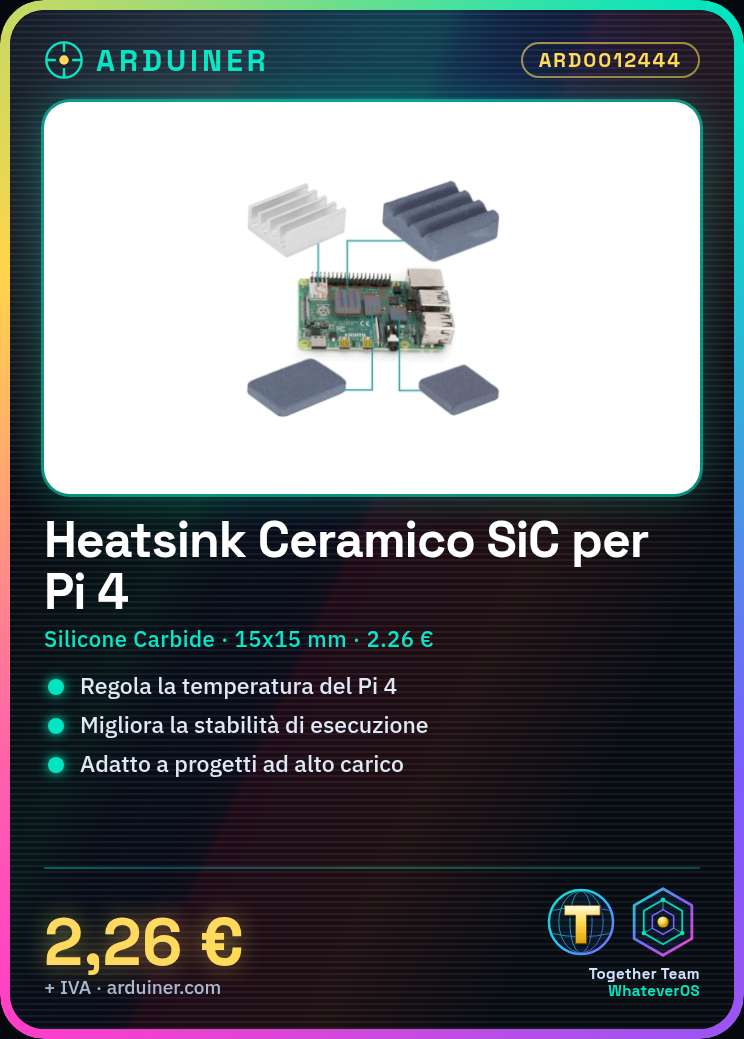
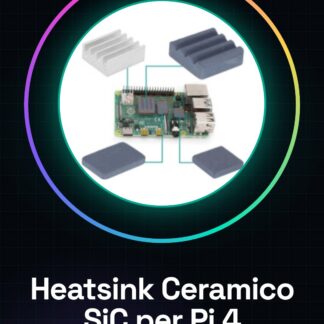
The Raspberry Pi 4 heatsink is an essential component for regulating the temperature of the device, improving its performance and stability. This ceramic silicone carbide heatsink is designed to reduce the heat generated by the Raspberry Pi 4, ensuring continuous use without overheating issues.
Features
- Materials: Ceramic silicone carbide
- Available sizes: 15*15, 14*14, 15*10, 10*10
- SKU: ARD0012444
- Price: 2.26 €
What it is for
Raspberry Pi 4 heatsinks are ideal for projects that require high computational load and for developers looking to improve the performance of their device. This component is compatible with the Raspberry Pi 4 and can be used to create real-time temperature monitoring systems.
Tutorial: How to use Ceramic Silicone Carbide Heatsink for Raspberry Pi 4
This silicone carbide ceramic heatsink is ideal for improving the cooling of your Raspberry Pi 4, reducing heat and increasing the stability and longevity of the device. It is suitable for makers and developers looking to enhance the performance of their Raspberry Pi.
What you need
- Raspberry Pi 4
- Silicone carbide ceramic heatsink
- No additional components required
Steps
- 1. Check the compatibility of the heatsink with your Raspberry Pi 4 version.
- 2. Completely shut down the Raspberry Pi 4.
- 3. Remove any existing heat sinks that are already installed.
- 4. Gently place the heatsink on the processor of the Raspberry Pi 4, ensuring a perfect fit.
- 5. Verify that the heatsink is securely attached and does not move.
- 6. Power on the Raspberry Pi 4 and monitor the temperature to ensure the heatsink is working correctly.
Mini project
Create a real-time temperature monitoring system with the Raspberry Pi 4 and its new ceramic silicone carbide heatsink.
Common mistakes
- Do not verify the heatsink compatibility before installation.
- Do not apply the silicone carbide correctly.
- Do not monitor the temperature after installation to check the cooling effectiveness.
Recommended accessories
- Ceramic Thermal Paste
- Thermal Camera
- Raspberry Pi Cases
- Temperature Sensor
Frequently asked questions
Does this guide apply to previous versions of the Raspberry Pi?
Check the datasheet for the specifications of your Raspberry Pi model.
How can I clean the heatsink?
Use a soft cloth and clean it gently.

Reviews
There are no reviews yet.