 EN
 IT Italiano
 ES Español
 FR Français
 DE Deutsch

Description
What it is
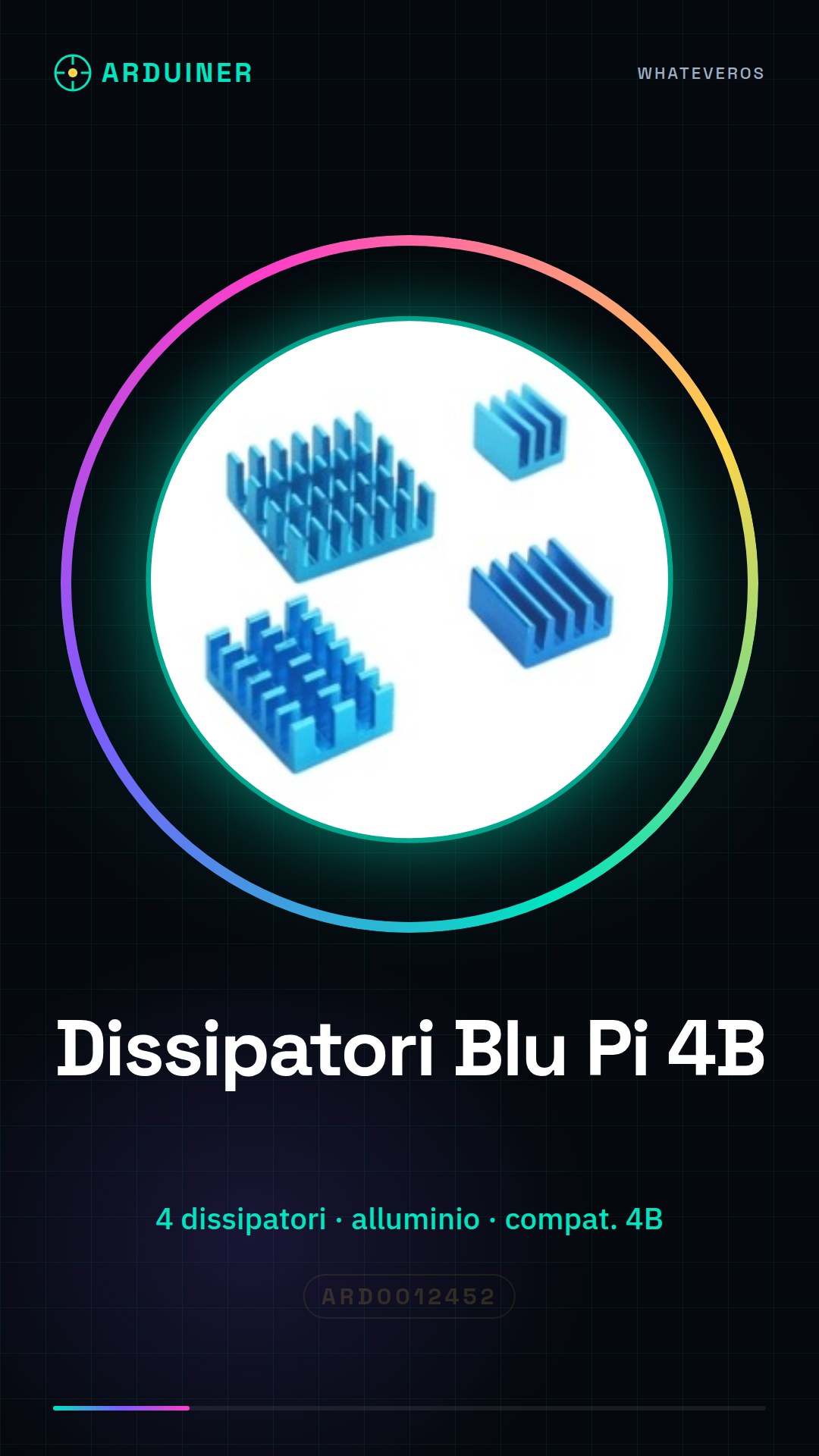
The Aluminum Heat Sink Kit for Raspberry Pi 4B is a set of 4 blue heat sinks designed to improve the cooling of the Raspberry Pi 4B. This kit is ideal for keeping the device’s temperature low, ensuring optimal performance and a long component lifespan.
Features
- Kit of 4 aluminum heat sinks
- Compatible with Raspberry Pi 4B
- Blue anodized
What it is for
Heat sinks are essential for reducing the temperature of the Raspberry Pi 4B during intensive use, ensuring optimal performance. This kit is ideal for projects that require real-time temperature monitoring, such as creating environmental monitoring systems or using OLED displays to show the temperature. Additionally, it is useful for 3D printing, drones, and other systems that require effective cooling.
Tutorial: How to Use Aluminum Heatsink Kits for Raspberry Pi 4B
Heat sinks are essential for keeping the temperature of your Raspberry Pi 4B low, ensuring optimal performance and long device life. This kit is ideal for beginner and intermediate makers who want to improve the cooling of their Raspberry Pi.
What you need
- Raspberry Pi 4B
- Aluminum Heatsink Kit for Raspberry Pi 4B
- Thermal paste
- Mounting tools (e.g., pliers)
- Fan (optional)
- Power Supply for Raspberry Pi
Steps
- Ensure that the Raspberry Pi 4B is turned off and disconnected from power.
- Apply a thin strip of thermal paste on the underside of the heat sink.
- Position the heat sink over the processor of the Raspberry Pi 4B, pressing gently to ensure good adhesion.
- If desired, connect a fan to the heat sink to improve heat dissipation.
- Check the fan connection (if present) and ensure the fan is functioning correctly.
- Reboot the Raspberry Pi 4B and monitor the temperature with tools like ‘vcgencmd measure_temp’.
- Verify that the heat sink and fan (if present) keep the Raspberry Pi 4B temperature within a safe range.
- If necessary, adjust the position of the heat sink or fan to achieve the best result.
Mini project
Create a real-time temperature monitoring system using the Raspberry Pi 4B and the heat sink. Insert an OLED display to show the real-time temperature.
Common mistakes
- Applying too much thermal paste can prevent good heat dissipation.
- Do not apply too little thermal paste, which can reduce the effectiveness of the heat sink.
- Position the heat sink improperly, limiting its effectiveness.
- Do not properly check the fan connection, if present.
Recommended accessories
- Thermal Paste Kit
- Raspberry Pi Fan
- OLED Display
- Electronic Connector Kit
Frequently asked questions
How many heat sinks are included in the kit?
The kit contains 4 heat sinks.
Can I use these heat sinks with other Raspberry Pi models?
Check the datasheet to ensure the heat sink is compatible with your Raspberry Pi model.
Do I need a fan to get the most benefit?
A fan can further improve cooling, but it is not necessary for the use of the heat sink.


Reviews
There are no reviews yet.