 EN
 IT Italiano
 ES Español
 FR Français
 DE Deutsch
Description
What it is
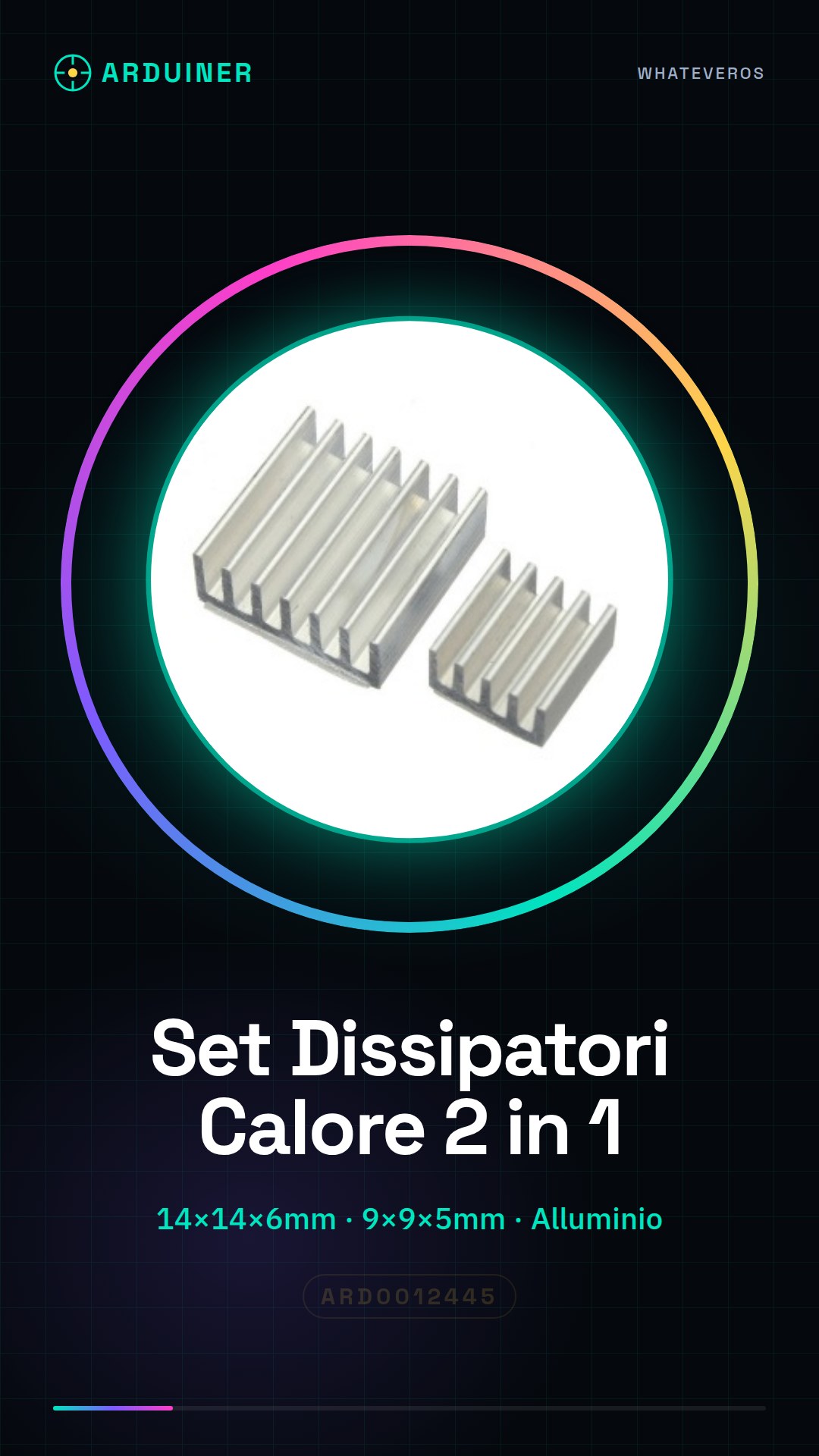
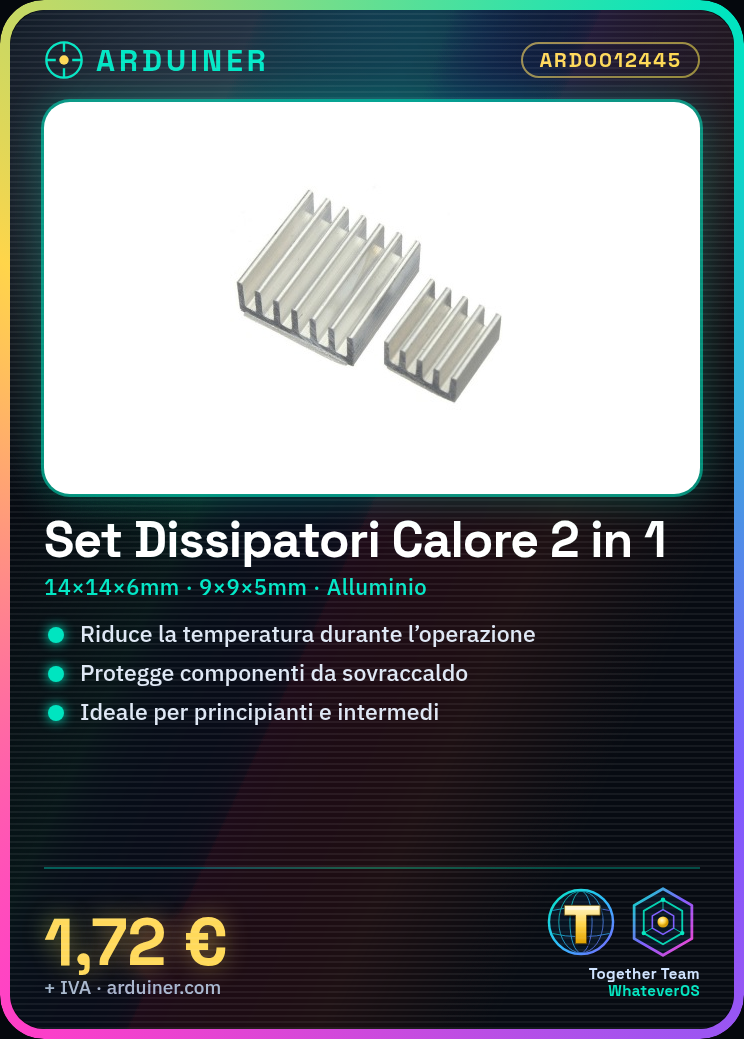
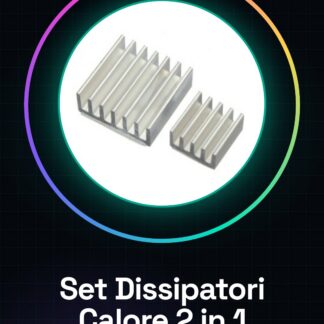
The 2-in-1 Heat Sink Set includes two heat sinks made of aluminum, designed to reduce the temperature of electronic components during operation.
Features
- 1 heat sink 14 * 14 * 6mm in aluminum
- 1 heat sink 9 * 9 * 5mm in aluminum
What it is for
Heat sinks are essential for protecting electronic components from overheating, ensuring safe and efficient operation. Ideal for beginners and intermediates, these heat sinks are useful for Arduino projects, electronic circuits, and 3D printing.
Tutorial: How to use 2-in-1 Heat Sink Set
Heat sinks are essential for keeping electronic components at safe temperatures. Useful for beginners and intermediates, these heat sinks protect your projects from overheating.
What you need
- 2-in-1 Heat Sink Set
- Electronic components to dissipate
- Metallic solder
- Fuses (optional)
Steps
- 1. Check the specifications on the electronic component’s datasheet.
- 2. Select the larger heat sink (14 * 14 * 6mm) for warmer components.
- 3. Select the smaller heat sink (9 * 9 * 5mm) for cooler components.
- 4. Clean the contact surfaces with a camel hair brush.
- 5. Apply a small amount of thermal paste to the electronic component.
- 6. Place the electronic component on the surface of the heat sink.
- 7. Use metallic solder to secure the component to the heat sink.
- 8. Check the position and contact between the component and the heat sink.
- 9. (Optional) Install a fuse for protection in case of a short circuit.
Mini project
Build a small circuit with a temperature sensor and an LED. Connect the sensor to the microcontroller and configure the code to control the LED brightness based on the temperature.
Common mistakes
- Do not use corrosive thermal paste.
- Ensure perfect contact between components and heat sink.
- Do not exceed the recommended maximum weight for the heat sink.
- Check the maximum current of the heat sink.
Recommended accessories
- Silk-pen
- Thermal paste
- Metallic solder
- Fuse
Frequently asked questions
Can I use these heat sinks for all electronic components?
Check the component’s datasheet for safety.
How much weight can the heat sinks support?
Check the heat sink’s datasheet for the maximum allowed weight.
Can I use corrosive thermal paste?
No, use only non-corrosive thermal paste.
How can I verify if the contact between component and heat sink is perfect?
Apply a small amount of thermal paste and check the distribution after installation.
Reviews
There are no reviews yet.