 EN
 IT Italiano
 ES Español
 FR Français
 DE Deutsch
Description
What it is
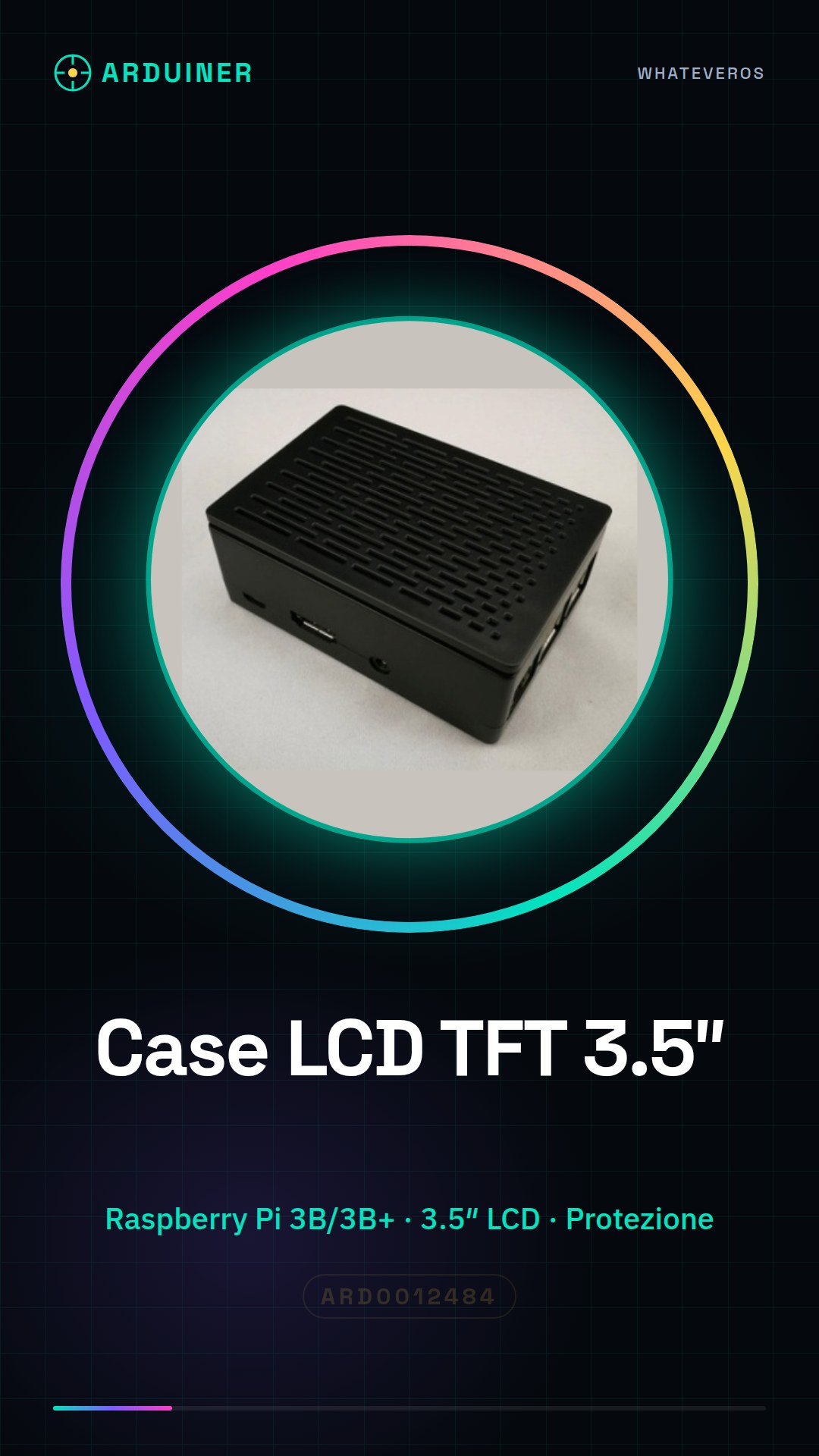
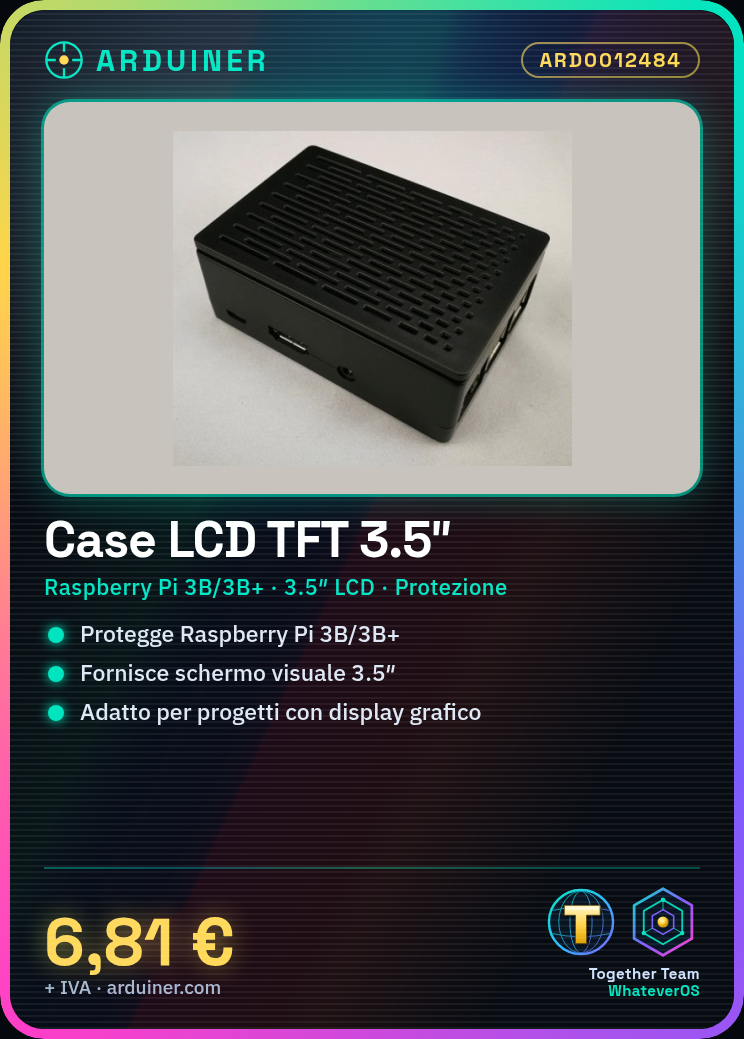
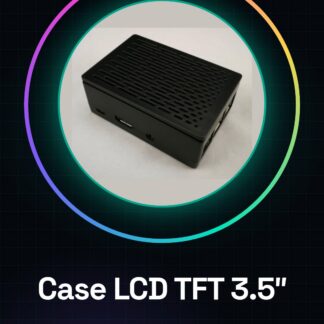
This 3.5″ LCD case is designed for Raspberry Pi 3B and 3B+, providing protection and a visual display for projects requiring a graphical display.
Features
- Compatible with Raspberry Pi 3B/3B+
- Screen size: 3.5″
- Protects the Raspberry Pi 3B/3B+
- Allows the use of a graphical display
What it is for
Ideally suited for projects requiring a graphical display, such as digital stopwatches, system controls, and more. Useful for makers and designers who want to integrate an LCD display into their Raspberry Pi solution.
Tutorial: How to use Raspberry PI 3B/3B+ LCD TFT 3.5 inch Cases
This 3.5″ LCD TFT case protects the Raspberry Pi 3B/3B+ and offers a visual display. Useful for projects requiring a graphical display.
What you need
- Raspberry Pi 3B/3B+
- HDMI cable
- Power supply cable
- MicroSD with operating system
- Single installation cycle
Steps
- 1. Connect the Raspberry Pi 3B/3B+ to the LCD case.
- 2. Connect to the Raspberry Pi via SSH or graphical interface.
- 3. Install an operating system such as Raspbian.
- 4. Connect the Raspberry Pi to the LCD display via the HDMI cable.
- 5. Start the Raspberry Pi and access the main menu of the display.
- 6. Configure the screen resolution in the configuration menu.
- 7. Test the functionality of the screen with a sample application.
- 8. Customize the screen with your programs and applications.
Mini project
Create a simple digital stopwatch on Raspberry Pi 3B/3B+ with graphical interface on LCD.
Common mistakes
- Do not connect the Raspberry Pi to the LCD display correctly.
- Do not set the screen resolution correctly.
- Do not install a compatible operating system.
- Do not configure the display settings correctly.
Recommended accessories
- MicroSD with operating system
- HDMI cable
- Power supply cable
- Display configuration software
Frequently asked questions
How to set the screen resolution?
Access the configuration menu and select ‘Display Configuration’.
Which operating systems work with this case?
Raspbian and other Raspberry Pi compatible operating systems.
Does the LCD case protect the Raspberry Pi?
Yes, it provides physical protection to the Raspberry Pi.
Can I use this case with other LCD displays?
Check the datasheet to see if the case is compatible with other displays.
Reviews
There are no reviews yet.