 EN
 IT Italiano
 ES Español
 FR Français
 DE Deutsch
Description
What it is
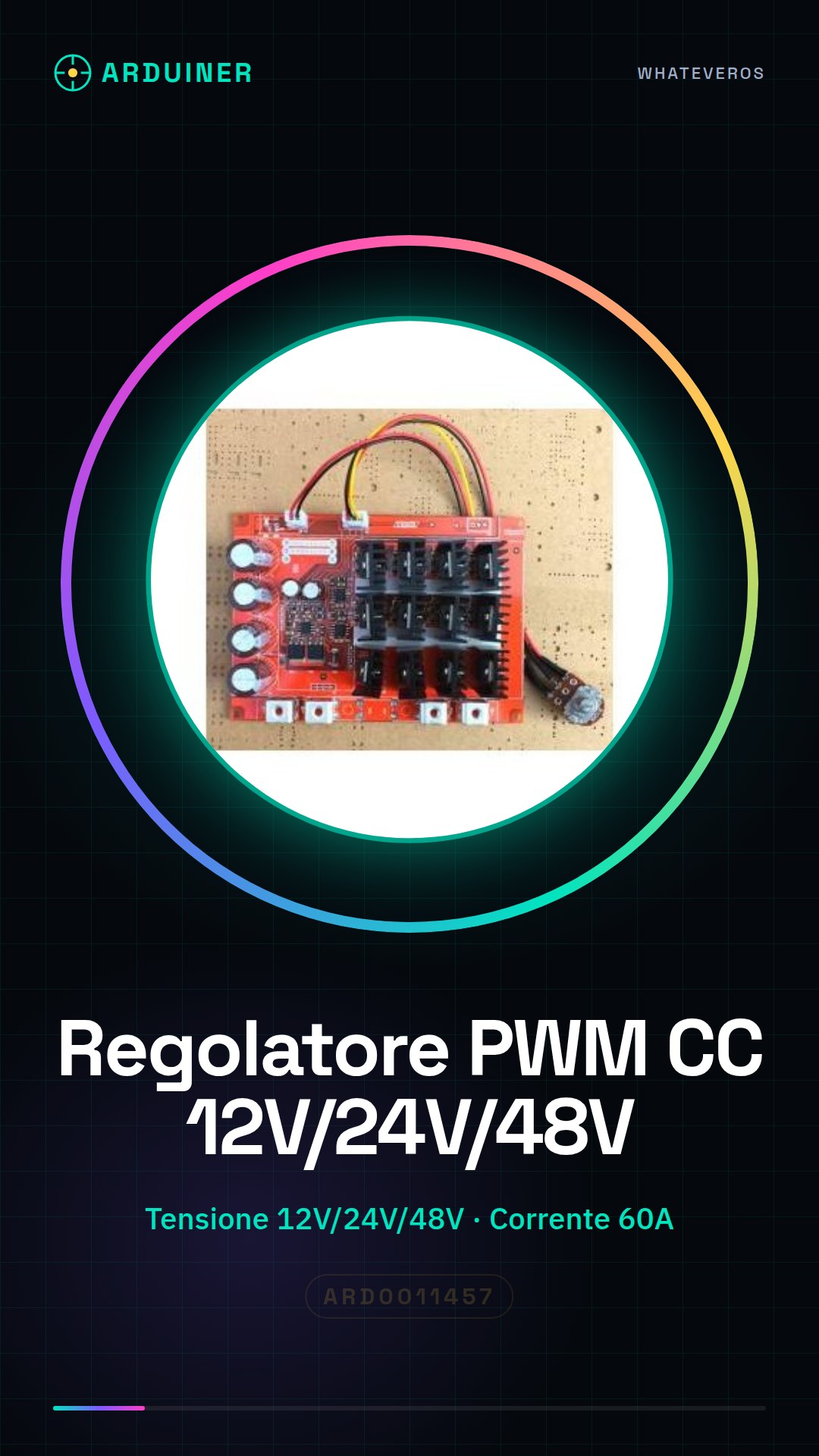
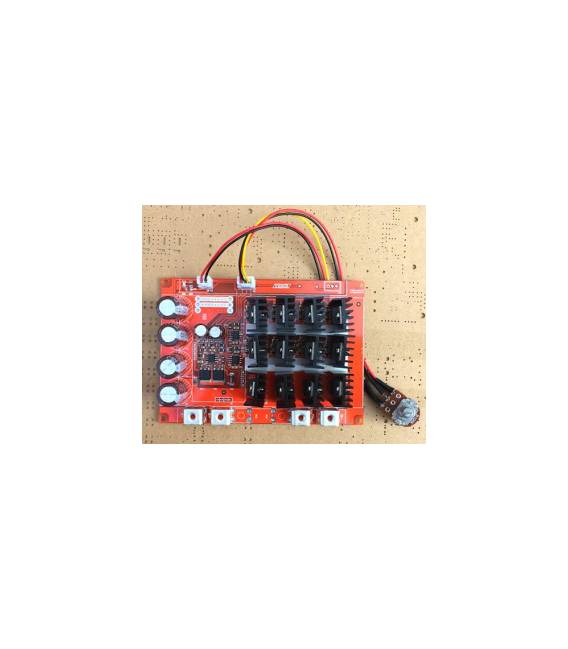
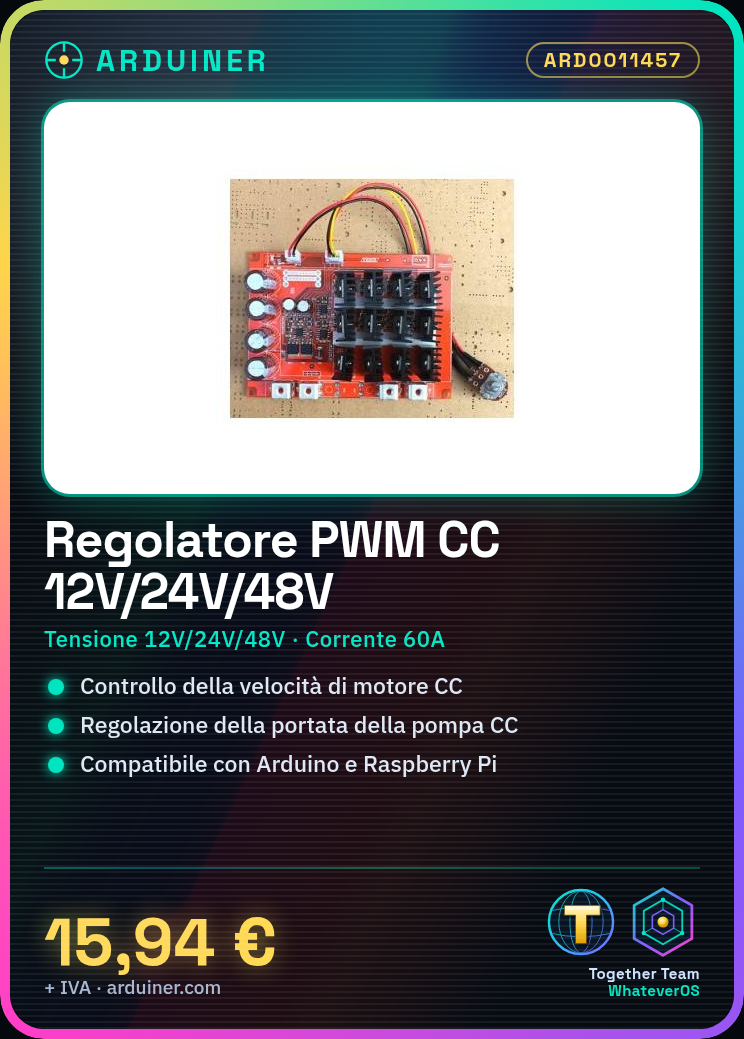
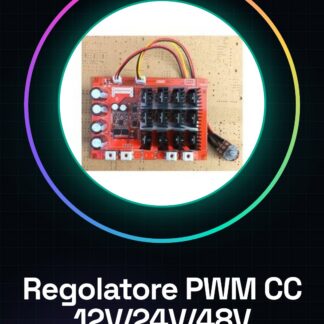
The PWM Regulator is an electronic component that allows controlling the current intensity supplied to a DC motor or pump. By using a PWM signal (Pulse Width Modulation), the regulator varies the duration of electrical impulses, thus modifying the power delivered to the connected device.
Features
- Input Voltage: 12V / 24V / 48V
- Maximum Current: 60A
- Maximum Power: 3KW
- Output Type: PWM
What it is for
The PWM regulator is ideal for controlling the speed of DC motors and the flow of pumps. It can be used in a wide range of applications, such as automatic irrigation systems, robots, electric motor vehicles, and much more. Its compatibility with Arduino and Raspberry Pi makes it easy to integrate into automation projects.
Tutorial: How to Use PWM Regulator for DC Motor and Pump
The PWM controller is a crucial component for controlling the power supply to 12V, 24V, or 48V DC pumps and motors. This device allows beginner and intermediate makers to manage the energy flow with precision.
What you need
- Arduino Uno
- DC power connections
- Temperature sensors (optional)
- USB cable
Steps
- Connect the DC power supply to the PWM controller, verifying the correct voltage (12V, 24V, or 48V).
- Connect the PWM controller to the Arduino Uno following the datasheet specifications.
- Write an Arduino sketch to send PWM signals to the controller.
- Configure the maximum current limits (60A) and power (3KW) in the code.
- Test the system with a light DC motor or pump.
- Monitor the temperature of the PWM controller during use if necessary.
- Adjust the current and voltage parameters based on specific requirements.
- Implement additional sensors for advanced control (optional).
Example code
void setup() {
  pinMode(9, OUTPUT);
}

void loop() {
  analogWrite(9, 128); // Imposta un livello PWM intermedio.
}
Mini project
Create a CC pump controlled by Arduino for an automatic irrigation system.
Common mistakes
- Do not verify voltage compatibility with the PWM regulator.
- Omit current and power limits in the Arduino code.
- Ignore the importance of cooling during prolonged use.
- Use unsuitable connectors for CC power supply.
Recommended accessories
- Temperature sensors (SKU: ARD0012345)
- XLR connection for CC power supplies (SKU: ARD0016789)
- Electrical protection kit (SKU: ARD0013210)
Frequently asked questions
Can it regulate the speed of a DC motor?
Yes, PWM can be used to regulate the speed of DC motors.
How can I monitor the temperature of the PWM regulator?
Use temperature sensors connected to the Arduino and monitor the data in the Arduino software.
What is the maximum allowed consumption?
Check the datasheet to determine the exact value, but do not exceed 60A or 3KW without additional protection.



Reviews
There are no reviews yet.