 EN
 IT Italiano
 ES Español
 FR Français
 DE Deutsch
Description
What it is
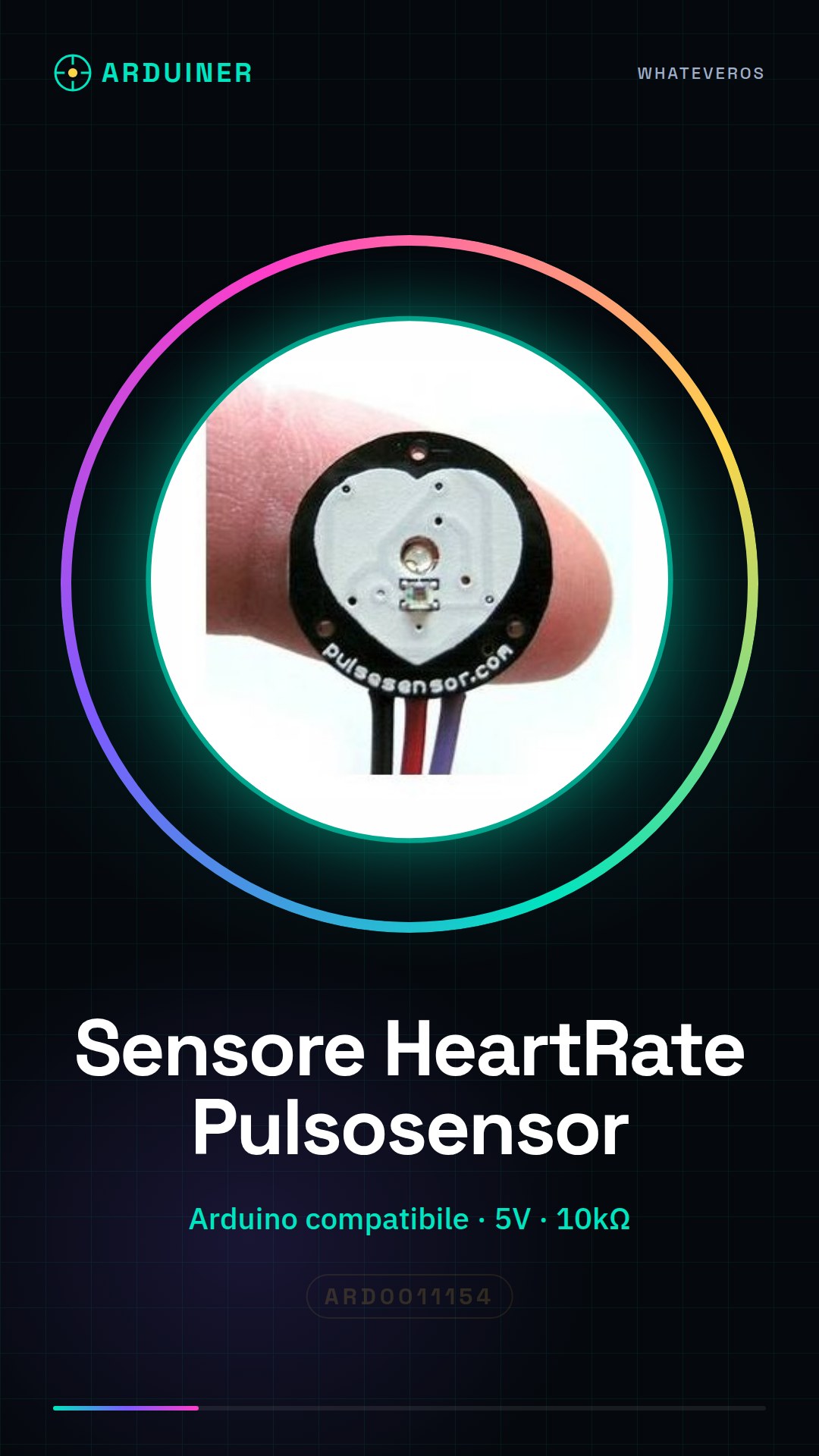
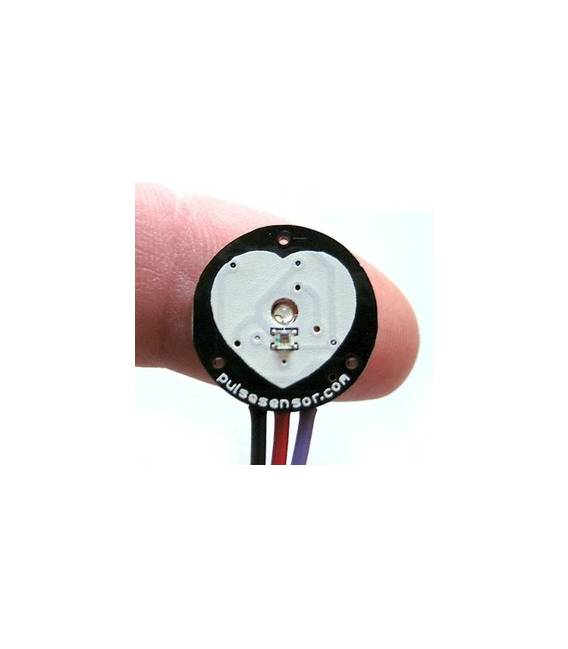
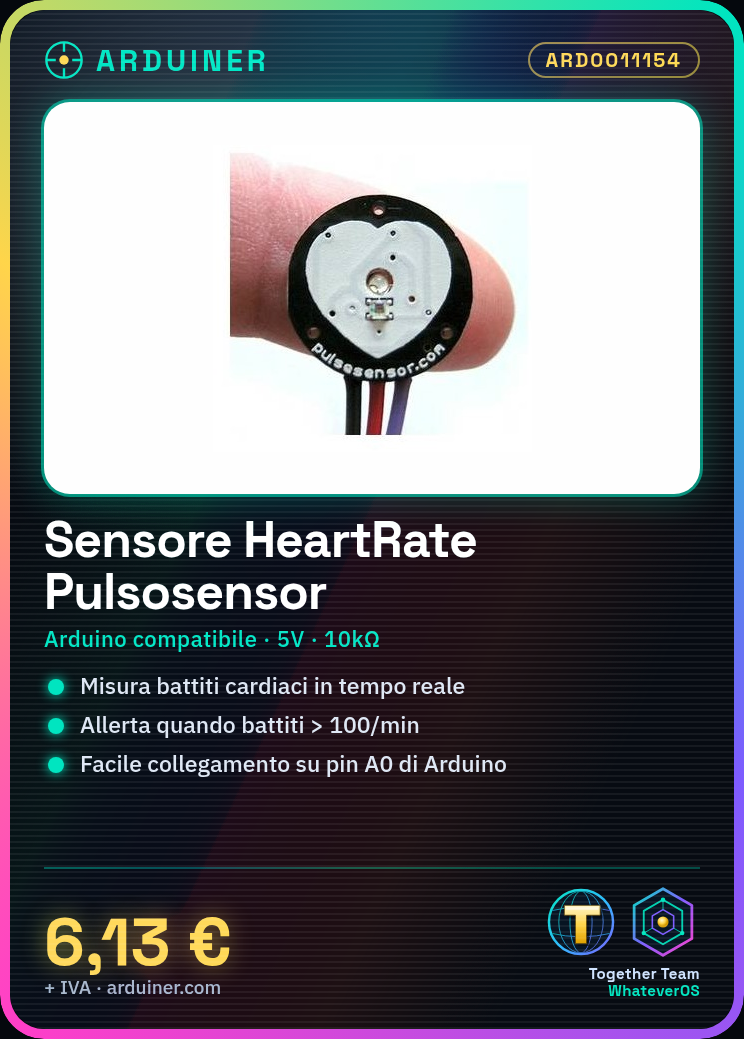
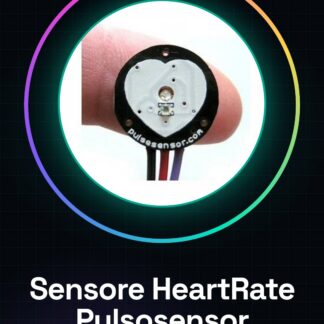
The PulseSensor Heart Rate Impulse Sensor Module for Arduino is an electronic component designed to measure human heart rate.
Features
- Compatible with Arduino
- Sensor Type: Impulse
- SKU: ARD0011154
- Price: 6.13 €
- Availability: Pre-order
What it is for
The PulseSensor can be used in wellness and fitness monitoring projects. Example use: create an alarm when heart rate exceeds 100 beats per minute.
Tutorial: How to use the PulseSensor
The PulseSensor is an impulse heart rate sensor for Arduino. Useful for wellness and fitness monitoring projects.
What you need
- Arduino UNO or compatible
- PulseSensor
- 10kΩ Resistor
- 5V Power Cable
- Jumper Wire
Steps
- 1. Connect the PulseSensor to pin A0 of Arduino with a jumper wire.
- 2. Connect the 10kΩ resistor between VCC and GND of the PulseSensor.
- 3. Connect VCC of the PulseSensor to 5V of Arduino.
- 4. Connect GND of PulseSensor to GND of Arduino.
- 5. Upload the following code to Arduino.
- 6. Display heart rate on the serial monitor.
- 7. Check the datasheet for further details.
- 8. Try moving your hand near the sensor to see changes.
Example code
```
int sensorPin = A0;
void setup() {
  Serial.begin(9600);
}
void loop() {
  int sensorValue = analogRead(sensorPin);
  Serial.println(sensorValue);
  delay(100);
}
```
Mini project
Create an alarm signal when heart rate exceeds 100 beats per minute.
Common mistakes
- Make sure the PulseSensor is properly connected.
- Check the 10kΩ resistor.
- Verify the correct configuration of analog pins.
- Ensure the power supply is stable.
Recommended accessories
- Arduino UNO
- 10kΩ resistor
- LCD display
- Buzzer
Frequently asked questions
Does the PulseSensor work with Arduino Nano?
Yes, it works with Arduino Nano or compatible.
What are the minimum power supply requirements?
The PulseSensor requires 5V power supply.
Can I use another resistor?
Check the datasheet for compatible resistors.



Reviews
There are no reviews yet.