 EN
 IT Italiano
 ES Español
 FR Français
 DE Deutsch
Description
What it is
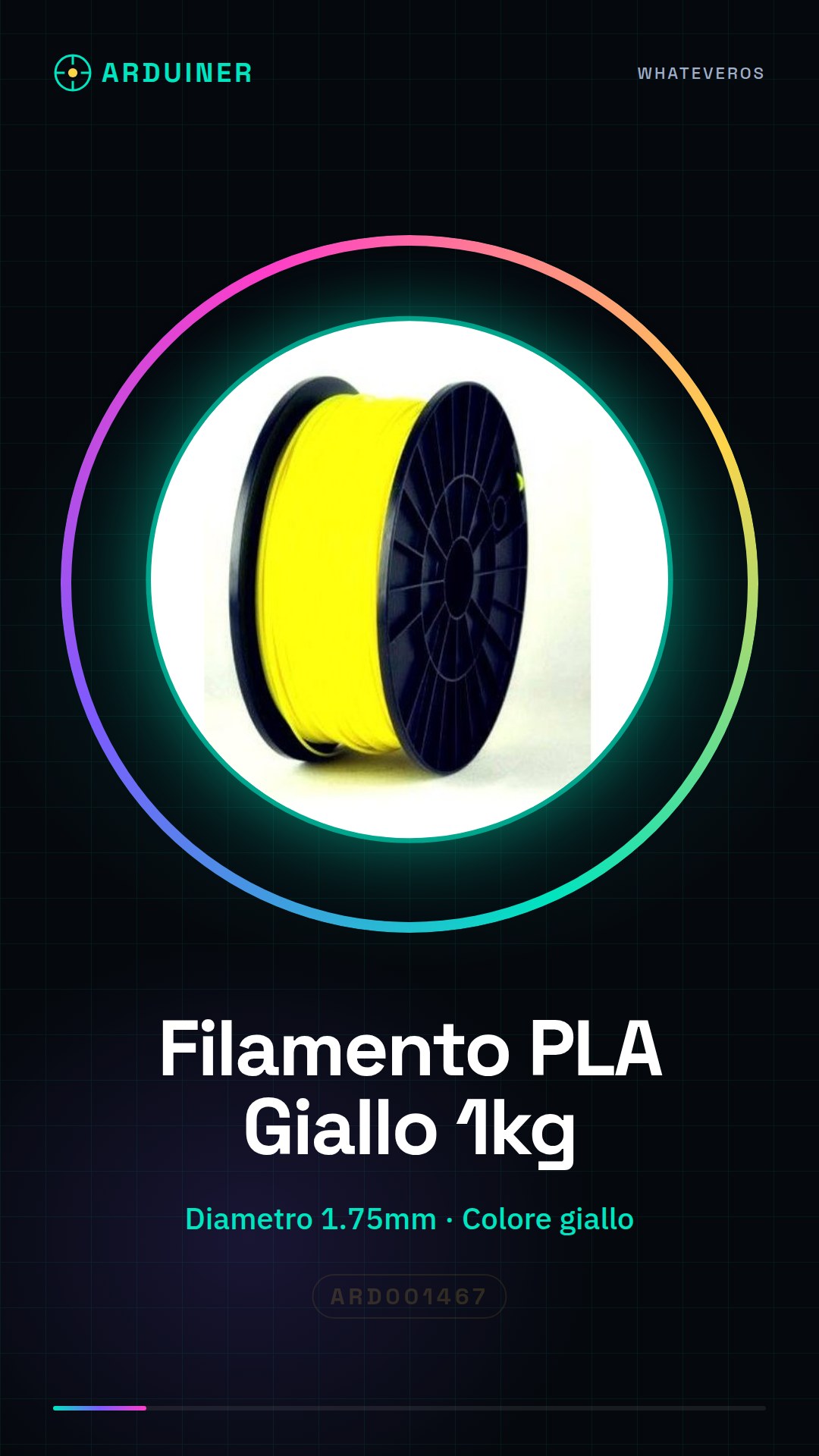
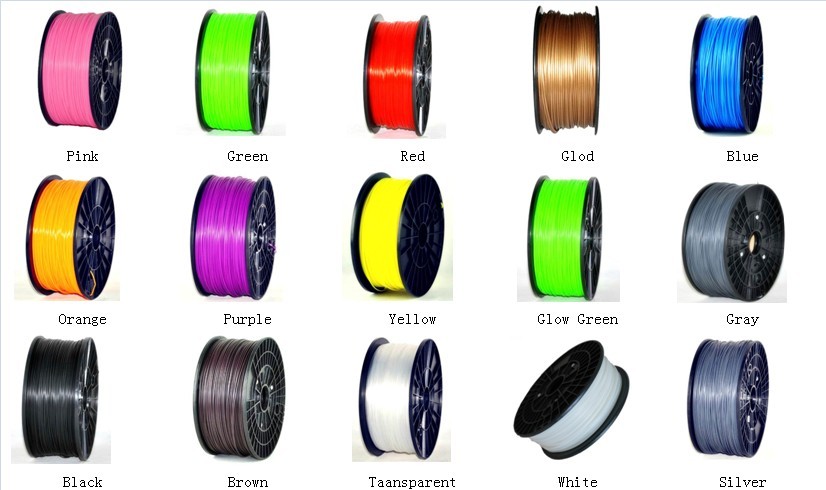
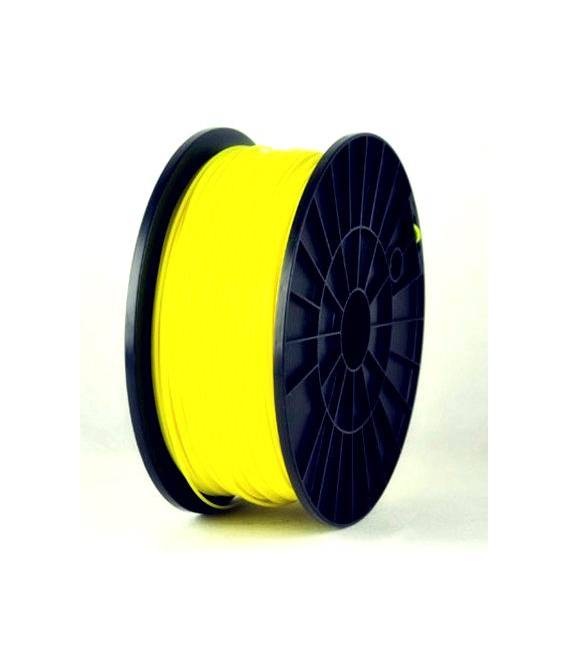
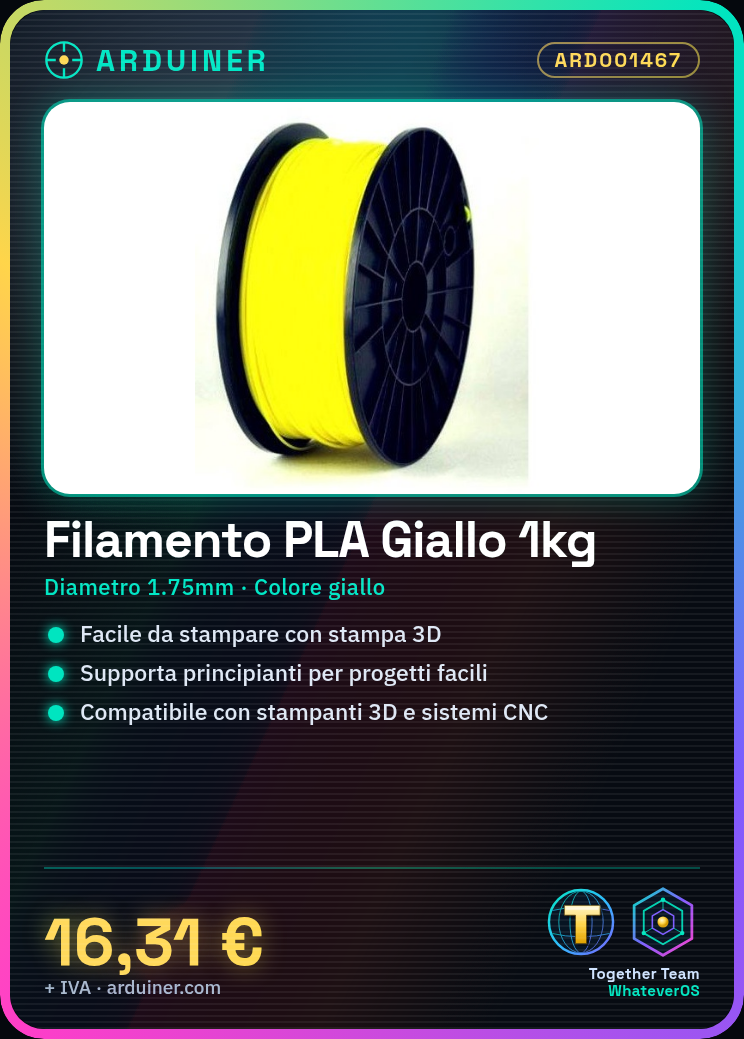
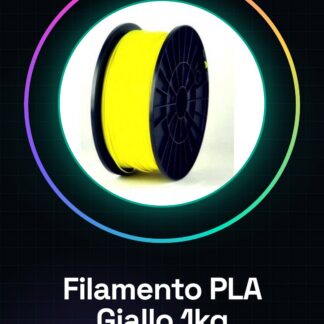
High-quality yellow PLA filament is an essential consumable for 3D printers and CNC systems. With a quantity of 1kg, this filament offers the right combination of ease of use and durability for creative projects.
Features
- Filament Type: PLA
- Melting Temperature: check datasheet
- Filament Diameter: 1.75mm
- Net Weight: 1kg
- Color: yellow
What it is for
Beginners in 3D printing will find this filament ideal for simple projects such as creating custom containers or organizational spaces. It is compatible with a wide range of 3D printers and CNC systems.
Tutorial: How to Use Yellow PLA Filament 1.75mm
PLA filament is ideal for beginners in 3D printing due to its ease of use and low cost. This article will guide you through the process of preparing yellow PLA filament for use with your 3D printer.
What you need
- 3D Printer
- PLA Filament 1kg Yellow ARD001467
- Filament feed column
Steps
- Ensure your cart is clean and free of debris.
- Install the filament spool in the 3d printer’s filament feed column, ensuring that the yellow PLA filament is fed correctly to the extruder.
- Open an STL or G-code file in software like Cura or PrusaSlicer to prepare for printing.
- Set the file configuration preferences, such as exterior temperature (check the datasheet), chamber temperature, and push speed.
- Start the printing process by pressing ‘Print’ in the software. Monitor the progress to ensure everything is proceeding as expected.
- Once the print is complete, carefully remove the object from the printer’s bed.
- Check the integrity of the object and apply any necessary finishes if needed.
Mini project
Print a simple container for small personal items, such as a jewelry box or desk organizer space.
Common mistakes
- Filament jammed in the exterior of the printer
- Too low heat causing adhesion issues
- Too high heat damaging the filament
Recommended accessories
- Feeder column for PLA filament
- Anti-slip print bed
- 3D printer cleaning and maintenance kit
- Repair filament
Frequently asked questions
My filament is tangling in the feeder column.
Check that the filament is properly inserted without folds or knots.
How can I reduce warping during printing?
Slightly increase the exterior temperature and ensure the environment around the printer is stable.
Reviews
There are no reviews yet.