 EN
 IT Italiano
 ES Español
 FR Français
 DE Deutsch
Description
What it is
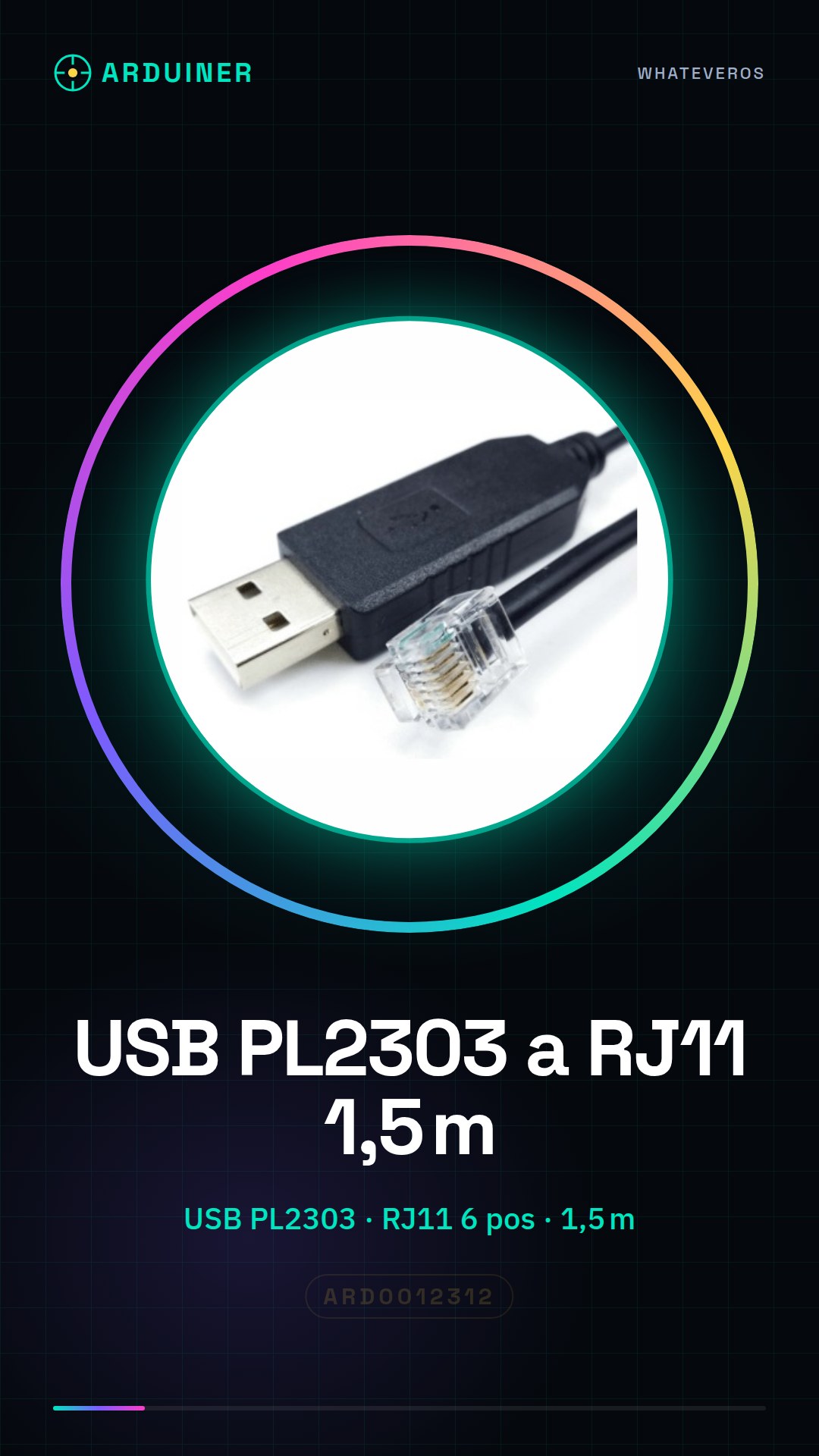
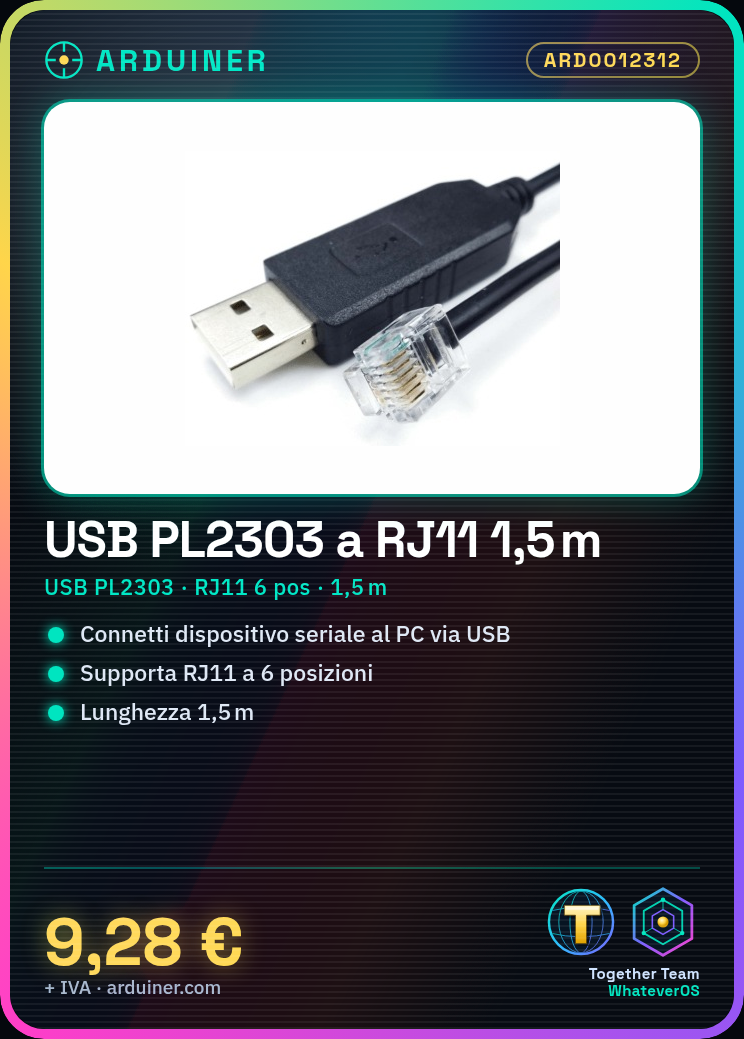
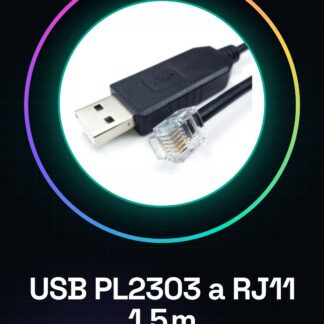
The PL2303 USB to RJ11 6P cable of 1.5 meters is a connection device that allows you to easily connect serial devices to a computer via USB. This converter is ideal for projects that require serial communication between a microcontroller and a computer.
Features
- PL2303 USB Plug
- 6-position RJ11 Cable
- Cable Length: 1.5 meters
- SKU: ARD0012312
What it is for
This cable is useful for those working with microcontrollers and serial devices, such as Arduino or ESP. You can use it to create simple circuits that send data to the computer when a button is pressed. It is compatible with various electronics and programming projects.
Tutorial: How to Use PL2303 USB to RJ11 Cable Converter
This converter allows you to connect a serial device to a computer via USB. Useful for those working with microcontrollers and serial devices.
What you need
- PL2303 USB to RJ11 6P cable 1.5M
- PC or laptop with USB
- Serial device (e.g., Arduino)
Steps
- 1. Connect the RJ11 cable to the serial device.
- 2. Plug the other end of the USB cable into your PC.
- 3. Start the serial software on your PC.
- 4. Configure the serial port in the serial software.
- 5. Load the Arduino code to send messages.
- 6. Check the datasheet for the communication speed.
- 7. Send messages from the serial device.
- 8. Verify message reception on the PC.
Example code
Serial.begin(9600); Serial.println("Ciao, mondo!");Mini project
Create a simple circuit with an LED and a button. Connect the button to the microcontroller and send messages when the button is pressed.
Common mistakes
- Fail to configure the serial port correctly.
- Forget to check the communication speed.
- Incorrectly connect the RJ11 cable pins.
Recommended accessories
- Arduino
- LED
- Button
- Resistor
Frequently asked questions
How to configure the serial port?
Open the serial software, go to ‘Port’ and select the correct USB port.
Which pins to use on the microcontroller?
Use the digital pins for the button and the LED.
Why doesn’t the communication work?
Check the serial port configuration and the correct pin connections.
Does the USB cable have a length limit?
The USB cable has a maximum length limit of 5 meters.
Reviews
There are no reviews yet.