 EN
 IT Italiano
 ES Español
 FR Français
 DE Deutsch
Description
What it is
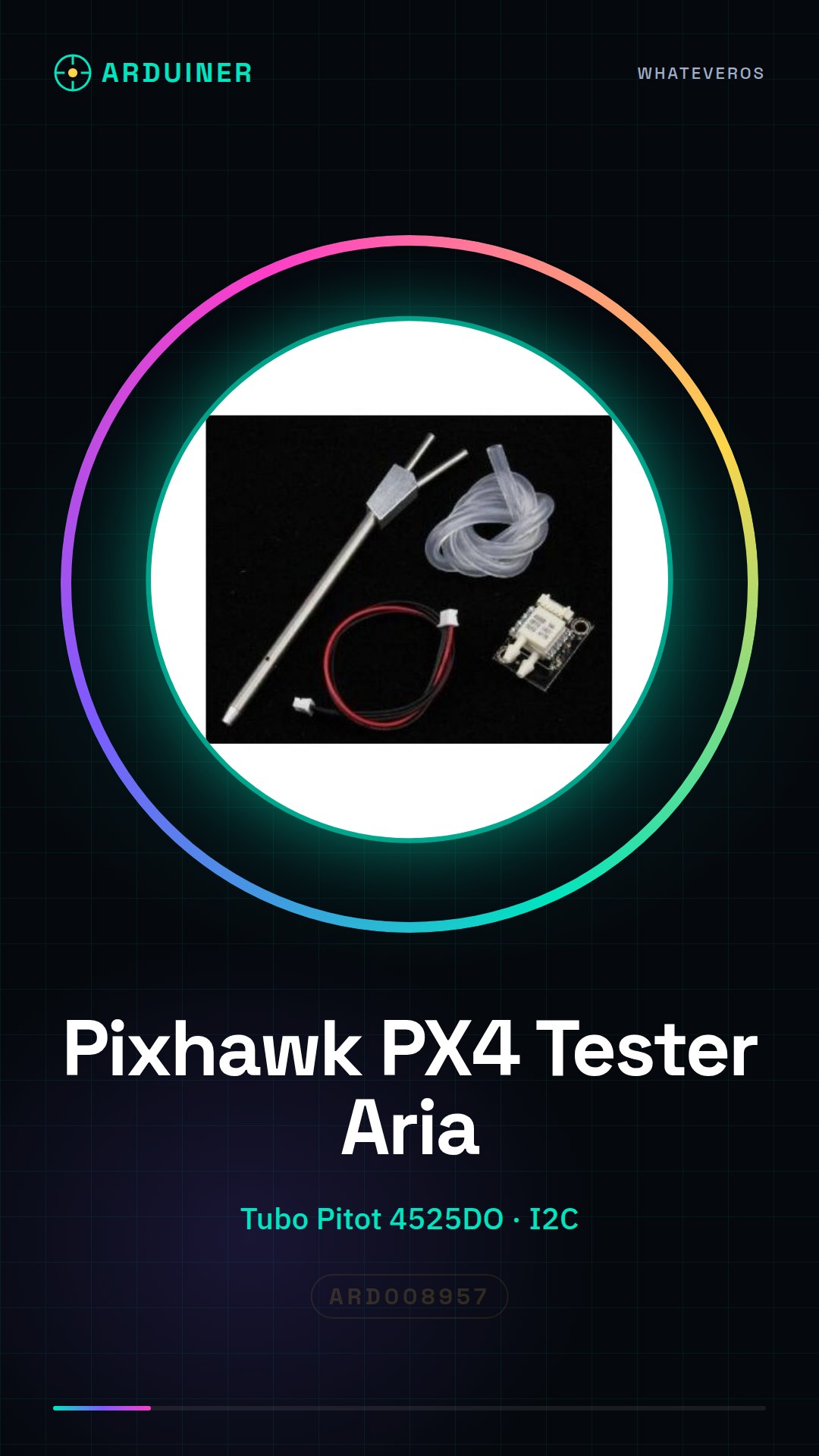
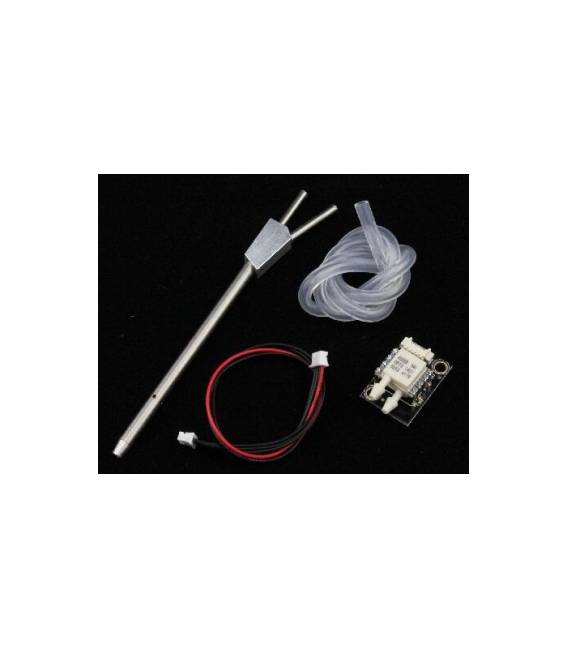
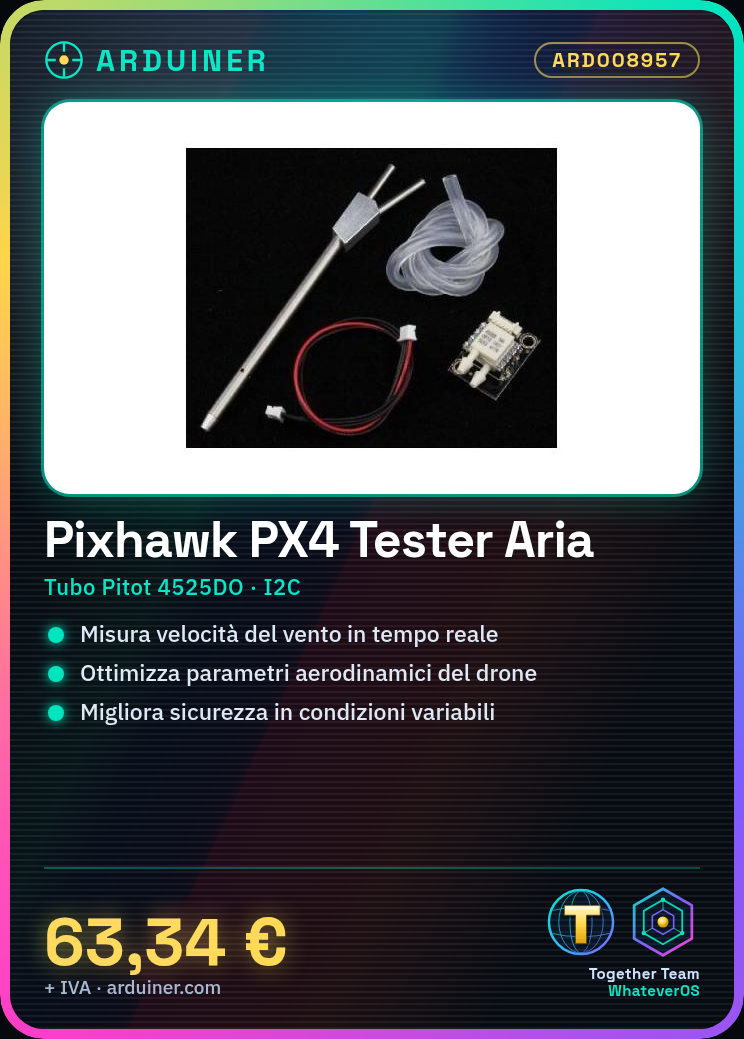
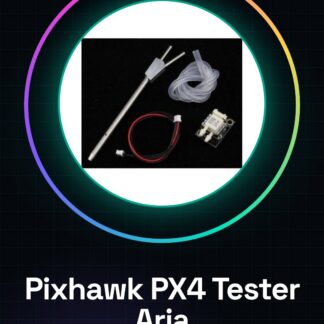
The Pixhawk PX4 Air Speed Tester is an essential device for drone pilots and developers who want to precisely monitor wind speed during flight. This tool allows you to optimize the aerodynamic performance of your drones.
Features
- Pitot Tube 4525DO Digital
- Differential Pressure Sensor
- I2C Communication
- Suitable for use with Pixhawk using PX4 firmware
What it is for
This tester is ideal for beginner and intermediate makers who are building or modifying Pixhawk-based drones. It allows you to optimize aerodynamic parameters, improve safety in varying atmospheric conditions, and precisely monitor drone performance during flight.
Tutorial: How to Use Pixhawk PX4 Air Speed Tester
The Pixhawk PX4 air speed tester is an essential tool for drone pilots and developers who want to precisely monitor wind speed during flight. This device allows for optimizing drone performance and enhancing safety in varying atmospheric conditions. This component is ideal for beginner and intermediate makers building or modifying Pixhawk PX4-based drones.
What you need
- Drone with Pixhawk PX4 system
- USB to micro-USB connection
- Configuration software
Steps
- Check the tester’s compatibility with your Pixhawk PX4 drone.
- Connect the tester to the drone’s micro-USB port using a USB cable.
- Install the configuration software on your computer and connect it to the drone via USB.
- Configure the tester settings in the software, referring to the datasheet if necessary.
- Start data transmission from the tester to the Pixhawk PX4 system.
- Monitor real-time data through the Pixhawk PX4 configuration software.
- Analyze the collected data to optimize drone performance.
- Disconnect the tester properly by following the instructions in the datasheet.
Mini project
Project: Create an airspeed monitoring system to improve safety during night flights.
Common mistakes
- Do not verify the tester’s compatibility with your own drone.
- Do not configure settings correctly in the software.
- Ignore the analysis of data collected by the tester.
- Disconnect the tester without following the appropriate disconnection steps.
Recommended accessories
- Micro-USB USB cable
- Pixhawk PX4 configuration software
- Drone with Pixhawk PX4 system
- GPS antenna to improve flight accuracy
Frequently asked questions
How can I verify if my drone is compatible?
Check your drone’s technical specifications and verify that it is equipped with a Pixhawk PX4 system.
What data can I monitor with this tester?
You can monitor air speed, altitude, and other important meteorological variables for drone flight.
Reviews
There are no reviews yet.