 EN
 IT Italiano
 ES Español
 FR Français
 DE Deutsch
Description
What it is
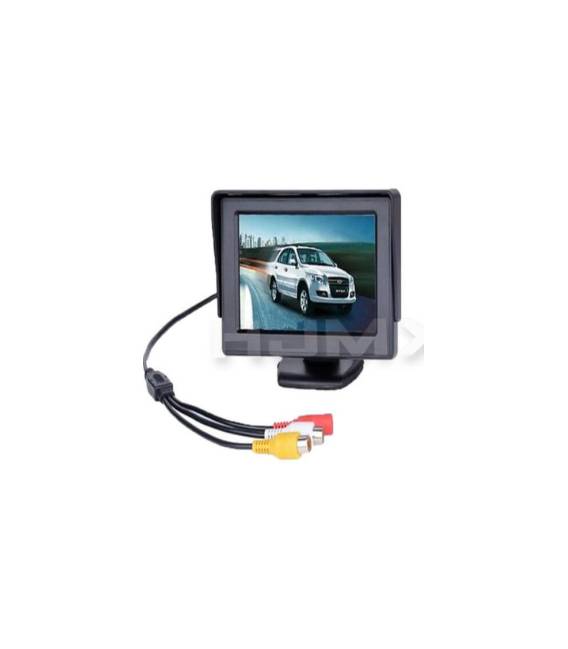
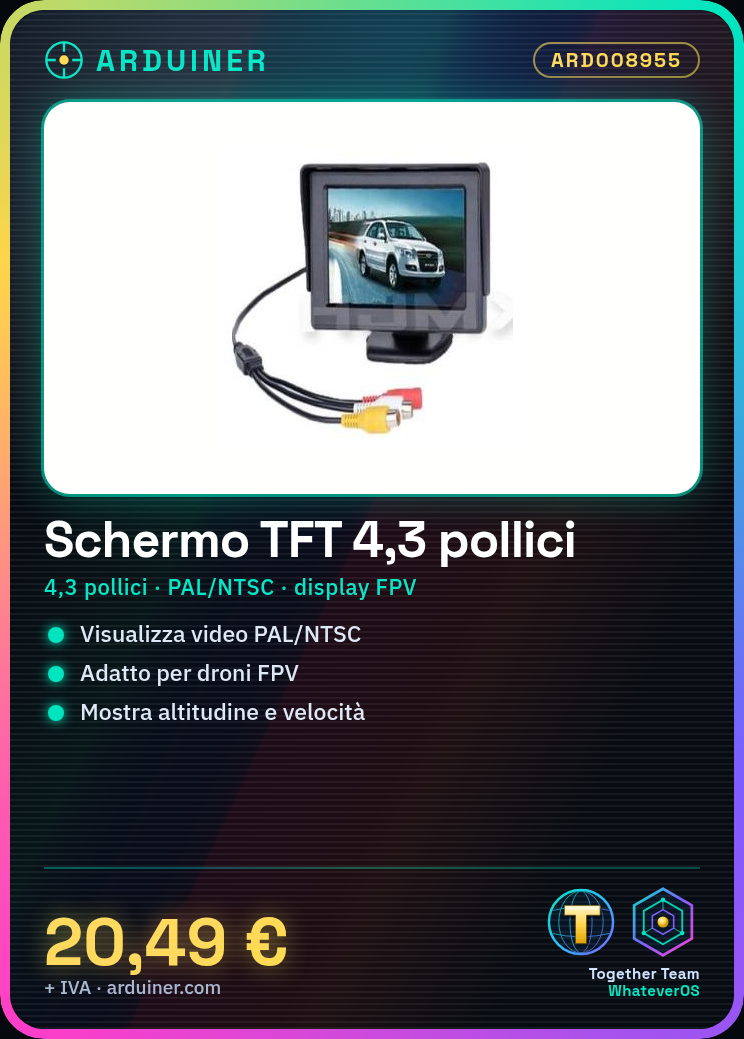
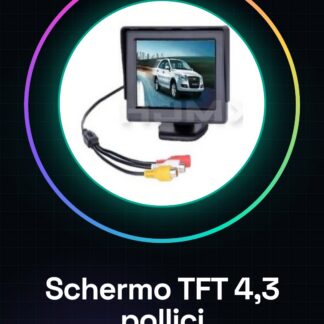
The 4.3 inch Auto TFT LCD Screen is a display suitable for drones and FPV video projects that supports PAL/NTSC standards.
Features
- Type: TFT LCD Screen
- Size: 4.3 inches
- Resolution: check the datasheet
- Video Support: PAL/NTSC
What it is for
Ideally fits to create a control display on drones or other projects that require a clear real-time data display such as altitude and speed.
Tutorial: How to use 4.3 inch Auto TFT LCD Screen
The 4.3 inch TFT LCD screen is ideal for displaying PAL/NTSC video on drones and other projects that require clear resolution and wide view.
What you need
- Arduino Uno
- USB Type B cable
- Jumpers
Steps
- Connect the TFT LCD screen VCC pin to Arduino Uno VCC pin
- Connect the screen GND to Arduino Uno GND
- Connect the following pins: SCLK, MOSI, MISO, CS, DC, RES and RST of the screen to the corresponding pins of the Arduino Uno (check the datasheet)
- Install the TFT_ILI9341 library from managed libraries
- Write a simple sketch to initialize the display
- Test the test image on the display
- Check that all connections are correct and stable
- Modify the sketch to add text or images
Example code
void setup() {
  tft.begin();
  tft.fillScreen(TFT_BLACK);
}

void loop() {}
Mini project
Create a control display for drones with the TFT LCD, showing data such as altitude and speed in real-time.
Common mistakes
- Unstable or reversed connections
- Missing or incorrect library version
- Incorrect screen dimensions configuration
- Insufficient power supply
Recommended accessories
- Video TX module
- Antenna for video TX
- External power supply cable
- Protective case
Frequently asked questions
How can I solve the problem of the black display?
Check the pin configuration and power supply. Verify that the library is correctly installed.
Can it be used with other microcontrollers besides Arduino Uno?
Yes, but it might require modifying the connections and code instructions.
Reviews
There are no reviews yet.