 EN
 IT Italiano
 ES Español
 FR Français
 DE Deutsch
Description
What it is
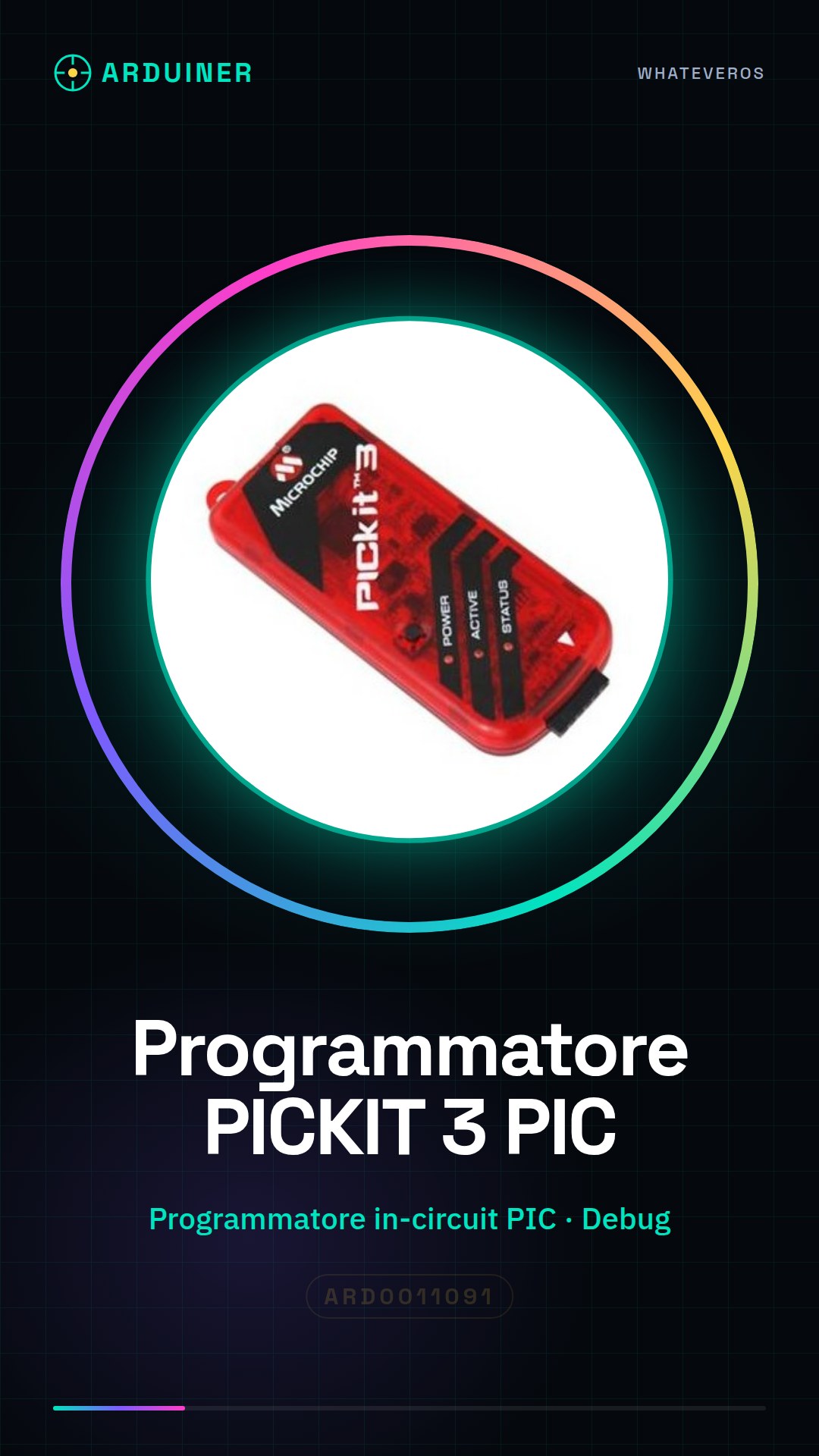
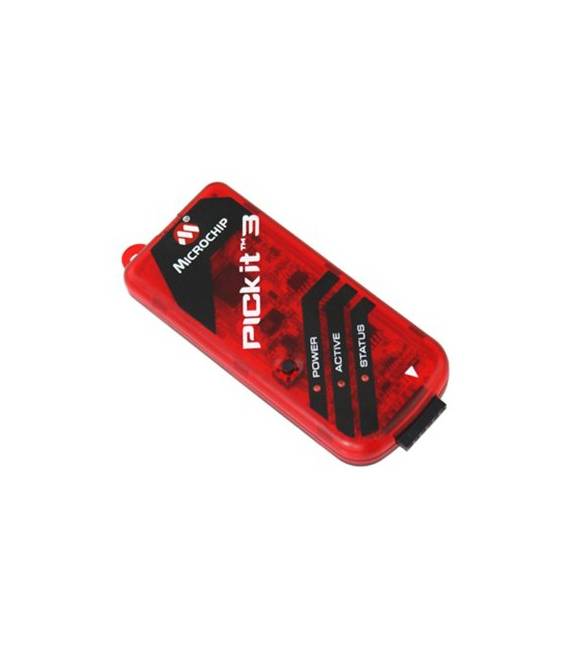
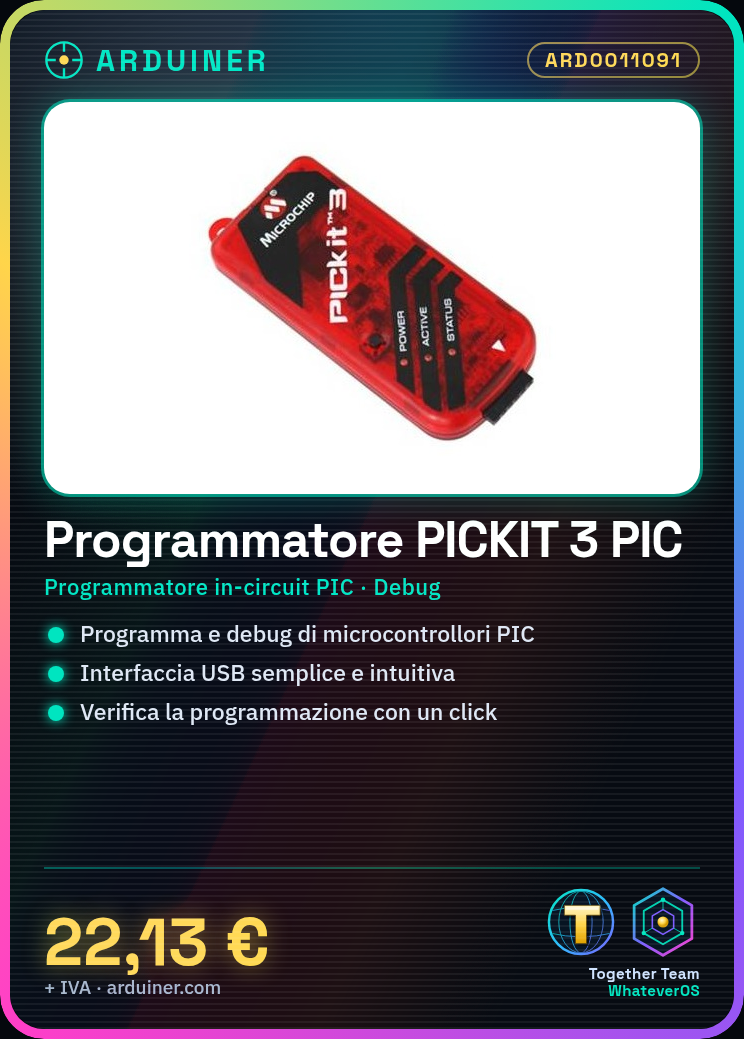
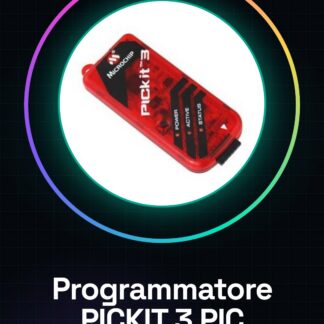
The PICKIT 3 In-Circuit Debugger Programmer for PIC Microcontrollers is an essential tool for developers and makers working with PIC microcontrollers. It allows programming and debugging of systems based on these microcontrollers, offering a simple and intuitive interface.
Features
- In-Circuit Programmer for PIC Microcontrollers
- Compatibility with a wide range of PIC microcontrollers (check the datasheet)
- In-Circuit Debugging Features (check the datasheet)
- USB Interface
What it is for
The PICKIT 3 is ideal for a range of applications, including: programming LEDs to turn on and off in cycles on a PIC microcontroller, developing simple and complex electronic circuits based on PIC microcontrollers, testing and debugging code for PIC microcontrollers. It is a valid option for Arduino programmers who want to work with PIC microcontrollers.
Tutorial: How to Use PICKIT 3
The PICKIT 3 is a programmer for PIC microcontrollers. Useful for Arduino programmers and makers working with PIC microcontrollers.
What you need
- PICKIT 3
- PC with Windows or macOS
- PIC microcontrollers
- USB cable
Steps
- Download and install the PICKIT Configurator software.
- Connect the PICKIT 3 to the PC via USB.
- Launch the PICKIT Configurator software.
- Select ‘Programmer’ and ‘PICKIT3’.
- Connect the PIC microcontroller to the PICKIT 3.
- Select the PIC microcontroller in the software.
- Load the source code onto the PIC.
- Verify the programming with ‘Verify’.
Mini project
Program an LED to turn on and off in cycles on a PIC microcontroller.
Common mistakes
- Forgetting to install the PICKIT Configurator software.
- Connecting the PIC microcontroller to the PICKIT 3 with the wrong pins.
- Not selecting the PIC microcontroller correctly in the software.
- Not verifying the correctness of the programming.
Recommended accessories
- Microcontrollers PIC
- USB Cable
- Test LEDs
Frequently asked questions
How can I check if PICKIT 3 is working?
Verify the connection with the PICKIT Configurator software.
Can I use PICKIT 3 with non-PIC microcontrollers?
No, PICKIT 3 is specifically designed for PIC microcontrollers.
Is the PICKIT Configurator software free?
Yes, the software is free.



Reviews
There are no reviews yet.