 EN
 IT Italiano
 ES Español
 FR Français
 DE Deutsch
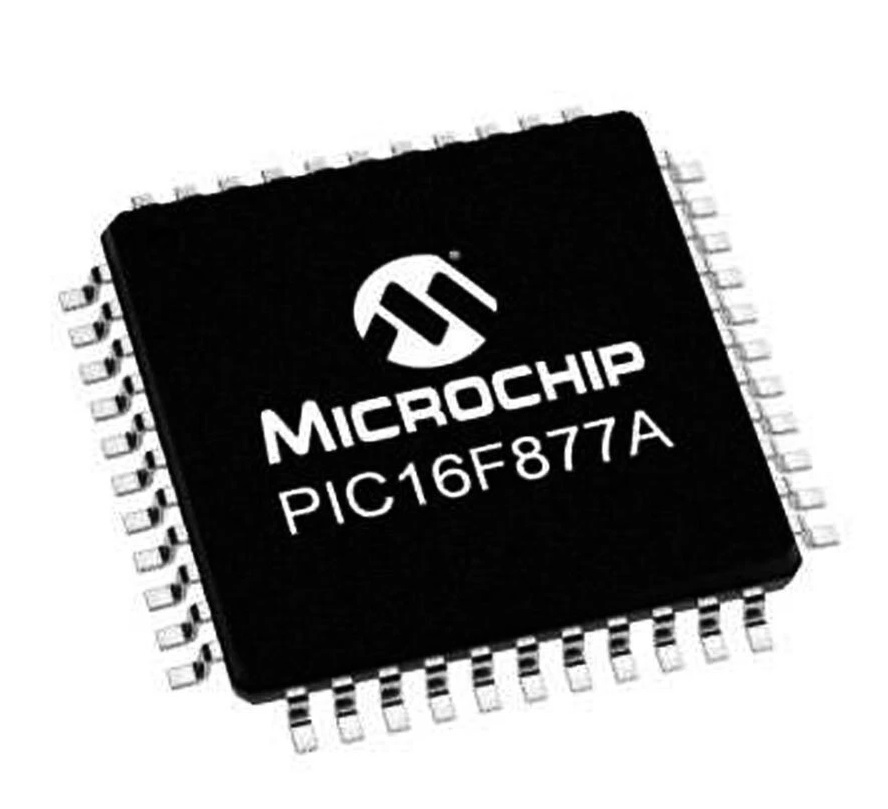
Description
Tutorial: How to Use PIC16R877A-I/PT IC
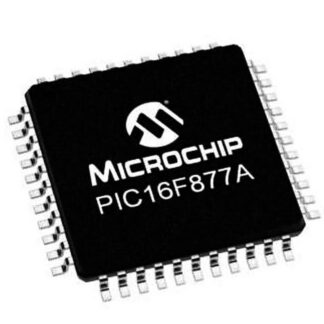
The PIC16R877A-I/PT IC is an 8-bit microcontroller that offers many features for low to medium impact projects. It is ideal for beginner and intermediate makers who want to explore microcontroller programming.
What you need
- MPLAB Development Kit
- Programming Cable
- Test Circuit Print
Steps
- Install MPLAB software on a computer.
- Connect the programming cable to the computer and the circuit.
- Load the firmware onto the PIC16R877A.
- Verify communication between the microcontroller and the computer.
- Develop a simple program using the C language or Assembly.
- Compile and load the program onto the microcontroller.
- Test the program’s functionality on a test circuit.
- Optimize the code and add extra features.
Mini project
LED Control Project: Connect the PIC16R877A to a test circuit with an LED and control its on and off states through the MPLAB software.
Common mistakes
- Connection error between the microcontroller and the computer.
- Code compilation error.
- Power supply issues with the circuit.
- Firmware not correctly loaded.
Recommended accessories
- MPLAB Development Kit
- PIC Programming Cable
- Test Circuit Print
- Prototype Kit
Frequently asked questions
What is the clock frequency of the PIC16R877A?
Check the datasheet.
What is the minimum supply voltage?
Check the datasheet.
Can I use this IC with Arduino?
No, the PIC16R877A is not compatible with Arduino.
Reviews
There are no reviews yet.