 EN
 IT Italiano
 ES Español
 FR Français
 DE Deutsch
Description
What it is
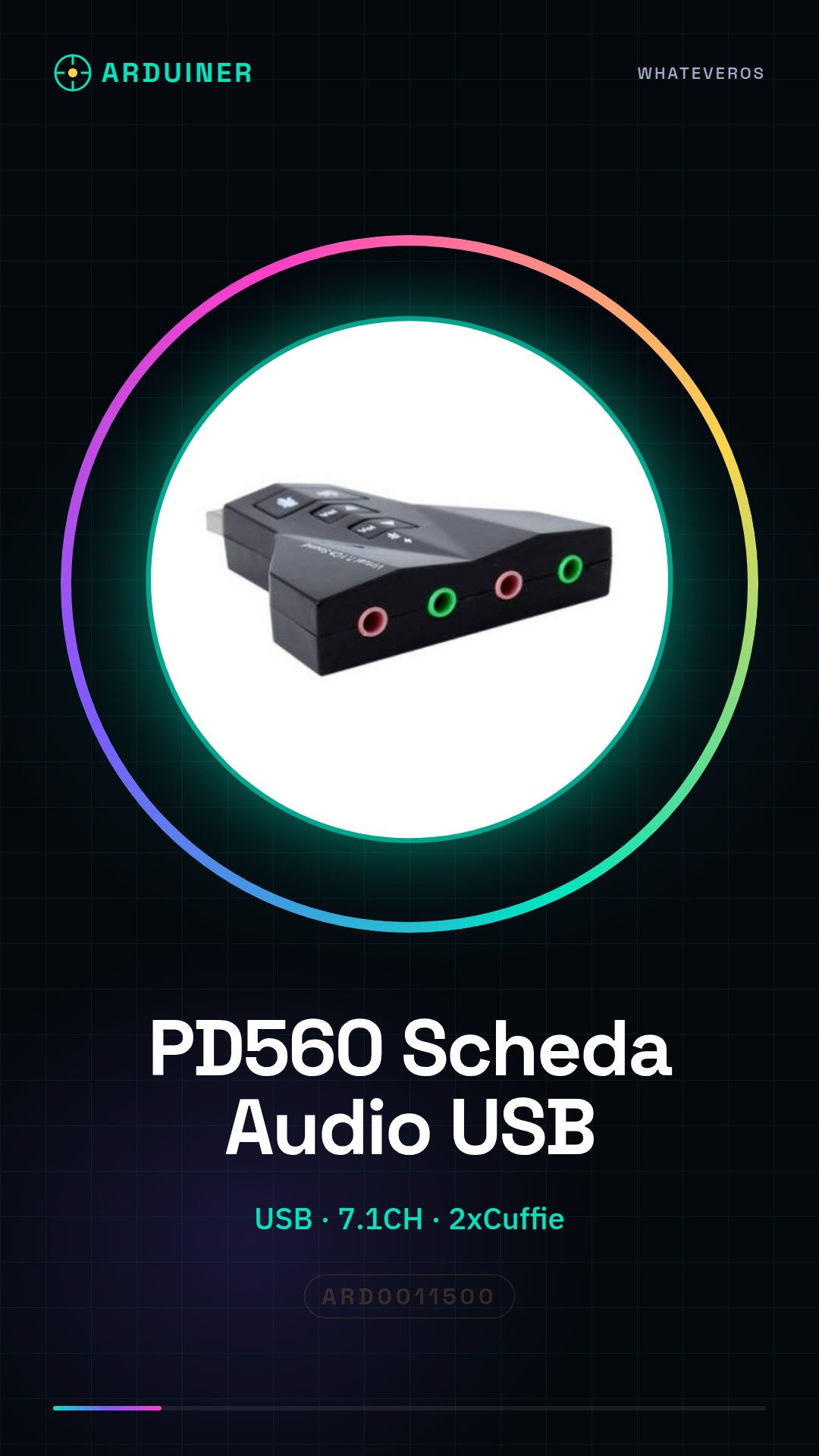
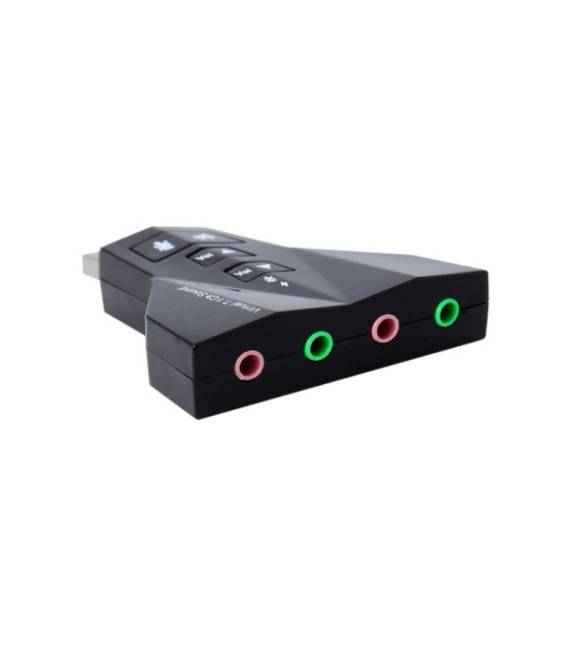
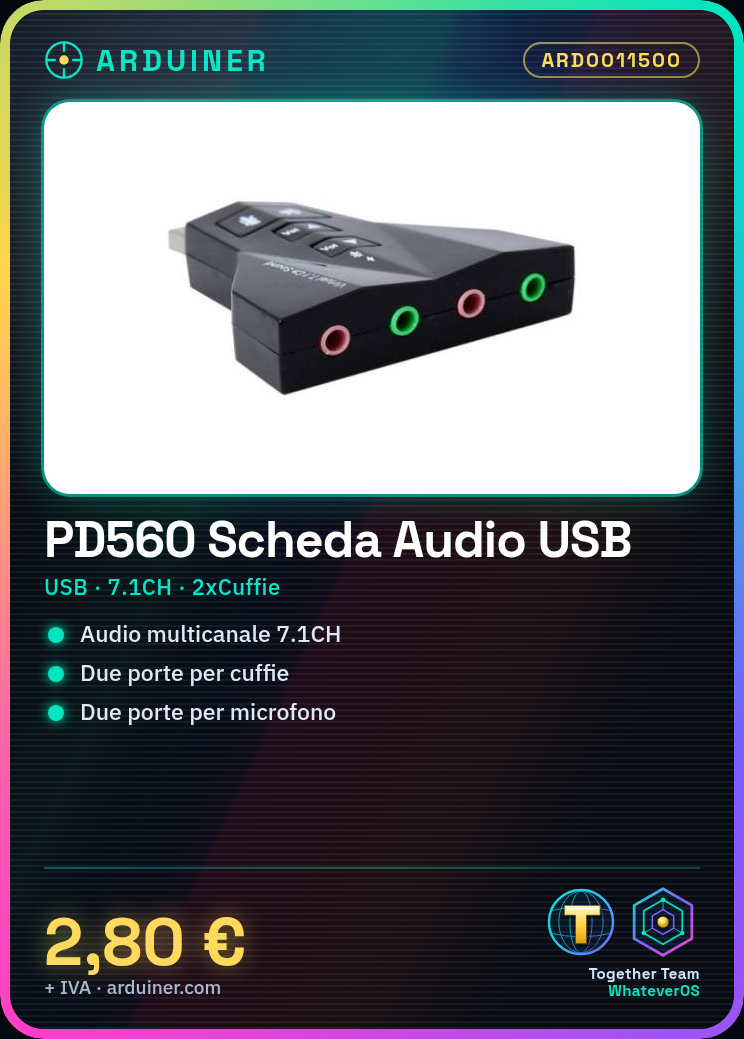
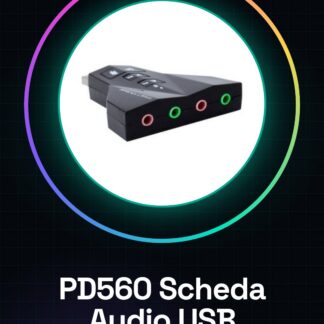
The PD560 is a 7.1CH USB audio card designed to enhance the audio quality of devices such as computers and laptops.
Features
- Connection: USB
- Audio Channels: 7.1CH
- Headphone jacks: 2
- Microphone jacks: 2
What it is for
The PD560 audio card is perfect for those seeking a more immersive audio experience while gaming or listening to music. The 7.1CH configuration and two headphone and microphone jacks allow for the setup of a multi-channel audio system for a more detailed sound experience.
Tutorial: How to use PD560 Desktop Laptop USB 7.1CH Audio Card
The PD560 audio card is ideal for improving the audio quality on your computer or laptop. With its 7.1CH configuration and two headphone and microphone jacks, it is perfect for gaming and music enthusiasts looking for an audio upgrade.
What you need
- Computer or laptop
- Headphones
- Microphone
- USB cable
Steps
- Connect the PD560 audio card to your computer or laptop via the USB cable.
- Check the datasheet to install the required driver.
- Open your operating system’s audio mixer and select the PD560 card as the output device.
- Configure the audio settings according to your preferences.
- Verify that both the headphone and microphone jacks work correctly.
- If necessary, adjust the volume and input/output levels through the device configuration software.
- Try playing some audio content to test the quality and clarity.
- If everything works correctly, the PD560 audio card is now ready to be used in various audio projects.
Mini project
Create a multi-channel audio system for your gaming PC by configuring the PD560 card to achieve an immersive sound experience.
Common mistakes
- Do not install the necessary drivers correctly.
- Do not configure the audio settings correctly.
- Do not verify that all ports work correctly.
- Do not test the audio before using the card in a project.
Recommended accessories
- Professional high-quality headphones
- Microphone for voice and audio
- High-quality USB cable
- Audio configuration software
Frequently asked questions
How can I install the drivers?
Check the datasheet for installation details and visit the manufacturer’s website for updated drivers.
Can I use the card with a tablet?
The PD560 is designed for computers and laptops, check the datasheet for compatible specifications.
What audio settings do you recommend?
Configure according to your preferences, but make sure to adjust the volume and input/output levels for an optimal experience.



Reviews
There are no reviews yet.