 EN
 IT Italiano
 ES Español
 FR Français
 DE Deutsch
Description
What it is
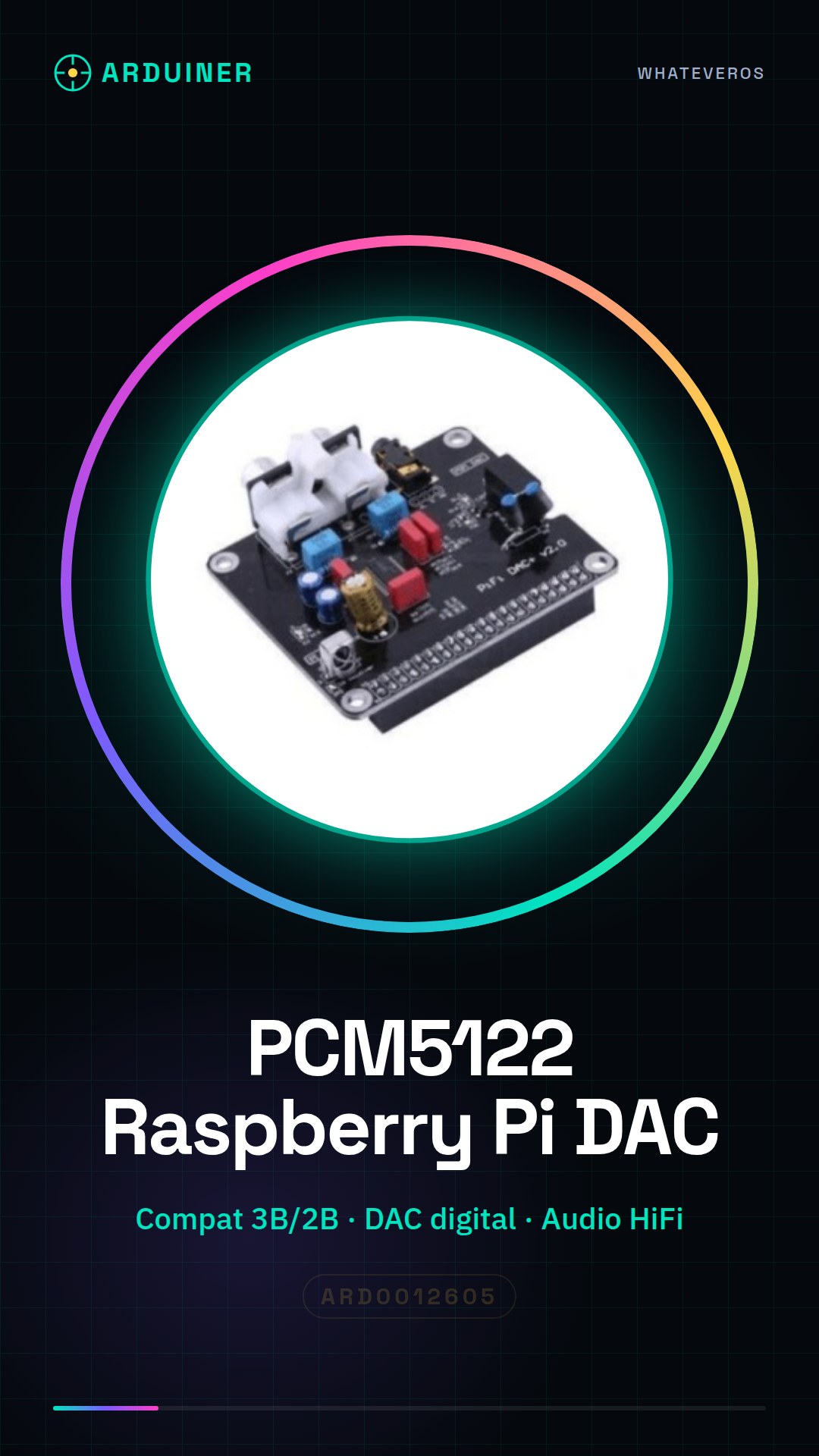
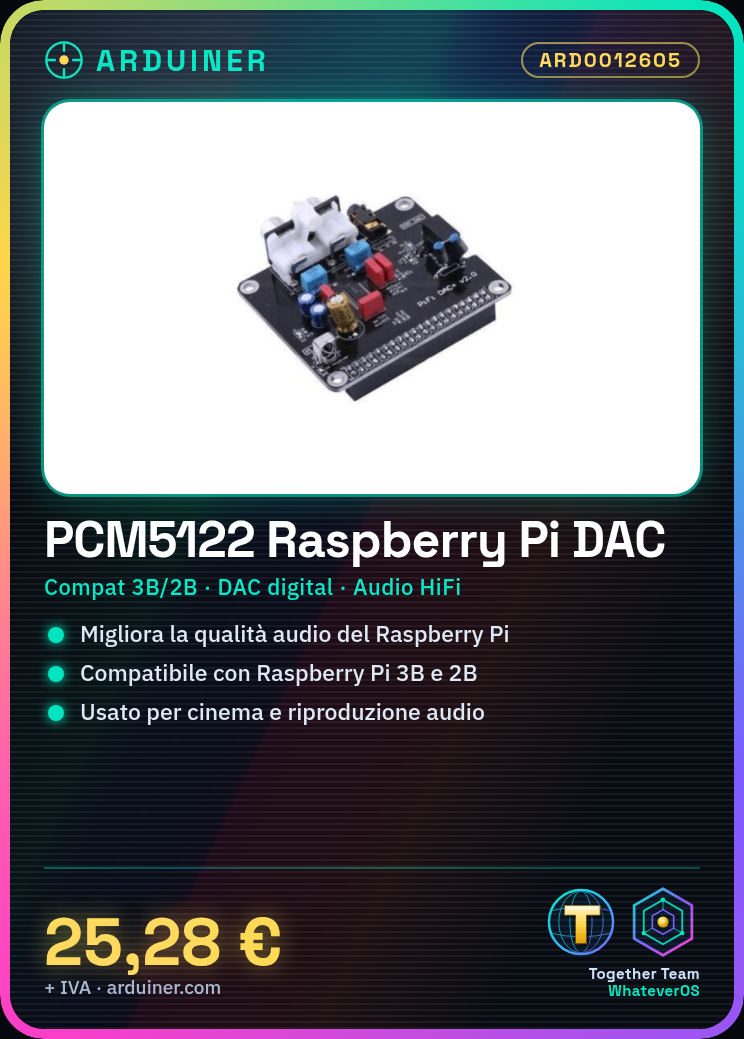
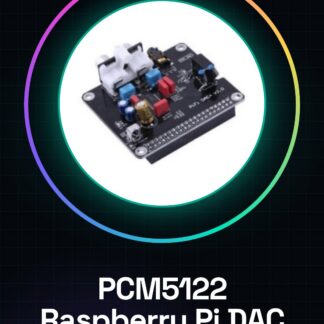
The PCM5122 is a DAC (Digital to Analog Converter) module designed to improve the audio quality of your Raspberry Pi 3B or 2B. This module is ideal for those who want high-quality audio without having to invest in an expensive amplifier.
Features
- Compatible with Raspberry Pi 3B and 2B
- PCM5122 DAC Module
- Improves the audio quality of the Raspberry Pi
What it is for
The PCM5122 is perfect for home cinema projects, professional and home audio playback. You can use it to create an integrated home cinema system with your Raspberry Pi, using audio playback software.
Tutorial: How to use PCM5122 for Raspberry Pi 3B/2B
The PCM5122 is a DAC (Digital to Analog Converter) module that improves the audio quality of your Raspberry Pi. Perfect for those who want high-quality audio without having to buy an expensive amplifier.
What you need
- Raspberry Pi 3B/2B
- PC or Mac with micro USB connector
- Micro USB cable
- Raspberry Pi OS installed
- Audio configuration software
- Root access to the operating system
Steps
- Connect the PCM5122 module to the Raspberry Pi using the I2S connectors and GPIO pins.
- Check the correct installation of the module by verifying the connections.
- Install the necessary driver for the PCM5122 from the official repository.
- Configure the operating system to use the PCM5122 as an audio output device.
- Verify the operating system configuration using the ‘alsamixer’ command.
- Test the PCM5122 module by playing an audio file.
- Check the audio quality produced by the PCM5122.
- Configure the operating system to automatically start the PCM5122.
Example code
sudo apt-get install alsa-utils
sudo modprobe snd_soc_pcm5122
aplay -D pcm5122 playback_file.wav
Mini project
Create a home cinema system with your Raspberry Pi and the PCM5122, using an audio playback software.
Common mistakes
- The module is not recognized by the operating system.
- The audio quality has not improved.
- The operating system does not automatically start the PCM5122.
- The module disconnects during use.
Recommended accessories
- Computer speakers
- Computer amplifier
- 3.5mm audio cable
- Audio playback software
Frequently asked questions
How can I control the audio volume?
Use the command ‘alsamixer’ or a volume control software.
Is the PCM5122 compatible with other Raspberry Pi models?
Check the datasheet for compatibility with other Raspberry Pi models.
How can I update the PCM5122 driver?
Check the official repository for driver updates.
Reviews
There are no reviews yet.