 EN
 IT Italiano
 ES Español
 FR Français
 DE Deutsch
Description
What it is
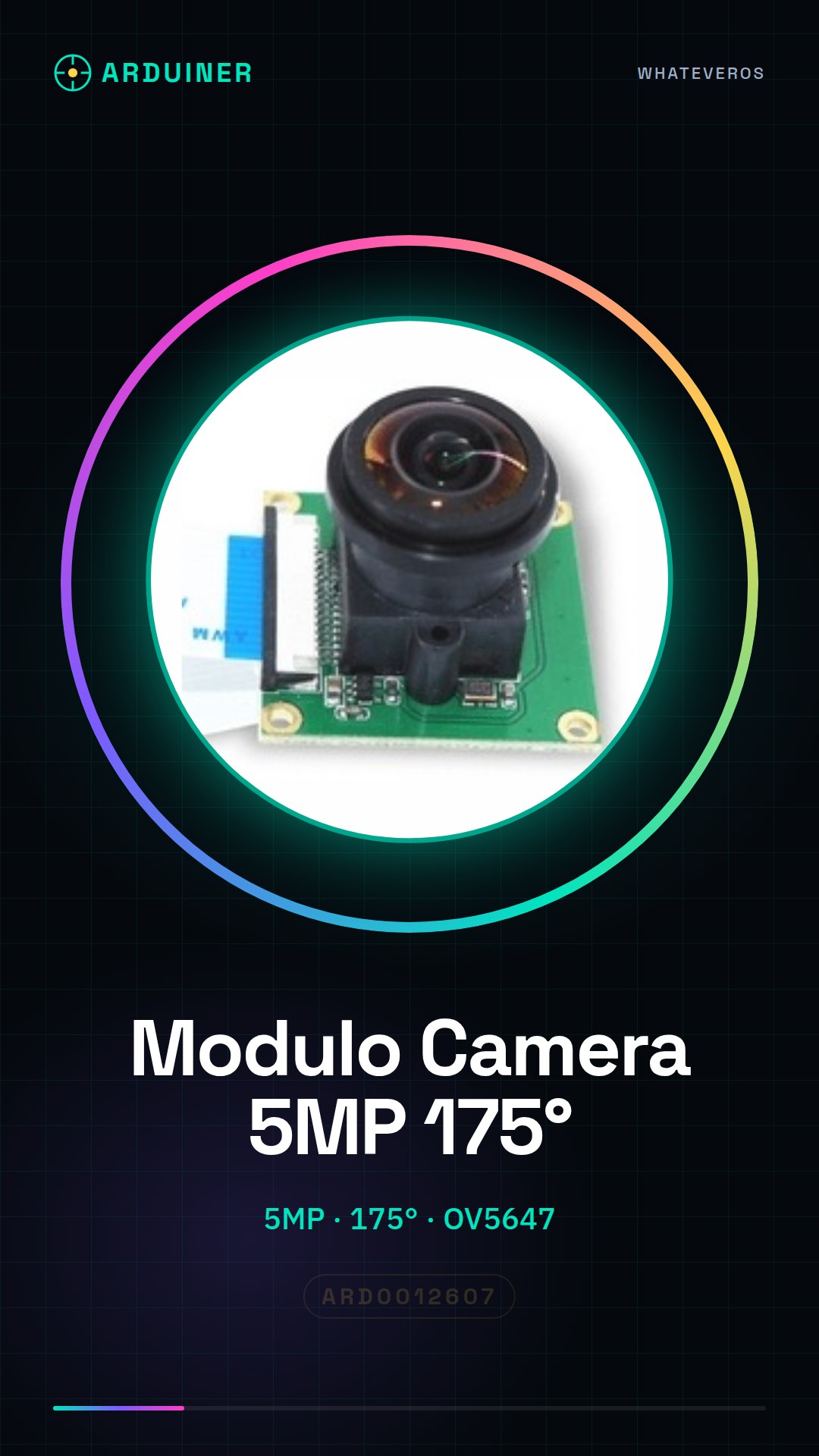
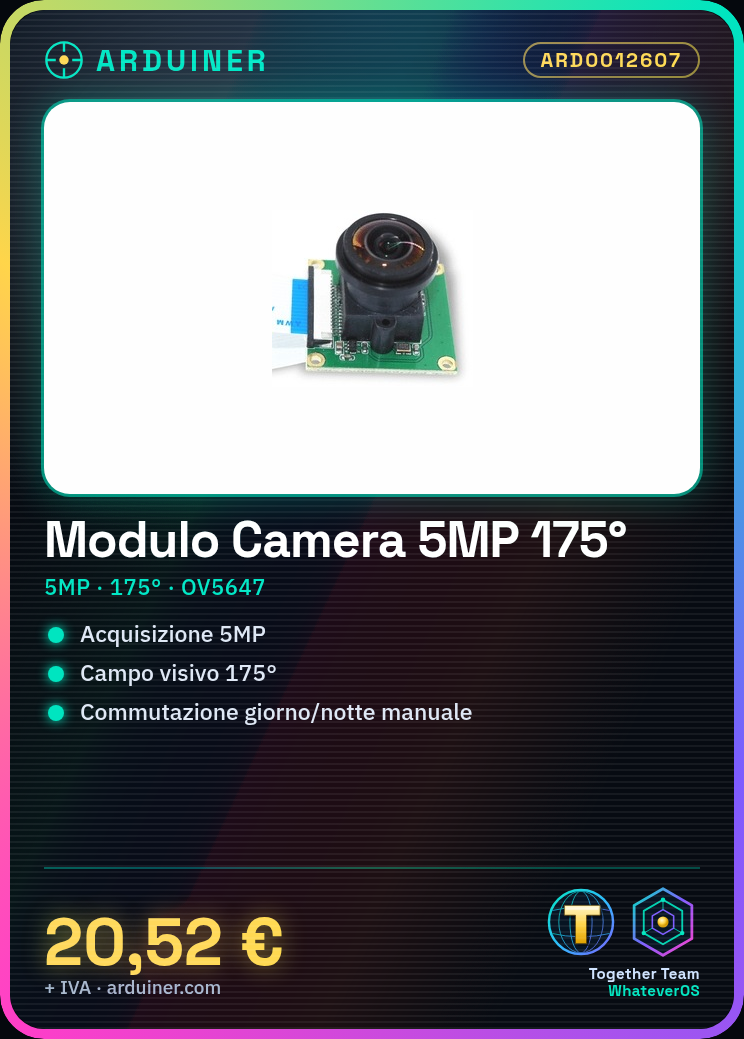
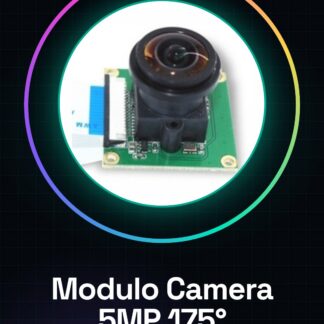
The 5MP OV5647 IR-Cut 175° Camera Module for Raspberry Pi is a device that allows capturing 5 megapixel images with a wide field of view of 175 degrees. The module includes a manual switch between day and night modes, useful for monitoring and photography projects.
Features
- Resolution: 5MP
- Field of view: 175°
- Sensor: OV5647
- Manual day/night switch
- Compatible with Raspberry Pi
What it is for
This module is ideal for surveillance and photography projects. You can use it to create home or industrial monitoring systems, or to build long-range photography devices with high resolution. It is suitable for both beginners and intermediate users.
Tutorial: How to use the 5MP OV5647 IR-Cut 175° Camera Module for Raspberry Pi
This module allows you to add a high-resolution camera to your Raspberry Pi, ideal for surveillance and photography projects. Useful for beginners and intermediates.
What you need
- Raspberry Pi
- Micro USB cable
- MicroSD card (optional)
- Camera Module
Steps
- Check the datasheet for the module specifications.
- Connect the module to the Raspberry Pi using the GPIO connector.
- Install the module in a housing to protect it.
- Install the UVC driver on the Raspberry Pi (e.g., `sudo apt-get install v4l-utils`).
- Verify connectivity with the command `ls /dev/video*`.
- Configure image acquisition software (e.g., fswebcam).
- Test functionality with `fswebcam -r 1920×1080 –no-banner image.jpg`.
- For day/night switching, use an IR filter or check the module configuration.
Mini project
Create a surveillance system with the OV5647 Camera. Install the module on a Raspberry Pi, configure the acquisition software, and mount it all on a support.
Common mistakes
- Forget to install the necessary drivers.
- Fail to connect the module correctly to the Raspberry Pi.
- Fail to configure the acquisition software correctly.
- Omit the day/night switch.
Recommended accessories
- IR Filter
- Module Housing
- Raspberry Pi Mount
Frequently asked questions
Does the module only work with Raspberry Pi?
No, it works with any UVC-supporting operating system.
How can I configure the IR filter?
Check the specifications in the datasheet for the position of the IR filter.
What software can I use to acquire images?
fswebcam, gphoto2 or other UVC image acquisition software.
Reviews
There are no reviews yet.