 EN
 IT Italiano
 ES Español
 FR Français
 DE Deutsch
Description
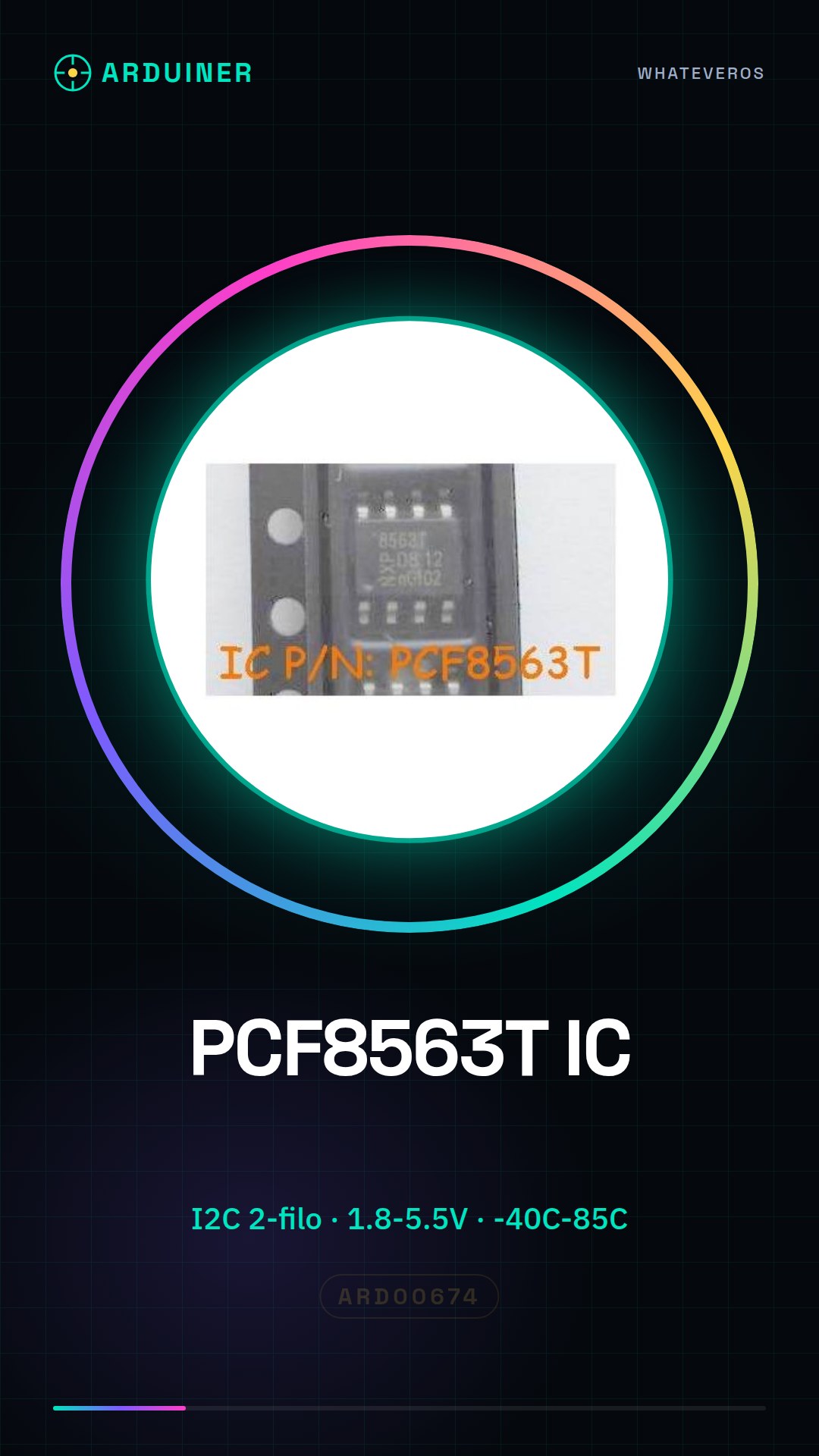
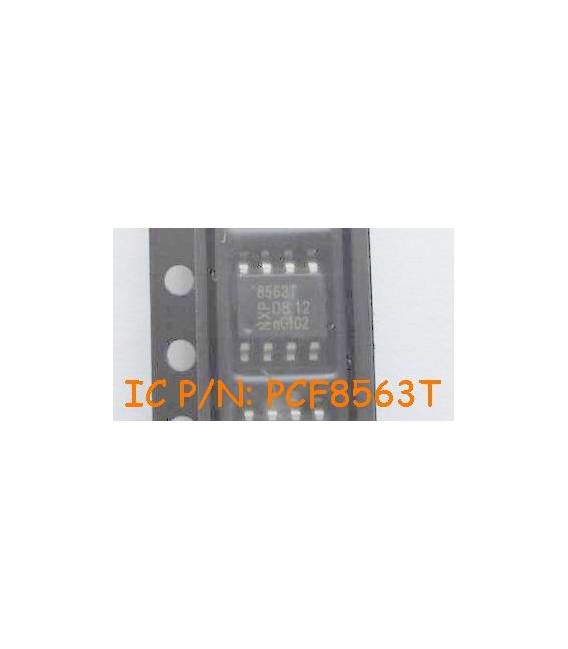
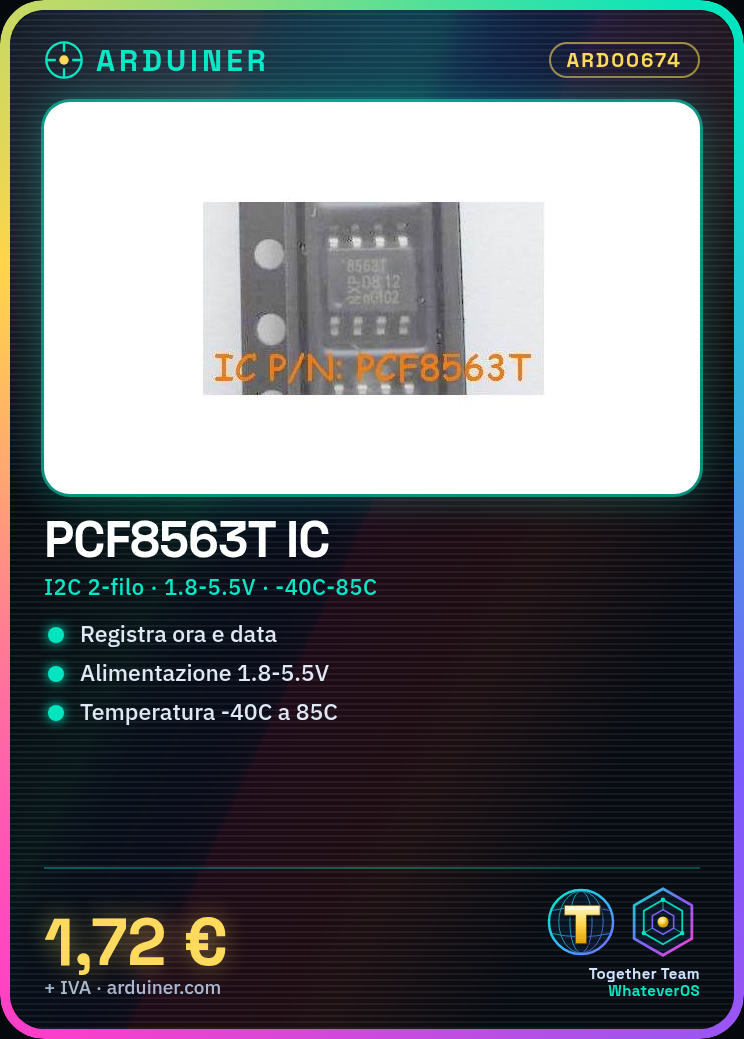
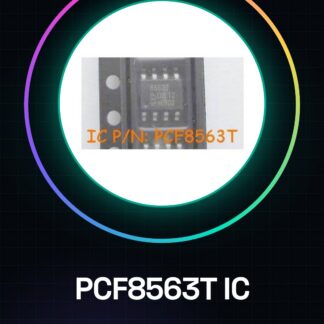
3PCS PCF8563T IC Integrated Circuits
Component Specifications:
| Bus Type | serial (2-wire, I2C) |
| Date Format | DW: DM: M: Y |
| Time Format | HH: MM: SS |
| Operating Supply Voltage (Typical) | 2.5 / 3.3 / 5V |
| Package Type | SO |
| Packaging | Tape and reel |
| Operating Supply Voltage (Max) | 5.5V |
| Operating Supply Voltage (Min) | 1.8V |
| Operating Temperature Range Classification | Industrial |
| Operating Temperature (Max) | 85C |
| Operating Temperature (min) | -40C |
| Pin Count | 8 |
| Mounting | Surface Mount |
We have available the technical sheet of all components, should it not be present in the product download card, send a message from the contact us module and we will publish as soon as possible on our website.
Tutorial: How to use PCF8563T IC (RTC) with Arduino
The PCF8563T IC is an RTC for storing time and date. Perfect for projects that require keeping track of time.
What you need
- Arduino Uno
- USB A-MicroB cable
- PC with Arduino IDE software installed
Steps
- Install the RTClib library in the Arduino package manager
- Connect the PCF8563T IC to the SDA and SCL pins of Arduino
- Include the RTClib library in the code
- Create an RTC object
- Read the current time with rtc.now()
- Print the time on the serial monitor
Example code
include <RTClib.h>

RTC_DS3231 rtc;

void setup () {
  Serial.begin(9600);
}

void loop () {
  DateTime now = rtc.now();
  Serial.println(now.unixtime(), DEC);
}
Mini project
Create a digital clock with an LCD display that shows the time and date
Common mistakes
- Connection error of SDA and SCL pins
- RTClib library not installed correctly
Recommended accessories
- 16×2 LCD Display
- CR1220 Backup Battery
- 4.7kΩ Pull-up Resistor
- JTAG Debug Cable
Frequently asked questions
Where can I find the datasheet?
On the NXP manufacturer’s website
How to set the initial time?
Using the setSyncProvider() function with a synchronization source
Reviews
There are no reviews yet.