 EN
EN IT Italiano
 ES Español
 FR Français
 DE Deutsch
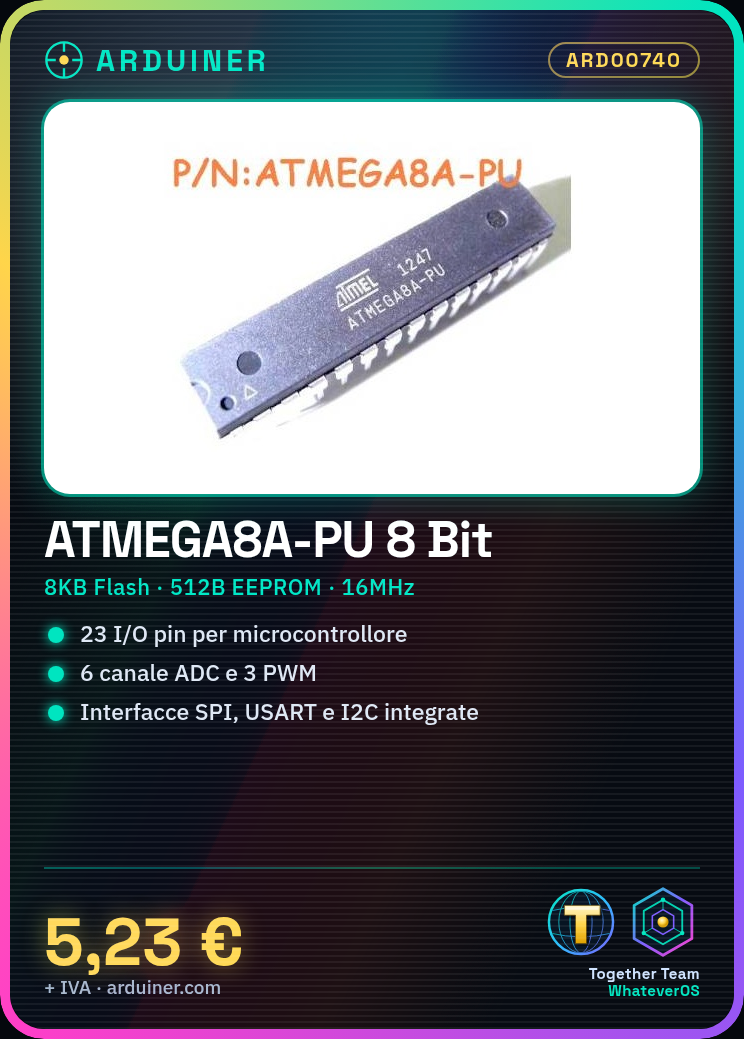

Description
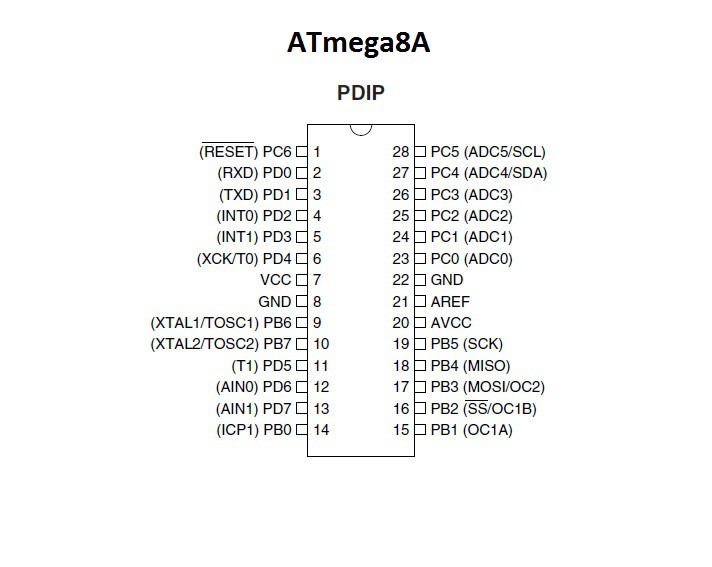
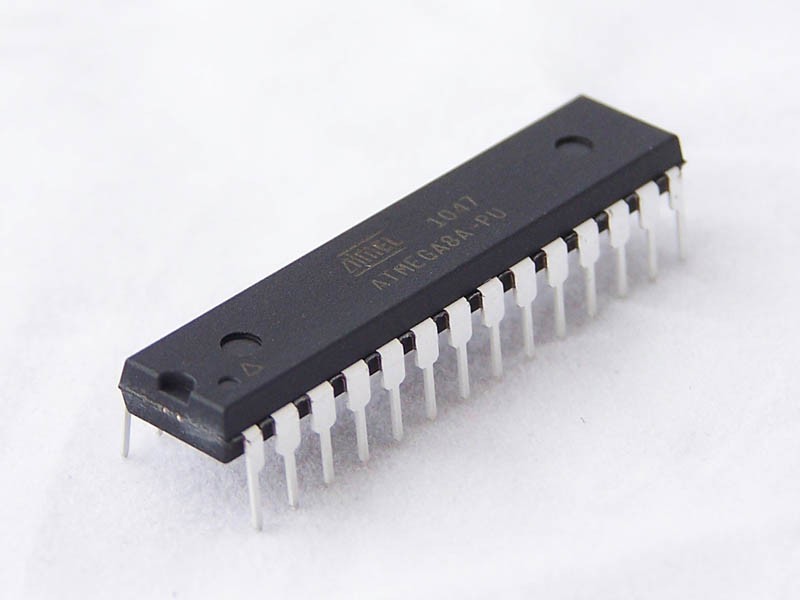
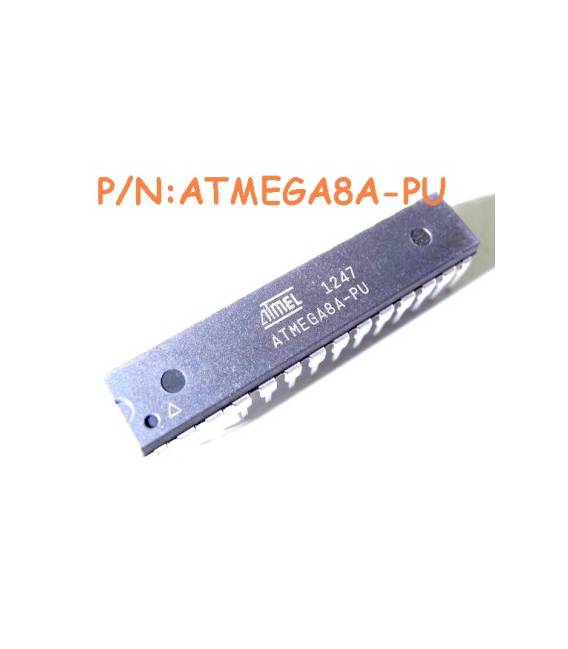
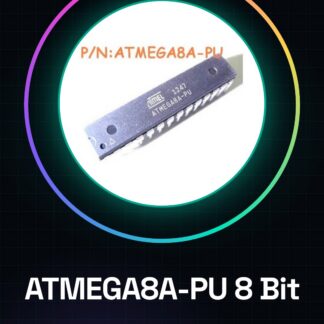
ATMEGA8A-PU 8-Bit Microcontroller with 512B EEPROM High Performance MCU, 8BIT, AVR, 8KB FLASH, 28PDIP Family/Series: AVR MEGA Core Size: 8bit Number of I/O: 23 Minimum Supply Voltage: 2.7V Maximum Supply Voltage: 5.5V IC Package: DIP Number of Pins: 28 Program Memory Size: 8KB EEPROM Memory Size: 512Byte RAM Memory Size: 1KB CPU Speed: 16MHz Peripherals: ADC, Comparator, PWM, RTC, Timer Integrated Interface: SPI, USART Operating Temperature Range: Operating Temperature Min: Operating Temperature Max: SVHC: No SVHC (19-Dec-2012) Base Number: megaAVR Clock Frequency: 16MHz Device Marking: ATMEGA8A-PU Flash Memory Size: 8KB Generic IC Number: 8 Interface: 2 wire, Serial Interface, SPI, USART Interface Type: I2C, SPI, USART Logical Function Number: 8 ADC Input Channels: 6 Number of I/O: 23 PWM Channels: 3 Number of Timers: 3 Operating Temperature Range: a Oscillator Type: External Internal Package/Casing: PDIP Supply Voltage Range: 2.7V to 5.5V Termination Type: Through Hole We have the technical data sheet for all components available, if not present in the product download sheet, send a message through the contact us form and we will publish it as soon as possible on our website. Tutorial: How to use ATMEGA8A-PU Microcontroller The ATMEGA8A-PU is an 8-bit microcontroller with internal EEPROM, ideal for projects requiring persistent memory and high computational capabilities. It is suitable for both beginners and expert developers. What you need Arduino Uno or compatible USB A-Micro B cable Breadboard Power connection 5V LED and resistor Steps Connect the ATMEGA8A-PU microcontroller to the breadboard. Connect the Arduino Uno to the serial port of the ATMEGA8A-PU using the TX, RX, and GND pins. Power the circuit with 5V and GND through separate connectors or directly from the breadboard. Write a simple sketch to load firmware into the microcontroller using the Arduino IDE. Verify serial communication between Arduino and ATMEGA8A-PU. Test the EEPROM memory by writing and reading data. Implement a basic function like a counter that stores the value in EEPROM. Design a small application using the capabilities of the microcontroller. Sample Code // Example code for firmware loading void setup() { Serial.begin(9
Reviews
There are no reviews yet.