 EN
 IT Italiano
 ES Español
 FR Français
 DE Deutsch
Description
What it is
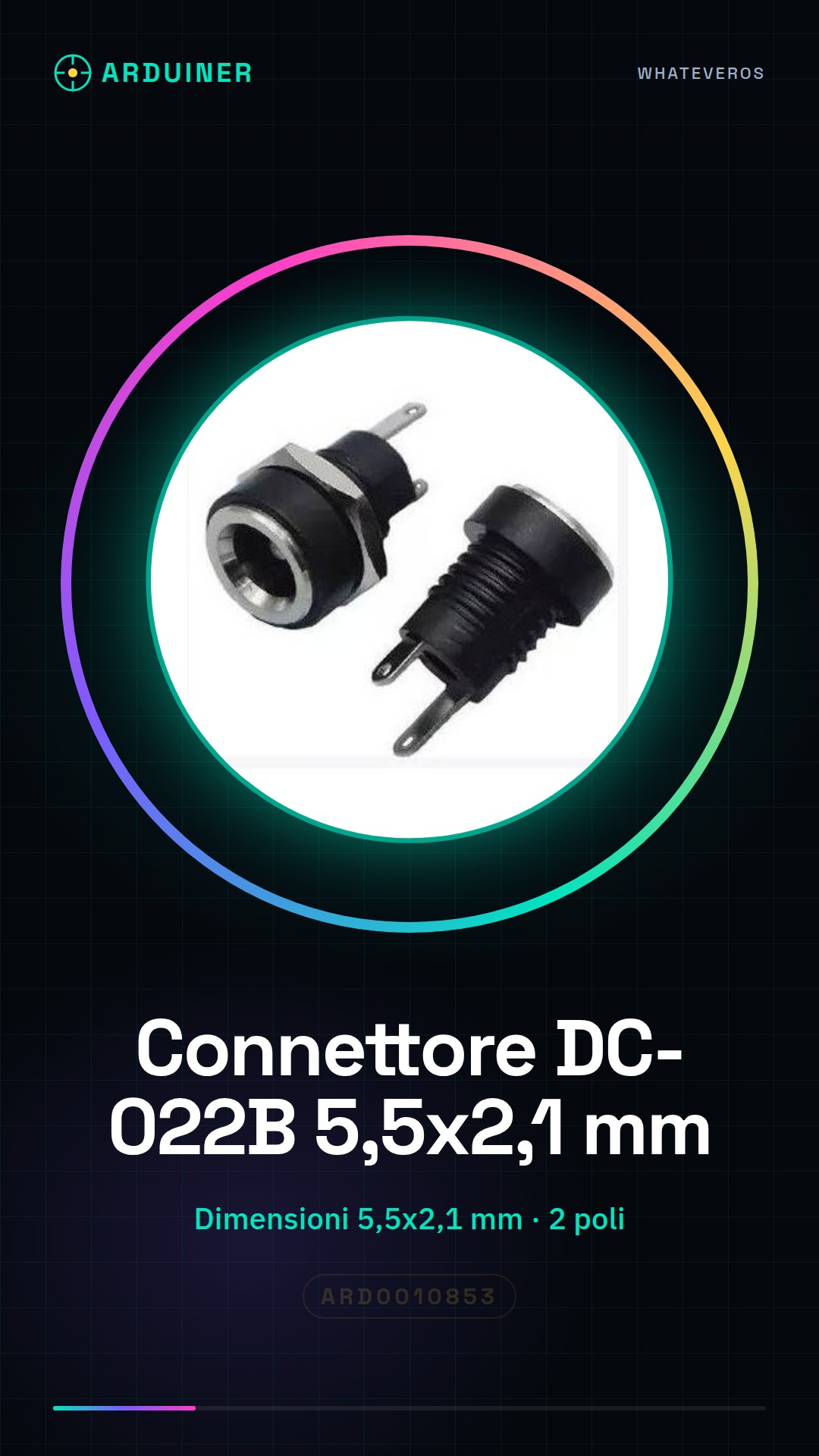
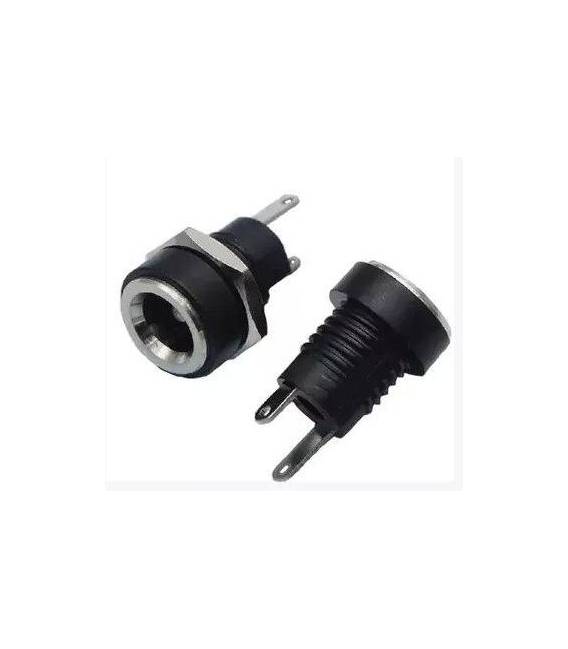
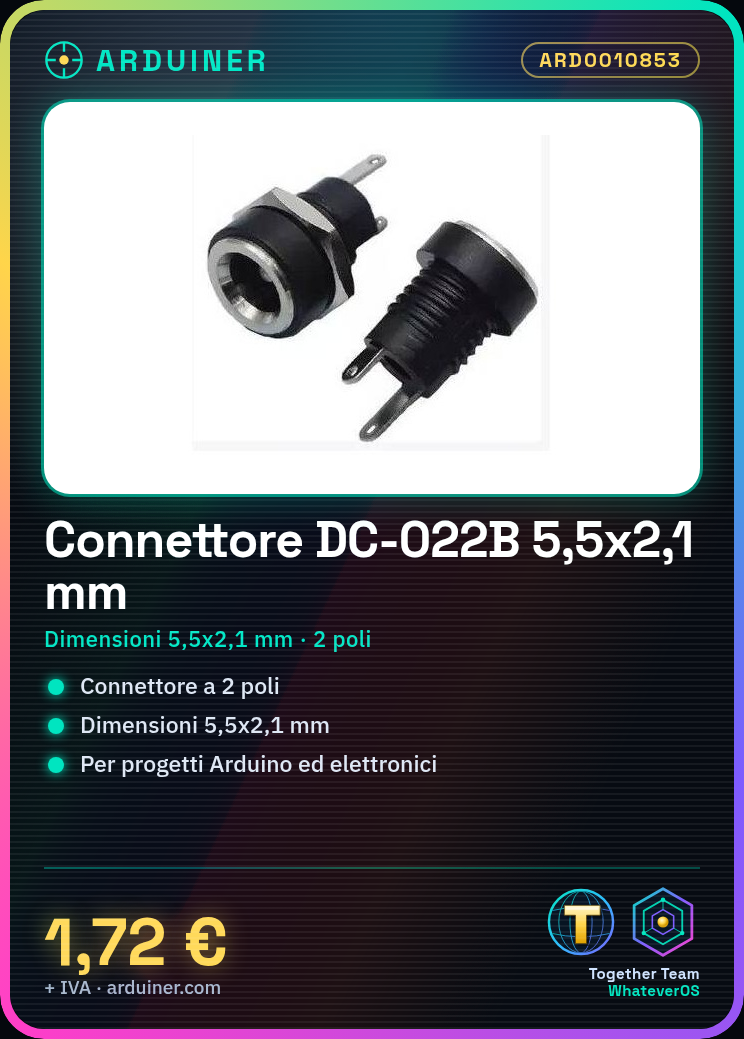
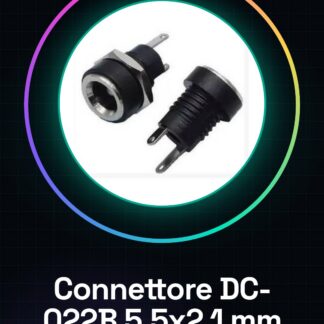
The DC-022B is a 2-pin DC power connector with dimensions of 5.5 mm diameter and 2.1 mm length. It is designed for safe and reliable power connection to electronic circuits.
Features
- Dimensions: 5.5 x 2.1 mm
- Type: 2-pin DC power connector
- SKU: ARD0010853
- Price: 1.72 € (2 pieces)
What it is for
These connectors are ideal for powering Arduino and electronic projects. They can be used to connect power supplies to modules, boards, and circuits. They are particularly useful in applications where a secure and reliable current connection is necessary.
Tutorial: How to use 5.5 * 2.1 mm DC-022B DC Power Connectors
These 5.5 * 2.1 mm DC connectors are essential for powering your Arduino and electronics projects. Ideal for beginners and intermediates, they facilitate a secure and flexible connection.
What you need
- 2 pieces DC-022B Power Connector 5.5 * 2.1 mm
- Electronic Cutting Tool
- Electronic Cutting Pliers
- Protection Add-ons for Connectors
Steps
- 1. Check the connector compatibility with your power supply. Verify on the datasheet.
- 2. Cut the power cable with the appropriate tool.
- 3. Cut the power wires with the cutting pliers.
- 4. Prepare the wires for connection by removing the paint and insulation.
- 5. Insert the wires into the connector, ensuring they are properly positioned.
- 6. Close the connector with the necessary pressure.
- 7. Check the connection with a multimeter to ensure it works correctly.
- 8. Install the connector on your Arduino project or electronic circuit.
Mini project
Build a simple lighting circuit with an LED and a button. Connect the button to the Arduino microcontroller to control the lighting.
Common mistakes
- Unsafe connection: ensure that the wires are properly positioned in the connector.
- Insufficient mounting: check that the connector is closed correctly.
- Incorrect power supply: verify that the power supply is compatible with the connector.
- Incorrect connection: ensure that the wires are connected to the correct pin of the microcontroller.
Recommended accessories
- Electronic cutting tool
- Electronic cutting pliers
- Protection accessories for connectors
- Multimeter
Frequently asked questions
Is the connector compatible with all power supplies?
Check the datasheet for specific compatibility.
How long does the connection last?
Is the connection robust and can it be removed and repositioned multiple times?
Do I need special tools?
Cutting tool and cutting pliers are sufficient.
Reviews
There are no reviews yet.