 EN
 IT Italiano
 ES Español
 FR Français
 DE Deutsch
Description
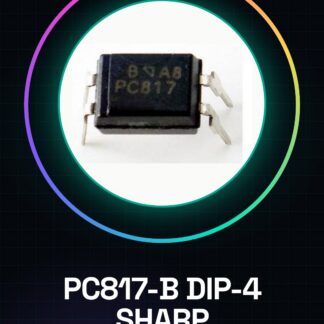
2 PZ PC817-B DIP-4 SHARP
Tutorial: How to Use PC817-B DIP-4 SHARP
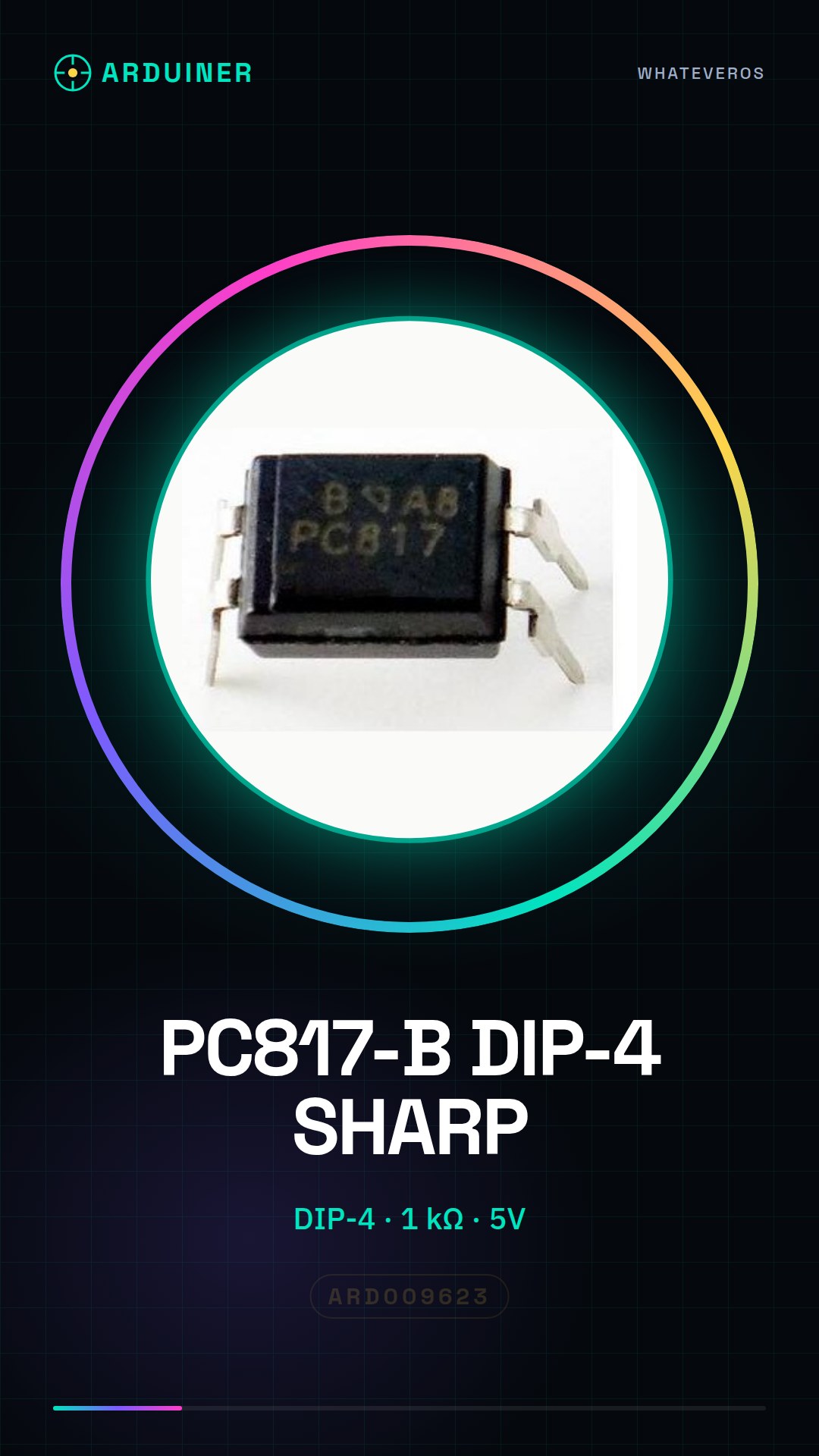
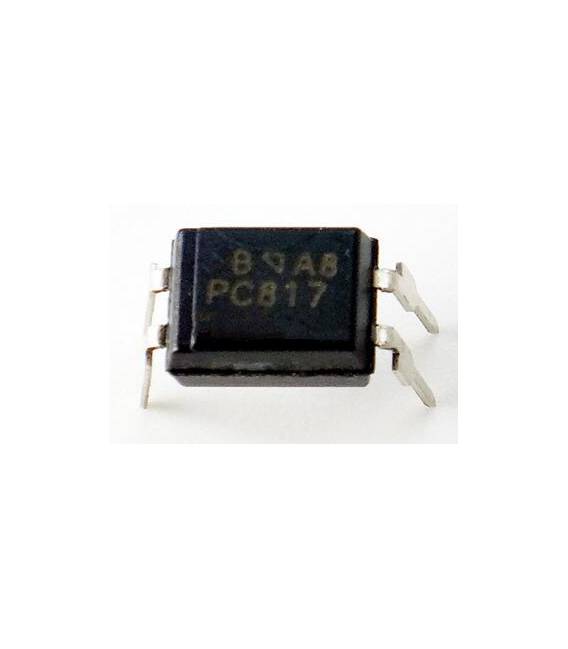
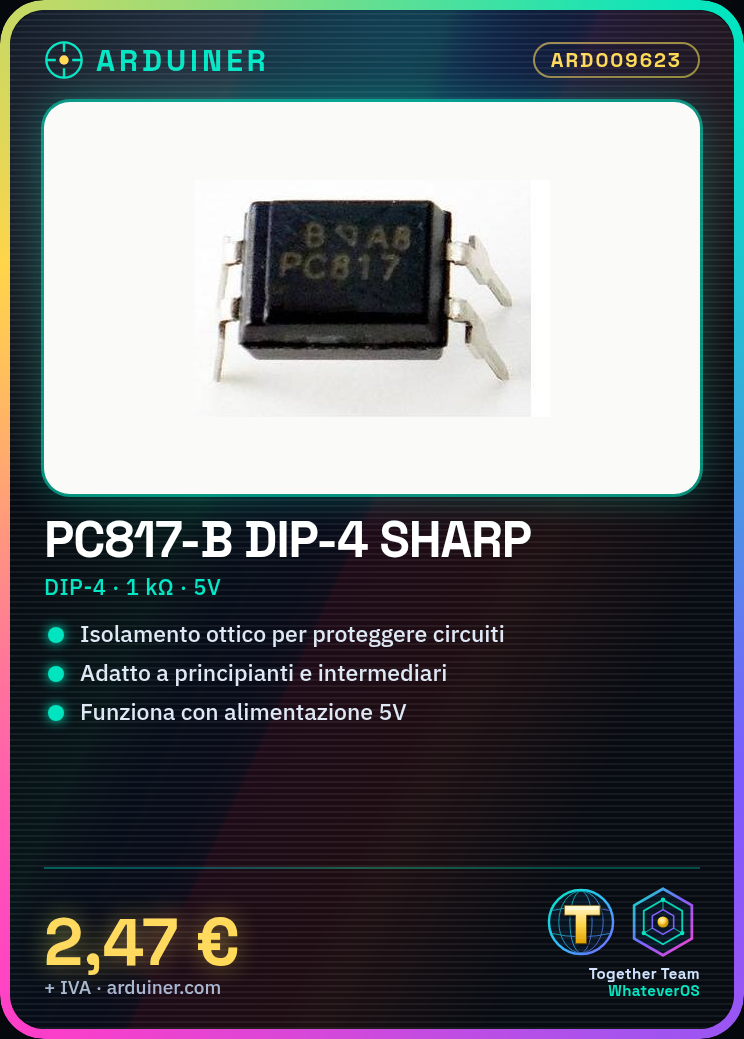
The PC817-B DIP-4 SHARP is an optical isolator used to protect electronic circuits. Suitable for beginners and intermediates in electronics.
What you need
- PC817-B DIP-4 SHARP
- Arduino or compatible microcontroller
- 1 kΩ resistor
- Power supply (5V)
Steps
- 1. Mount the two PC817-B on the printed circuit board.
- 2. Connect pin 1 to VCC (5V).
- 3. Connect pin 4 to GND.
- 4. Connect pin 2 to the input signal (5V or GND).
- 5. Connect pin 3 to the resistor (1 kΩ) and then to the output signal.
- 6. Connect the power supply to the microcontroller.
- 7. Load the source code.
- 8. Check the proper functioning with an LED.
Mini project
Create a simple optical isolator with a button and an LED.
Common mistakes
- Connect pin 1 to GND instead of VCC.
- Omit the protection resistor.
- Connect pins 2 and 3 directly without resistance.
- Do not verify proper functioning with a multimeter.
Recommended accessories
- Arduino Uno
- LED
- Button
- Multimeter
Frequently asked questions
How can I verify proper functioning?
Measure the voltage between pins 2 and 3 with the multimeter.
Which pins to use for input and output signals?
Use any pin of the microcontroller for the input signal and pin 3 for the output signal.
Can I use a different power supply than 5V?
Check the datasheet to see if the component supports other voltages.
Which resistor to use?
Use a 1 kΩ resistor as a minimum.
Reviews
There are no reviews yet.