 EN
 IT Italiano
 ES Español
 FR Français
 DE Deutsch
Description
What it is
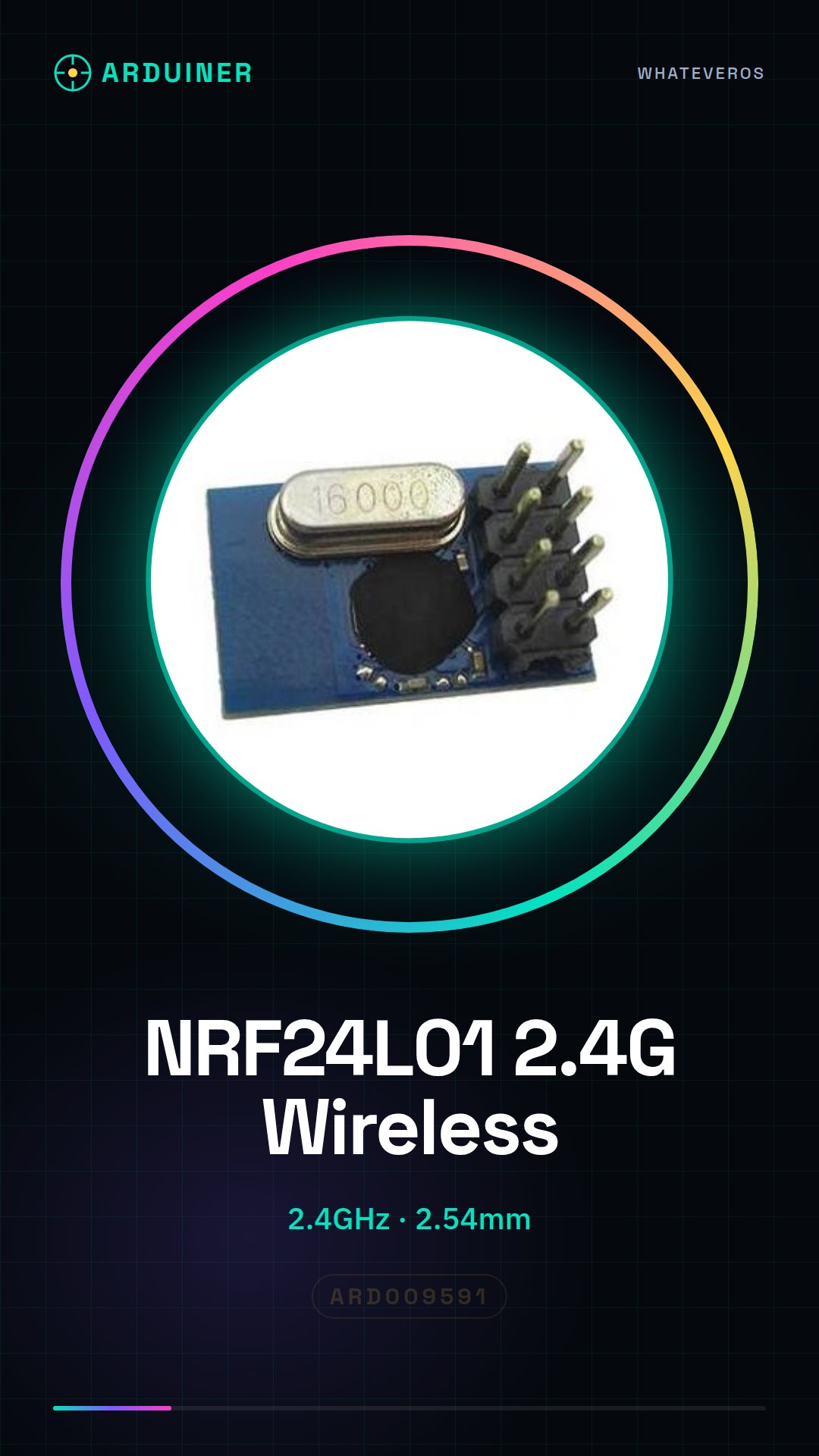
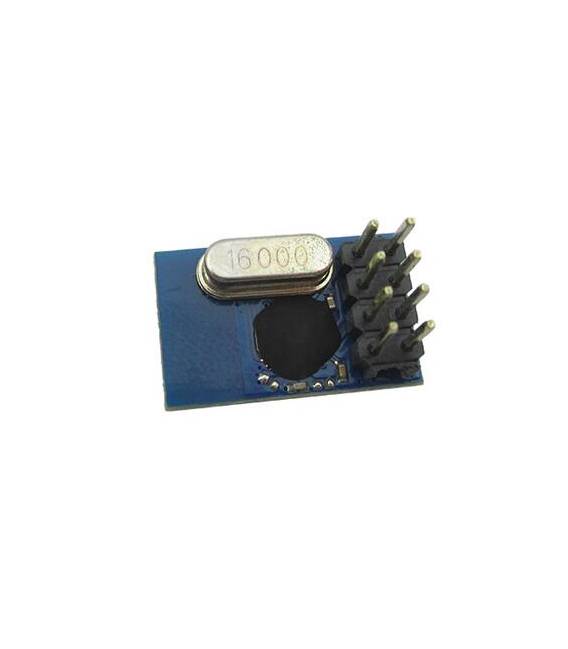
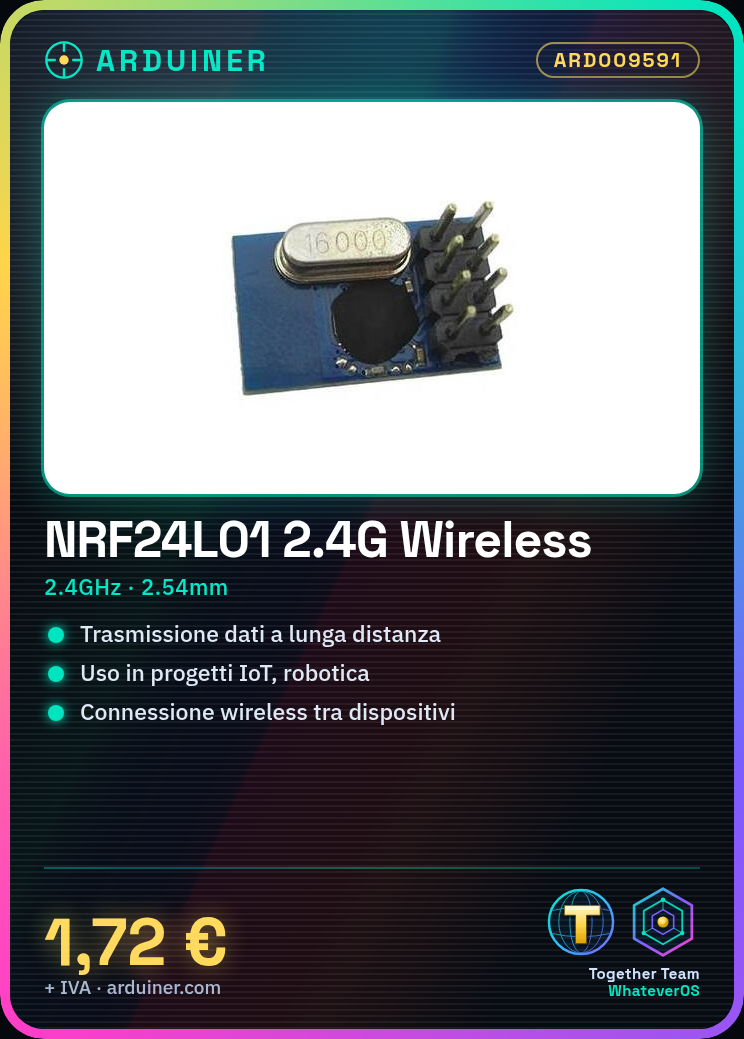
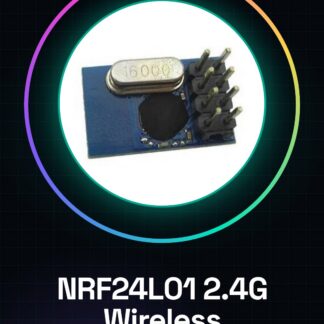
The NRF24L01 + 2.4G Wireless Module Spacing 2.54MM is a 2.4GHz radio module for wireless connections between Arduino and microcontrollers.
Features
- Frequency: 2.4GHz
- Spacing: 2.54mm
- SKU: ARD009591
- Price: 1.72 €
What it is for
The NRF24L01 module is ideal for long-range data transmission. It can be used in IoT, robotics, and wireless communication projects. Examples of use: build a wireless communication system between two Arduinos, where one sends data and the other receives and displays the data on a serial monitor.
Tutorial: How to use NRF24L01
The NRF24L01 module is a 2.4GHz radio component ideal for long-range data transmission. Useful for IoT, robotics, and wireless communication projects.
What you need
- Arduino or compatible
- Power cable
- 10kΩ resistor
- Ground cable
Steps
- 1. Connect the NRF24L01 module to the Arduino via the VCC, GND, CE, and CSN pins.
- 2. Connect the 10kΩ resistor between VCC and CE.
- 3. Download the example code for the NRF24L01 module.
- 4. Configure the code for your specific setup.
- 5. Upload the code to your Arduino.
- 6. Verify the connection between the two nodes.
- 7. Try sending and receiving data.
- 8. Test the stability of the communication.
Example code
```cpp
#include <SPI.h>
#include <nRF24L01.h>
#include <RF24.h>

RF24 radio(cePin, csnPin);

void setup() {
  radio.begin();
  radio.openReadingPipe(0, address);
  radio.startListening();
}

void loop() {
  if (radio.available()) {
    unsigned long pipe = radio.getDynamicPayloadSize();
    char data[pipe];
    radio.read(&data, pipe);
    Serial.println(data);
  }
}
```
Mini project
Build a wireless communication system between two Arduinos. One sends data, the other receives and displays the data on a serial monitor.
Common mistakes
- Forgetting to connect the 10kΩ resistor between VCC and CE.
- Incorrect pin configuration.
- Not checking the power supply.
- Failing to initialize the radio module.
Recommended accessories
- Arduino Uno
- USB cable
- NRF24L01 antenna
- Ground wire
Frequently asked questions
How can I verify the connection between the two nodes?
Use a serial monitor to send and receive data.
Which pins should be used for CE and CSN?
CE on pin 9, CSN on pin 10.
Does the module require external power?
No, it can be powered directly from the Arduino.
What are the communication limits?
The range can vary from 100m to 1km, depending on the conditions and the antenna used.

Reviews
There are no reviews yet.