 EN
 IT Italiano
 ES Español
 FR Français
 DE Deutsch
Description
What it is
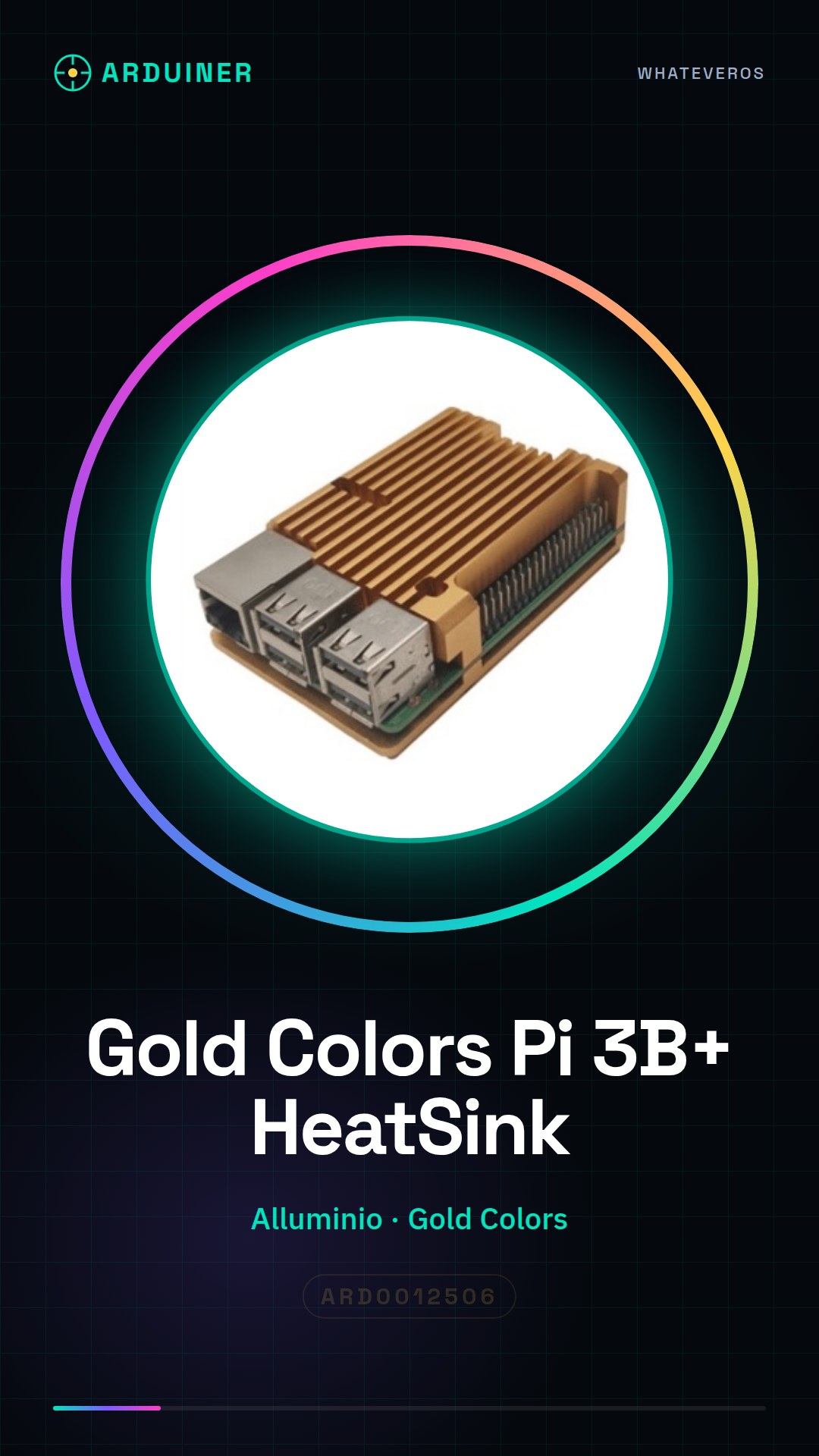
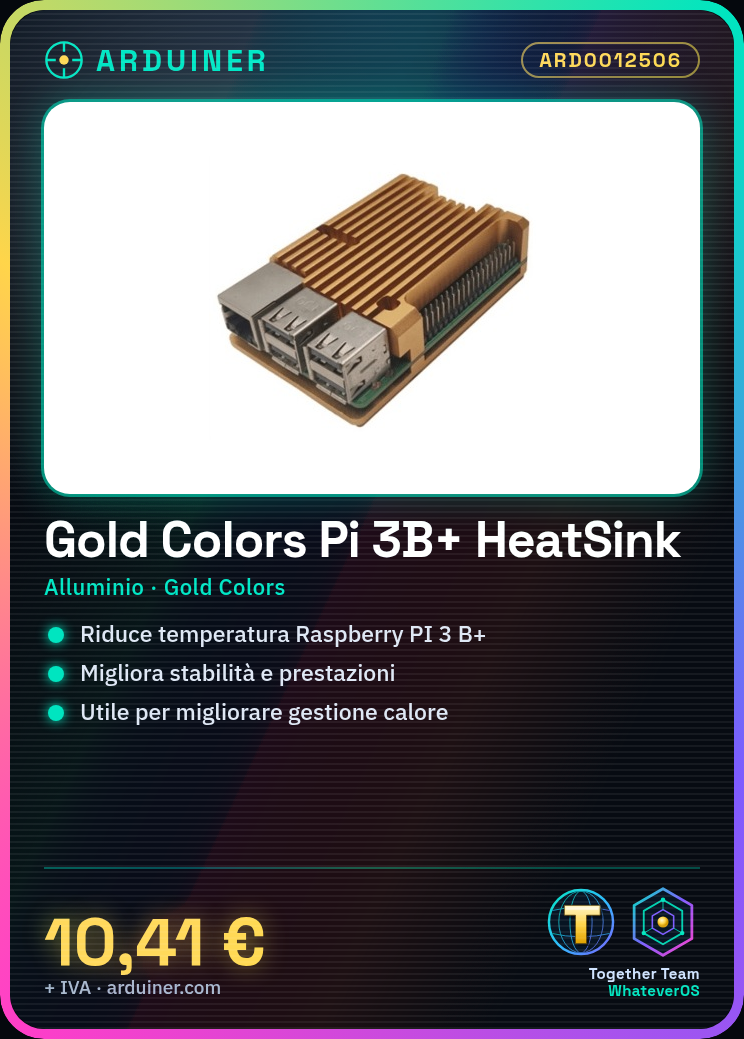
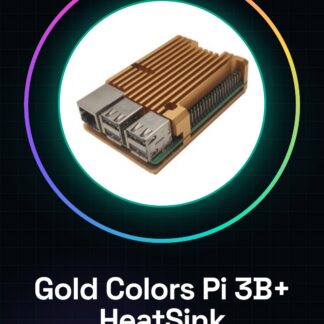
The Gold Colors aluminum heat sink is designed for the Raspberry PI 3 B+ to improve cooling and performance of the device during intensive use.
Features
- Compatible with Raspberry PI 3 B+
- Material: aluminum
- Color: Gold Colors
What it is for
The aluminum heat sink helps to reduce the temperature of the Raspberry PI 3 B+ during intensive use, improving the stability and performance of the device. It is useful for anyone who wants to improve the heat management of their device.
Tutorial: How to use Heat Sink for Raspberry PI 3 B+
The Heat Sink for Raspberry PI 3 B+ helps to keep your Raspberry cool during intensive use. Useful for anyone who wants to improve the heat management of their device.
What you need
- Heat Sink for Raspberry PI 3 B+
- Raspberry PI 3 B+
- Thermal Adhesive (optional)
- Manipulation Tools
Steps
- 1. Turn on the Raspberry PI 3 B+ and verify that it works correctly.
- 2. Turn off the Raspberry PI 3 B+.
- 3. Remove the old heat sink (if present) with a paintbrush or handling tools.
- 4. Apply thermal adhesive on the surface of the Raspberry PI 3 B+ (optional).
- 5. Position the heat sink on the Raspberry PI 3 B+.
- 6. Apply pressure to ensure perfect contact between heat sink and Raspberry PI.
- 7. Check if the heat sink is well positioned and does not cover the connectors.
- 8. Turn on the Raspberry PI 3 B+ and verify that it works correctly.
- 9. Check the datasheet to see if the heat sink covers all the hot chips.
Mini project
Mount the heat sink on a Raspberry PI 3 B+ and measure the temperature with a digital thermometer before and after installation. Demonstrate the temperature difference.
Common mistakes
- Do not apply too much force during the installation of the heat sink, it could damage the Raspberry PI.
- Do not cover the Raspberry PI connectors with the heat sink.
- Ensure that the thermal adhesive is well distributed (if used).
- Check if the heat sink properly covers all the hot components of the Raspberry PI.
Recommended accessories
- Digital thermometer
- Paintbrush
- Handling tools
- Thermal adhesive (optional)
Frequently asked questions
Can I use the heat sink with other Raspberry PI models?
Check the datasheet to see if the heat sink is compatible with your Raspberry PI model.
How long does the thermal adhesive last?
The thermal adhesive can last for years, but it may eventually need to be replaced.
Can I use the heat sink even if the Raspberry PI does not generate heat?
If the Raspberry PI does not generate heat, the heat sink is not necessary.
Can I use the heat sink with Arduino?
The heat sink is designed for the Raspberry PI, not for Arduino.

Reviews
There are no reviews yet.