 EN
 IT Italiano
 ES Español
 FR Français
 DE Deutsch
Description
What it is
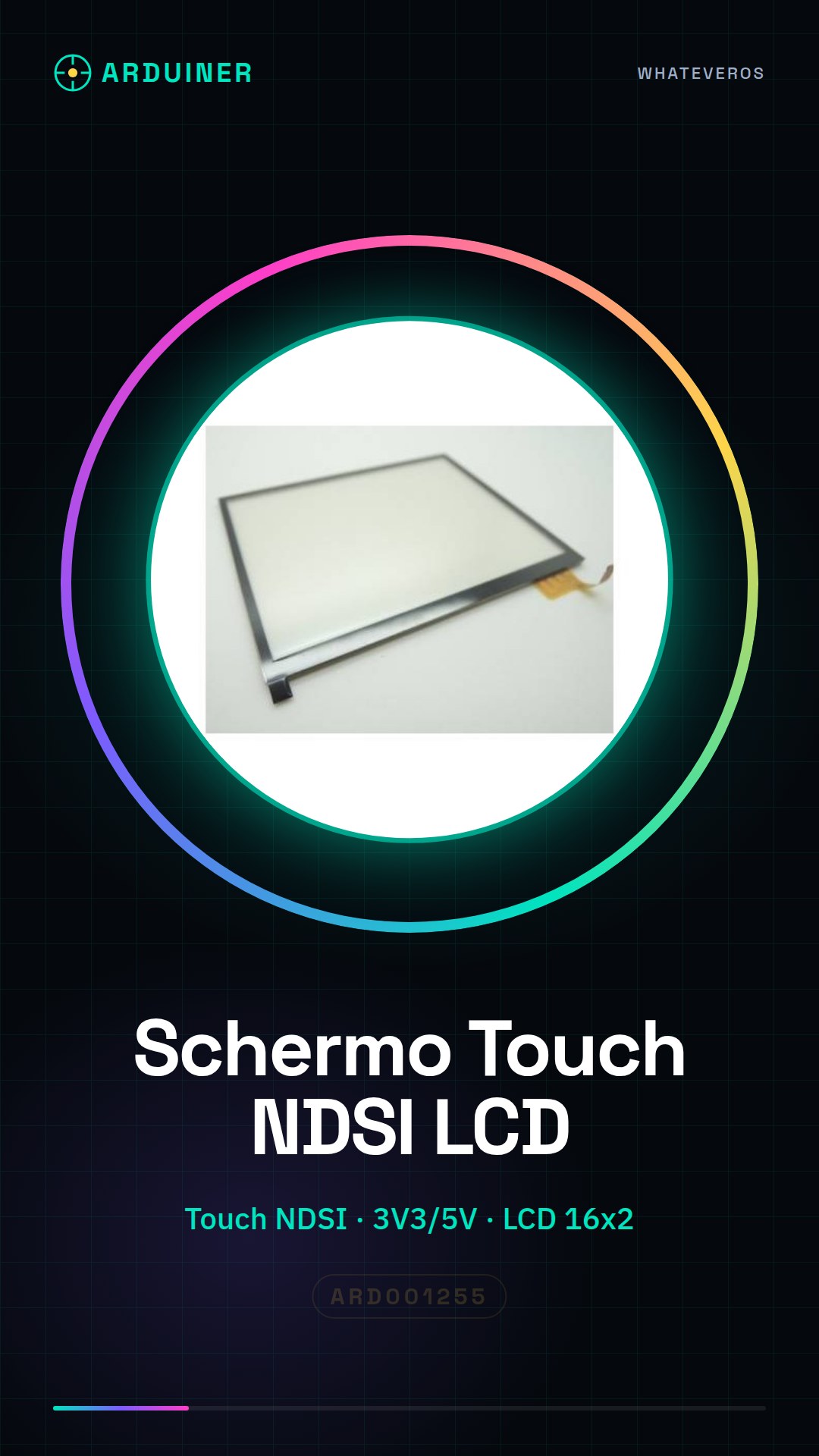
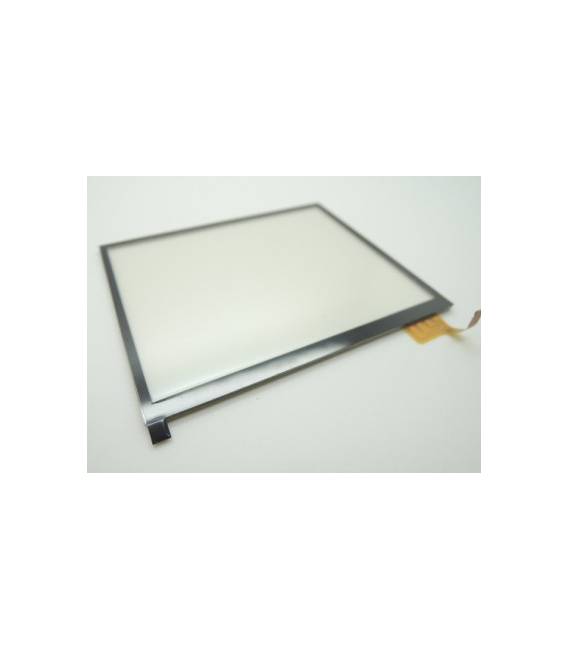
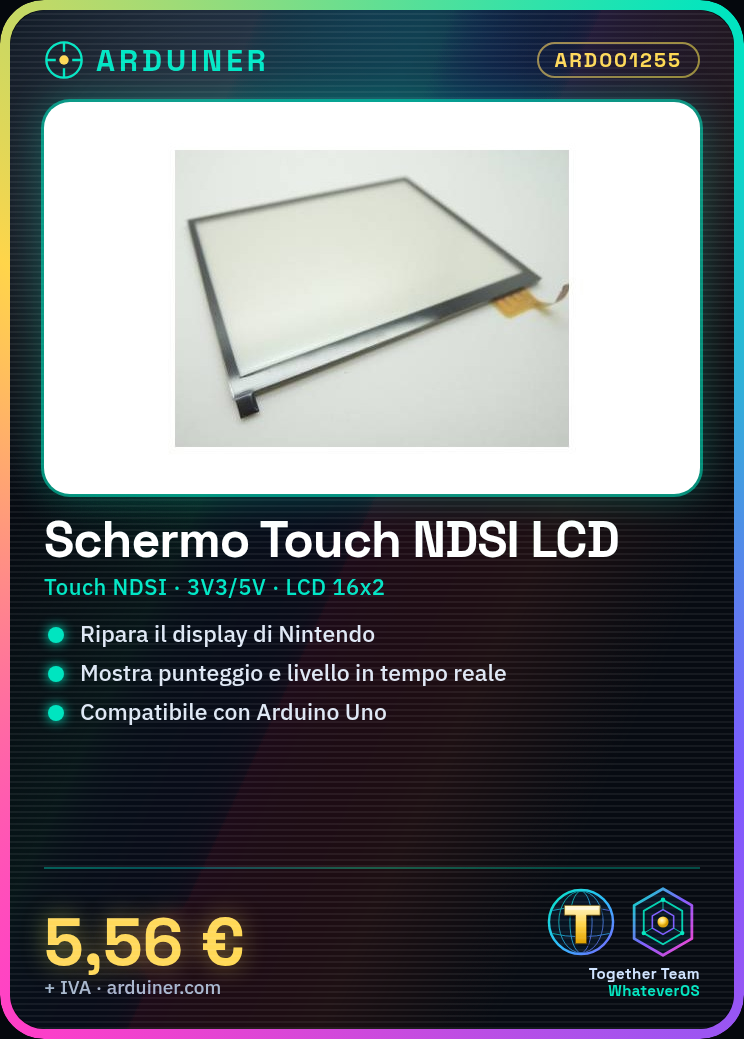
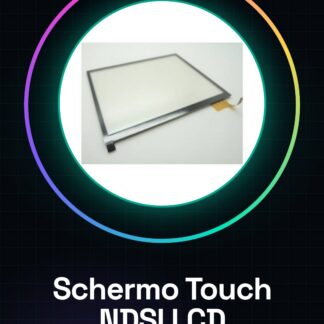
The Touch NDSI Nintendo LCD lower replacement part is a replacement component for Nintendo devices that require display and touch interface repair.
Features
- LCD screen for Nintendo device
- Type: Touch NDSI
- Lower replacement part
What it is for
This screen is ideal for repairing Nintendo devices and can be used in retro projects that require game statistics display, such as score and current level.
Tutorial: How to use Touch NDSI Nintendo LCD lower replacement part
This screen is a replacement component for Nintendo devices that require the restoration of display and tactile interaction. It is ideal for vintage game enthusiasts or makers working on retro projects.
What you need
- Arduino Uno
- USB A-Micro B cable
- Power connection 3V3/5V
- LiquidCrystal_I2C library (or equivalent)
Steps
- Connect the screen to the I2C pin of the Arduino microcontroller using the appropriate cables.
- Install the LiquidCrystal_I2C library in the Arduino IDE library manager.
- Write a simple sketch that initializes the display and shows a welcome message.
- Verify the display power supply, ensuring it conforms to the datasheet specifications.
- Test the touch functionality to check if the buttons respond correctly.
- If necessary, adjust the sketch settings based on the results obtained during the test.
Example code
// Includere la libreria LiquidCrystal_I2C
#include <Wire.h>
#include <LiquidCrystal_I2C.h>

// Definire l'oggetto display LCD
LiquidCrystal_I2C lcd(0x27, 16, 2);

void setup() {
  // Inizializzare il display
  lcd.begin();
  // Mostrare un messaggio di benvenuto
  lcd.print("Benvenuto!");
}

void loop() {}
Mini project
Create a small retro console that displays real-time game statistics, such as score and current level.
Common mistakes
- Do not verify the correct power supply.
- Use the wrong library for the display.
- Do not adequately test the touch functionality.
- Ignore the datasheet specifications during configuration.
Recommended accessories
- I2C Connector
- Pull-up Resistors
- Arduino board prototype
Frequently asked questions
How can I check if the display is working?
Testing the power supply and writing a test message on the screen.
Which libraries do I need to install to use this component?
LiquidCrystal_I2C or an equivalent library that supports the I2C display.
Reviews
There are no reviews yet.