 EN
 IT Italiano
 ES Español
 FR Français
 DE Deutsch
Description
What it is
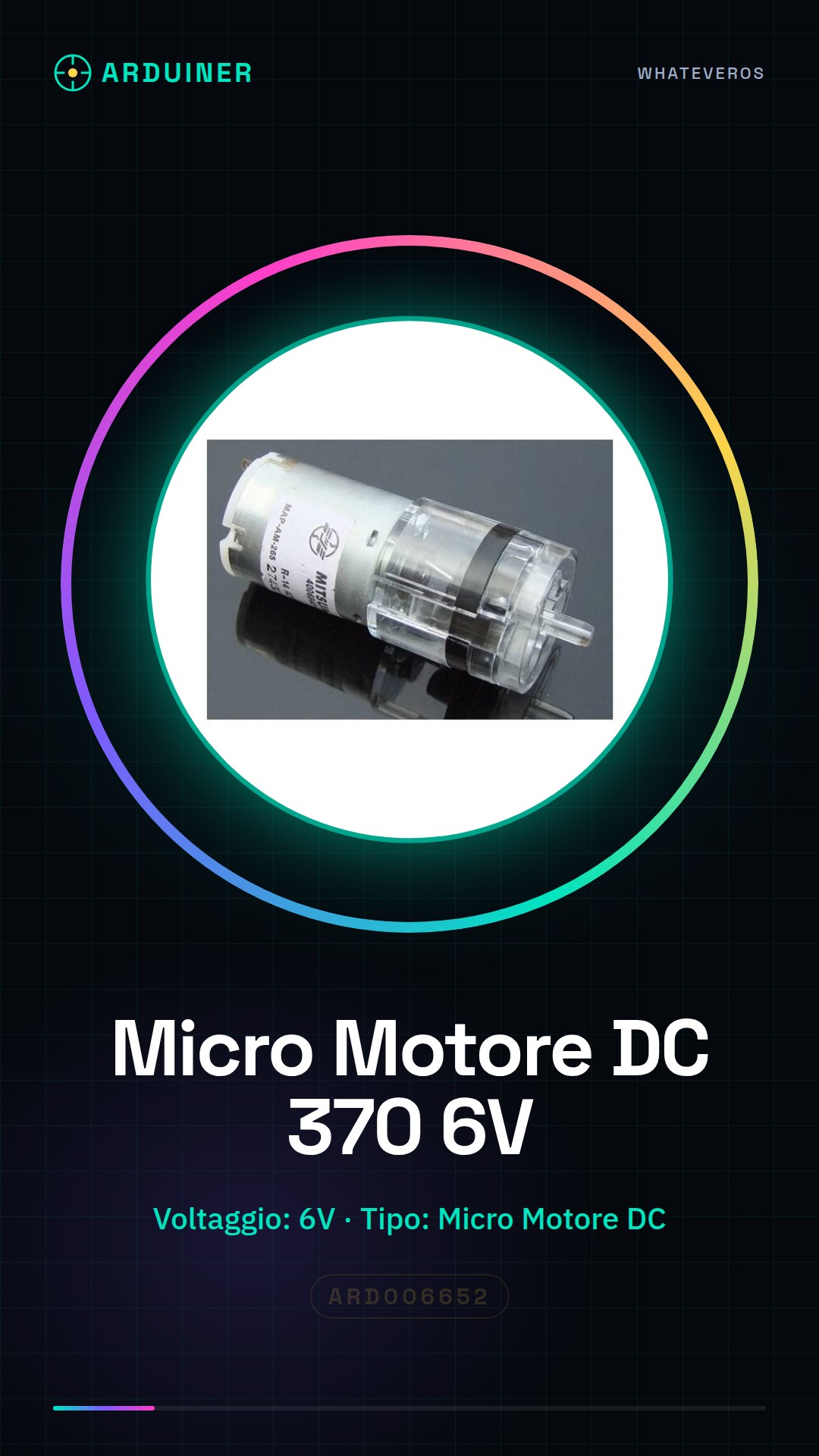
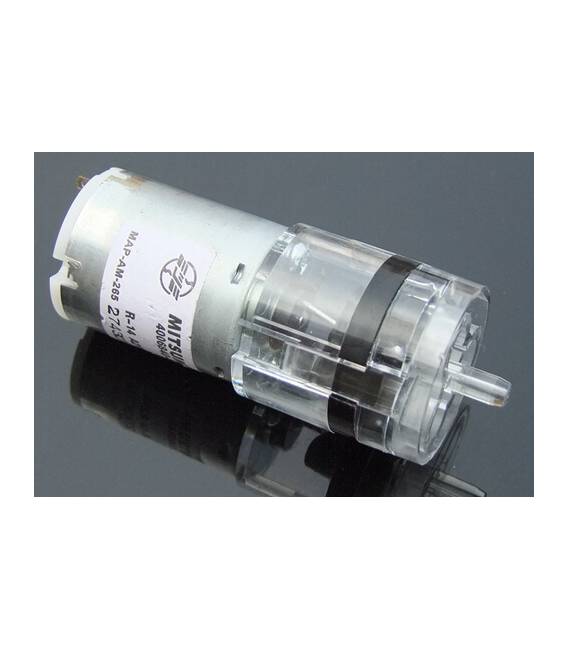
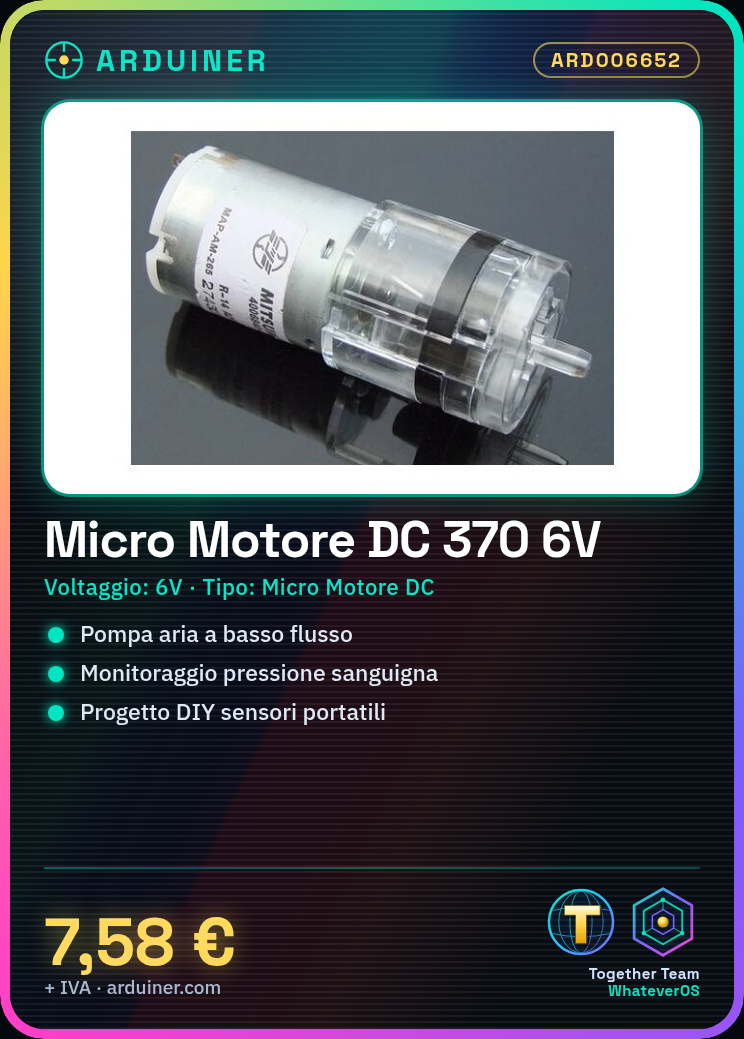
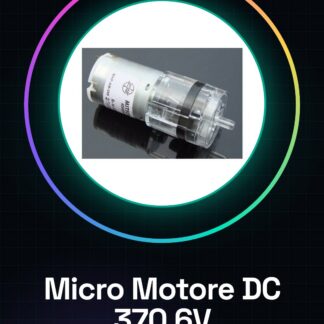
The DC Micro Motor 370 6V is an electronic component designed for applications requiring low flow pumps, such as blood pressure monitoring. This motor is ideal for portable sensor and medical device projects.
Features
- Voltage: 6V
- Type: DC Micro Motors
- Sku: ARD006652
What it is for
Ideal for DIY projects such as portable sensors or medical devices. You can use it with an Arduino to create a blood pressure monitoring device by connecting the motor to a pressure sensor and writing a sketch that controls the motor based on sensor data.
Tutorial: How to Use DC Micro Motor 370 6V Air Pump
The DC Micro Motor 370 6V is ideal for low flow pumps and blood pressure monitoring applications. This component is perfect for DIY projects such as portable sensors or medical devices.
What you need
- Arduino Uno
- Breadboard
- Current limiting resistor
- JST cable
- Pressure sensors
Steps
- Install the DC 370 micro motor on a breadboard.
- Connect the current limiting resistor between the Arduino and the motor to protect it from current overloads.
- Use JST cables to connect the motor to the Arduino, ensuring that the polarities are correct (check the datasheet).
- Connect a pressure sensor to the circuit to measure the pressure during pump operation.
- Write an Arduino sketch to read data from the sensor and control the motor based on pressure conditions.
- Verify that the motor functions correctly without stalling or voltage drops.
- Calibrate the blood pressure monitoring system to obtain accurate data.
- Test the project under various conditions and record the results.
Example code
void setup() {
  Serial.begin(9600);
}

void loop() {
  int pressureValue = analogRead(A0); // Legge la pressione dal sensore
  if (pressureValue > valore_di_soglia) {
    digitalWrite(motorePin, HIGH); // Accende il motore se la pressione è troppo alta
  } else {
    digitalWrite(motorePin, LOW); // Spegne il motore se la pressione è adeguata
  }
}
Mini project
Create a portable blood pressure monitoring device with this micro motor and a pressure sensor. Connect them to an Arduino and write a sketch that controls the motor based on the sensor data.
Common mistakes
- Connect the motor to the circuit without a current limiting resistor.
- Do not check polarity during installation.
- Ignore pressure sensor calibration.
- Use an unoptimized threshold value to manage the motor.
Recommended accessories
- Arduino Uno
- Breadboard
- 10 Ohm current limiting resistor
- Pressure sensors
Frequently asked questions
How can I protect the micro motor from current overloads?
Connect a current limiting resistor between the Arduino and the motor.
What is the operating voltage of the motor?
Check the datasheet to obtain the precise operating voltage.
Reviews
There are no reviews yet.