 EN
 IT Italiano
 ES Español
 FR Français
 DE Deutsch
Description
What it is
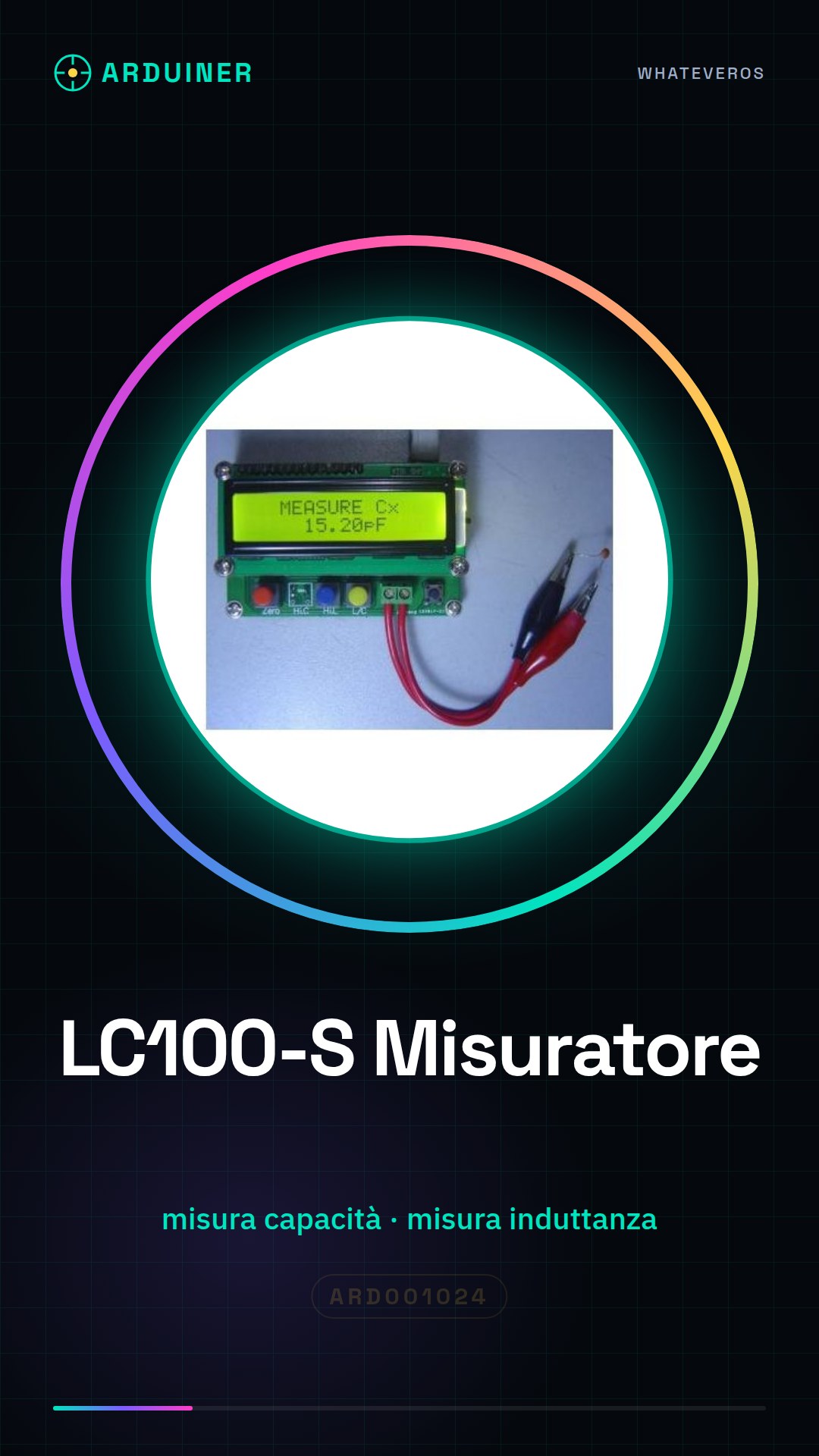
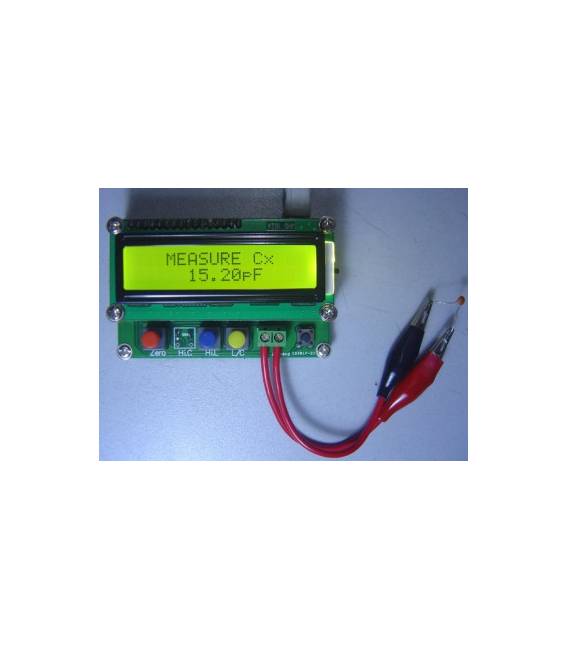
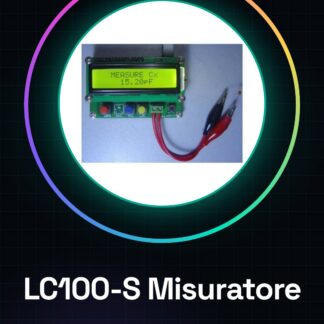
LC100-S is a capacitance and inductance meter designed for makers and electronics enthusiasts. It allows for quick determination of the characteristics of electrical components such as capacitors and inductors.
Features
- Measures capacitance and inductance
- SKU: ARD001024
- Price: 26,45 €
What it is for
The LC100-S is useful for evaluating electronic components, checking their characteristics, and improving projects. For example, it can be used to design automatic monitoring systems for circuit conditions. Compatibility with Arduino and other microcontrollers should be verified in the datasheet.
Tutorial: How to use LC100-S: Inductance, Capacitance and Impedance Meter
The LC100-S is a practical tool for makers working with electronic circuits. With it, you can easily determine the inductance, capacitance, and impedance of electrical components. This device is ideal for both beginners and experts who want to quickly check the characteristics of their circuits.
What you need
- LC100-S
- USB Connector (if used with Arduino)
- Computer or tablet with serial communication software installed
Steps
- Connect the LC100-S to the computer via a USB connector.
- Open a serial communication application such as PuTTY or Tera Term to interact with the LC100-S.
- Enter the device configuration in the software, verify the settings on the LC100-S datasheet.
- Connect the electronic component you wish to measure to the input points of the LC100-S.
- Send a command to start measuring inductance or capacitance, following the instructions in the datasheet.
- Obtain the results by viewing the value on the serial communication software.
- Repeat steps 3-5 for other electronic components.
- Always verify the accuracy of the measured data with standard tools such as a multimeter.
Mini project
[‘Design an automatic circuit condition monitoring system. Connect the LC100-S to an Arduino and use the software to automatically detect changes in the inductance and capacitance of components in the circuit.’, ‘It takes approximately 30 minutes to write the Arduino sketch, configure serial communication, and test the application.’]
Common mistakes
- Use a serial communication software that is not compatible with the LC100-S
- Do not verify the device settings before measurement.
- Disconnect the USB connection during measurement without properly closing the serial communication software.
- Omit verifying the obtained results with standard tools.
Recommended accessories
- Arduino Uno
- USB A-B Connection
- Multimeter
- Electronic Prototyping Kit
Frequently asked questions
How can I configure the LC100-S?
Follow the instructions in the LC100-S datasheet to properly set up the device.
Which components can be measured with the LC100-S?
You can use the LC100-S to measure inductances, capacitances, and impedances of various types of electronic components.
Reviews
There are no reviews yet.