 EN
 IT Italiano
 ES Español
 FR Français
 DE Deutsch
Description
What it is
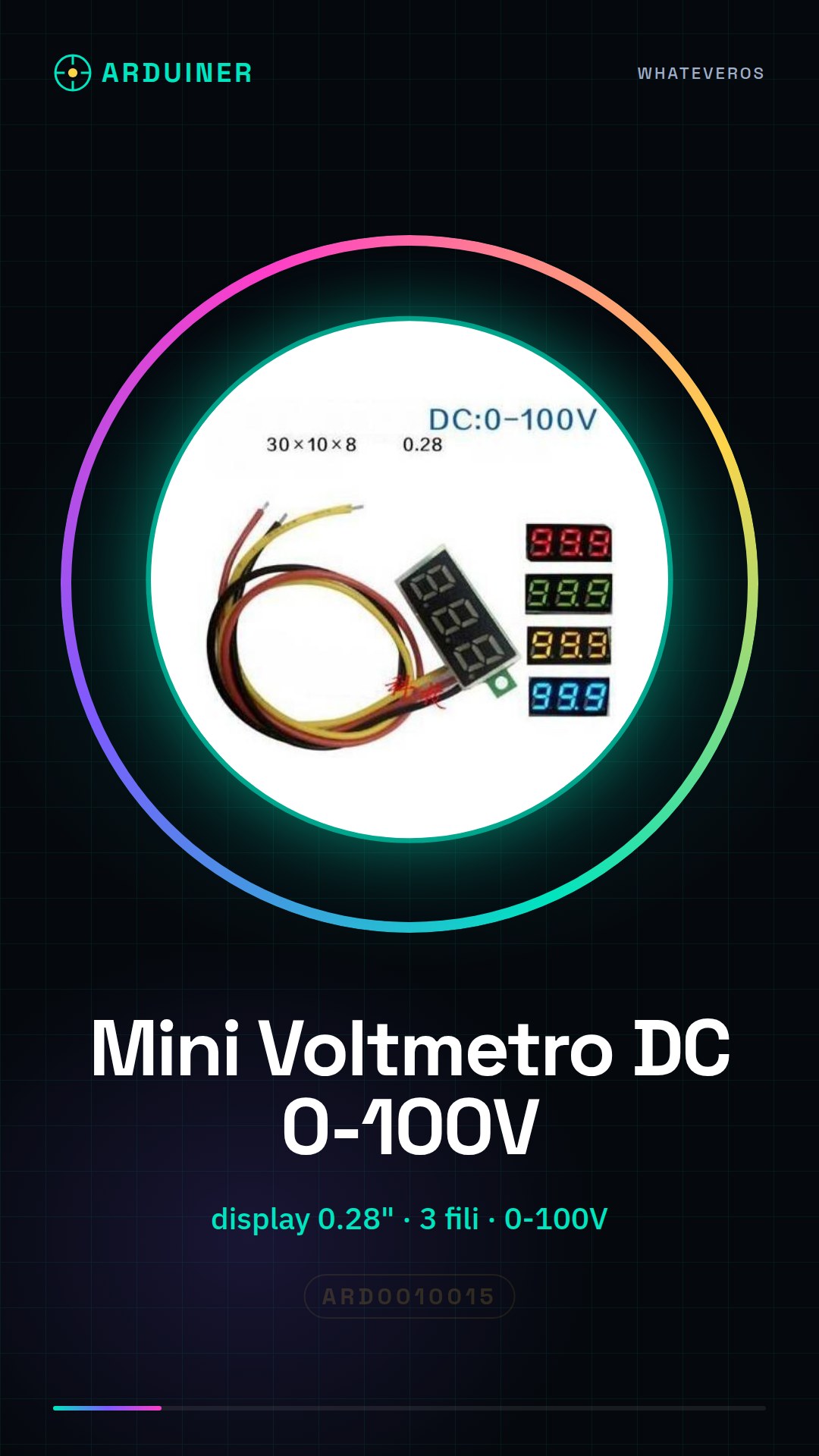
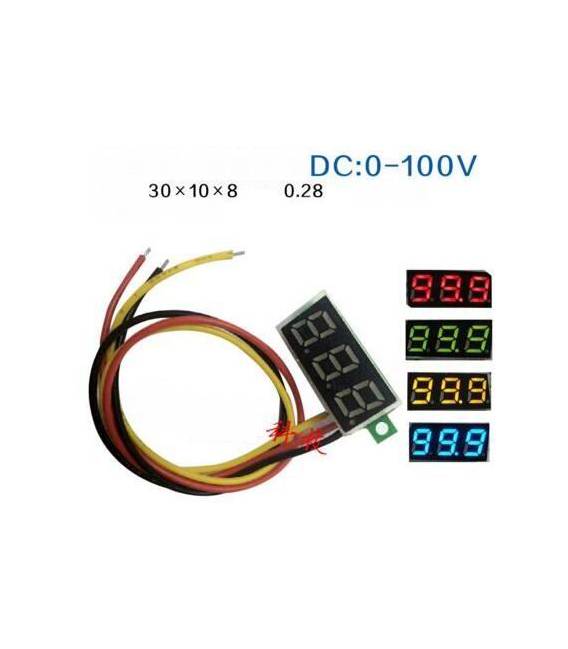
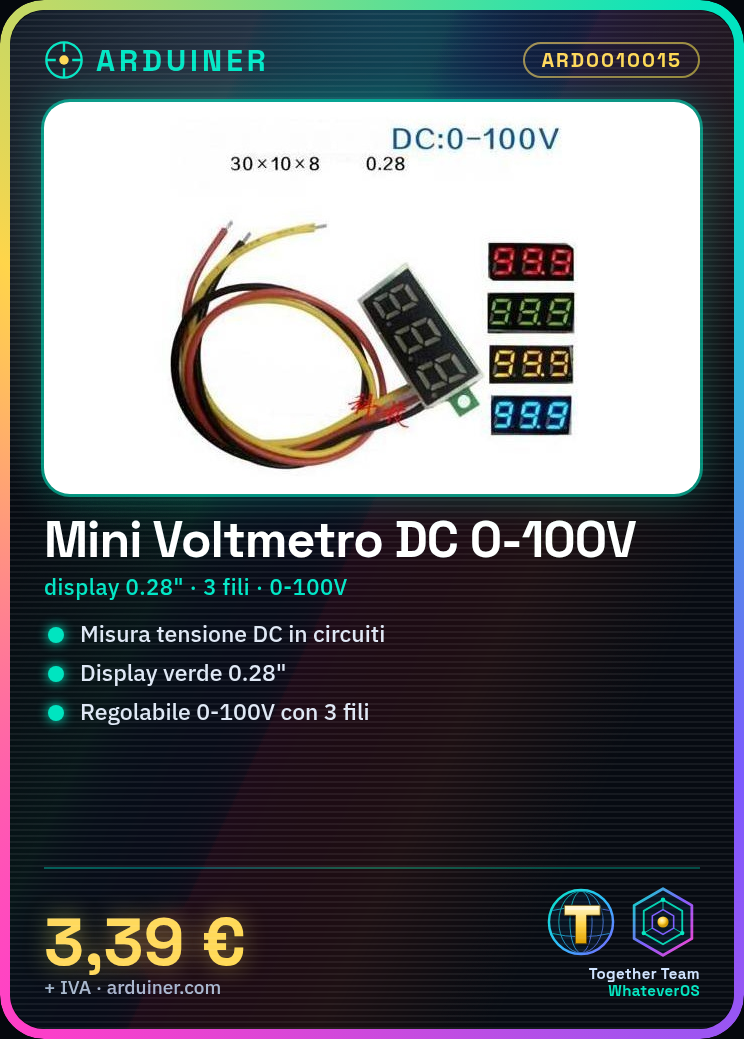
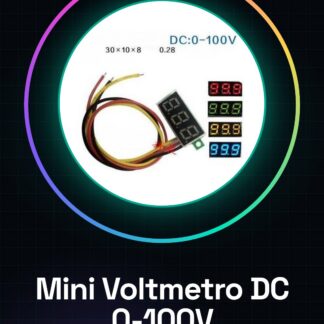
The Digital DC Mini Voltmeter is a tool for measuring electrical voltage in DC circuits. Equipped with a 0.28 inch green display, this 3-wire voltmeter is adjustable over a range of 0-100V.
Features
- 0.28 inch green display
- 3 wires
- Measurement range: 0-100V DC
- Adjustable
What it is for
The Digital DC Mini Voltmeter is ideal for precise measurements in electronics projects. It can be used to monitor the operation of power supplies or batteries. For example, it can be integrated into a battery monitoring system for a radio-controlled model, connected to the model’s battery and used with Arduino to send data via Bluetooth.
Tutorial: How to use the 3-wire Digital DC Mini Voltmeter
The Digital DC Mini Voltmeter is a simple tool for measuring electrical voltage in DC circuits. It is ideal for beginner makers who want to monitor the operation of power supplies or batteries.
What you need
- 3-Lead Digital DC Mini Voltmeter
- Arduino (optional)
- Battery or power supply
Steps
- Connect the three cables of the voltmeter to the ‘+’ and ‘-‘ terminals of the power source to be measured.
- Check that the voltmeter is properly set for the desired scale (0-100V).
- If necessary, connect an Arduino or another control board to read the voltmeter data.
- Configure the sketch on Arduino to read measurements from the voltmeter if you are using the device with a control board.
Example code
// Se usi Arduino, questo è uno sketch base per leggere il valore del voltmetro
// Verifica sul datasheet per i pin di connessione specifici.
void setup() {
  Serial.begin(9600);
}
void loop() {
  int val = analogRead(A0); // Leggi dal pin A0
  float voltage = (val / 1024.0) * 5; // Converti in tensione
  Serial.println(voltage);
}
Mini project
Create a battery monitoring system for a radio-controlled projectile: connect the voltmeter to the model’s battery and use Arduino to send data via Bluetooth.
Common mistakes
- Do not properly adjust the voltmeter scale.
- Connect the cables to the circuit without first checking that they are adequately insulated.
- Use voltages higher than the maximum scale of the voltmeter (100V).
- Ignore the safety instructions for maintaining and connecting electronic components.
Recommended accessories
- Arduino Uno R3
- 9V Battery
- JST-XH Connector
- USB A-Micro Cable
Frequently asked questions
Can the voltmeter measure voltages higher than 100V?
No, the device is designed for measurements up to 100V DC.
How can I adjust the voltmeter scale?
Check the datasheet for specific adjustment instructions.
Reviews
There are no reviews yet.