 EN
 IT Italiano
 ES Español
 FR Français
 DE Deutsch
Description
What it is
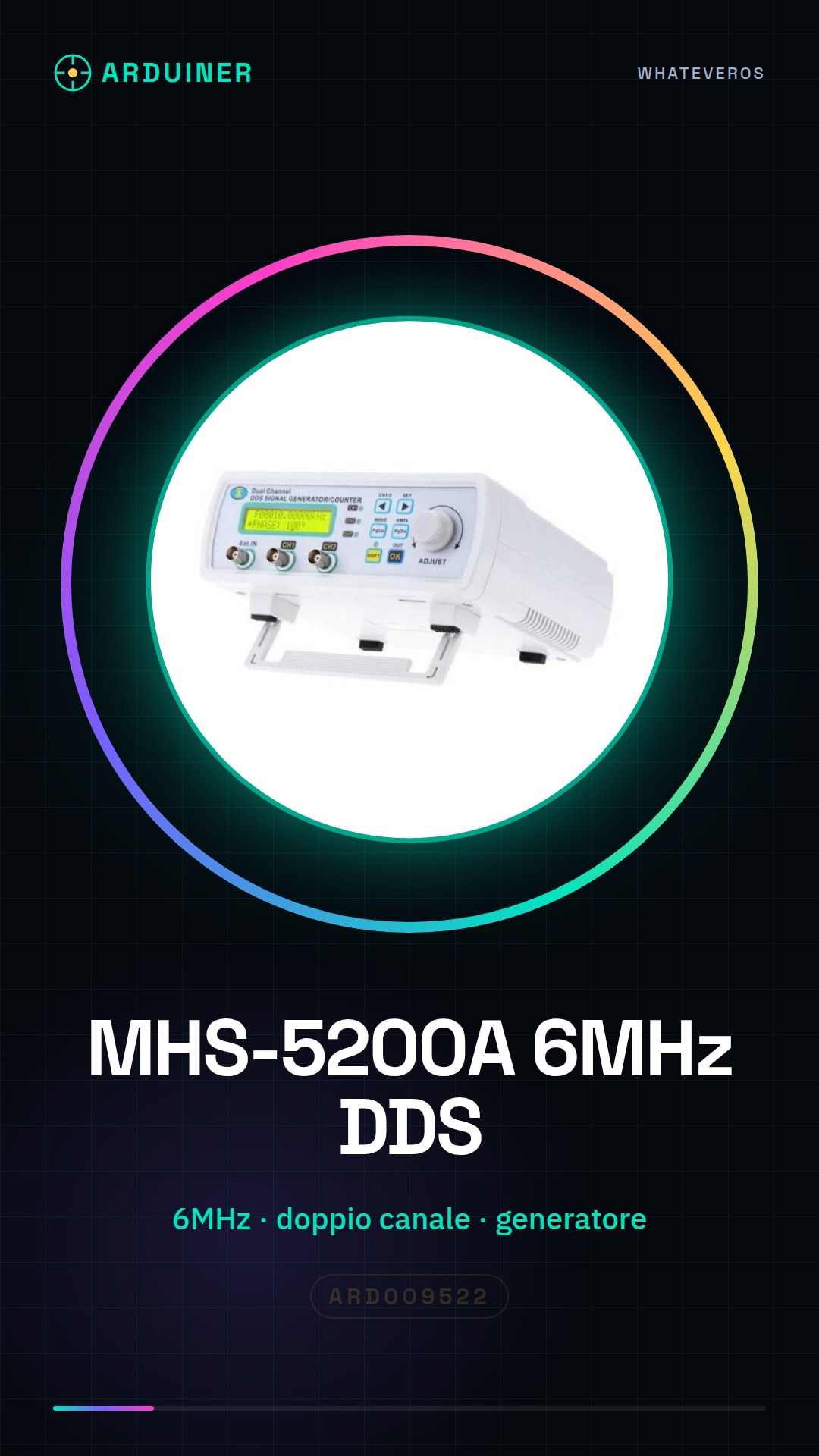
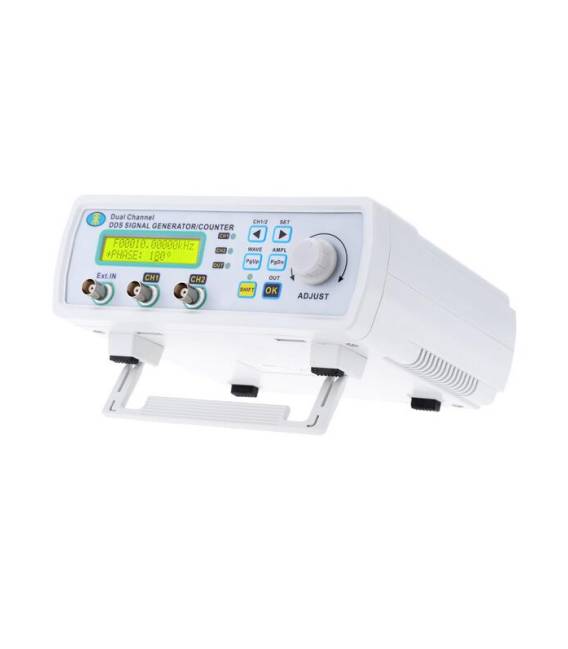
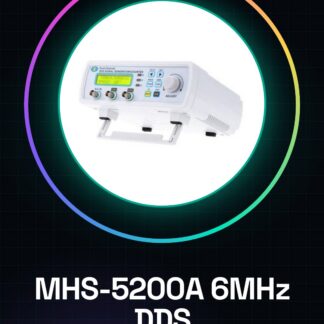
The MHS-5200A is a high-frequency DDS signal generator with advanced features. This device is designed for electronic testing and development, offering a range of uses for both beginners and professionals.
Features
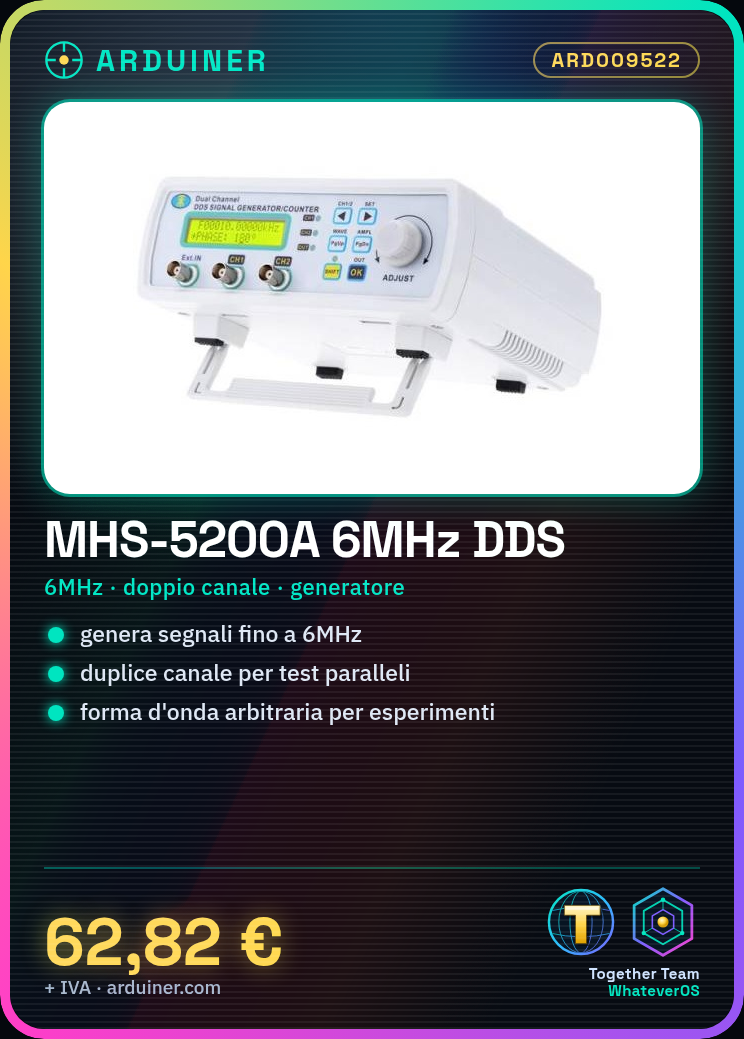
- Maximum frequency: 6MHz (check the datasheet)
- Dual channel functional waveform generator
- Arbitrary signal generator
What it is for
The main uses of the MHS-5200A include creating and testing electronic circuits, frequency analysis, and generating signals for various experiments. It can be used in combination with Arduino or ESP32 for advanced projects.
Tutorial: How to use MHS-5200A
The MHS-5200A is a high-frequency digital signal generator ideal for testing and developing electronic circuits. Useful for beginners and professionals.
What you need
- MHS-5200A
- Arduino
- USB cable
- Multimeter
Steps
- 1. Download the USB driver for the MHS-5200A if necessary (check the datasheet).
- 2. Connect the MHS-5200A to the computer via the USB cable.
- 3. Install the driver in the operating system (Windows, macOS, or Linux).
- 4. Connect the MHS-5200A to the Arduino via the connectors.
- 5. Download and install the MHS-5200A control software.
- 6. Perform an initial setup through the software.
- 7. Write a simple Arduino sketch to control the MHS-5200A.
- 8. Verify functionality with a multimeter.
Example code
void loop() {
  Serial.println("SIN");
  delay(1000);
  Serial.println("SQU");
  delay(1000);
}
Mini project
Create a simple signal oscillator with the MHS-5200A and measure the frequency with a multimeter.
Common mistakes
- Do not connect the MHS-5200A to the computer correctly.
- Forget to install the USB driver.
- Write an incorrect Arduino sketch.
- Do not use a multimeter for verification.
Recommended accessories
- Arduino
- USB cable
- Multimeter
Frequently asked questions
How can I control the MHS-5200A with another software?
Check the datasheet for information on other supported software.
Does the MHS-5200A support all output frequencies?
Check the datasheet for the list of supported frequencies.
What are the connectors on the MHS-5200A?
Check the datasheet for connector specifications.
Reviews
There are no reviews yet.