 EN
 IT Italiano
 ES Español
 FR Français
 DE Deutsch
Description
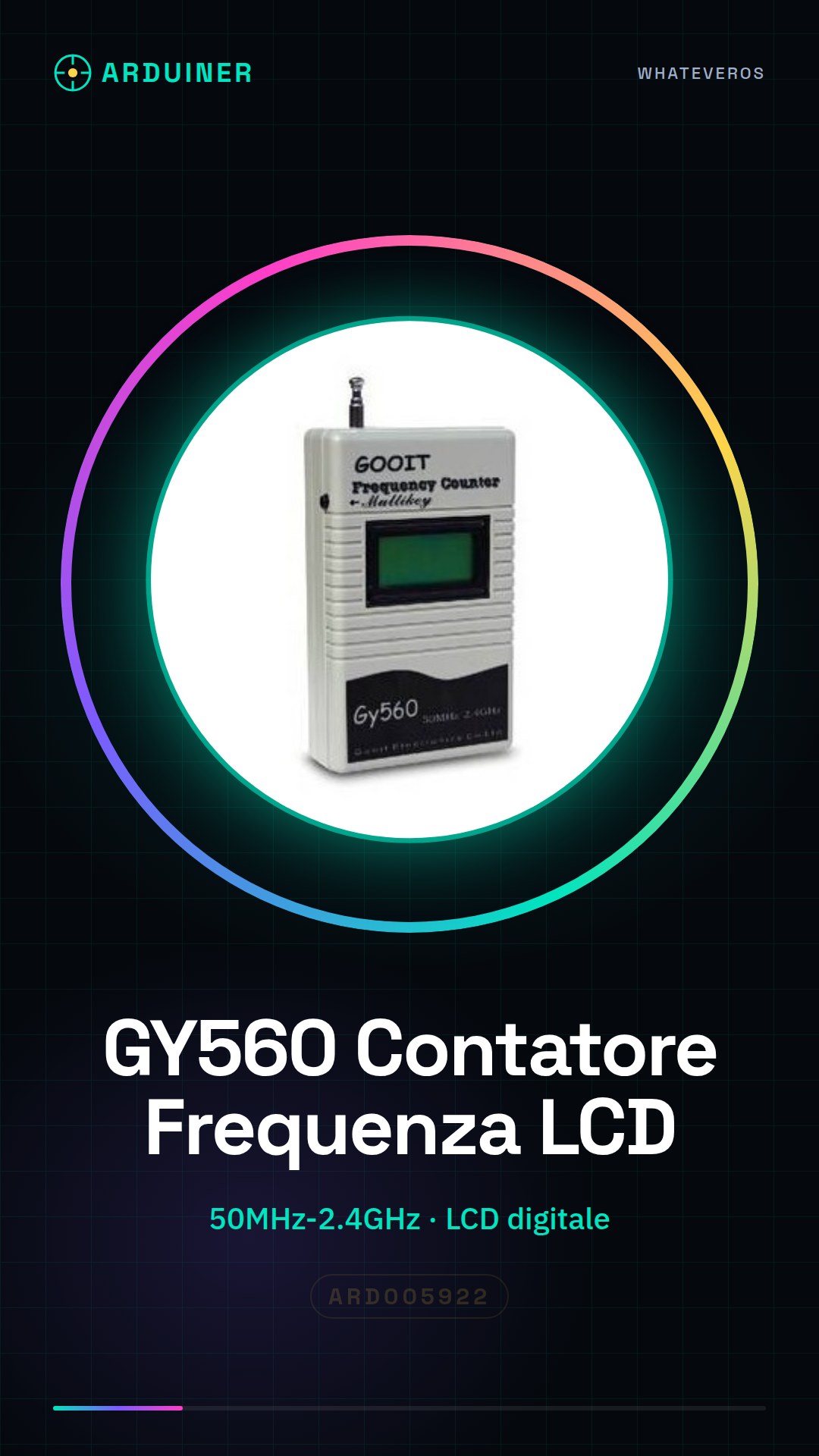
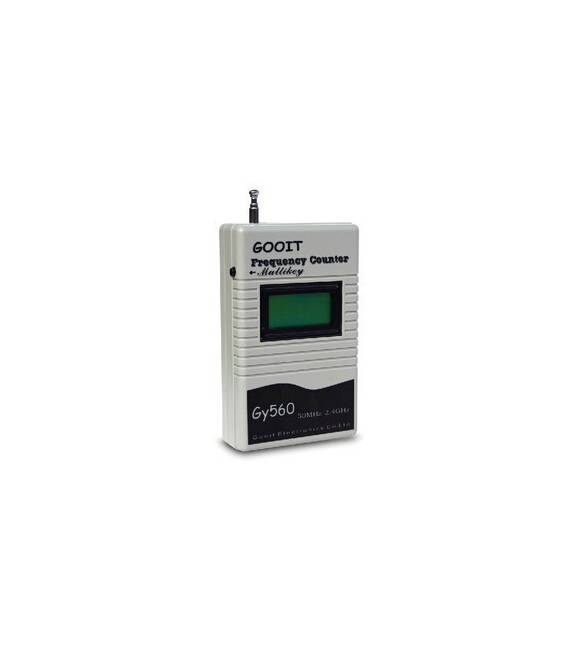
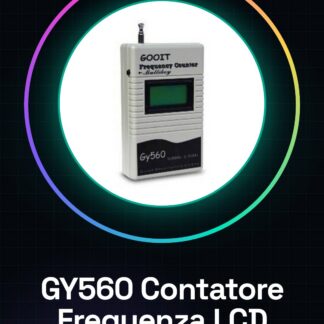
What is the GY560? The GY560 is a digital LCD frequency counter that measures radio signals from 50MHz to 2.4GHz, suitable for radio and telecommunications projects. Features Measure radio signals from 50MHz to 2.4GHz; Digital LCD display; What it’s used for Ideal for monitoring home radio transmissions or telecommunications projects. It can be easily integrated with Arduino or ESP to show the frequency of received signals. Tutorial: How to use GY560 Digital LCD Frequency Counter The GY560 is a digital frequency counter with an LCD that measures radio signals from 50MHz to 2.4GHz. Ideal for makers and telecommunications enthusiasts who want to monitor radio transmissions. What you need Arduino Uno or compatible USB Type B cable Breadboard Steps Connect the GY560 to the Arduino using the pins specified in the module’s datasheet (check the datasheet). Download and install the necessary library from the official GitHub repository. Open Arduino IDE and create a new sketch. Include the newly installed library with ‘#include ’ (check the datasheet). Initialise the module in setup() by calling the GY560 initialisation function. In loop(), read the frequency from the module and display it on the LCD. You can add a delay to reduce readings. Save the sketch and upload the code to Arduino. Open Serial Monitor at 9600 baud and verify that the frequency is correctly displayed. Example Code // Include the GY560 module library #include GY560 freq; freq.begin(); while(1){Serial.println(freq.readFrequency());} Mini-project Create a home radio transmission monitoring system. Connect the GY560 to an Arduino and use the LCD to display the frequency of received signals. Common errors No data displayed on the LCD Library not found in IDE Module does not respond to frequency reading command Recommended accessories Arduino Uno R3 USB Type B cable 16×2 LCD with backlight Pull-up resistors for GY560 data pin Frequently Asked Questions What is the measurement range of the GY560? The range goes from 50MHz to 2.4GHz (check the datasheet). Can I connect the GY560 to other microcontrollers besides Arduino? Yes, but it may be necessary to modify the sketch to adapt it to the new microcontroller. How can I calibrate the module? Check the product’s datasheet for calibration information.
Reviews
There are no reviews yet.