 EN
 IT Italiano
 ES Español
 FR Français
 DE Deutsch
Description
What it is
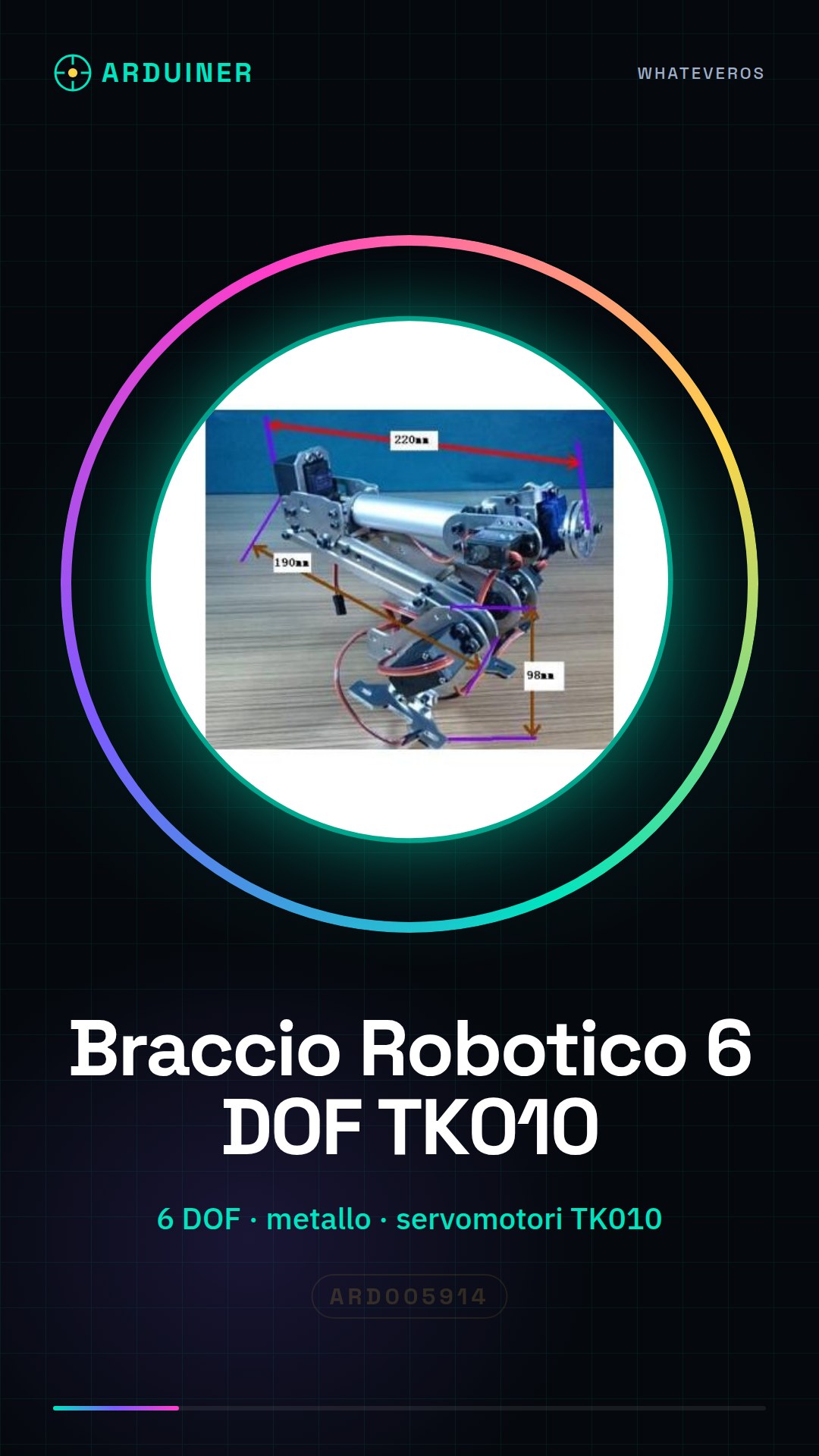
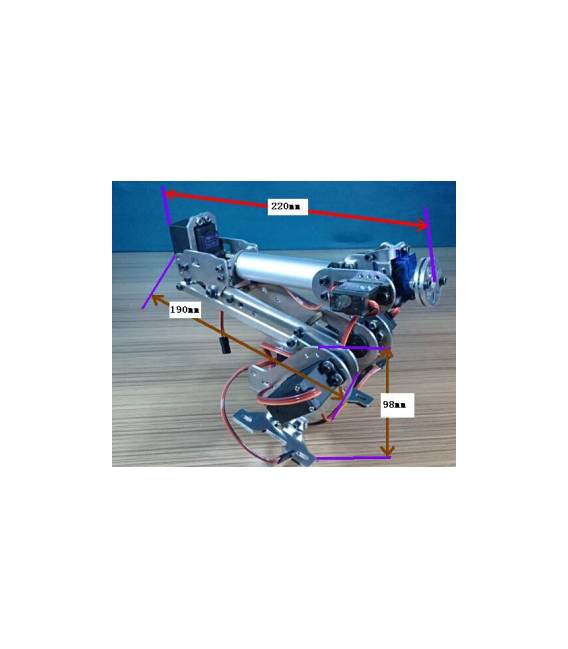
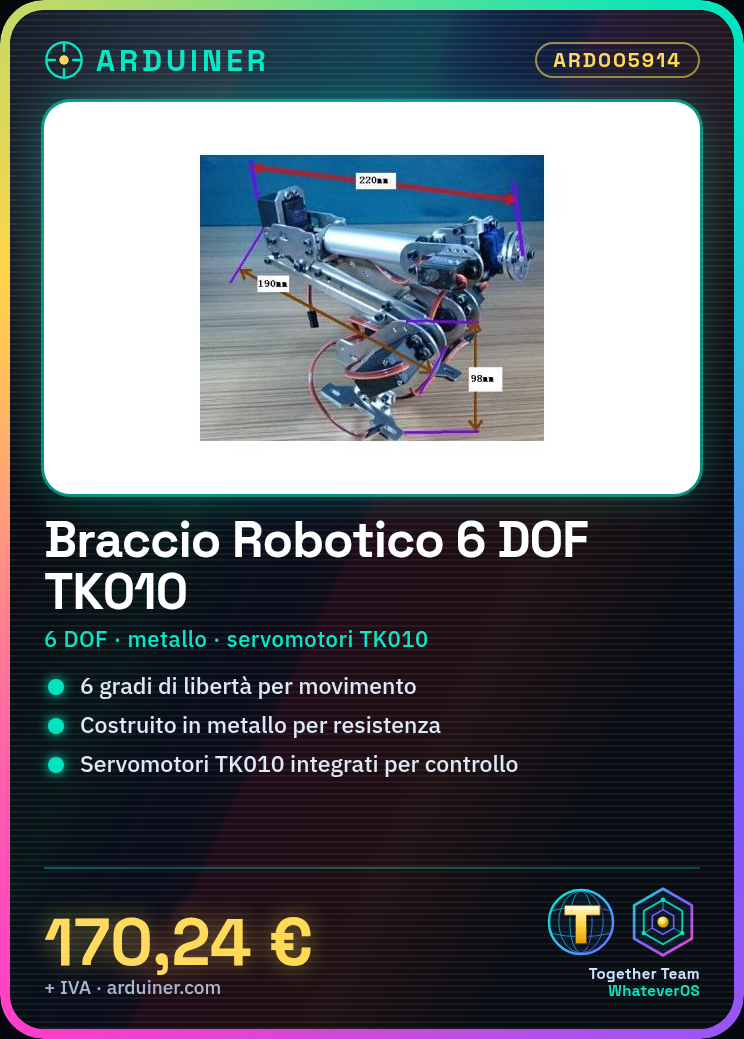
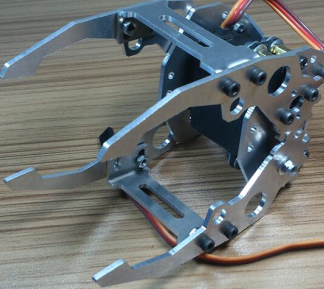
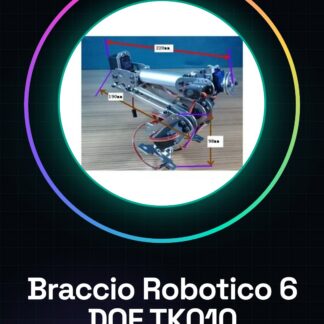
The TK010 Metal 6 DOF Robotic Arm with Servomotors is an ideal device for automation and mechatronics projects. With a robust and flexible structure, it allows Arduino enthusiasts to explore the possibilities of robotics.
Features
- 6 degrees of freedom (DOF)
- Built with metal for durability and strength
- Integrated TK010 Servomotors
What it is for
The robotic arm is suitable for automatic manipulation projects, such as picking up and positioning objects on a table. It is compatible with Arduino and can be used to create simple automation systems in minutes.
Tutorial: How to Use the TK010 Metal 6 DOF Robotic Arm
The TK010 Metal 6 DOF Robotic Arm with Servomotors is ideal for automation and mechatronics projects. With a wide range of movements, it is suitable for beginner and intermediate makers who want to explore robotics.
What you need
- Arduino Uno or compatible
- USB cable
- Arduino IDE software installed
Steps
- Connect the Arduino to the computer via the USB cable.
- Download and install the necessary libraries for the servomotors (check the datasheet).
- Configure the communication between the Arduino and the servomotors following the instructions in the datasheet.
- Write an Arduino sketch that controls the movement of the servomotors (see code below).
- Upload the sketch to the Arduino circuit.
- Test the robotic arm to verify the correct configuration and operation of the servomotors.
Example code
// Inserire qui uno sketch base che controlla i servomotori del braccio roboticoMini project
Create a simple manipulation system in 30 minutes: program the arm to pick up and place objects on a table.
Common mistakes
- Fail to properly configure the communication between the Arduino and the servomotors.
- Use voltages incompatible with the servomotors.
- Forget to install the necessary libraries to control the servomotors.
- Do not place too heavy a weight on the arm that can damage it.
Recommended accessories
- USB cable
- Arduino Uno R3
- LiPo 18650 battery
Frequently asked questions
How can I control the arm from a tablet or smartphone?
Use a library like Firmata to create a web interface.
Which servomotors are compatible with this robotic arm?
Check the product datasheet for specific details.
Reviews
There are no reviews yet.