 EN
 IT Italiano
 ES Español
 FR Français
 DE Deutsch
Description
What it is
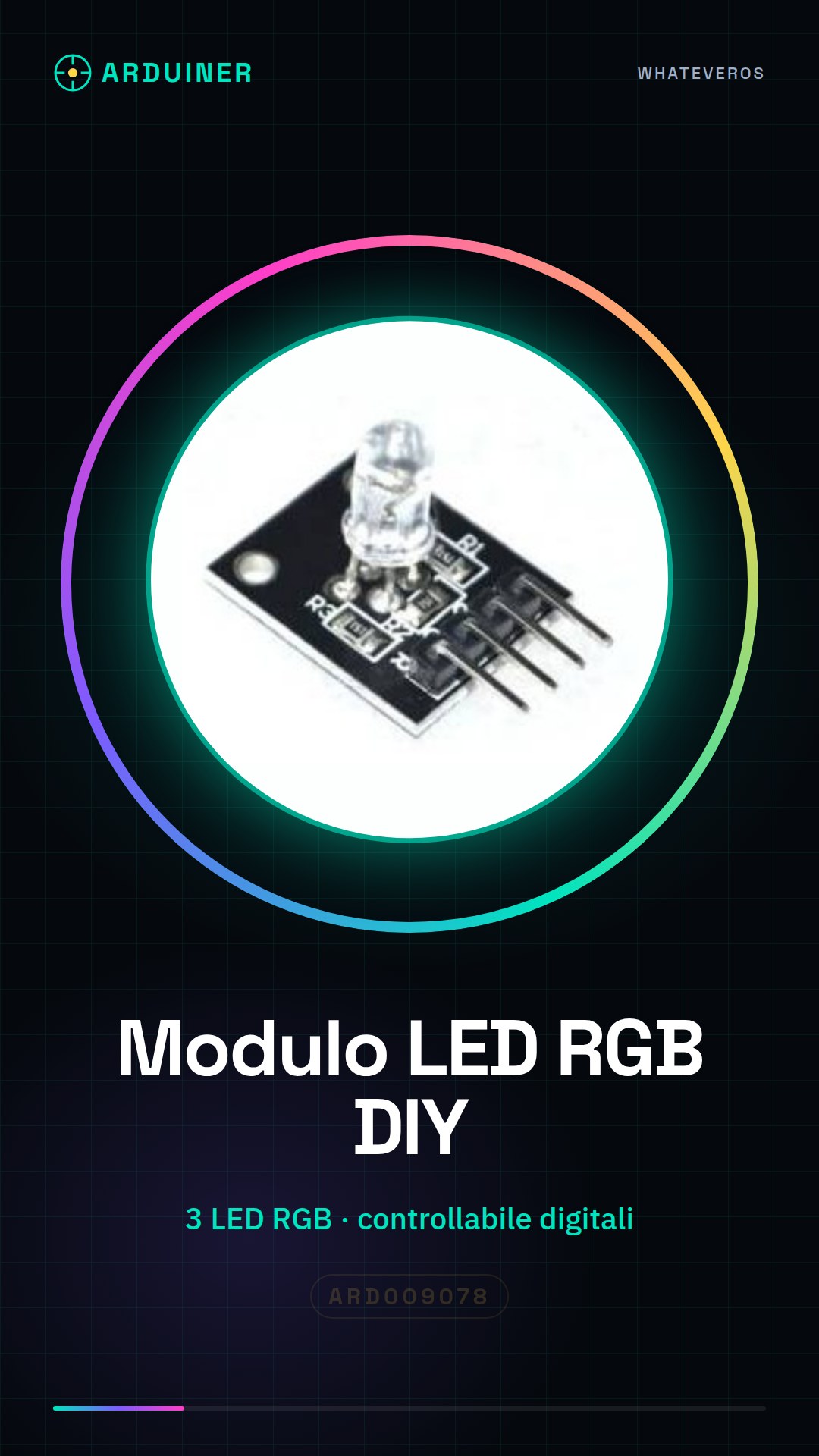
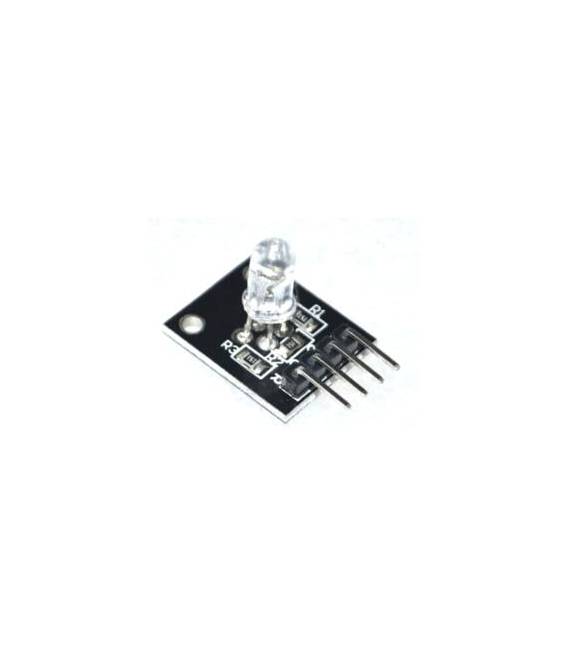
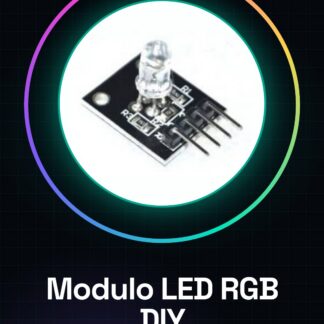
The DIY RGB LED Module for Arduino is an electronic component that allows you to control an RGB LED (red, green, blue) through digital signals. It is perfect for adding a touch of color to Arduino projects, making them more interactive and visually appealing.
Features
- 3 RGB LEDs (red, green, blue)
- Controllable through digital signals
- SKU: ARD009078
- Price: 2.34 €
What it is for
This module is ideal for robotic projects, robotic vehicles, and interactive artistic installations. You can use the module to change color in response to ambient sounds, create dynamic lighting effects, or simply add a touch of color to your Arduino projects.
Tutorial: How to Use the 3 Color RGB LED Module
The 3-color RGB LED module is an ideal component for makers who want to add a visual dimension to their Arduino projects. This device allows controlling the color and intensity of the LED through digital signals, making it perfect for both beginners and more experienced creators.
What you need
- Arduino Uno/Nano
- Micro-B USB cable
- Battery or AC/DC power supply
- Arduino IDE software
Steps
- Connect the RGB LED module to the Arduino’s digital pins using jumper wires.
- Download the example sketch from the manufacturer’s website and upload it to the Arduino.
- Open the Serial Monitor to view real-time color changes.
- Modify the sketch to create custom effects such as color gradients or modulations.
Example code
void setup() {
  pinMode(9, OUTPUT);
  pinMode(10, OUTPUT);
  pinMode(11, OUTPUT);
}

void loop() {
  analogWrite(9, 255); // rosso acceso
  analogWrite(10, 0);   // verde spento
  analogWrite(11, 0);   // blu spento
}
Mini project
Create an interactive art installation that changes color in response to ambient sounds. Use the RGB LED module and a microphone to create a network of colorful lights.
Common mistakes
- Do not connect the module pins incorrectly.
- Use voltage higher than the component tolerance.
- Modify the sketch without understanding how the loop() cycle works.
- Ignore the documentation and datasheet specifications.
Recommended accessories
- Light sensors to automatically control LED colors.
- Push buttons to manually control the RGB module.
- Wi-Fi modules to control the module from a mobile app.
- 3D printing to create a protective housing for the module.
Frequently asked questions
What is the recommended supply voltage?
Check the RGB module datasheet.
Can I connect it directly to an AA battery?
No, use a voltage converter or regulated power supply to ensure safety and efficiency.


Reviews
There are no reviews yet.