 EN
 IT Italiano
 ES Español
 FR Français
 DE Deutsch
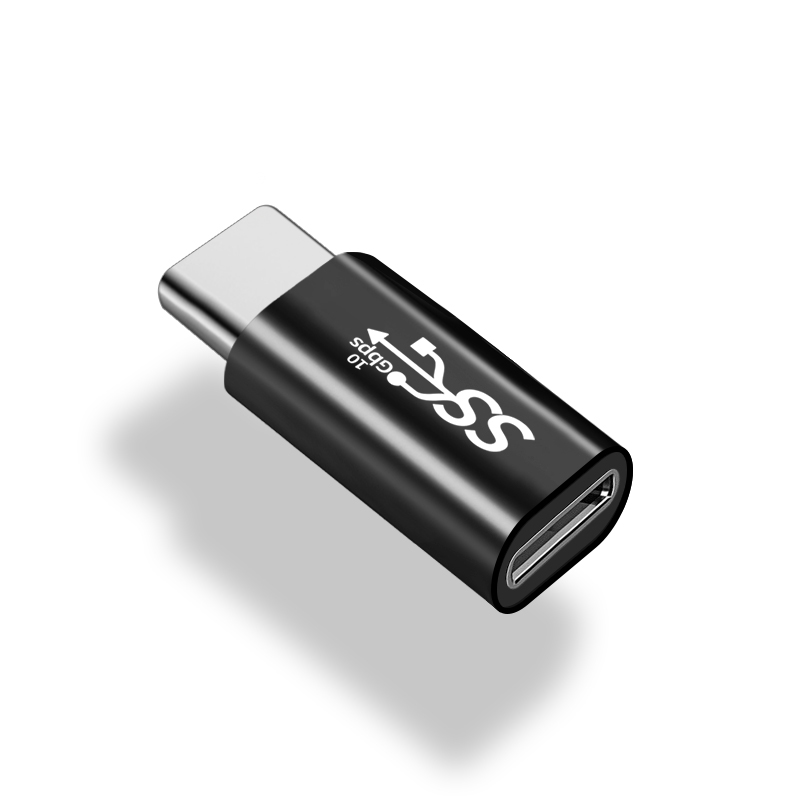
Description
Tutorial: How to Use USB Type-C Male to Female Cable
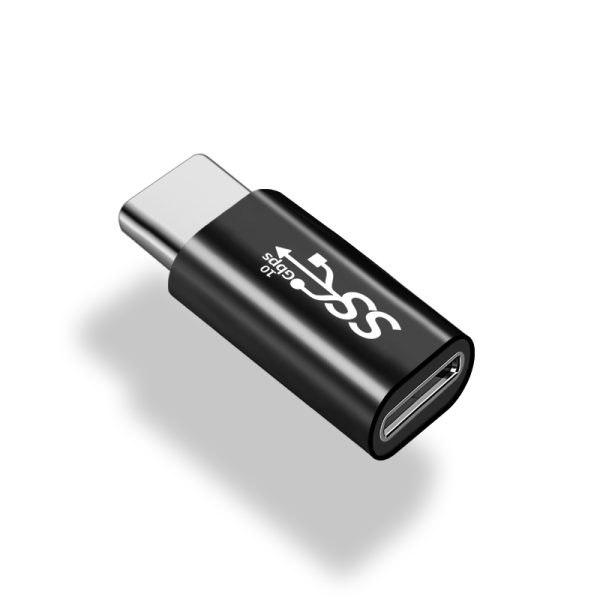
The USB Type-C male to female cable is a simple connector that allows you to connect devices with USB Type-C ports. It is ideal for makers and professionals working with devices that use this type of connector.
What you need
- Connecting devices with USB Type-C ports
- Extending the length of USB cables
- Allowing connection between devices with different USB Type-C ports
- Solving USB connectivity issues
- Experimenting with electronic prototypes
- Testing electronic devices with USB Type-C ports
Steps
- Check that the cable is properly connected to the source device.
- Check that the cable is properly connected to the destination device.
- Check that the indicator light on the source device turns on.
- Verify the connectivity between the two devices.
- If necessary, use a multimeter to check the continuity of the circuits.
- If the target device supports charging, verify that the battery is charging correctly.
- If the target device supports data transfer, verify that the data is transferring correctly.
- If necessary, use a debugging software to verify correct data communication.
Mini project
Create a USB Type-C charging system prototype. Connect a USB power supply to a test device using a USB Type-C male to female cable. Verify that the device charges correctly.
Common mistakes
- The device does not recognize as connected.
- The device does not charge.
- The device does not transfer data.
- The cable disconnects easily.
Recommended accessories
- USB Power Supply
- Multimeter
- Debugging Software
- USB Type-C Test Device
Frequently asked questions
Does the cable support charging?
Check the product datasheet.
Does the cable support data transfer?
Check the product datasheet.
How long is the cable?
Check the product datasheet.
Reviews
There are no reviews yet.